Abandoned house at night
A derelict house from the overgrown yard, one upstairs window faintly lit, the front door ajar, moonlight cold on the peeling paint.
Edit prompt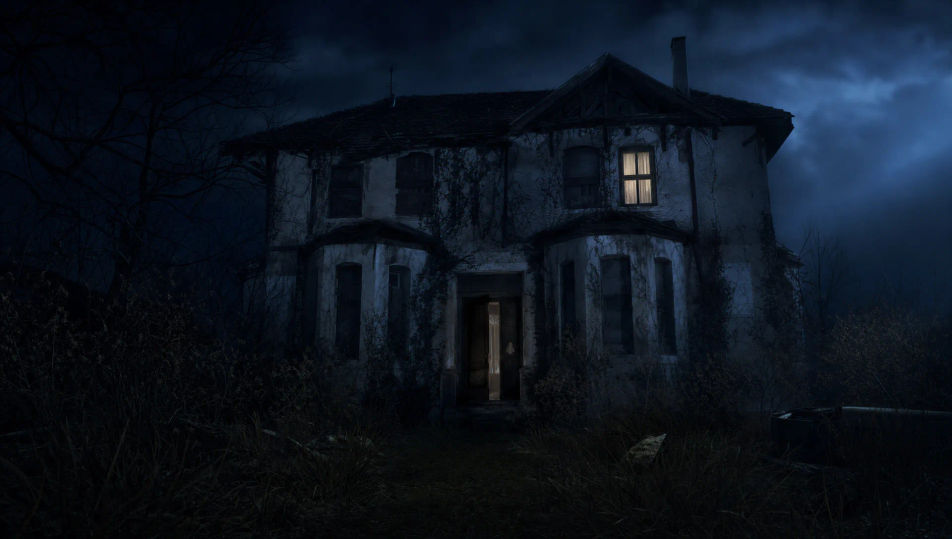
This page covers mature themes for adult audiences making film, games and other creative work.
Direct horror in your browser with Morphic's horror AI video generator. Generate a figure at the end of a flickering hallway, a fog-bound forest at midnight, or a slow descent into a lightless basement. Voice and score with Speech and Music, then stitch the short on the Canvas.
A derelict house from the overgrown yard, one upstairs window faintly lit, the front door ajar, moonlight cold on the peeling paint.
Edit promptA dense wood swallowed in low fog, a single torch beam cutting a few metres, bare branches overhead, no sound implied in the stillness.
Edit prompt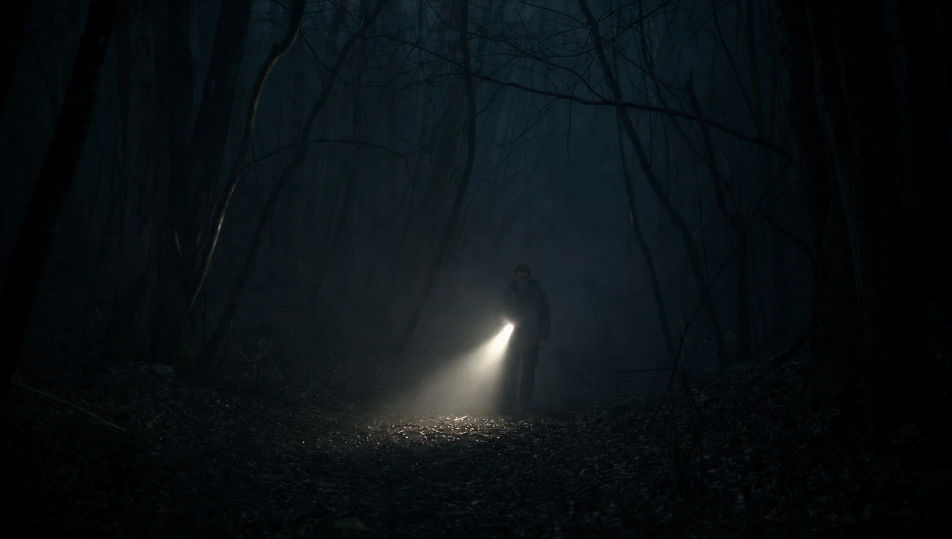
A long narrow hallway with one failing fluorescent strobing, identical closed doors receding, a shape just visible at the far end.
Edit prompt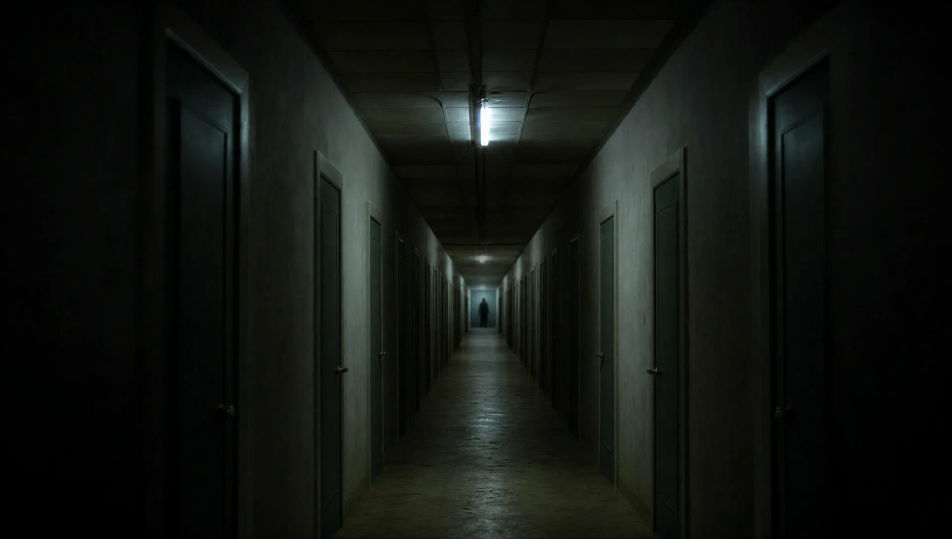
A torch beam down a steep wooden stair into a lightless basement, dust in the beam, the floor below lost in total black.
Edit prompt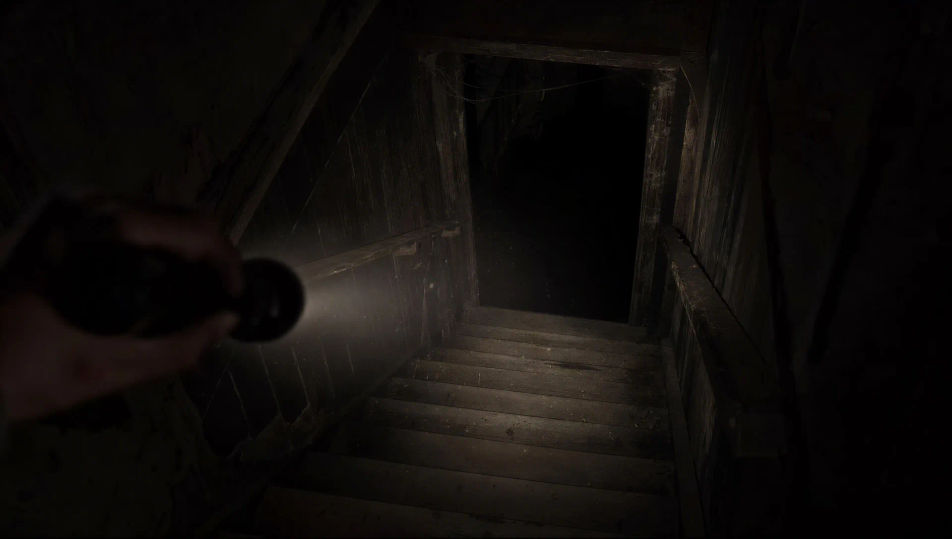
Write the Horror scene you want, in plain words.
Morphic generates a cinematic, frame-ready clip on your canvas in seconds.
Tweak the prompt, regenerate variations, then download or share the shot.
Drop in a photo of yourself. Get a 12-second cinematic movie with animation and a matched soundtrack.
Cinematic time-freeze short film for any scene

Dramatize any text conversation into a cinematic multi-shot video.
One image to a 9-scene cinematic video.

Share a scene description with character references. Get a full storyboard with shot angles and mood.

Feed in a single image. Get 9 cinematic beats laid out as a 3x3 storyboard grid.
Giallo AI Videos
Generate giallo style videos with Morphic. Magenta and cobalt gels, black-gloved killer archetypes, opera-house chiaroscuro, and Argento-grade scene prompts.
Zombie AI videos
Generate zombie videos on Morphic. Outbreak survivors, overrun streets, barricaded shelters, and undead-horde scenes from plain-language prompts.
Monster AI videos
Generate monster videos on Morphic. Original creatures, fog-bound beasts, lake monsters, and lurking-threat scenes from plain-language prompts.
Dracula AI Videos
Create Dracula scenes, the Carpathian castle, the Demeter at Whitby, the brides, the Carfax hunt, and Van Helsing voiceover with Morphic. Generate gothic horror videos from a single prompt.
Get started for free today, with the option to upgrade or cancel anytime.
Basic
2400 monthly credits
1 user only
All models
Workflows
Standard
3625 monthly credits
1 user only
All models
Workflows
Pro
6350 shared monthly credits
1 user
All models
Workflows
Max
24650 shared monthly credits
1 user
All models
Workflows
Enterprise
For higher limits
Custom
pricing and billing terms

Free
For playing around
$0
forever free
Everything on this page is fictional depiction for film, games and creative work. It does not depict real events, and does not place real, identifiable people in them.
Results vary by model. Some models apply stricter content policies than others, so a shot one model declines may generate on another.