How to make golden hour videos with AI

Render golden hour cinematography on demand in your browser with Morphic's golden hour AI video generator. Generate golden hour video scenes like a 4300K rim-lit silhouette on a dust road, low directional sun raking across a Vision3 250D field, or a halation bloom catching loose hair against a lake horizon, and pair them with the Music tool to score the warm low-light palette. Cut the magic-hour shots into a finished short on the Canvas.

golden hour scenes you can direct

4300K rim-lit silhouette on a dust road

4300K low directional sun raking across a dust road at the moment ten minutes before sunset, single figure rim-lit horizon-line silhouette, halation bloom around the figure, slow tracking pan. Kodak Vision3 250D cast.

Edit prompt
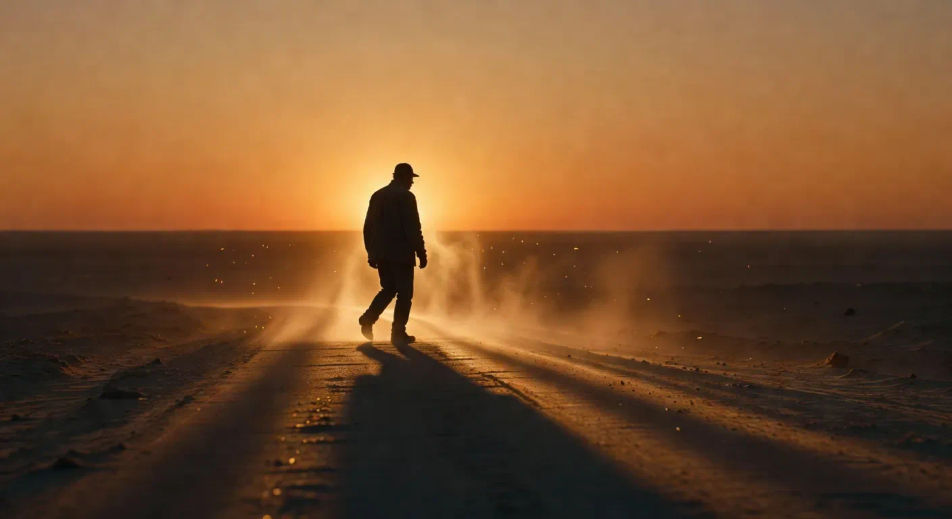
4300K rim-lit silhouette on a dust road

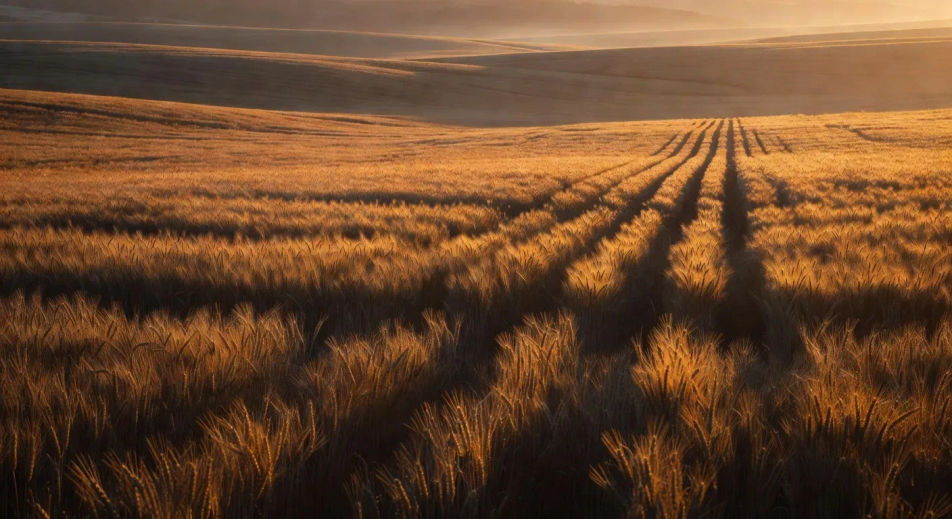
Low directional sun raking a Vision3 250D field

Wide grain field at golden hour, low directional sun raking horizontally across the heads of the wheat, long shadow geometry stretching toward camera, Kodak Vision3 250D warm tonality, atmospheric haze on the ridgeline.

Edit prompt
Low directional sun raking a Vision3 250D field

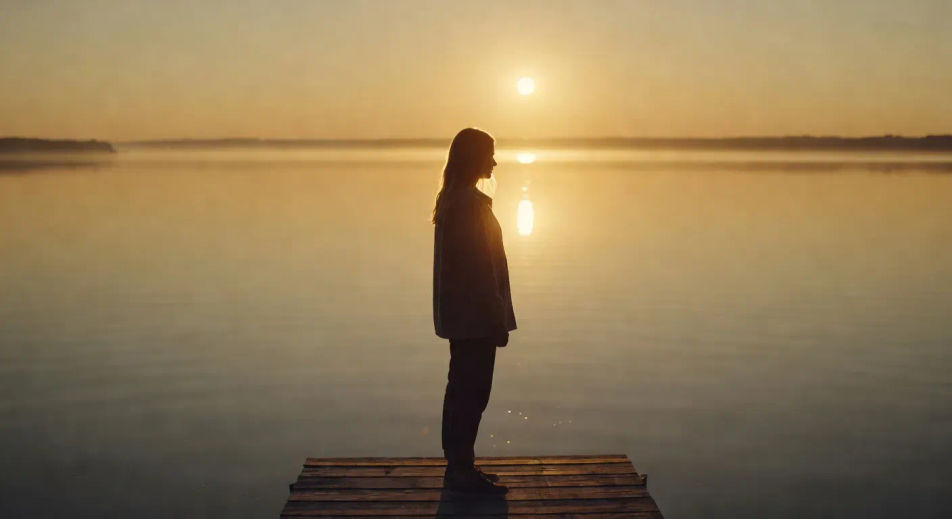
Halation bloom against a lake horizon

Lake-horizon shot at the last fifteen minutes of golden hour, single figure on a dock, halation bloom catching loose hair and the rim of the shoulder, water surface burnished gold, slow rack focus to the figure.

Edit prompt
Halation bloom against a lake horizon

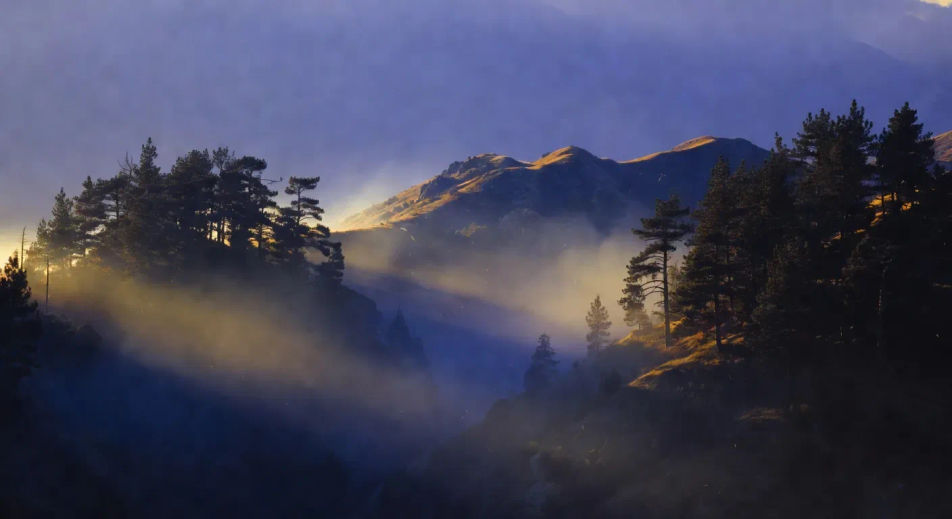
Atmospheric haze lifting from a ridgeline

Mountain ridgeline at last light, atmospheric haze lifting between two pine stands, low directional sun cutting through the haze in defined shafts, deep warm-cool contrast (warm sun, cool shadow), slow tracking pull-back.

Edit prompt
Atmospheric haze lifting from a ridgeline

Make golden hour videos in three steps

  1. 01

    Describe your golden hour scene

    Write the golden hour scene you want to see in your own words. Be specific about the time of day (10 minutes before sunset, dawn after, magic hour proper), the light direction (low directional, side rake, backlit silhouette), the colour cast (Kodak Vision3 250D warm, 4300K cinematic rim, Aaton 16mm grain), and the atmospheric quality (haze, dust, halation bloom). Naming the real film-stock vocabulary is what separates a golden hour prompt from a generic sunset filter.

  2. 02

    Generate the video

    Morphic generates a cinematic, frame-ready clip on your canvas in seconds — no editing software required.

  3. 03

    Refine your golden hour video

    Tweak the prompt, regenerate variations, then download or share the moment the shot lands.

Related workflows

You might also like

FAQs

Where can I make golden hour videos with AI?
You can create golden hour scenes directly in your browser on Morphic. Open the Text to Video tool, name the time of day, the light direction, the film-stock cast, and the atmospheric quality, and Morphic produces the clip. No installs and no specialist software needed.
When is golden hour and how do I prompt for it?
Golden hour is the thirty to sixty minute window after sunrise and before sunset, when the sun is low enough to rake horizontally across the scene. Prompt for it with the time anchor ("ten minutes before sunset", "dawn after"), the light direction ("low directional", "side rake", "backlit silhouette"), and the colour cast ("4300K cinematic rim", "Kodak Vision3 250D warm tonality"). Naming all three pulls the look out of generic sunset.
How do I prompt for halation bloom in a golden hour video?
Specify the bloom source and where it catches. For example: "halation bloom around the figure's rim, loose hair catching the gold edge, soft glow at the shoulders." Halation in real cinematography is light bleeding into the film stock around bright edges, so prompt it as a soft warm glow at the edge of high-luminance objects (rim of shoulder, hair, water surface).
Which film-stock reference should I use for a golden hour video?
Two references cover most stylistic intent. Kodak Vision3 250D (35mm daylight stock) for warm punchy contrast and rich amber tonality (Sicario, Once Upon a Time in Hollywood). Aaton 16mm grain for a more textured, slightly nostalgic register (Moonlight, indie golden-hour). Name one in the prompt to anchor the tonal feel and grain density.
Can I make golden hour videos at any time of day on Morphic?
Yes. Morphic generates the look from the prompt, not from a real-world clock, so you can create golden hour cinematography at 2am or any time you sit down to direct. Specify the time anchor (sunset, dawn, magic hour) in language and Morphic composes the lighting for the moment, regardless of when you press generate.
How do I avoid the generic-sunset look in a golden hour video?
Three moves separate cinematic golden hour from generic sunset. First, specify the rake direction ("low directional sun raking horizontally" beats "warm sunset"). Second, name halation bloom and atmospheric haze on the figure. Third, anchor with film-stock vocabulary (Vision3 250D, Aaton 16mm) rather than colour-temperature alone. Together they cue Morphic to compose for cinematography rather than a stock-photo cast.