Medusa as priestess of Athena
In the marble interior of the temple of Athena, Medusa stands as the most striking of priestesses, white-robed, lit by candle and oil-lamp, the gorgon transformation still ahead.
Edit prompt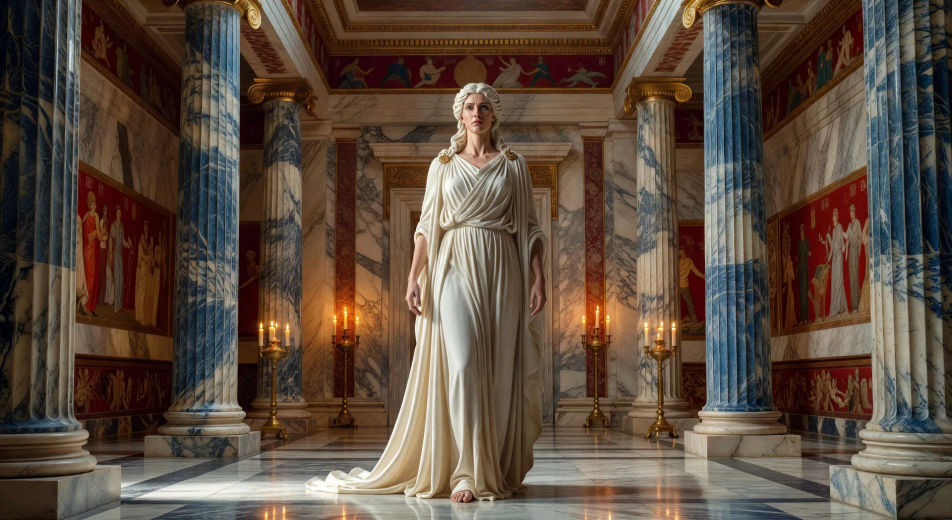
Direct the gorgon in your browser with Morphic's Medusa AI video generator. Generate Medusa's hair writhing into snakes or Pegasus erupting white from the dark blood, recite Ovid and score the cave with Speech and Music, then stitch a Greek mythology episode.
In the marble interior of the temple of Athena, Medusa stands as the most striking of priestesses, white-robed, lit by candle and oil-lamp, the gorgon transformation still ahead.
Edit promptIn the temple at midnight, Athena raises her hand. Medusaʼs hair lifts and writhes into snakes, scales spreading across her cheek, her eyes greening to the gaze that will turn stone.
Edit prompt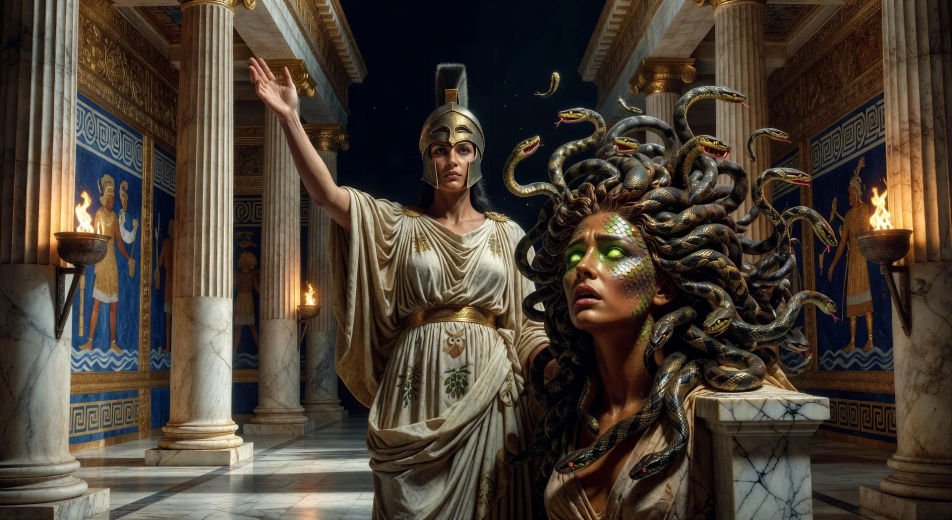
At the entrance to her cave at the edge of the world, Medusa coils on the threshold among the petrified statues of would-be heroes, snakes flaring at the dawn light.
Edit prompt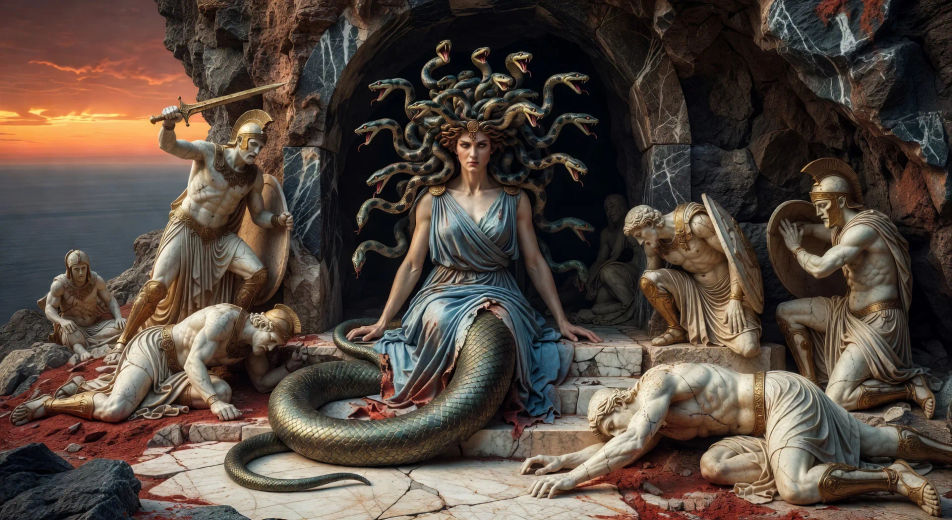
In the dim cave interior, a careless warrior meets Medusaʼs eyes. His skin pales mid-step, color draining as the gaze turns him slowly to standing marble.
Edit prompt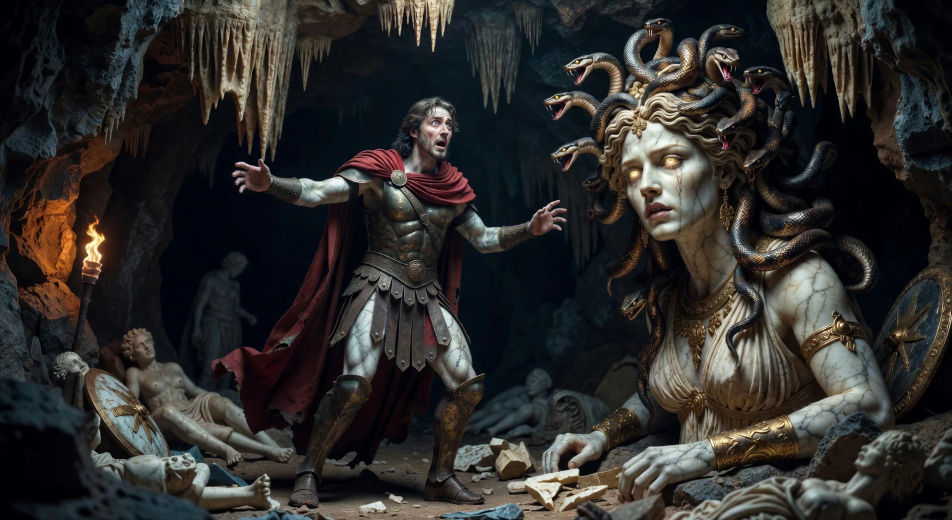
Write the Medusa scene you want, in plain words.
Morphic generates a cinematic, frame-ready clip on your canvas in seconds.
Tweak the prompt, regenerate variations, then download or share the shot.

Share a scene description with character references. Get a full storyboard with shot angles and mood.

Feed in a single image. Get 9 cinematic beats laid out as a 3x3 storyboard grid.
One image to a 9-scene cinematic video.

Take any character image and generate 6 distinct facial expressions on a single reference sheet.
Cinematic time-freeze short film for any scene
Drop in a photo of yourself. Get a 12-second cinematic movie with animation and a matched soundtrack.
Greek mythology AI Videos
Create Greek mythology scenes, Olympian portraits, and hero-arc shorts with Morphic. Generate, narrate, and score mythology episode videos from one prompt.
Perseus AI Videos
Create Perseus scenes, the gorgon beheading, and the rescue of Andromeda with Morphic. Generate, narrate, and score hero episodes from a single prompt.
Minotaur AI Videos
Create Minotaur scenes: the Cretan labyrinth, the white bull, the slaying by Theseus with Morphic. Generate, narrate, score videos from a single prompt.
Hercules AI Videos
Create Hercules scenes, the twelve labors, and full demigod episodes with Morphic. Generate, narrate, and score Hercules videos from a single prompt.
Get started for free today, with the option to upgrade or cancel anytime.
Basic
2400 monthly credits
1 user only
All models
Workflows
Standard
3625 monthly credits
1 user only
All models
Workflows
Pro
6350 shared monthly credits
1 user
All models
Workflows
Max
24650 shared monthly credits
1 user
All models
Workflows
Enterprise
For higher limits
Custom
pricing and billing terms

Free
For playing around
$0
forever free