Monster roar AI voices
This page covers mature themes for adult audiences making film, games and other creative work.
Browse AI monster roar sounds, from a hulking brute bellow to a shrieking wraith, build your own in the generator, then lip sync any roar to an on-screen creature.
Monster roar sounds for animation, games, and film
Snarling maw
A low, snapping snarl, feral and dripping with gnashing teeth and a wet growl
Chittering horror
A skittering, sharp insectile chitter, fast and layered with a dry clicking hiss
Design your monster roar voice
Mix and match the traits below. Your prompt builds as you go.
A bottomless, gravelly, menacing overlord monster roar voice
GenerateTurn a monster roar into a talking character
Most sound tools stop at an audio file. Morphic syncs the roar to an on-screen creature so the maw, breath, and timing land with the sound, taking you from a raw effect to a roaring monster clip ready for an animated short, a game boss, or a film reveal.
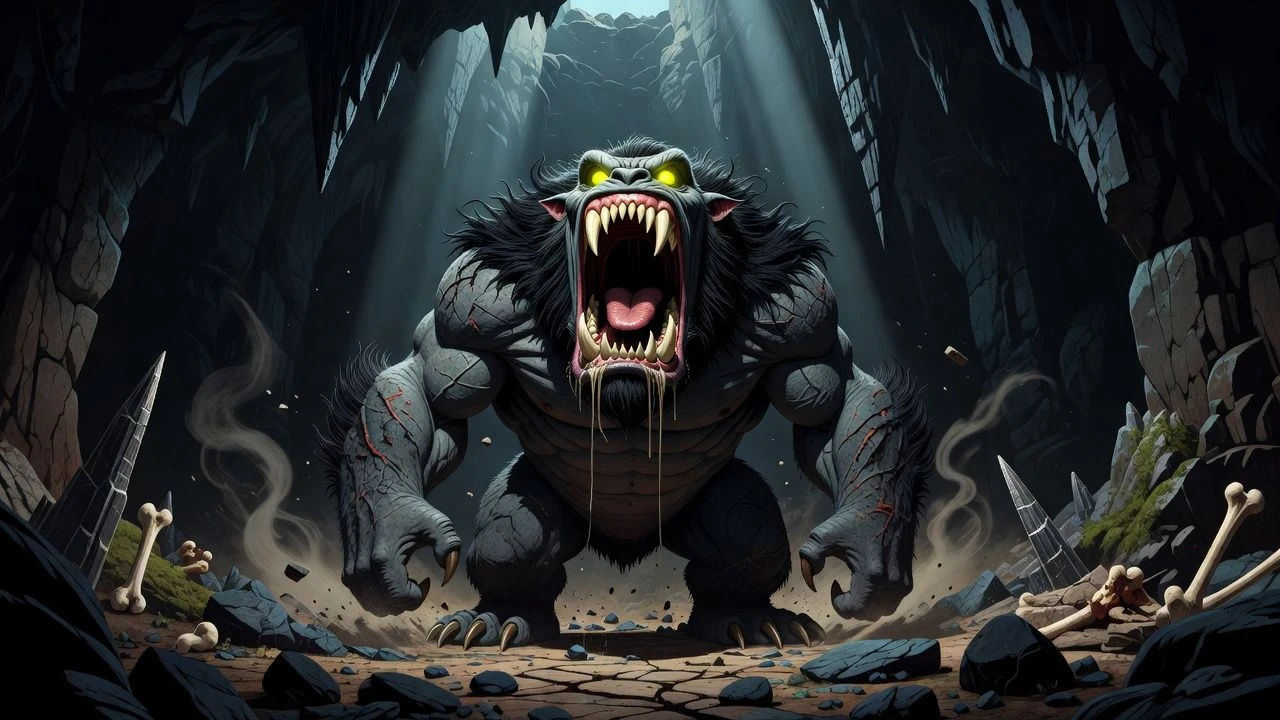
Beast roar sounds for animation, games, and film
Build a whole bestiary of sounds that reads terrifying, not tinny. Layer sounds from a crushing brute bellow to a spectral wraith shriek, each directed from a prompt and ready to drop into an animated short, a horror game, or a film jump scare.
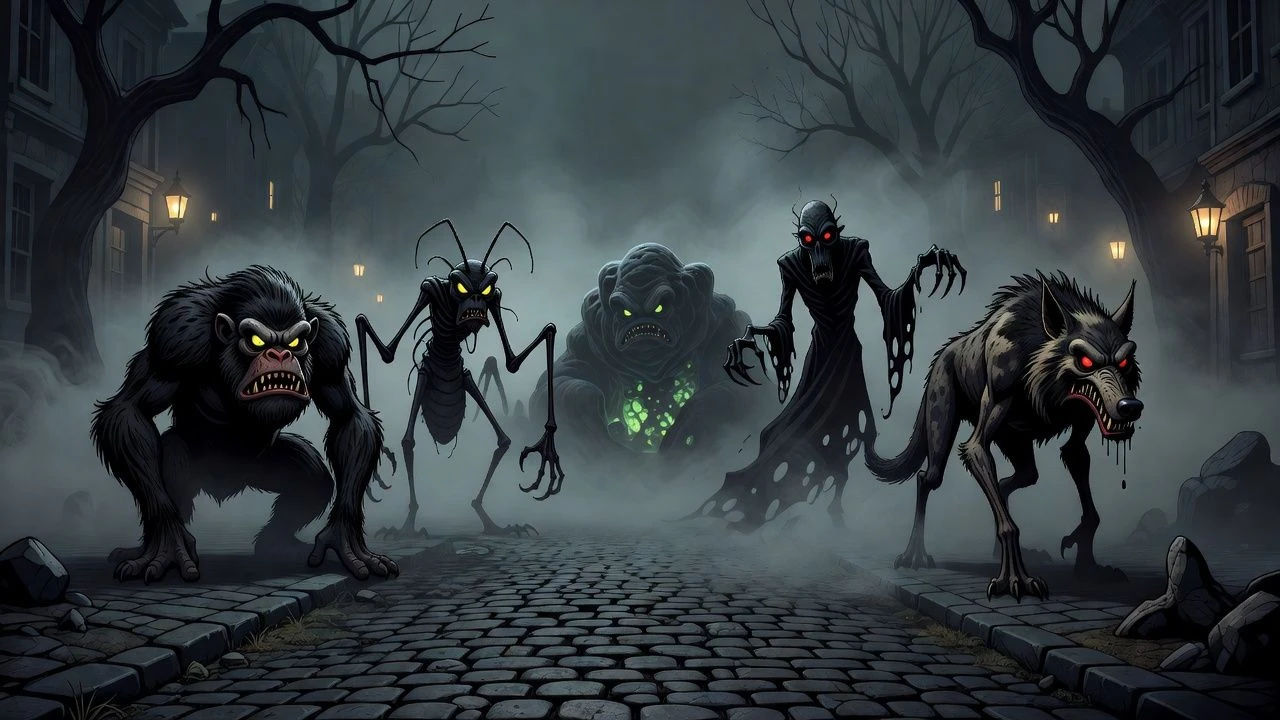
Monster roar text to speech for narration and creature vocals
Type a sound direction and turn it into a finished effect in seconds, no field recording. Morphic renders the cue into a natural, layered creature vocalization for animatics, trailers, and game audio, with the size and menace you direct in plain English.
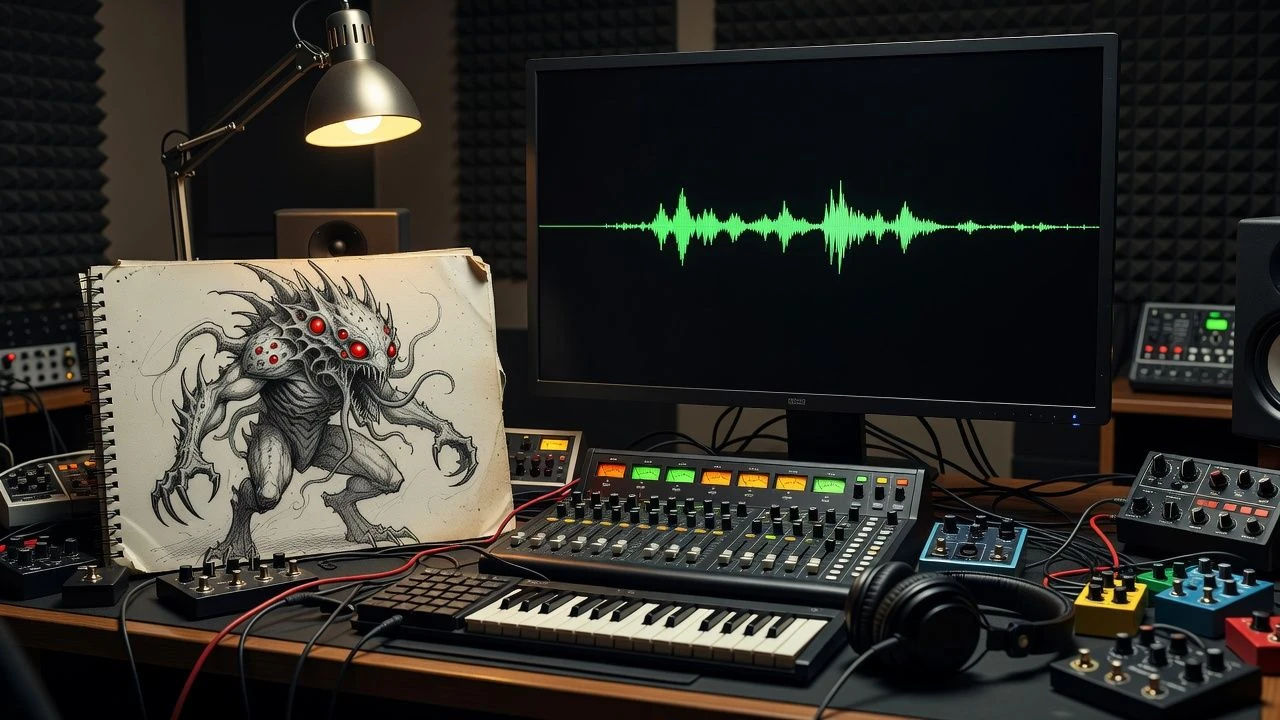
A monster roar generator you direct in plain English
Describe the creature you can picture, name the size, aggression, and texture, and the generator builds the sound. Re-voice the same roar as a different monster anytime by editing the prompt, a whole bestiary soundboard from one workspace.
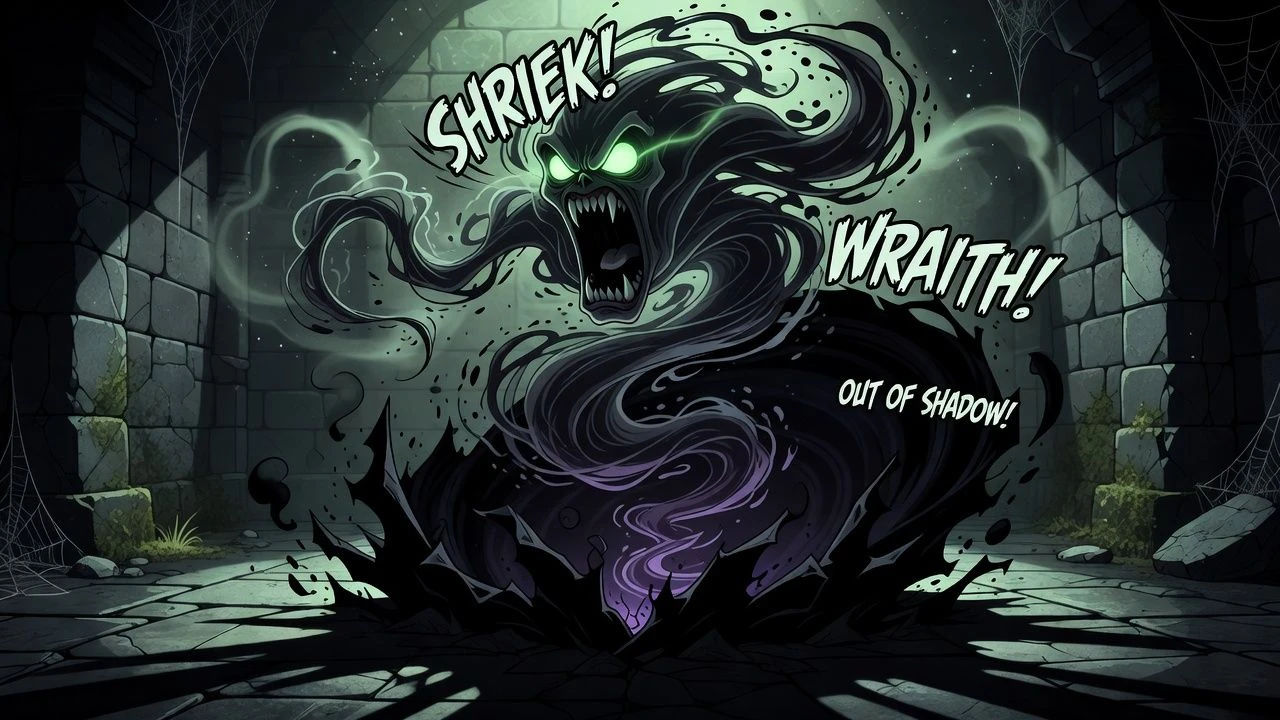
More voice styles
Simple pricing
Get started for free today, with the option to upgrade or cancel anytime.
Basic
2400 monthly credits
1 user only
All models
Workflows
Standard
3625 monthly credits
1 user only
All models
Workflows
Pro
6350 shared monthly credits
1 user
All models
Workflows
Max
24650 shared monthly credits
1 user
All models
Workflows
Enterprise
For higher limits
Custom
pricing and billing terms

Free
For playing around
$0
forever free
FAQs
Everything on this page is fictional depiction for film, games and creative work. It does not depict real events, and does not place real, identifiable people in them.
Results vary by model. Some models apply stricter content policies than others, so a shot one model declines may generate on another.