English to Bengali AI dubbing
Try Morphic DubEnglish to Bengali dubbing on Morphic takes a video with English speech and gives it back speaking Bengali. On paid plans, Morphic Dub re-voices each speaker in their own voice, lip-syncs the speakers’ close-ups and keeps the original music and sound effects under the new voices. Add a Bengali subtitle file in Bengali script alongside the dub, or instead of it.
English to Bengali, dubbed on Morphic
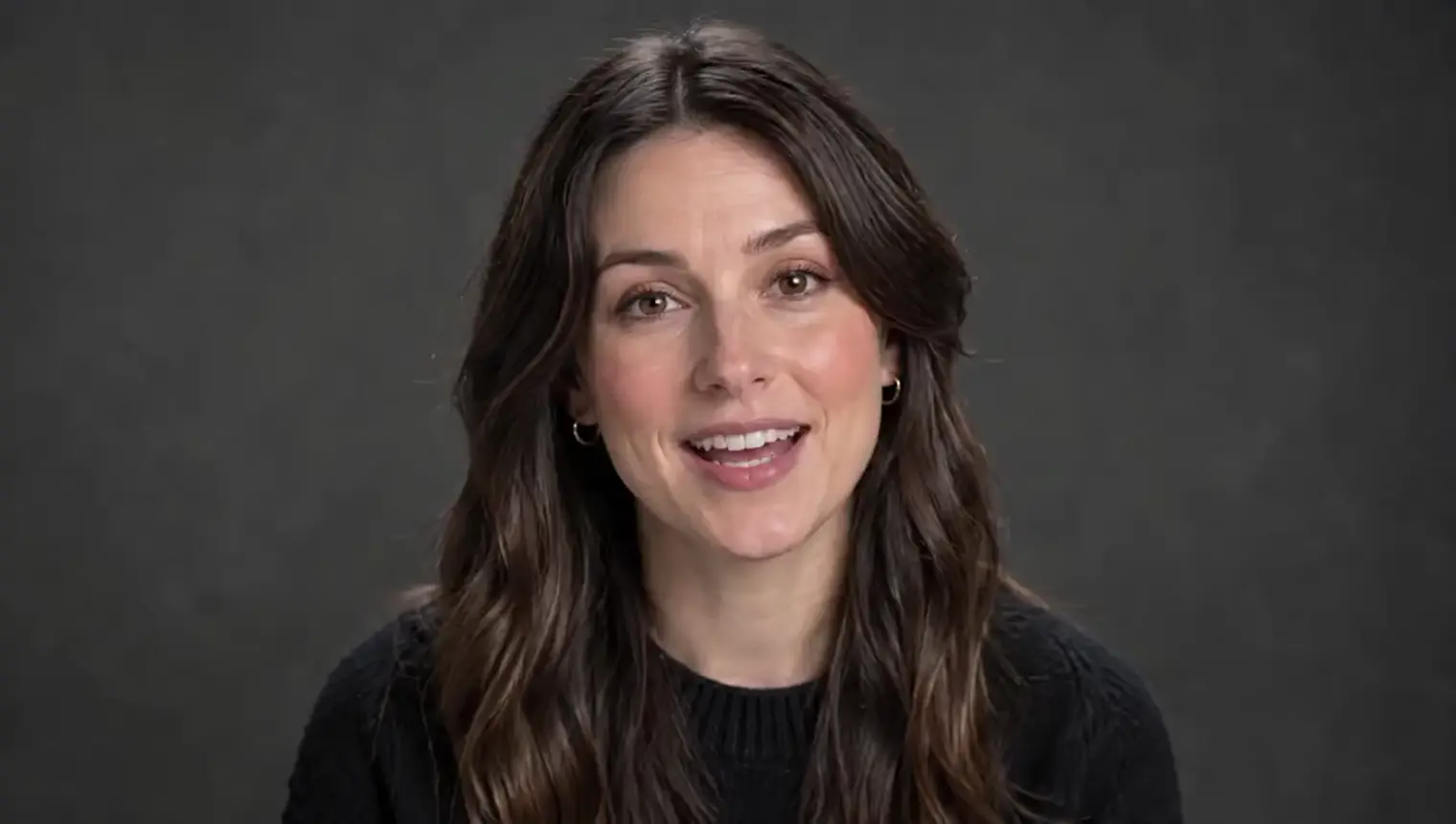
The same speaker in the English original and the Bengali dub. Play with sound to hear the new language in their own voice, with lips synced.

What the Bengali dub keeps
Each speaker’s own voice
Each person is re-voiced in Bengali as themselves, or cast a voice per speaker from the catalog.
Lips synced on close-ups
On paid plans, close-ups are lip-synced to the Bengali words, and narration is re-voiced too.
Music and sound effects
The original music and sound effects stay under the Bengali voices. Only the English speech changes.
Names and key terms
List the names, places and terms that must not be translated, and they stay as written in the Bengali dub.
Your own translation
Have a Bengali translation already? Hand over timed SRT files, and Morphic dubs from your script.
Bengali subtitles
A Bengali subtitle file (SRT) in Bengali script, to use alongside the dub or instead of it.
How AI dubbing works on Morphic
On paid plans, translation, voice and lip sync happen in one generation. Upload a clip and the finished video comes back speaking the new language. The free plan dubs the audio only.
- 1
Upload
Drop in any clip with English speech, up to 10 minutes per run.
- 2
Translate
Morphic translates the English into Bengali, key terms kept.
- 3
Re-voice
Each speaker is re-voiced in Bengali in their own voice, music kept.
- 4
Lip sync
On paid plans, close-ups are lip-synced to the Bengali words.
- 5
Subtitles
Export a Bengali subtitle file to pair with the dub, or alone.
About English to Bengali dubbing
Bengali is written in Bengali script and spoken in Bangladesh and West Bengal. Morphic Dub takes the English speech and dubs it into Bengali, so the finished video reaches Bengali-speaking viewers with the same people on screen.
Bengali usually puts the verb at the end of a sentence, where English puts it after the subject. Each translated subtitle line still keeps its own words on its own cue.
For on-screen text, Morphic gives you a Bengali subtitle file (SRT) in Bengali script to load in your player or editor, alongside the dub or instead of it. Captions burned onto the video use Latin-script fonts, so Bengali subtitles ship as a file.
- Script
- Bengali script
- Writing direction
- Left to right
- Spoken in
- Bangladesh and West Bengal
- Word order
- Verb usually last
- Bengali subtitles
- A subtitle file (SRT)
- Lip sync
- Paid plans, on speakers in close-up
What people dub from English into Bengali
Regional releases
A Bengali cut of a film, series or ad for viewers in Bangladesh and West Bengal, with the same cast speaking.
Courses and training
An English course or onboarding video where the same instructor now teaches in Bengali.
Creator channels
A Bengali version of each video for a second channel, with the creator still sounding like themselves.
Dub into many languages with Morphic
Bengali is one of them. Every dub keeps each speaker's voice and syncs the lips on their close-ups.
Voice per speaker
Each person keeps their own voice
Step
Translation, voice and lip sync at once
Per dub
Split longer videos into parts
- Their own voiceEvery speaker is re-voiced as themselves.
- Lips in syncSpeakers in close-up follow the new words, in the same step.
- Approve, then spendIn Ask mode, nothing is charged until you approve.
Popular languages
- EspañolSpanish
- FrançaisFrench
- DeutschGerman
- PortuguêsPortuguese
- ItalianoItalian
- РусскийRussian
- العربيةArabic
- TürkçeTurkish
- हिन्दीHindi
- தமிழ்Tamil
- తెలుగుTelugu
- മലയാളംMalayalam
- 中文Chinese
- 日本語Japanese
- 한국어Korean
- Bahasa IndonesiaIndonesian
- Tiếng ViệtVietnamese
- ไทยThai
- NederlandsDutch
- PolskiPolish
- KiswahiliSwahili
- and many more