AI montage maker

Turn raw clips into a beat-synced montage fast. Assemble on Compose, cut to the beat, and generate any missing shot.

Every video model

One workspace

Montages you can make

Make a montage in three steps

  1. 01

    Open Morphic

    Sign up and start creating on a free-flowing, infinite visual canvas.

  2. 02

    Bring your clips and track

    Drop in your footage, or generate any shot you are missing, then pick the music.

  3. 03

    Assemble and cut to the beat

    Lay the clips out on Compose, cut to the beat, and let the transitions and pacing land.

Use cases

Beat-synced highlight reels

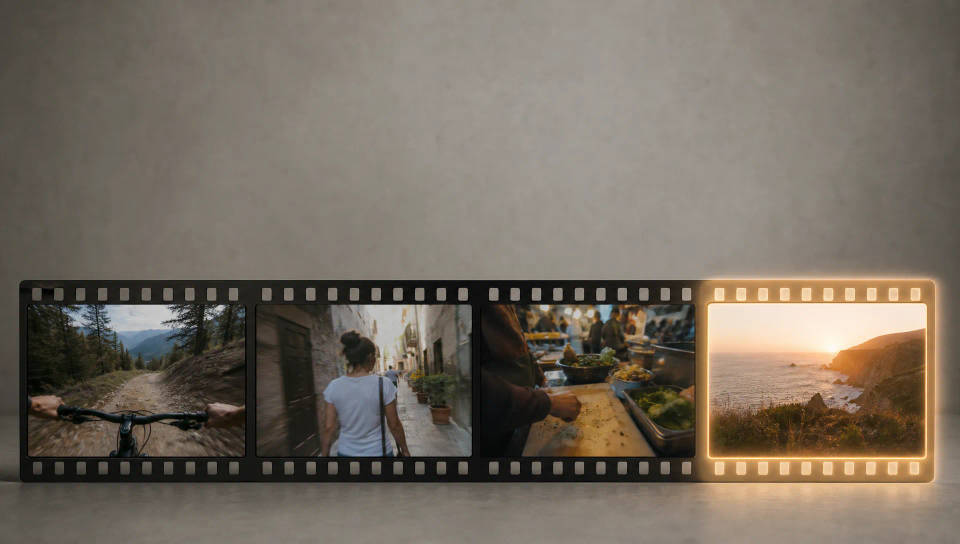
Turn a match, a trip, or an event into a highlight reel that cuts on the beat. Stack your best moments so every shot changes on the hit.

Beat-synced highlight reels

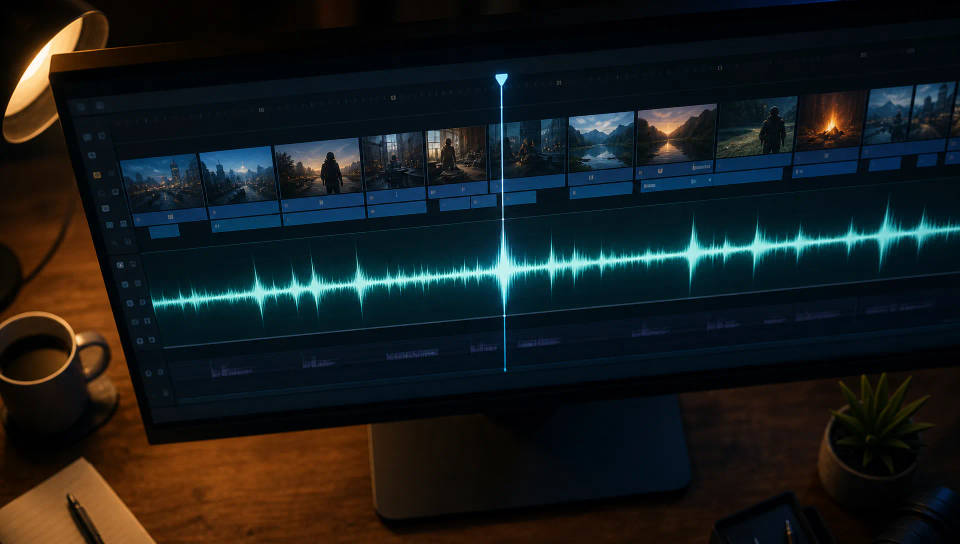
Assemble and cut on Compose

Lay your clips out on Compose, cut to the beat, and drop the track. Pacing and transitions come together fast, so you edit the montage, not the timeline.

Assemble and cut on Compose

Generate any missing shot

Missing the shot that ties the reel together? Generate it with text-to-video, or restyle a clip you have with video-to-video, then drop it into the cut.

Generate any missing shot

A repeatable montage format

Save a finished montage as a Workflow and rerun it for the next episode, match, or trip. Fresh clips, the same beat-cut pacing, one consistent look.

A repeatable montage format

All on Morphic

Your complete montage stack

أسعار بسيطة

ابدأ مجاناً اليوم، مع إمكانية الترقية أو الإلغاء في أي وقت.

Basic

$9/ شهر
تُفوتر باعتبارها $0 سنوياً

900 شهرياً أرصدة

1 مستخدم فقط

جميع النماذج

Workflows

Standard

$24/ شهر
تُفوتر باعتبارها $0 سنوياً

3200 شهرياً أرصدة

1 مستخدم فقط

جميع النماذج

Workflows

Pro

$45/ شهر
تُفوتر باعتبارها $0 سنوياً

6200 مشترك شهرياً أرصدة

1 مستخدم

+ حتى 4 المزيد بتكلفة إضافية

جميع النماذج

Workflows

Pro Max

$170/ شهر
تُفوتر باعتبارها $0 سنوياً

24000 مشترك شهرياً أرصدة

1 مستخدم

+ حتى 9 المزيد بتكلفة إضافية

جميع النماذج

Workflows

Enterprise

لحدود أعلى

مخصص

شروط الأسعار والفوترة

أرصدة غير محدودة
حدود مقاعد مخصصة
جميع النماذج
Workflows
Pricing Gradient

Free

للتجربة والاستكشاف

$0

مجاني إلى الأبد

حتى 20 رصيد
مستخدم واحد فقط
نماذج محدودة
Workflows

الأسئلة الشائعة

How does an AI montage maker work?
You bring your clips, or generate the ones you are missing, then assemble them on Compose and cut to the beat. Morphic lines the cuts up to the track so the pacing lands, adds transitions between shots, and hands you a montage that already feels edited instead of a raw timeline you have to fight.
Can I make a montage that cuts on the beat?
Yes. Drop your track on Compose, lay your clips along it, and cut to the beat so each shot changes on the hit. Fast sections get quick cuts, held moments get longer takes, and the montage rides the music the way a highlight reel should.
What kinds of montages can I make?
Sports training reels, travel highlights, gaming highlights, fitness transformations, event recaps, wedding montages, product launch reels, road-trip edits, before-and-after clips, and day-in-the-life cuts. Anything that stacks short moments into a paced, music-driven sequence is a montage this fits.
What if I am missing a shot?
Generate it. Use text-to-video to create a shot you never filmed, or video-to-video to restyle a clip you already have so it matches the rest of the reel. The new shot drops onto Compose next to your real footage, so a missing beat never breaks the montage.
Do I need editing experience to make a montage?
No. The tedious part of montage editing is the timeline work, and that is what Morphic handles. You choose the clips and the track, cut to the beat, and the transitions and pacing come together fast. No manual keyframing, no scrubbing frame by frame.
Can I make montages for TikTok, Reels, and YouTube?
Yes. Build the reel at 9:16 vertical for TikTok, Reels, and Shorts, or 16:9 for YouTube. Most highlight montages run 15 to 60 seconds, so you can assemble the whole cut on Compose and export it ready for the platform you are posting to.
Can I reuse the same montage format again?
Yes. Turn a finished montage into a Workflow and rerun it for the next episode, match, or trip. The same pacing, transitions, and beat-cut recipe apply to fresh clips, so a series or channel keeps one consistent montage style every time.

قد يعجبك أيضا