كل نماذج الصور
مساحة عمل واحدةصُنع بـ Z-Image Turbo
أنشئ صورة في ثلاث خطوات
- 01
افتح Morphic
سجّل وابدأ الإنشاء على مساحة عمل بصرية لا نهائية وحرة التدفق.
- 02
صِف الصورة
الموضوع، والتأطير، والضوء، والنمط. كلما زاد التحديد، اقتربت النتيجة الأولى.
- 03
أنشئ وكرّر
أنشئ في نحو ثانية. وسّع التنويعات، وأبقِ الأفضل، وأنهِ بنموذج متميز على Canvas.
ماذا يُنشئ Z-Image Turbo
إنشاء بأقل من ثانية
تصل النتائج في نحو ثانية، أسرع نموذج صور على Morphic. من الوصف إلى الصورة دون انتظار، فتصل الفكرة وصورتها معًا.

استكشف عشرات الاتجاهات
وسّع شبكة تنويعات بينما ينشئ نموذج متميز صورة واحدة. اقرأها بلمحة، واختر الفائزة، وتقدّم. مصمم للتفكير المفاهيمي ولوحات الإلهام.

جودة واقعية
الصور الشخصية ولقطات المنتجات والطعام والديكورات الداخلية تعود بضوء طبيعي وتفاصيل حادة. واقعية قوية لفئة سرعته، جاهزة للمسودات وكثير من الاستخدامات النهائية.

مسار المسودة ثم التنقيح
استكشف على Turbo، ثم أنهِ على Nano Banana Pro أو Seedream 5، على Canvas نفسه. سرعة للبحث، ودقة للإنهاء.

أمثلة على الأوصاف

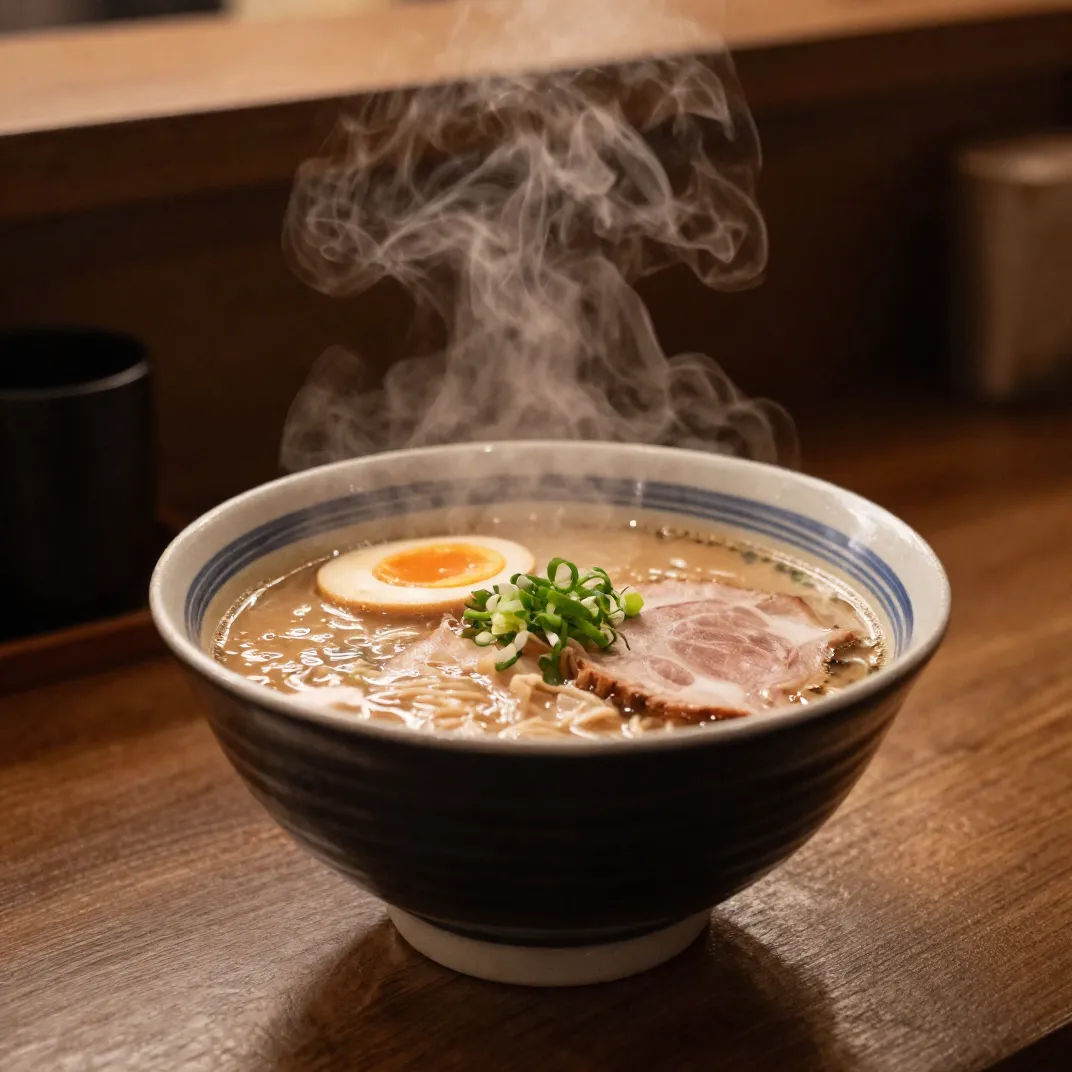
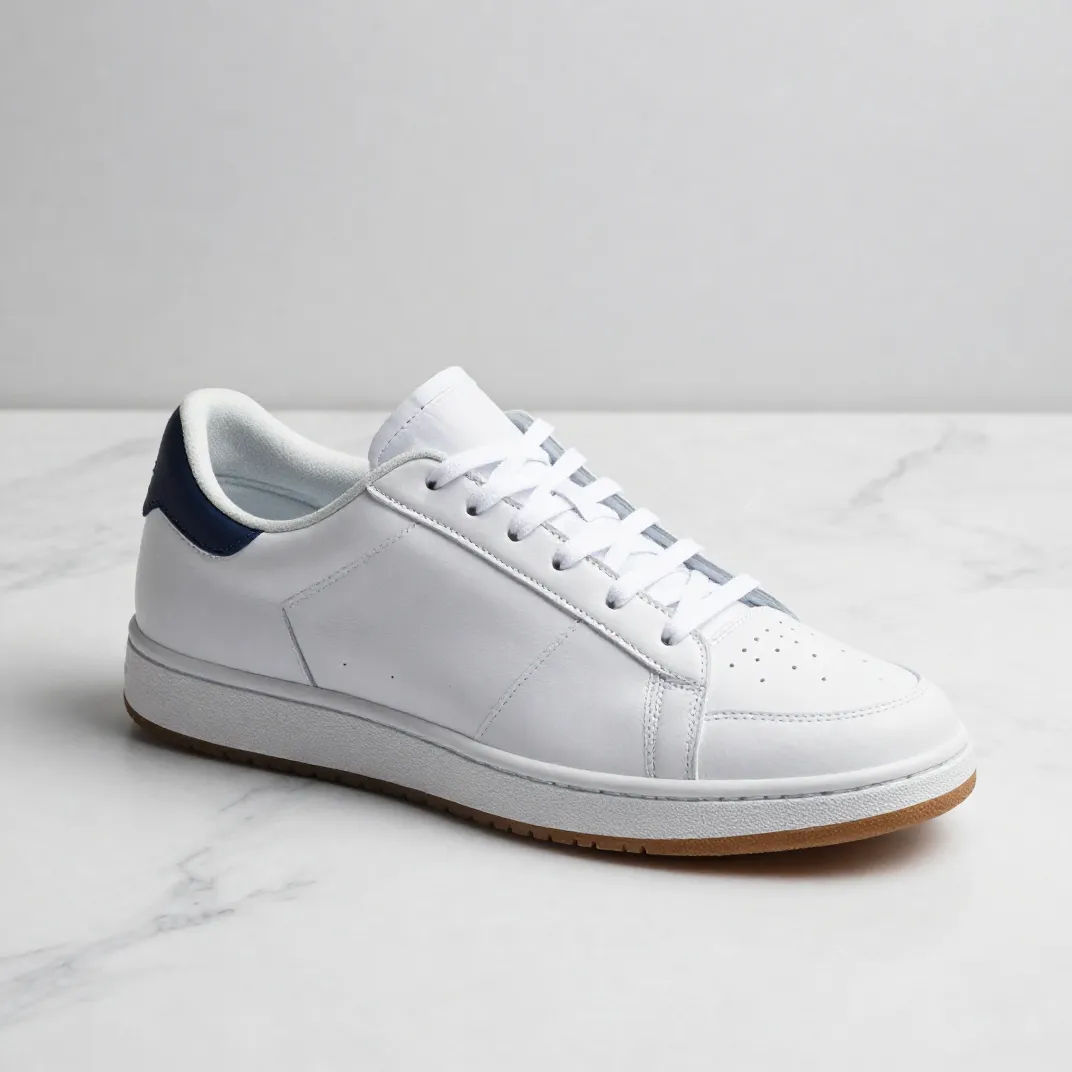
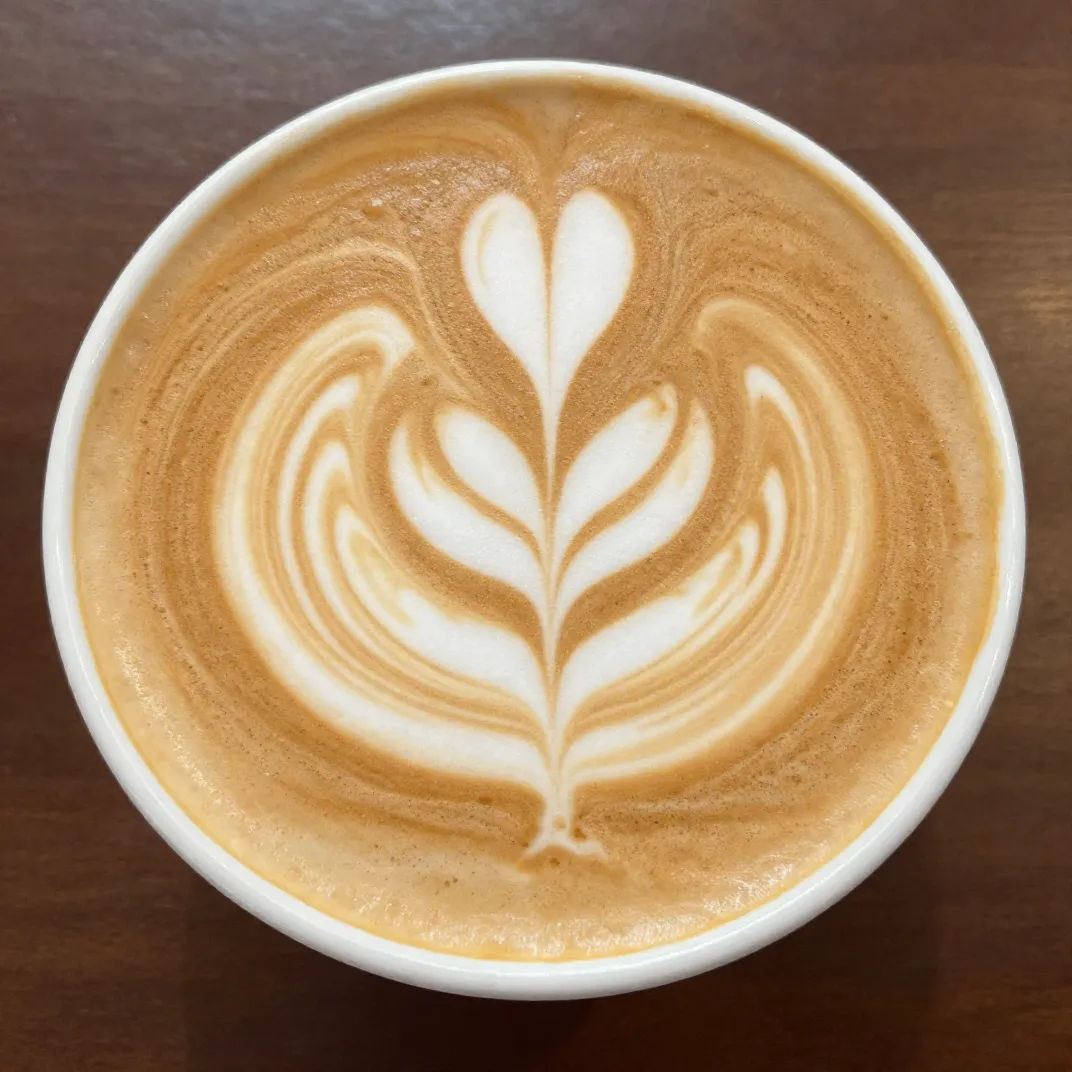

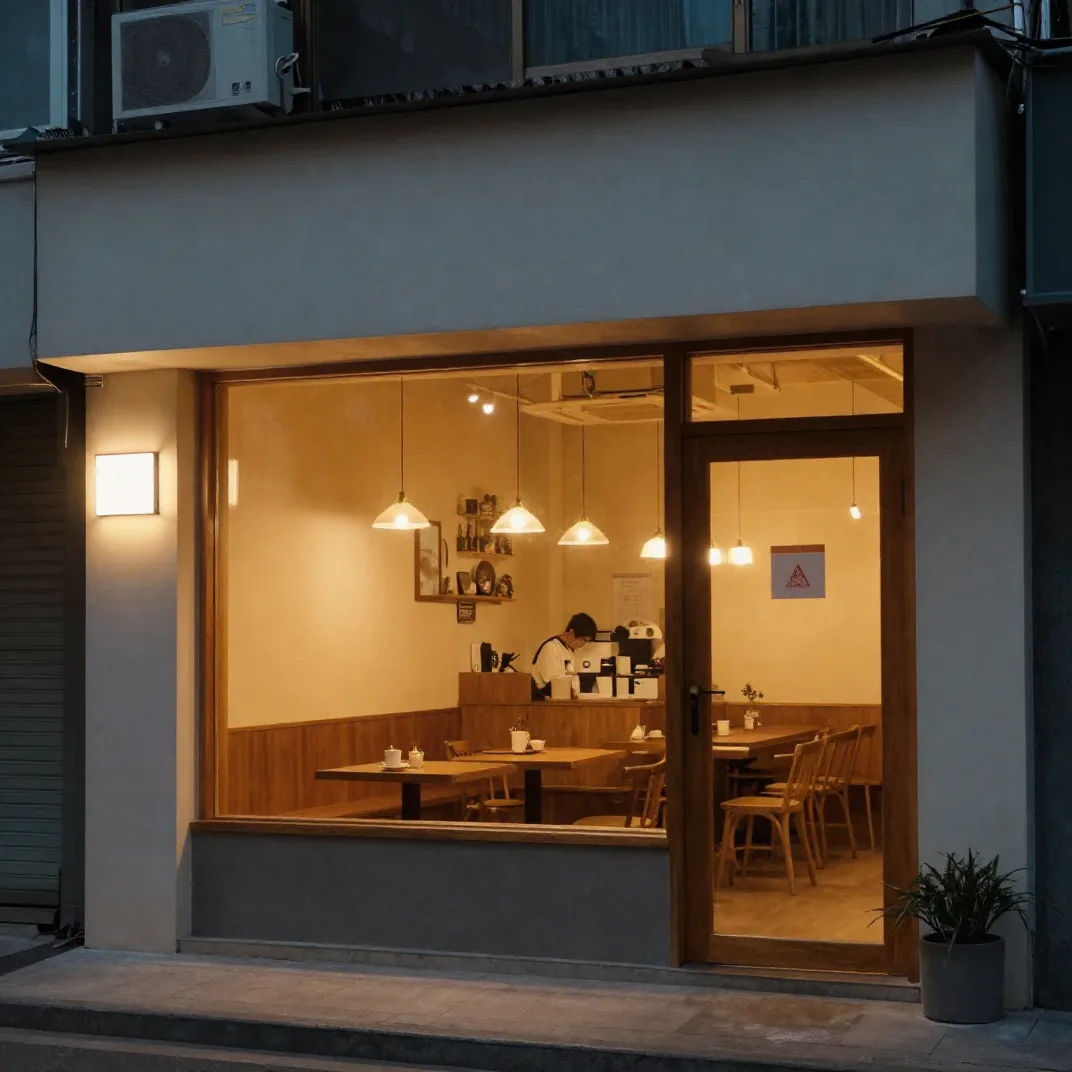

Cinematic storyboard
Share a scene description with character references. Get a full storyboard with shot angles and mood.

3x3 storyboard
Feed in a single image. Get 9 cinematic beats laid out as a 3x3 storyboard grid.

Messages to cinematic scene
Dramatize any text conversation into a cinematic multi-shot video.

Expressions
Take any character image and generate 6 distinct facial expressions on a single reference sheet.

Title sequence
Generate a professional film title card from scratch, with optional cinematic animation.

Chibi sprite animation
Turn any photo or description into an animated chibi sprite. Dance, jump, wave, attack, and more.
كل ذلك على Morphic
مجموعتك الكاملة للصورالنماذج
Z-Image Turbo وNano Banana Pro وSeedream 5 وFlux 2 Pro والمزيد. مسودة سريعة، وإنهاء متميز.
تنويعات سريعة
أنشئ في ثانية ووسّع شبكة اتجاهات. قارن جنبًا إلى جنب وأبقِ الاتجاه الناجح.
مسودة ثم تنقيح
استكشف على Turbo، ثم بدّل إلى نموذج دقة للمرحلة النهائية، على Canvas نفسه. سرعة وإنهاء في مسار واحد.
Workflows
حوّل صورة مكتملة إلى Workflow بنقرة واحدة. أعد تشغيله، أو شاركه، أو أضفه للمفضلة لإعادة استخدامه بسرعة.
