عرض علوي نظيف خطوة بخطوة
إطار علوي ثابت على سطح عمل مرتب حيث تتحرك الأيدي عبر المهمة إجراءً واضحًا تلو الآخر، إضاءة رئيسية ناعمة ومتساوية وخلفية محايدة تجعل كل خطوة سهلة المتابعة.
تعديل الأمر النصي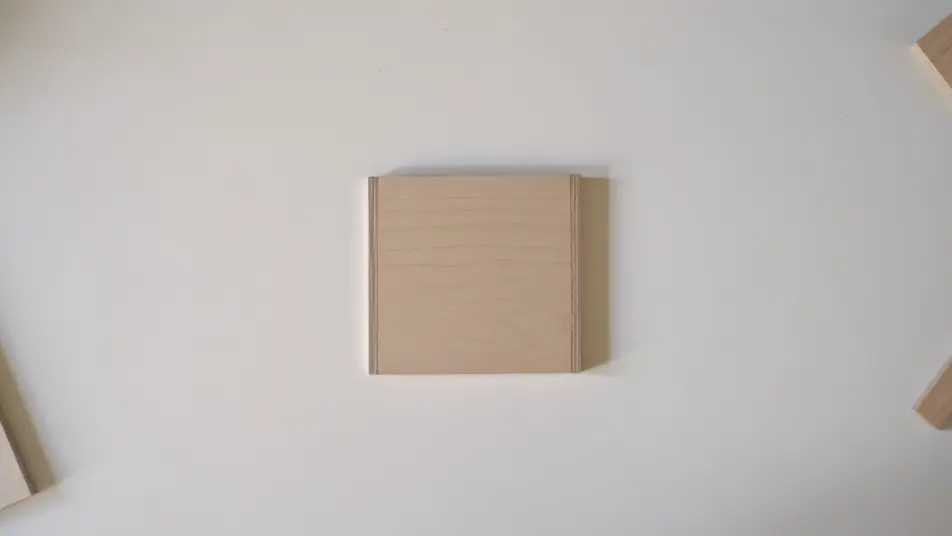
أنشئ فيديو تعليمي داخل متصفحك مع مولّد الفيديوهات التعليمية بالذكاء الاصطناعي من Morphic. ولّد مقاطع مثل عرض خطوة بخطوة لمهمة عملية أو لقطة قريبة على الحركة الدقيقة الوحيدة، واقرنها بأداة Speech لصوت راوٍ ثابت. اجمع الخطوات في فيديو تعليمي واحد متصل على Canvas.
إطار علوي ثابت على سطح عمل مرتب حيث تتحرك الأيدي عبر المهمة إجراءً واضحًا تلو الآخر، إضاءة رئيسية ناعمة ومتساوية وخلفية محايدة تجعل كل خطوة سهلة المتابعة.
تعديل الأمر النصيلقطة ضيقة بعمق مجال ضحل تعزل الخطوة الأصعب وحدها، القبضة والزاوية بالضبط ثابتة في الإطار تحت إضاءة اتجاهية ناعمة تُبرز ملمس المادة.
تعديل الأمر النصي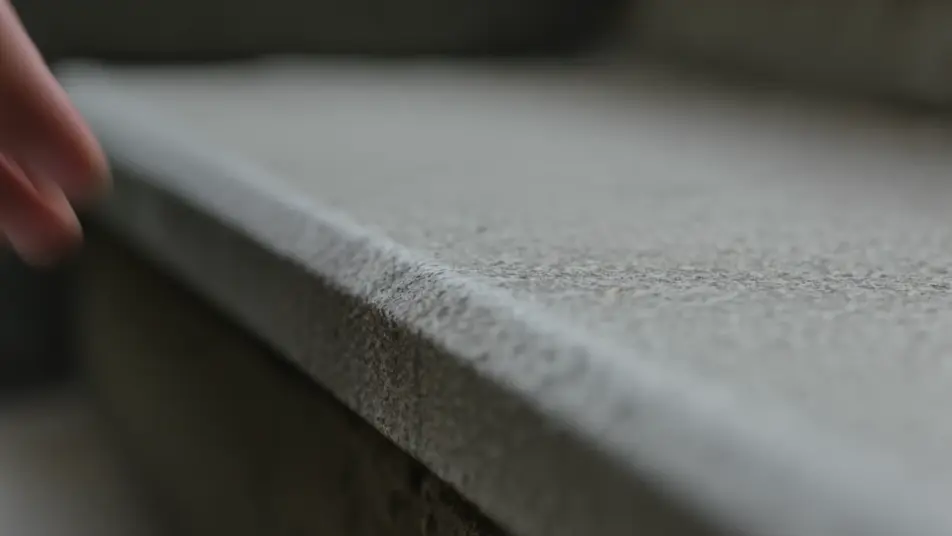
لحظة مقسومة تُظهر خطأ شائعًا في جهة والطريقة الصحيحة في الجهة الأخرى، تأطير وإضاءة متطابقان يوضحان الفرق بين المحاولتين فورًا.
تعديل الأمر النصي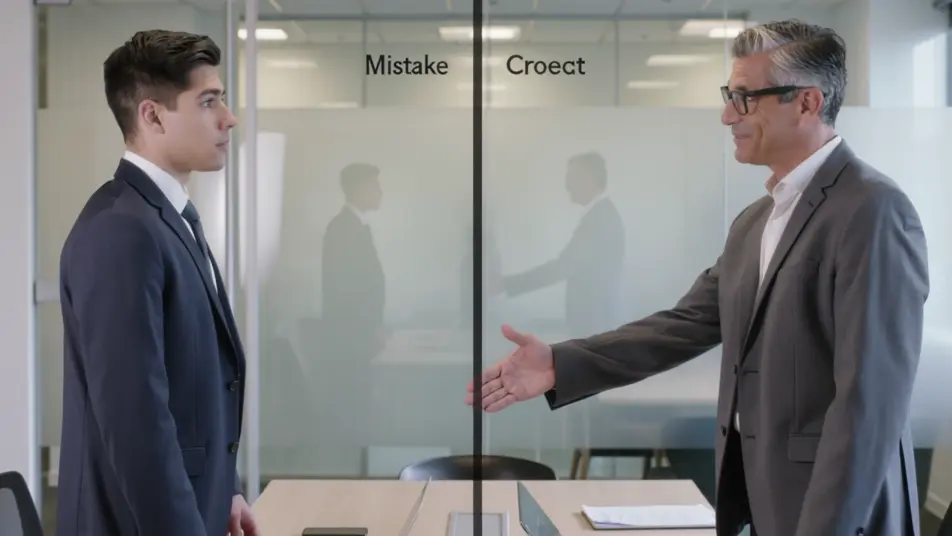
خلفية نظيفة حيث تدور القطعة المكتملة ببطء تحت إضاءة ناعمة جذابة، دفعة تقريب لطيفة تستقر على التفصيل الذي يثبت نجاح الفيديو التعليمي.
تعديل الأمر النصي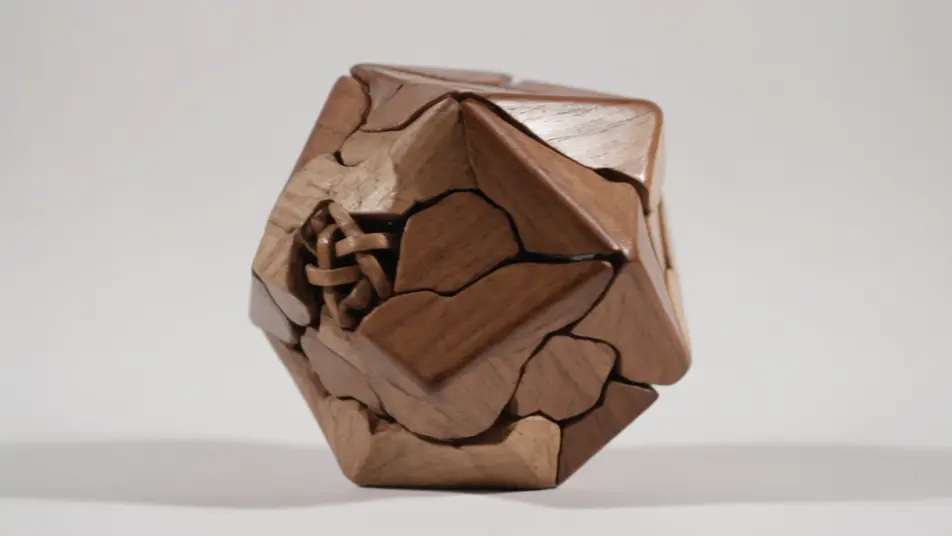
اكتب مشهد فيديو تعليمي الذي تريده، بكلمات بسيطة.
ينشئ Morphic مقطعا سينمائيا جاهزا للإطارات على لوحتك خلال ثوانٍ.
عدّل الأمر النصي، وأعد إنشاء التنويعات، ثم نزّل اللقطة أو شاركها.

Dramatize any text conversation into a cinematic multi-shot video.
Cinematic time-freeze short film for any scene

Generate a professional film title card from scratch, with optional cinematic animation.
Photo of any real-estate becomes a cinematic renovation timelapse video with construction SFX and music.
One image to a 9-scene cinematic video.
Drop in a photo of yourself. Get a 12-second cinematic movie with animation and a matched soundtrack.
فيديوهات الأدلة الإرشادية بالذكاء الاصطناعي
أنشئ فيديوهات أدلة إرشادية بالذكاء الاصطناعي مع Morphic. خطوات مرقّمة، وقوائم تحقّق، ولقطات معالجة الأخطاء، مع تعليق صوتي متزامن يتجمّع بسرعة.
فيديوهات شرح بالذكاء الاصطناعي
ولّد فيديوهات شرح بالذكاء الاصطناعي مع Morphic. شروحات متحركة، وتفكيكات نصّية حركية، ومشاهد تشبيه، وأوامر شرح متزامنة مع السرد تتجمّع بسرعة.
فيديوهات الشاشة الخضراء بالذكاء الاصطناعي
أنشئ فيديوهات الشاشة الخضراء بالذكاء الاصطناعي مع Morphic. استبدل أي خلفية، وبدّل المشاهد فورًا، وضع المقدّم في أي مكان. بلا شاشة فعلية وبلا برمجيات فصل الألوان.
فيديوهات POV بالذكاء الاصطناعي
أنشئ فيديوهات POV بالذكاء الاصطناعي مع Morphic. صوّر مشاهد بمنظور الشخص الأول، لحظات حركة وحياة يومية عند مستوى العين، بلا خبرة مونتاج.
ابدأ مجاناً اليوم، مع إمكانية الترقية أو الإلغاء في أي وقت.
Basic
2400 شهرياً أرصدة
1 مستخدم فقط
جميع النماذج
Workflows
Standard
3625 شهرياً أرصدة
1 مستخدم فقط
جميع النماذج
Workflows
Pro
6350 مشترك شهرياً أرصدة
1 مستخدم
جميع النماذج
Workflows
Max
24650 مشترك شهرياً أرصدة
1 مستخدم
جميع النماذج
Workflows
Enterprise
لحدود أعلى
مخصص
شروط الأسعار والفوترة

Free
للتجربة والاستكشاف
$0
مجاني إلى الأبد