AI lidar scan effect

Lidar scan shots generated in one clip: a laser sweep painting a room as points, a face floating as a point cloud, a wireframe city drifting on black.

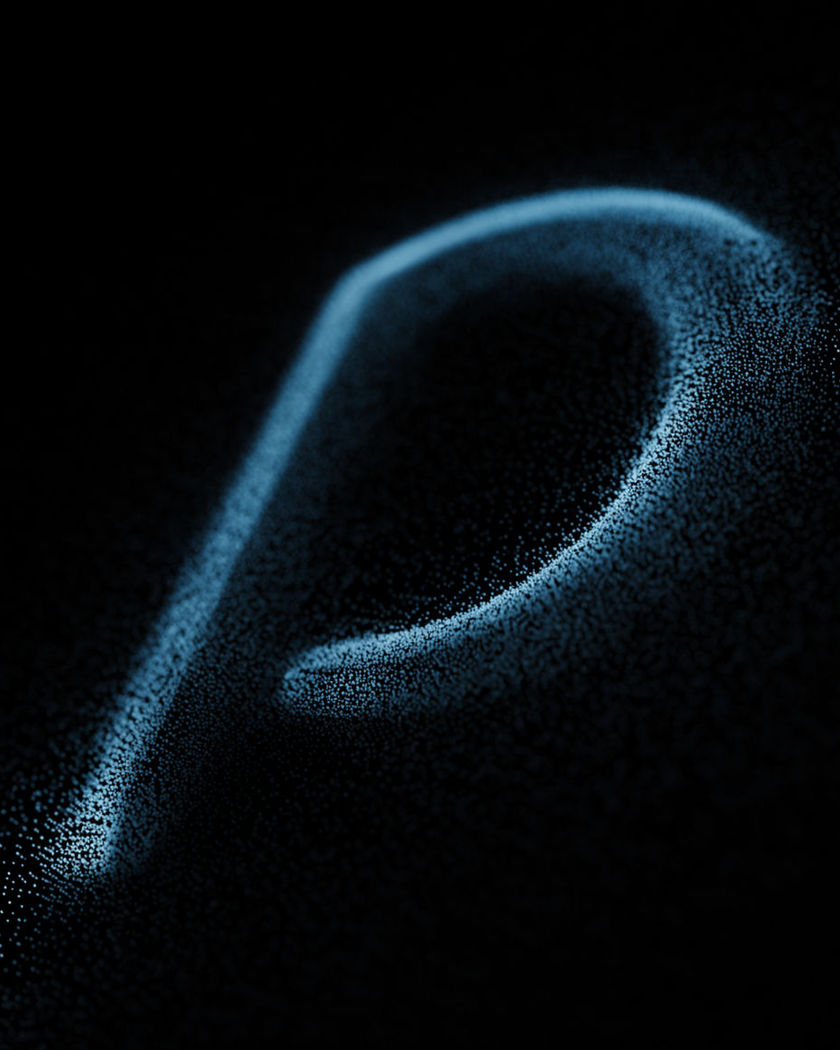
A smooth curved form in black space drawn only as thousands of tiny glowing cyan points on a black ground

Lidar scan effect examples

Corridor scan pass

Usar este prompt

A laser sheet paints walls, doors and floor as dots behind it. a wide dark corridor, a green laser sheet sweeping from the near end to the far end, painting walls, doors and floor as a grid of glowing dots behind it, the camera dollying after it

Wireframe city on black

Usar este prompt

Blue mesh lines and vertex dots, the camera orbiting slowly. a wide generic city skyline rendered only as thin glowing blue wireframe lines and vertex dots on pure black, the camera orbiting slowly, no filled surfaces or lit windows

Wireframe car turning

Usar este prompt

Thin white mesh lines only, a faint dot at every vertex. a generic car rendered only as thin glowing white wireframe lines on black with no surfaces or paint, the frame rotating slowly to show the mesh, faint dots at every vertex

Staircase of orange points

Usar este prompt

A first-person climb through a stair that exists only as dots. a first-person camera moving up a spiral staircase that exists only as a point cloud of small orange dots on black, the dots parallaxing as the camera moves, black showing through the gaps

Laser sweep painting a room

Usar este prompt

Every surface the line crosses is left behind as glowing dots. a pitch black room, a thin bright green laser line sweeping slowly from left to right, every surface it crosses left behind as a grid of small glowing dots floating on black, until the whole room reads as a point cloud

Points resolving into a hand

Usar este prompt

Sparse dots multiply and fuse into a photoreal hand. a hand made of sparse glowing dots on black, the dots multiplying and tightening until they fuse into a photoreal hand under soft light, the fingers slowly opening, one continuous shot

Point cloud resolving into a room

Usar este prompt

White dots thicken and fuse into a photoreal living room. a wide living room that starts as a sparse cloud of white dots on black, the dots thickening and fusing into solid walls, sofa and lamp until the room is photoreal, a slow push in, one continuous shot

Face as a drifting point cloud

Usar este prompt

Thousands of cyan dots form the features with black gaps between. a human face made only of thousands of tiny cyan dots floating on pure black, the dots forming the nose, brow and cheeks with gaps between them, the whole cloud slowly rotating and breathing, no solid surfaces

Forest point cloud drift

Usar este prompt

Trunks and canopy read only as dot density; strong parallax. a wide forest rendered as a point cloud of millions of small green and white dots on black, tree trunks and canopy readable only as dot density, the camera drifting through with strong parallax

Scan ring rising up a figure

Usar este prompt

Below the red ring the figure is dots; above it, still solid. a standing figure in black space, a horizontal ring of red laser light rising from the floor to the head, everything below the ring converted into a dense grid of glowing dots, everything above it still solid

Generate your own lidar scan effect

Escolha um ponto de partida, edite o que quiser e gere no Morphic.

Gerar

Preços simples

Comece grátis hoje mesmo, com a opção de fazer upgrade ou cancelar quando quiser.

Basic

$9/ mês
cobrado como $0 por ano

1100 mensal créditos

1 apenas usuário

Todos os modelos

Workflows

Standard

$24/ mês
cobrado como $0 por ano

3625 mensal créditos

1 apenas usuário

Todos os modelos

Workflows

Pro

$45/ mês
cobrado como $0 por ano

6350 compartilhado mensal créditos

1 usuário

+ até 4 mais com custo adicional

Todos os modelos

Workflows

Pro Max

$170/ mês
cobrado como $0 por ano

24650 compartilhado mensal créditos

1 usuário

+ até 9 mais com custo adicional

Todos os modelos

Workflows

Enterprise

Para limites maiores

Personalizado

termos de preços e cobrança

Créditos de alto volume
Limites de vagas personalizados
Todos os modelos
Workflows
Pricing Gradient

Free

Para experimentar

$0

grátis para sempre

Até 20 créditos
apenas 1 usuário
Modelos limitados
Workflows

Perguntas frequentes

Where can I make lidar scan effect videos with AI?
You can generate lidar scan videos in your browser on Morphic. Open the Text to Video tool, describe the scene as a point cloud or a laser sweep, and Morphic renders the dots, the scan pass and the camera movement through them in one clip, with no 3D scanning or point-cloud software involved.
What is the lidar scan effect?
The lidar scan effect shows a scene as thousands of small glowing dots on black, the way a laser scanner records a space. A laser line often sweeps across first, leaving dots behind it, and the camera then drifts through the cloud so the points shift against each other. It is a common music video and tech look.
How do I write a prompt for a lidar scan effect video?
Say what the dots look like, how they appear and how the camera moves. "A thin green laser line sweeping across a dark room, every surface it crosses left behind as a grid of glowing dots on black" gives the mechanism. Then name the subject and add "the camera drifting through with parallax".
What is the difference between a point cloud and a wireframe?
A point cloud is only dots, with black gaps between them, and shapes read through dot density. A wireframe is thin lines joining the vertices of a mesh, so edges are drawn and surfaces are empty. Both render on Morphic from the prompt; name the one you want and say "no solid surfaces".
Can I turn my own product or space into a point cloud?
Yes. Upload a photo of the product or room as the start frame in Image to Video and describe the scan in the prompt, for example a laser line sweeping across and leaving glowing dots behind it. The subject stays recognisable as it converts.
Do I need 3D software to make a lidar scan video?
No. Morphic renders the point cloud, the scan sweep and the camera move from a text prompt or a single image, so there is no scanning, meshing or particle setup. Describe the dots and the movement and the clip comes back ready to use.