Corte bloom de videoclipe
Um artista segura o plano até o drop, quando a cena explode em cor em blocos e se refaz como um novo lugar, tom escuro e saturado, câmera estática para a explosão da transição ler limpa em cima da batida.
Editar prompt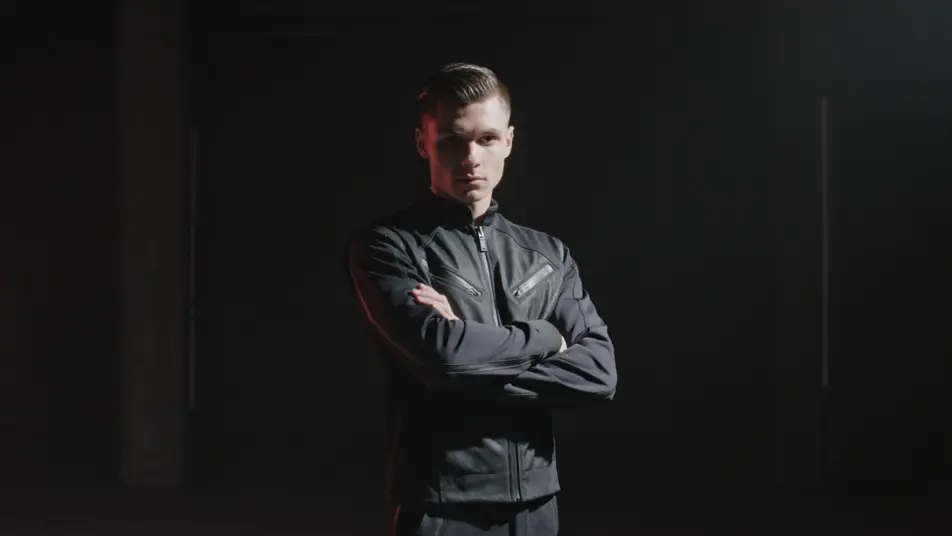
Dirija aquele visual líquido e sangrando de datamosh direto no navegador com o gerador de vídeo com efeito datamosh com IA do Morphic. Gere uma cena derretendo na próxima, cores sangrando através de pixels arrastados, ou uma dançarina se borrando em rastros de movimento. Sonorize o bloom com a ferramenta Music e depois monte os planos no Canvas.
Um artista segura o plano até o drop, quando a cena explode em cor em blocos e se refaz como um novo lugar, tom escuro e saturado, câmera estática para a explosão da transição ler limpa em cima da batida.
Editar promptPlano médio de uma dançarina solo cujo cada movimento se borra em longos rastros de pixel arrastados que se acumulam e desaparecem, luz lateral melancólica, aproximação lenta que deixa o movimento pintar o quadro.
Editar prompt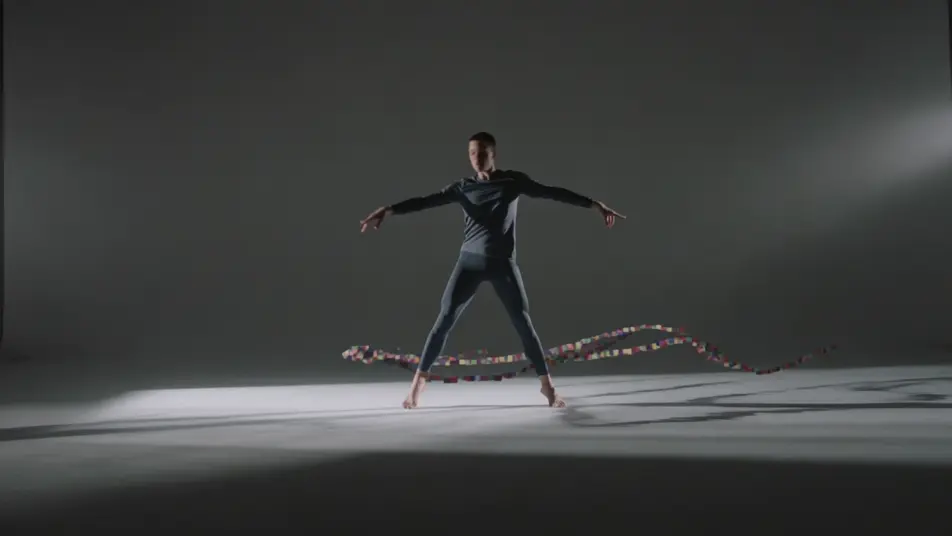
Plano geral fixo de um quarto vazio onde o movimento fantasma sangra pelas bordas e vai enchendo devagar o quadro congelado de rastros, tom frio e escuro, sem movimento de câmera para o sangramento silencioso carregar o plano.
Editar prompt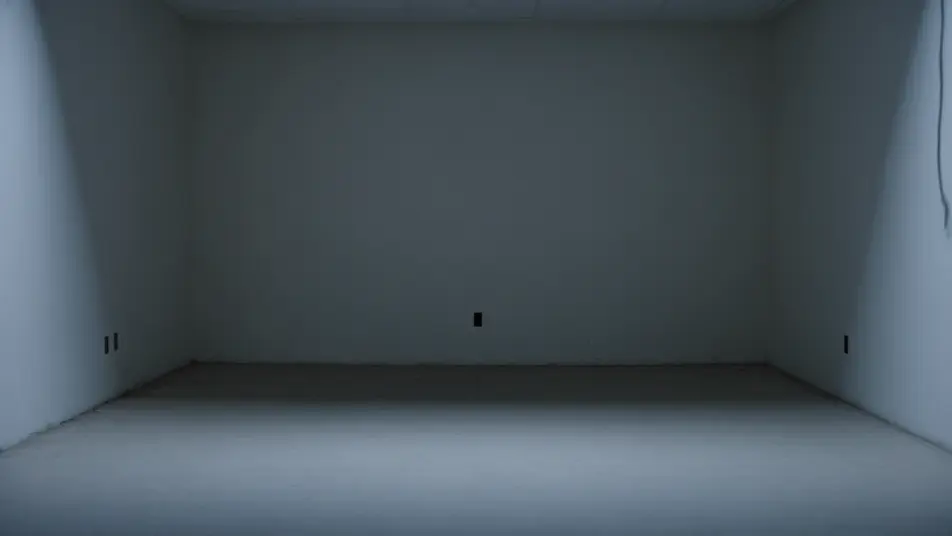
Plano alto de um cruzamento movimentado onde figuras em movimento rápido explodem em anéis irregulares de artefato, enquanto a calçada parada fica limpa, luz plana e nublada, deslocamento suave sobre a multidão fervilhante e derretendo.
Editar prompt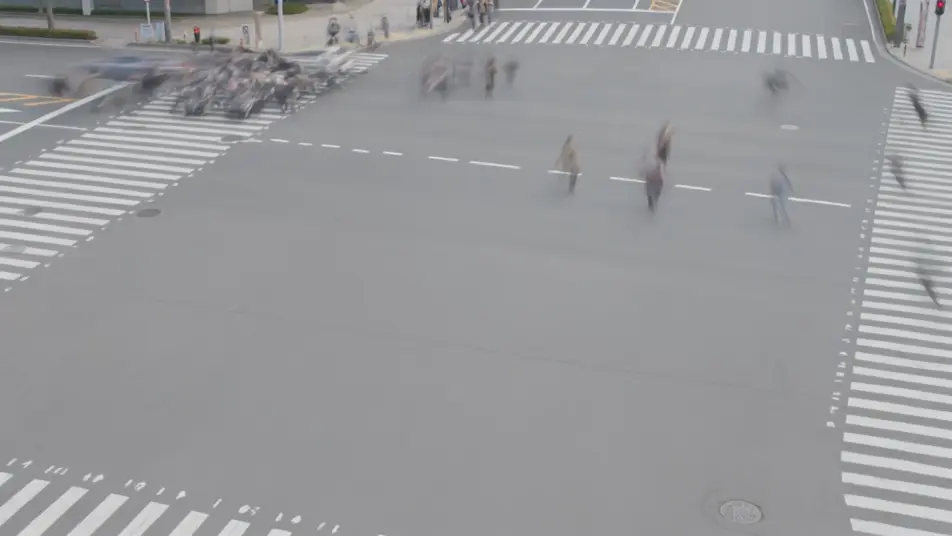
Escreva a cena de efeito datamosh que você quer, em poucas palavras.
A Morphic gera um clipe cinematográfico e pronto para uso no seu Canvas em segundos.
Ajuste o prompt, gere novas variações e depois baixe ou compartilhe a cena.

Dramatize any text conversation into a cinematic multi-shot video.
Cinematic time-freeze short film for any scene

Generate a professional film title card from scratch, with optional cinematic animation.
Photo of any real-estate becomes a cinematic renovation timelapse video with construction SFX and music.
One image to a 9-scene cinematic video.
Drop in a photo of yourself. Get a 12-second cinematic movie with animation and a matched soundtrack.
AI Glitch Effect videos
Generate AI glitch videos with Morphic. Block corruption, signal dropout, RGB tears, and paste-ready glitch prompts that run end to end in your browser.
AI Pixel Sort Effect videos
Generate AI pixel sort videos with Morphic. Streaking color, sorted rows and columns, glitch-art smears, and paste-ready prompts that run in your browser.
Vídeos de VFX com IA
Crie vídeos de VFX com IA no Morphic: explosões, energia, destruição e criaturas a partir de um prompt. Sem green screen, sem composição.
Vídeos morph com IA
Crie vídeos morph com IA no Morphic. Transições suaves, revelações com mudança de forma e cortes morph no ritmo, prontos para usar.
Comece grátis hoje mesmo, com a opção de fazer upgrade ou cancelar quando quiser.
Basic
2400 mensal créditos
1 apenas usuário
Todos os modelos
Workflows
Standard
3625 mensal créditos
1 apenas usuário
Todos os modelos
Workflows
Pro
6350 compartilhado mensal créditos
1 usuário
Todos os modelos
Workflows
Max
24650 compartilhado mensal créditos
1 usuário
Todos os modelos
Workflows
Enterprise
Para limites maiores
Personalizado
termos de preços e cobrança

Free
Para experimentar
$0
grátis para sempre