Direct streaking, sorted-pixel imagery in your browser with Morphic's pixel sort effect AI video generator. Generate clips like a sunset dragging its colors into long horizontal ribbons, or a portrait bleeding downward into vertical streaks of sorted light, and pair them with the Music tool to pulse the smear on the beat. Stitch the streaking, glitch-art shots into one continuous sequence on the Canvas.

Pixel sort variations you can direct

Pixel sort sequences you can stage

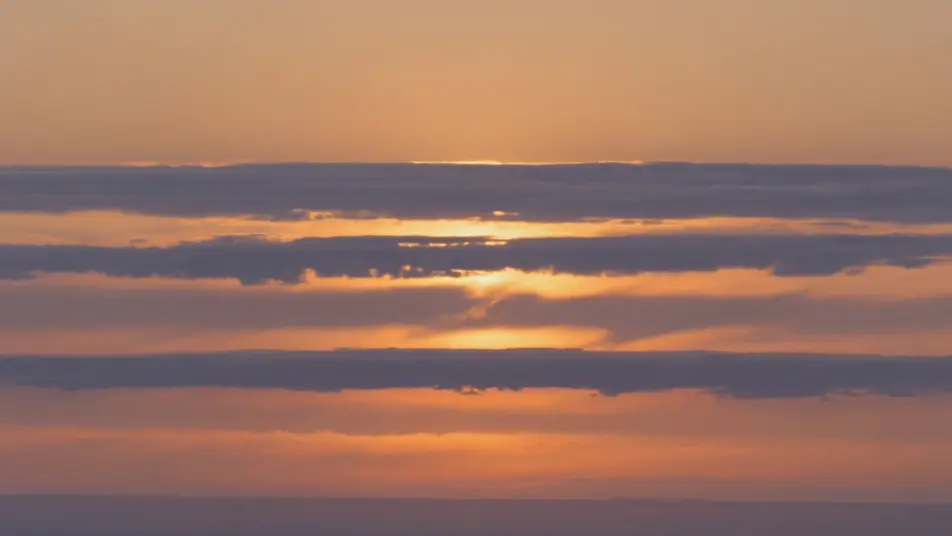
Sunset melting into ribbons

Wide static shot of a horizon at dusk where the sky drags sideways into long horizontal ribbons of sorted orange and violet, the sun a smeared streak, warm grade, held frame so the sort reads as painted light.

Editar prompt
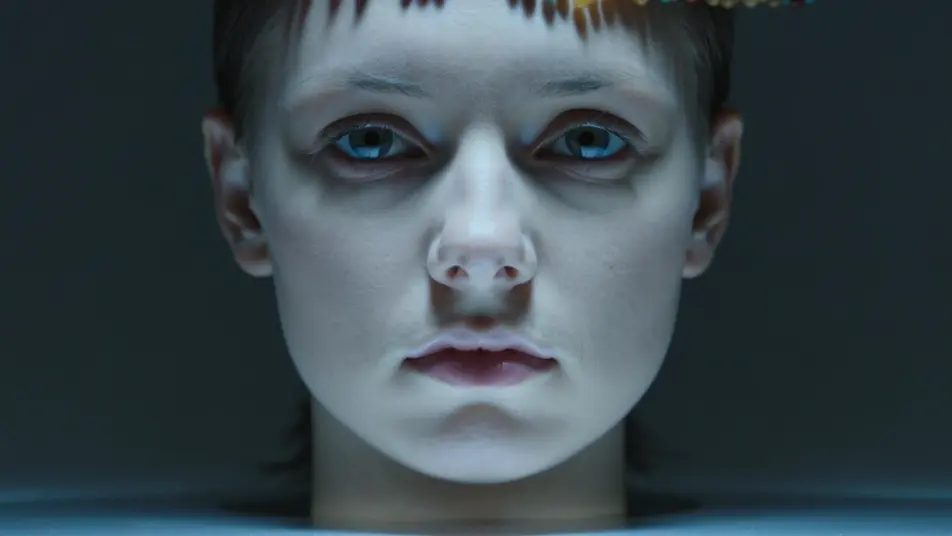
Portrait bleeding down

Close shot of a still face that slowly bleeds downward into vertical streaks of sorted color pooling at the frame edge, cool moody key, static camera so the drip carries the whole shot.

Editar prompt

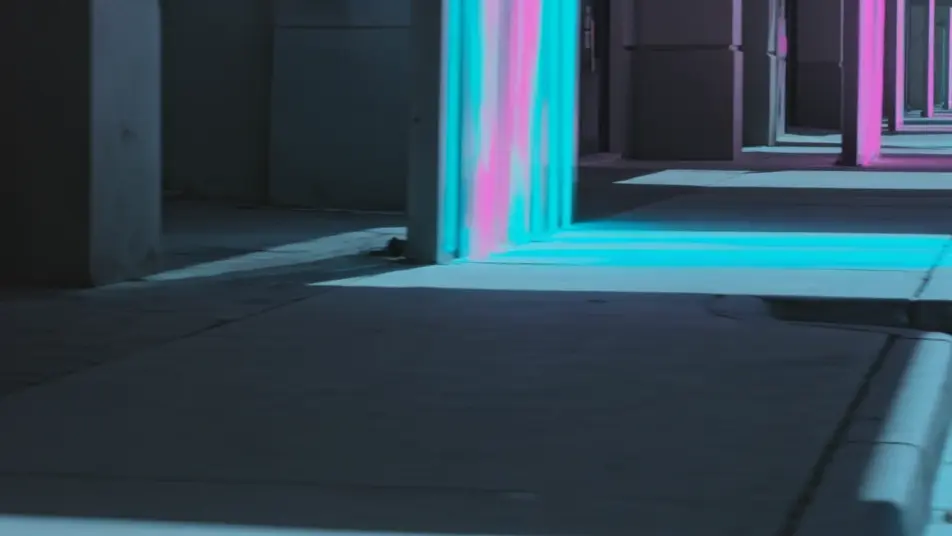
Neon threshold city

Night street where only the brightest signs streak into sorted bands while the shadows hold clean, islands of sharp image in a sea of smear, saturated cyan and magenta key, slow lateral dolly.

Editar prompt

Sweeping sort reveal

Medium shot where a visible band of sorting sweeps across the frame like a wipe, leaving streaked ribbons behind and clean image ahead, flat studio light, camera locked as the sweep crosses the subject.

Editar prompt

Crie vídeos de pixel sort effect em três passos

  1. 01

    Descreva sua cena de pixel sort effect

    Escreva a cena de pixel sort effect que você quer, em poucas palavras.

  2. 02

    Gere o vídeo

    A Morphic gera um clipe cinematográfico e pronto para uso no seu Canvas em segundos.

  3. 03

    Refine seu vídeo de pixel sort effect

    Ajuste o prompt, gere novas variações e depois baixe ou compartilhe a cena.

Workflows relacionados

Você também pode gostar

Preços simples

Comece grátis hoje mesmo, com a opção de fazer upgrade ou cancelar quando quiser.

Basic

$9/ mês
cobrado como $0 por ano

900 mensal créditos

1 apenas usuário

Todos os modelos

Workflows

Standard

$24/ mês
cobrado como $0 por ano

3200 mensal créditos

1 apenas usuário

Todos os modelos

Workflows

Pro

$45/ mês
cobrado como $0 por ano

6200 compartilhado mensal créditos

1 usuário

+ até 4 mais com custo adicional

Todos os modelos

Workflows

Pro Max

$170/ mês
cobrado como $0 por ano

24000 compartilhado mensal créditos

1 usuário

+ até 9 mais com custo adicional

Todos os modelos

Workflows

Enterprise

Para limites maiores

Personalizado

termos de preços e cobrança

Créditos ilimitados
Limites de vagas personalizados
Todos os modelos
Workflows
Pricing Gradient

Free

Para experimentar

$0

grátis para sempre

Até 20 créditos
apenas 1 usuário
Modelos limitados
Workflows

Perguntas frequentes

Where can I make pixel sort videos with AI?
You can create pixel sort videos directly in your browser on Morphic. Open the Text to Video tool, describe the sort direction, what should streak, and how heavy the smear is, and Morphic generates the clip with the effect baked in. No Processing scripts and no glitch app needed.
What kinds of pixel sort shots work best with AI video?
Shots with strong color and clear light-dark contrast read best: sunsets that can smear into ribbons, portraits that can bleed downward, and neon scenes where only the highlights streak. The strongest pixel sorts keep enough of the subject legible under the smear.
How do I write a good prompt for a pixel sort video?
Name the sort direction, the streaking zones, and the intensity. A prompt like "horizontal ribbons, only the bright sky streaking" gives Morphic more than "pixel sort." Adding the leading colors and whether the sort is fine and subtle or heavy and painterly tunes the look.
How do I keep the effect consistent between scenes?
Keep the sort direction and intensity described the same way across shots, and note which zones streak each time. On the Canvas you can line up pixel-sort clips side by side and refine each until the streak character matches into one continuous sequence.
Can I add music and narration to my pixel sort videos?
Yes. The Music tool produces an original soundtrack, and a sweeping sort lands hardest when the smear pulses on a beat. The Speech tool generates narration in the voice you choose, layered onto the clip so a glitch-art or portrait sequence can carry a voiceover.
Do I need video editing experience to make a pixel sort video?
No. Morphic runs in your browser and you direct it with plain-language prompts. If you can describe the direction of the streaks and how heavy they are, you can produce the clip. The prompts on this page are written so anyone can paste and run.