A candlelit face turning
A subject sits at a bare table in a candlelit room as the eyes flood black and dark veins rise across the temples. Warm flickering key against deep shadow, a slow push-in that holds on the eyes.
Editar prompt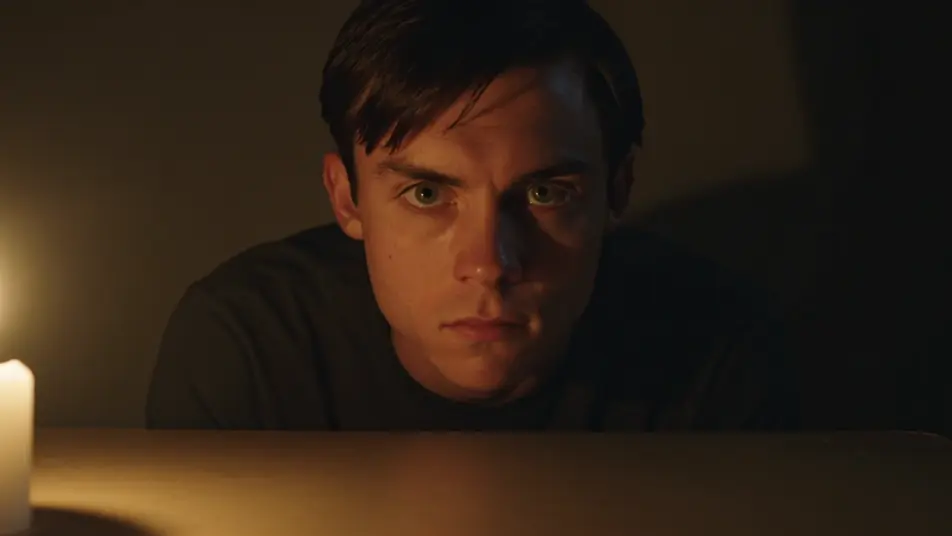
This page covers mature themes for adult audiences making film, games and other creative work.
Direct chilling possession effects in your browser with Morphic's demonic possession AI video generator. Generate a calm face darkening as the eyes turn black, or a body wrenching into an impossible contortion. Swell dread with Music, then stitch the manifestations into one sequence on the Canvas.
A subject sits at a bare table in a candlelit room as the eyes flood black and dark veins rise across the temples. Warm flickering key against deep shadow, a slow push-in that holds on the eyes.
Editar promptA figure on a dusty attic floor arches backward into an impossible spine-bending posture beneath a single hanging bulb. Hard top light swinging faintly, a locked wide shot that keeps the whole body in frame.
Editar prompt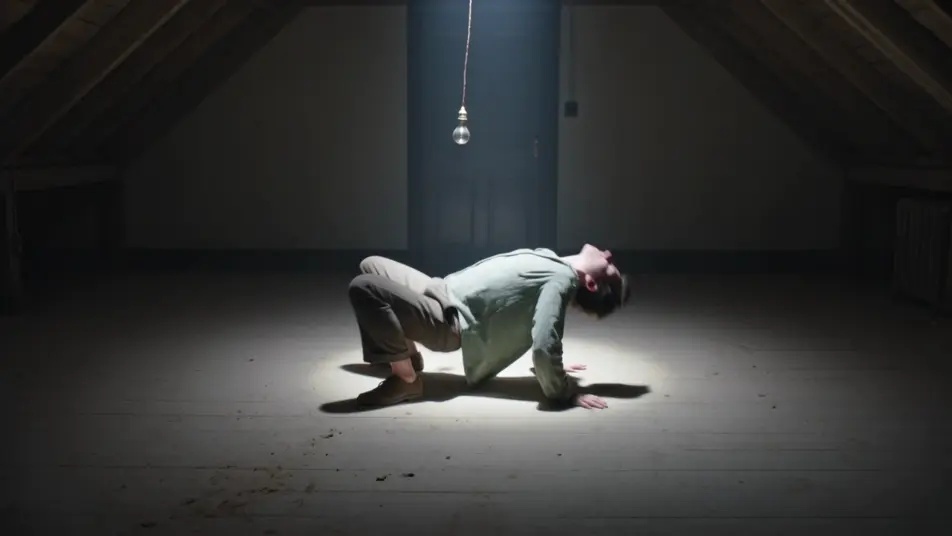
A possessed subject rises rigid off a bed in a dark bedroom, head lolling back as the sheets fall away. Cold moonlight from a curtained window, a slow rising crane that follows the lift.
Editar prompt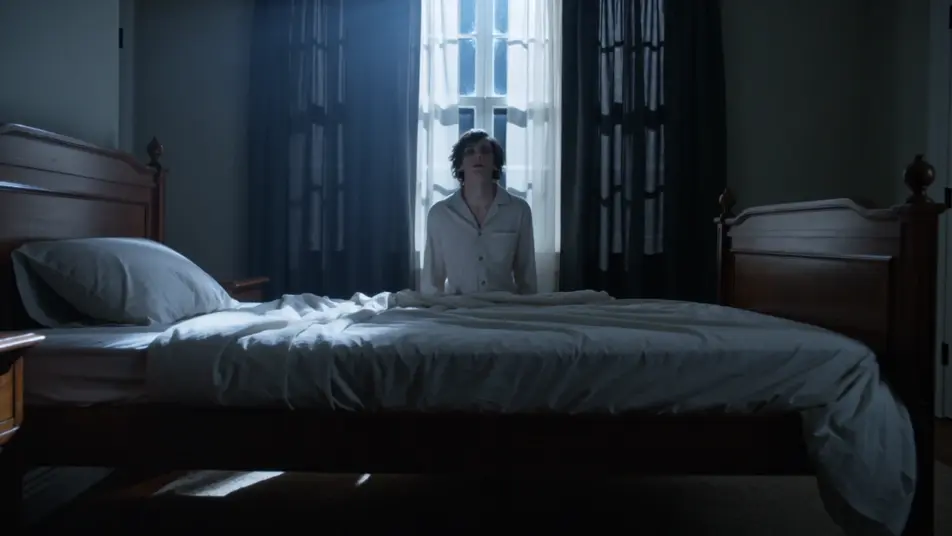
A blank-faced possessed figure stands at the top of a shadowed stairwell with hollow eyes and a faint wrong smile, unmoving. Cold underlight from below, a slow push-in up the stairs.
Editar prompt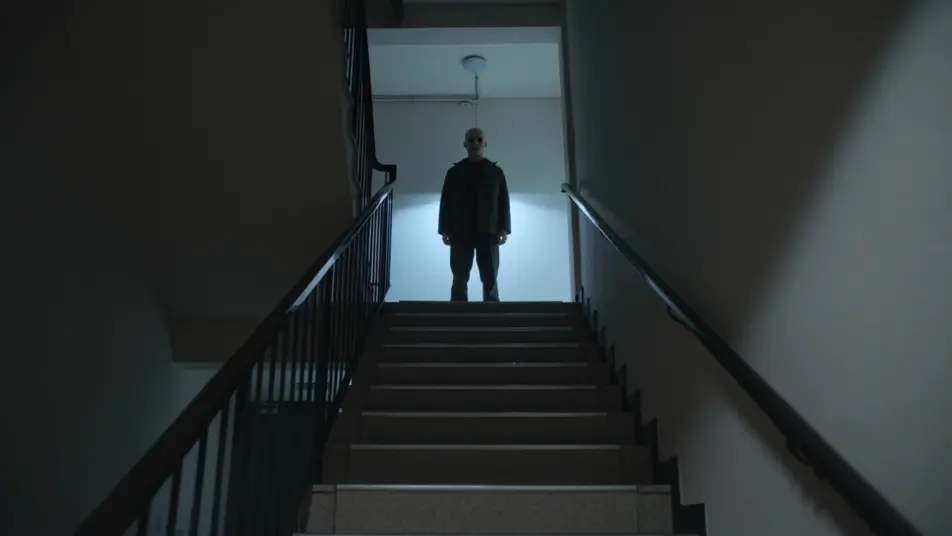
Escreva a cena de demonic possession effect que você quer, em poucas palavras.
A Morphic gera um clipe cinematográfico e pronto para uso no seu Canvas em segundos.
Ajuste o prompt, gere novas variações e depois baixe ou compartilhe a cena.
Cinematic time-freeze short film for any scene

Dramatize any text conversation into a cinematic multi-shot video.

Generate a professional film title card from scratch, with optional cinematic animation.
Photo of any real-estate becomes a cinematic renovation timelapse video with construction SFX and music.
One image to a 9-scene cinematic video.
Drop in a photo of yourself. Get a 12-second cinematic movie with animation and a matched soundtrack.
Vídeos de transformação em lobisomem com IA
Gere vídeos de transformação em lobisomem com IA no Morphic. Pelo surgindo, ossos se ajustando, focinho se formando e garras, com prompts prontos para usar.
AI Ghost Overlay videos
Generate AI ghost overlay videos with Morphic. Drift translucent apparitions through a scene with paste-ready spectral overlay prompts that just run.
Vídeos de VFX com IA
Crie vídeos de VFX com IA no Morphic: explosões, energia, destruição e criaturas a partir de um prompt. Sem green screen, sem composição.
Vídeos morph com IA
Crie vídeos morph com IA no Morphic. Transições suaves, revelações com mudança de forma e cortes morph no ritmo, prontos para usar.
Comece grátis hoje mesmo, com a opção de fazer upgrade ou cancelar quando quiser.
Basic
2400 mensal créditos
1 apenas usuário
Todos os modelos
Workflows
Standard
3625 mensal créditos
1 apenas usuário
Todos os modelos
Workflows
Pro
6350 compartilhado mensal créditos
1 usuário
Todos os modelos
Workflows
Max
24650 compartilhado mensal créditos
1 usuário
Todos os modelos
Workflows
Enterprise
Para limites maiores
Personalizado
termos de preços e cobrança

Free
Para experimentar
$0
grátis para sempre
Everything on this page is fictional depiction for film, games and creative work. It does not depict real events, and does not place real, identifiable people in them.
Results vary by model. Some models apply stricter content policies than others, so a shot one model declines may generate on another.