A portrait with fine 35mm grain
A close portrait carries a delicate even grain and gentle warm halation, skin and eyes holding their detail while the whole frame gains an analog breath, soft key light steady through a slow push-in.
Editar prompt
Direct an analog film-grain look in your browser with Morphic's film grain effect AI video generator. Generate a fine 35mm sheen over a portrait or heavy 16mm grain across a rain-soaked street. Lean into the mood with Music, then stitch the grainy shots into one sequence on the Canvas.
A close portrait carries a delicate even grain and gentle warm halation, skin and eyes holding their detail while the whole frame gains an analog breath, soft key light steady through a slow push-in.
Editar promptA handheld shot of a wet night street wears coarse, lively grain, muted colors and softened edges giving a raw documentary feel, neon smearing in the puddles as the camera drifts alongside a passerby.
Editar prompt
A high-contrast monochrome alley holds deep blacks and bright highlights with grain riding the shadows, a lone figure crossing the frame under a single hard light for a timeless, newsprint-edged mood.
Editar prompt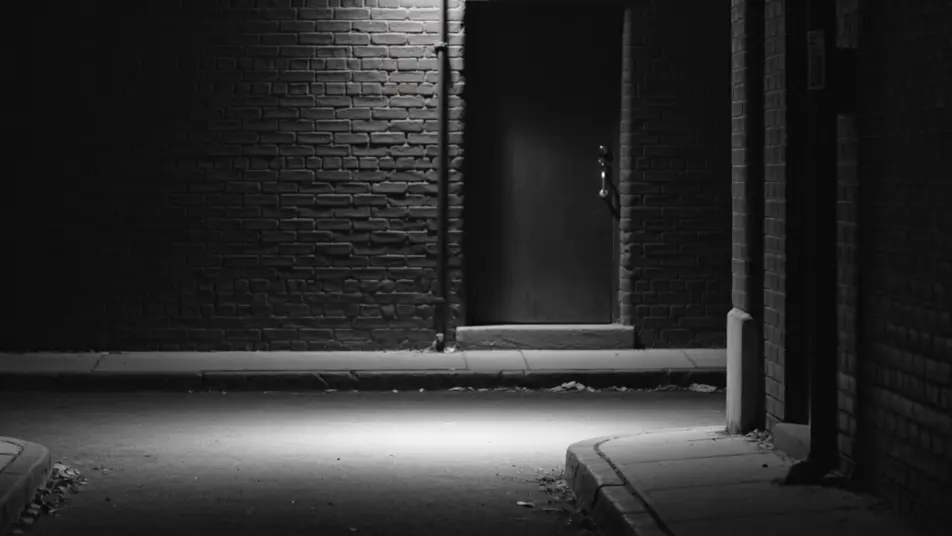
A wide field glows with warm vintage-stock grain, faded golden color and soft focus edges lending a decades-old nostalgia, tall grass swaying as the camera drifts low through the late afternoon light.
Editar prompt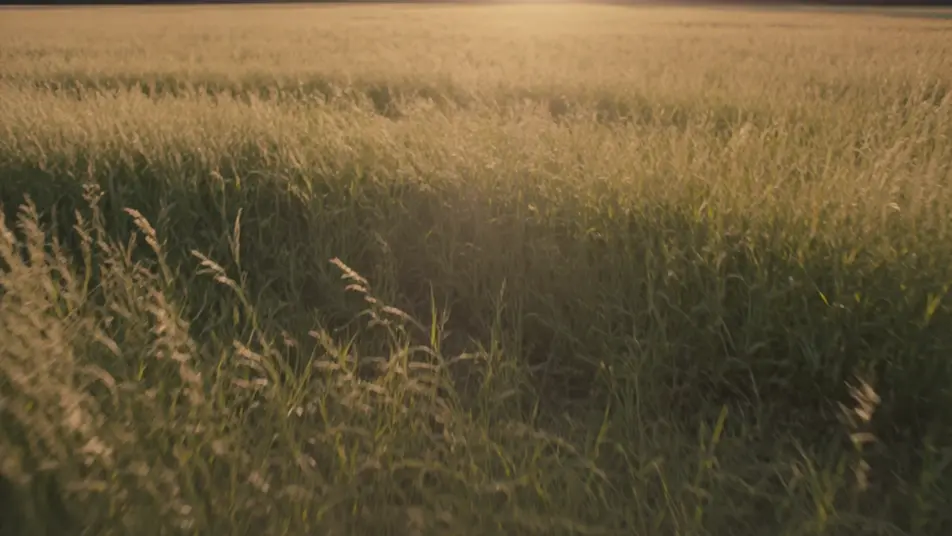
Escreva a cena de film grain effect que você quer, em poucas palavras.
A Morphic gera um clipe cinematográfico e pronto para uso no seu Canvas em segundos.
Ajuste o prompt, gere novas variações e depois baixe ou compartilhe a cena.

Dramatize any text conversation into a cinematic multi-shot video.
Cinematic time-freeze short film for any scene

Generate a professional film title card from scratch, with optional cinematic animation.
One image to a 9-scene cinematic video.
Drop in a photo of yourself. Get a 12-second cinematic movie with animation and a matched soundtrack.
Photo of any real-estate becomes a cinematic renovation timelapse video with construction SFX and music.
Vídeos de colorização com IA
Colorize vídeo com IA no Morphic. Adicione cor realista a cenas em preto e branco, controle a paleta e mantenha o tom de pele, céu e tecido fiéis.
Vídeos de restauração com IA
Restaure vídeo com IA no Morphic. Remova ranhuras, ruído e cintilação, estabilize clipes tremidos e reviva filmagens antigas mantendo o estilo original.
Vídeos de VFX com IA
Crie vídeos de VFX com IA no Morphic: explosões, energia, destruição e criaturas a partir de um prompt. Sem green screen, sem composição.
Vídeos morph com IA
Crie vídeos morph com IA no Morphic. Transições suaves, revelações com mudança de forma e cortes morph no ritmo, prontos para usar.
Comece grátis hoje mesmo, com a opção de fazer upgrade ou cancelar quando quiser.
Basic
2400 mensal créditos
1 apenas usuário
Todos os modelos
Workflows
Standard
3625 mensal créditos
1 apenas usuário
Todos os modelos
Workflows
Pro
6350 compartilhado mensal créditos
1 usuário
Todos os modelos
Workflows
Max
24650 compartilhado mensal créditos
1 usuário
Todos os modelos
Workflows
Enterprise
Para limites maiores
Personalizado
termos de preços e cobrança

Free
Para experimentar
$0
grátis para sempre