Wildfire front, aerial
Aerial push-in tracking a wildfire line up a ridge at dusk, the orange front glowing against dark hills, a wall of smoke towering behind and embers streaking across the frame.
Editar prompt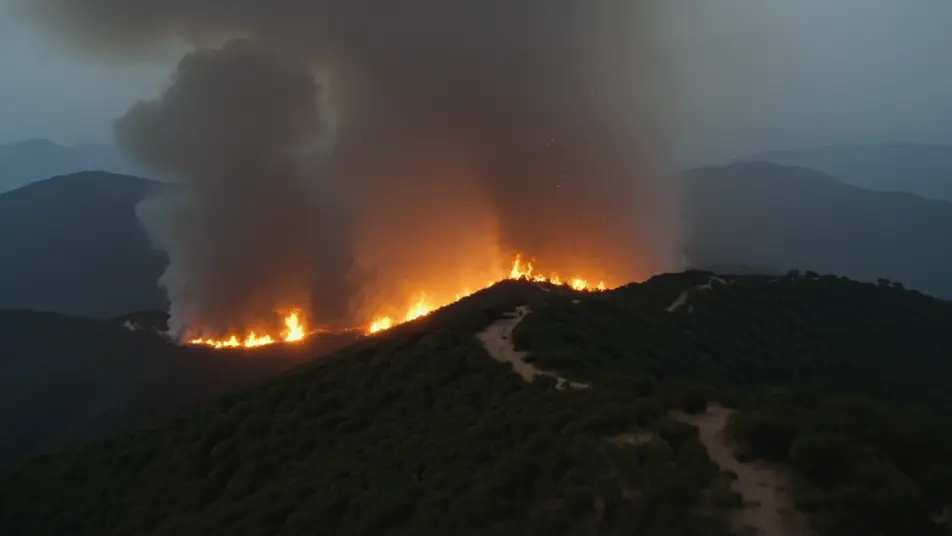
Ignite combustion in your browser with Morphic's Fire simulation AI video generator. Generate a wildfire racing up a hillside, a fuel tank going up in a fireball, or a candle flame flickering in macro. Add the crackle with Speech, score the heat with Music, then stitch the reel on the Canvas.
Aerial push-in tracking a wildfire line up a ridge at dusk, the orange front glowing against dark hills, a wall of smoke towering behind and embers streaking across the frame.
Editar promptSlow-motion wide shot of a fuel tank rupturing, the fireball blooming and rolling upward in churning detail, black smoke chasing the flame as debris arcs out of the blast.
Editar prompt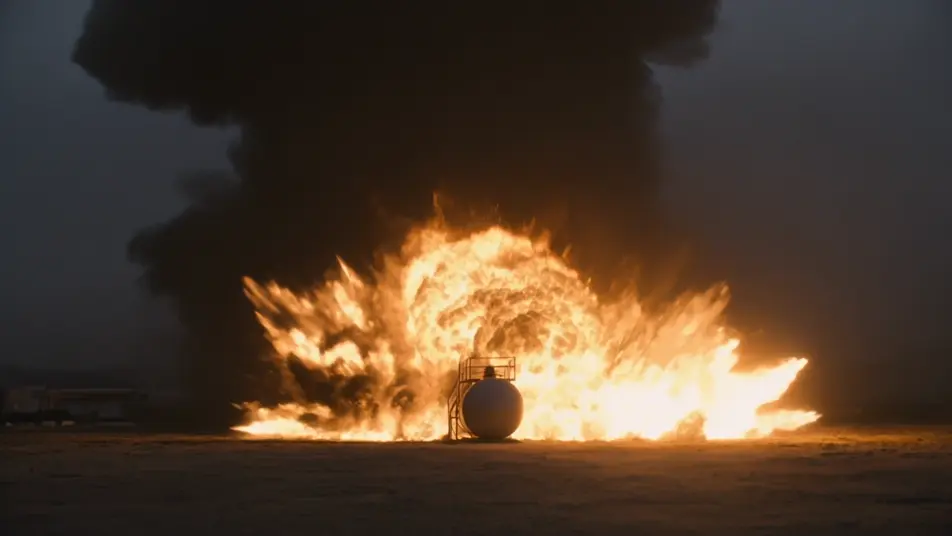
Extreme macro locked on a single candle flame in a dark room, the blue base and orange teardrop flickering, a draft bending the tip and a thin thread of smoke rising off it.
Editar prompt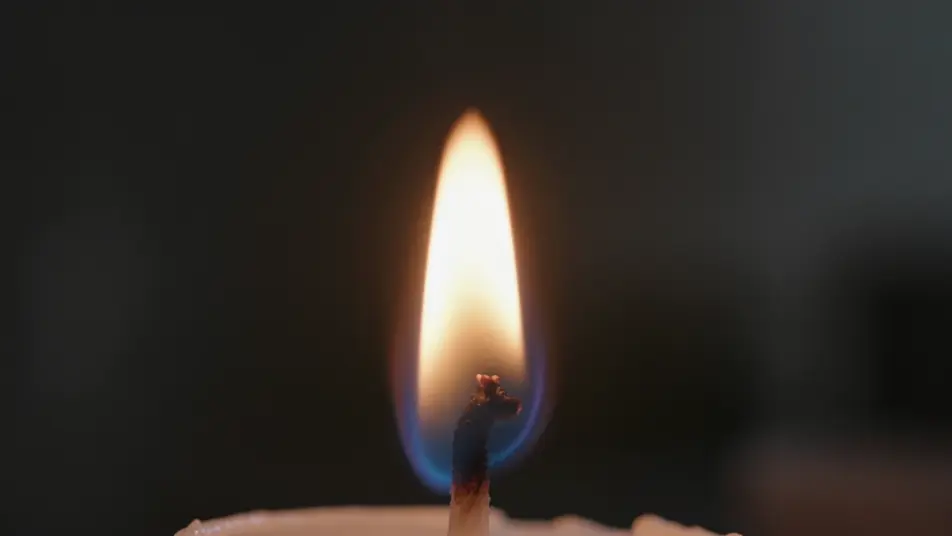
Low tracking shot as a jet of flame sweeps across scorched ground, the fire fanning and rolling toward the lens, sparks and heat shimmer filling the frame against a dark sky.
Editar prompt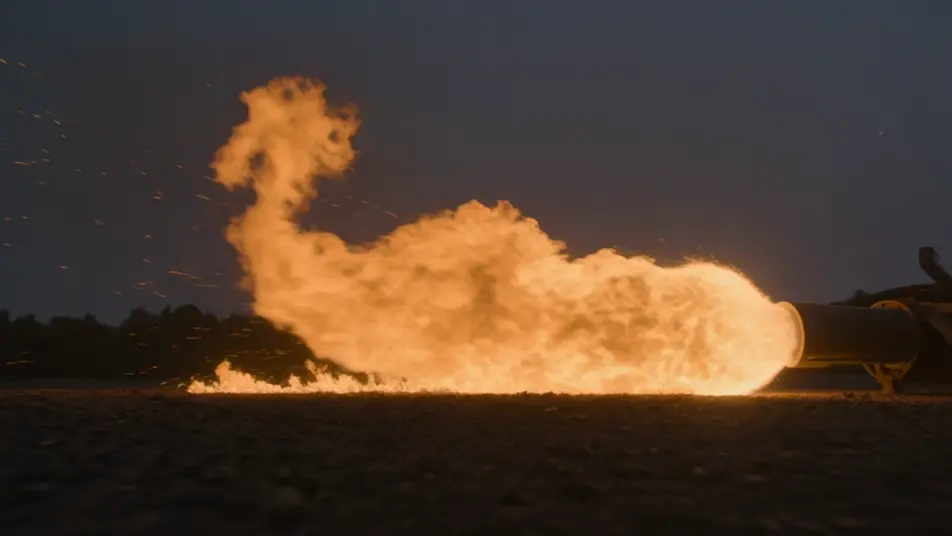
Escreva a cena de Fire Simulation que você quer, em poucas palavras.
A Morphic gera um clipe cinematográfico e pronto para uso no seu Canvas em segundos.
Ajuste o prompt, gere novas variações e depois baixe ou compartilhe a cena.

Share a scene description with character references. Get a full storyboard with shot angles and mood.

Feed in a single image. Get 9 cinematic beats laid out as a 3x3 storyboard grid.

Take any character image and generate 6 distinct facial expressions on a single reference sheet.
Cinematic time-freeze short film for any scene
Drop in a photo of yourself. Get a 12-second cinematic movie with animation and a matched soundtrack.

Upload a photo of a person or character and get a single grid image showing them at different life stages, from baby to elderly.
Vídeos de VFX com IA
Crie vídeos de VFX com IA no Morphic: explosões, energia, destruição e criaturas a partir de um prompt. Sem green screen, sem composição.
Smoke Simulation AI Videos
Smoke simulation videos on Morphic. Generate mushroom clouds, curling incense, chimney plumes, and colored-powder bursts from plain-language prompts.
Destruction Simulation AI Videos
Destruction simulation videos on Morphic. Generate collapsing towers, shattering glass, exploding bridges, and flying debris from plain-language prompts.
Vídeos de desastre com IA
Crie vídeos de desastre com IA no Morphic. Enchentes, deslizamentos, tempestades e evacuações a partir de um prompt em texto simples.
Comece grátis hoje mesmo, com a opção de fazer upgrade ou cancelar quando quiser.
Basic
2400 mensal créditos
1 apenas usuário
Todos os modelos
Workflows
Standard
3625 mensal créditos
1 apenas usuário
Todos os modelos
Workflows
Pro
6350 compartilhado mensal créditos
1 usuário
Todos os modelos
Workflows
Max
24650 compartilhado mensal créditos
1 usuário
Todos os modelos
Workflows
Enterprise
Para limites maiores
Personalizado
termos de preços e cobrança

Free
Para experimentar
$0
grátis para sempre