A jewel-tone petal bloom
A six-fold kaleidoscope of mirrored petals turns slowly against black, jewel-tone color opening and folding around the center, soft internal glow, a steady clockwise rotation holding the pattern centered.
Editar prompt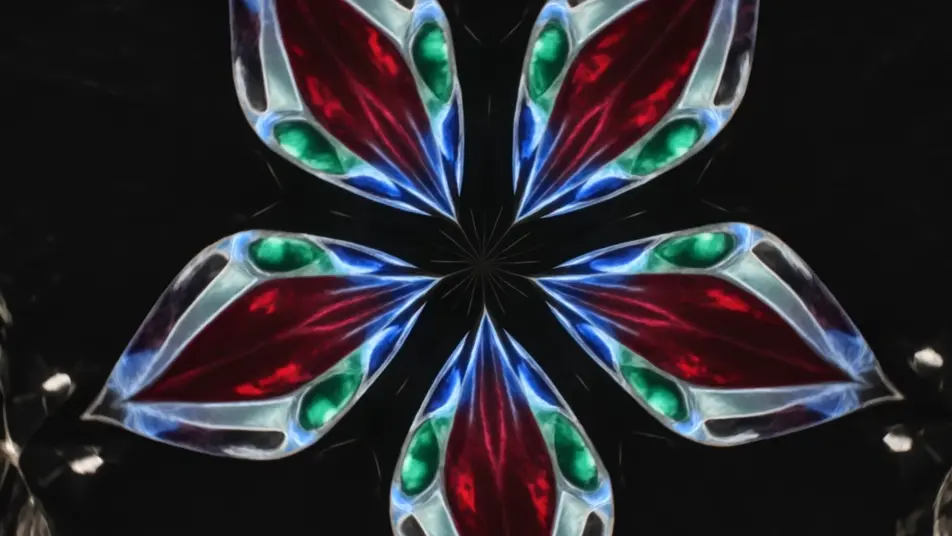
Direct evolving kaleidoscope patterns in your browser with Morphic's kaleidoscope effect AI video generator. Generate blooming petals of mirrored color turning slowly, or a mandala of shifting light pulsing to a center point. Pair with Music to sync the bloom to a beat, then stitch it on the Canvas.
A six-fold kaleidoscope of mirrored petals turns slowly against black, jewel-tone color opening and folding around the center, soft internal glow, a steady clockwise rotation holding the pattern centered.
Editar promptA radial mandala of intricate rings breathes outward from a bright core, layers emerging and receding in time, cool-to-warm color shift across the pattern, slow zoom into the glowing center.
Editar prompt
Colored ink billows through water and mirrors into symmetrical plumes, soft edges folding and unfolding organically, diffused backlight through the liquid, a gentle drift as the pattern evolves.
Editar prompt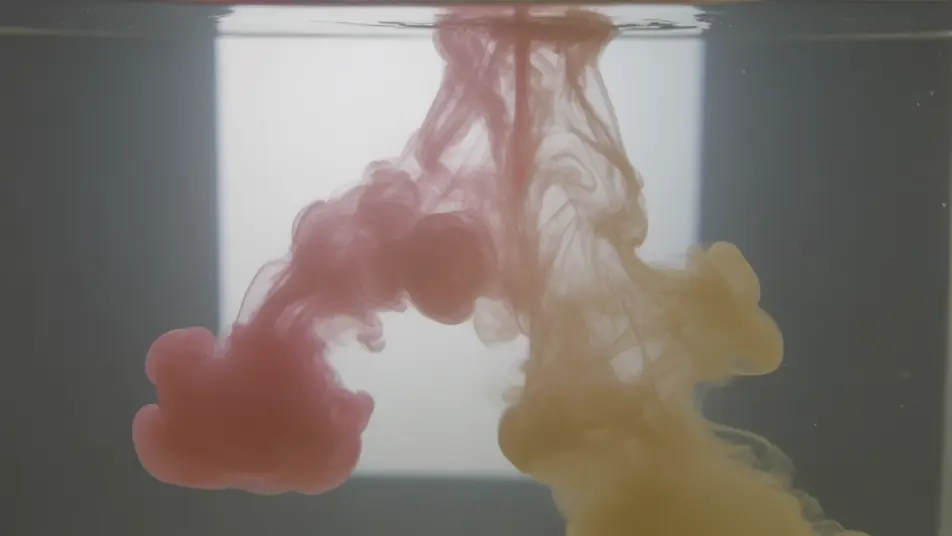
Neon streaks repeat around the center and rush inward to form a glowing tunnel, the mirrored lines pulling toward a vanishing core, deep black ground, a slow forward push down the light corridor.
Editar prompt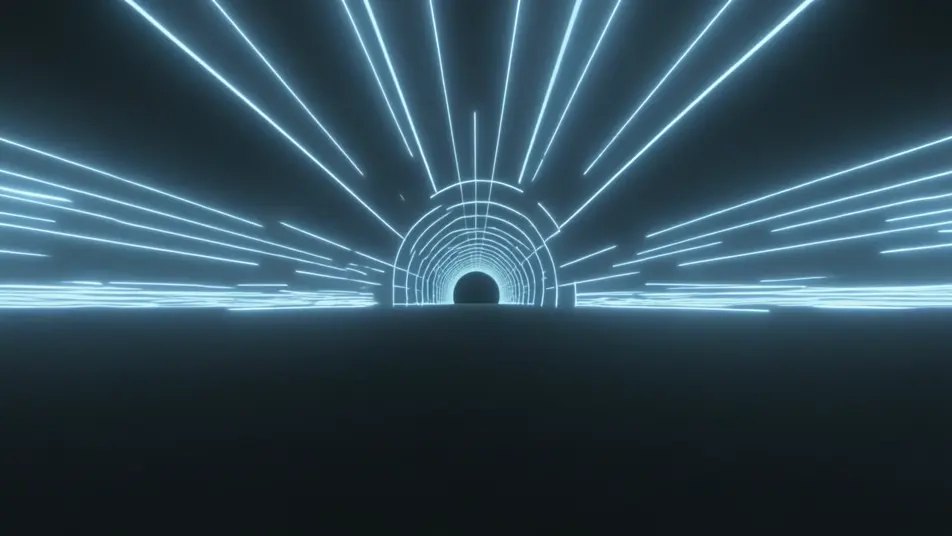
Escreva a cena de kaleidoscope effect que você quer, em poucas palavras.
A Morphic gera um clipe cinematográfico e pronto para uso no seu Canvas em segundos.
Ajuste o prompt, gere novas variações e depois baixe ou compartilhe a cena.
Cinematic time-freeze short film for any scene

Dramatize any text conversation into a cinematic multi-shot video.

Generate a professional film title card from scratch, with optional cinematic animation.
Photo of any real-estate becomes a cinematic renovation timelapse video with construction SFX and music.
One image to a 9-scene cinematic video.
Drop in a photo of yourself. Get a 12-second cinematic movie with animation and a matched soundtrack.
AI mirror effect
Generate AI mirror effect videos with Morphic. Vertical symmetry, water reflections, mirror worlds, and kaleidoscopic flips from a single prompt.
AI Double Exposure videos
Generate AI double exposure videos with Morphic. Silhouettes filled with moving landscapes, ghosted portraits, and layered blends from a single prompt.
Vídeos de VFX com IA
Crie vídeos de VFX com IA no Morphic: explosões, energia, destruição e criaturas a partir de um prompt. Sem green screen, sem composição.
Vídeos morph com IA
Crie vídeos morph com IA no Morphic. Transições suaves, revelações com mudança de forma e cortes morph no ritmo, prontos para usar.
Comece grátis hoje mesmo, com a opção de fazer upgrade ou cancelar quando quiser.
Basic
2400 mensal créditos
1 apenas usuário
Todos os modelos
Workflows
Standard
3625 mensal créditos
1 apenas usuário
Todos os modelos
Workflows
Pro
6350 compartilhado mensal créditos
1 usuário
Todos os modelos
Workflows
Max
24650 compartilhado mensal créditos
1 usuário
Todos os modelos
Workflows
Enterprise
Para limites maiores
Personalizado
termos de preços e cobrança

Free
Para experimentar
$0
grátis para sempre