Anticipation into the take
Leaning in, still, waiting for something off-frame. Then the glance away, the pause, and the head coming back fast with the eyes already ahead of the expression.
Editar prompt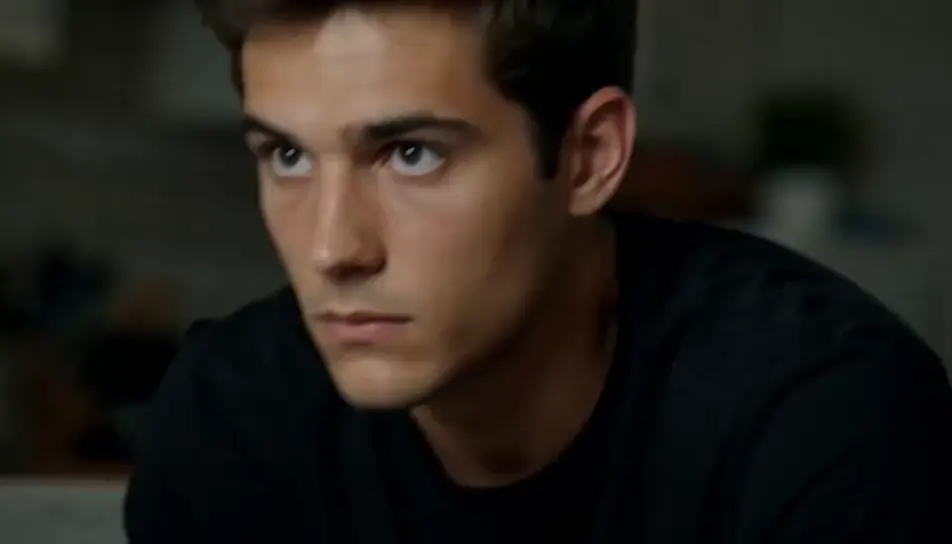
Direct reaction videos in your browser with Morphic's reaction AI video generator. Generate a double take under a practical lamp, or a hands-over-mouth gasp at a kitchen island, then cut the beats against your footage on Compose.
Leaning in, still, waiting for something off-frame. Then the glance away, the pause, and the head coming back fast with the eyes already ahead of the expression.
Editar promptThree friends in a dim room lit only by a blank screen. The reaction starts at one end and moves along the row, each person a beat behind the last, the final one loudest.
Editar prompt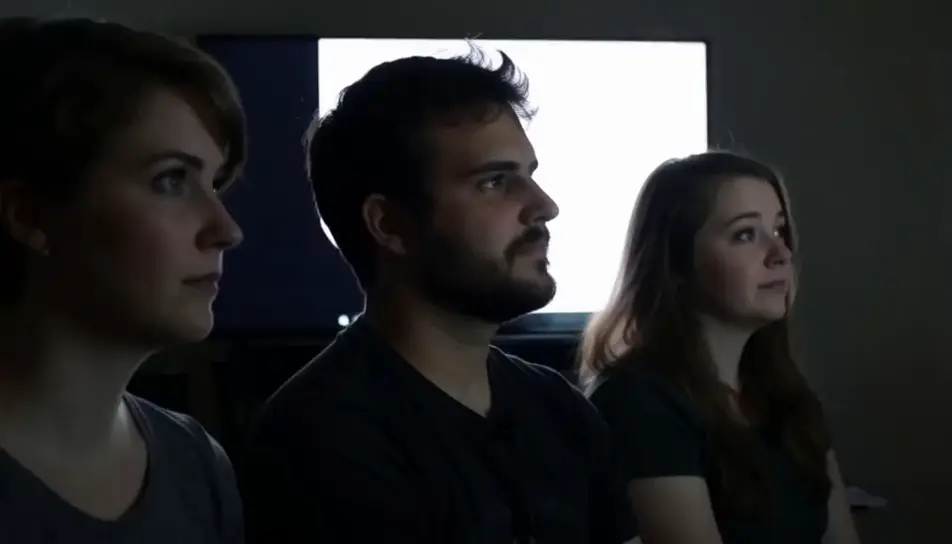
A face at a desk under flat office light, holding absolutely still while the shot refuses to cut. Nothing moves, nobody blinks, and the length is the punchline.
Editar prompt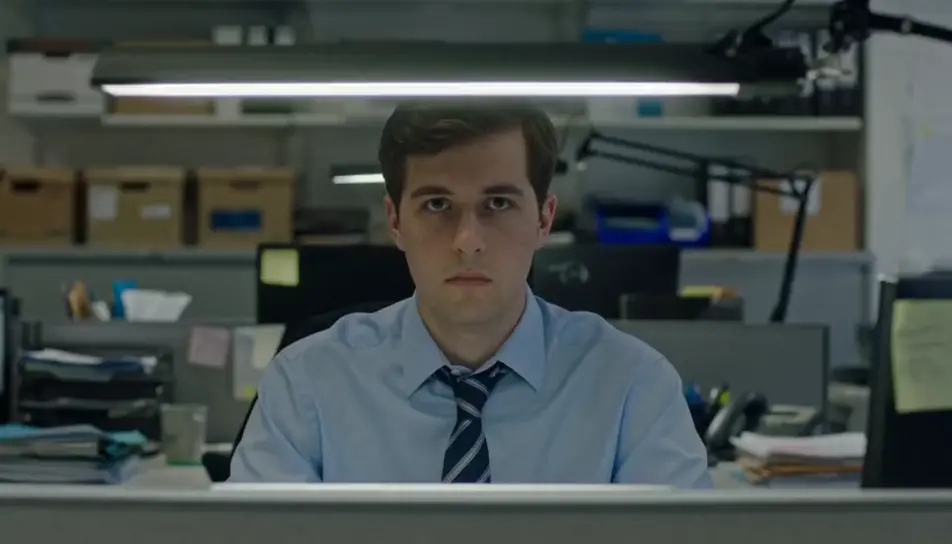
A booth, low amber light, and a body leaving the frame upward. Arms go up, the mouth opens, and everything around the figure stays where it was.
Editar prompt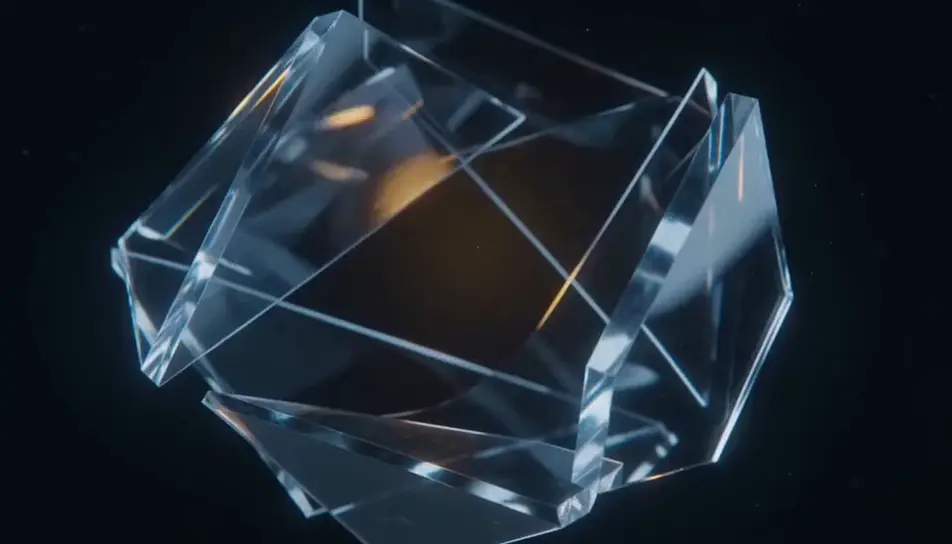
Escreva a cena de reaction que você quer, em poucas palavras.
A Morphic gera um clipe cinematográfico e pronto para uso no seu Canvas em segundos.
Ajuste o prompt, gere novas variações e depois baixe ou compartilhe a cena.

Dramatize any text conversation into a cinematic multi-shot video.
Cinematic time-freeze short film for any scene

Generate a professional film title card from scratch, with optional cinematic animation.
Photo of any real-estate becomes a cinematic renovation timelapse video with construction SFX and music.
One image to a 9-scene cinematic video.
Drop in a photo of yourself. Get a 12-second cinematic movie with animation and a matched soundtrack.
AI Prank videos
Generate AI prank videos with Morphic. Hidden-camera setups, harmless gags, jump-scare reveals, and laughing-reaction prompts that run in your browser.
AI Challenge videos
Generate AI challenge videos with Morphic. Rule setups, timed attempts, dramatic fails, and last-second win prompts that run end-to-end in your browser.
AI Taste Test videos
Generate AI taste test videos with Morphic. Blind-tasting reveals, first-bite reactions, slow-motion crunches, and ranking prompts that run in your browser.
AI short videos
Browse short videos and generate your own shots at the length, ratio and look the cut needs. Morphic makes video, image, voice and sound in one workspace.
Comece grátis hoje mesmo, com a opção de fazer upgrade ou cancelar quando quiser.
Basic
2400 mensal créditos
1 apenas usuário
Todos os modelos
Workflows
Standard
3625 mensal créditos
1 apenas usuário
Todos os modelos
Workflows
Pro
6350 compartilhado mensal créditos
1 usuário
Todos os modelos
Workflows
Max
24650 compartilhado mensal créditos
1 usuário
Todos os modelos
Workflows
Enterprise
Para limites maiores
Personalizado
termos de preços e cobrança

Free
Para experimentar
$0
grátis para sempre