Kumuluswolken über einer Stadt zur goldenen Stunde
Aufragende sonnenbeschienene Kumuluswolken, hoch aufgetürmt über einer detaillierten Stadtlandschaft, goldenes Licht streift die Dächer, ein Lens Flare fängt den höchsten Turm.
Prompt bearbeiten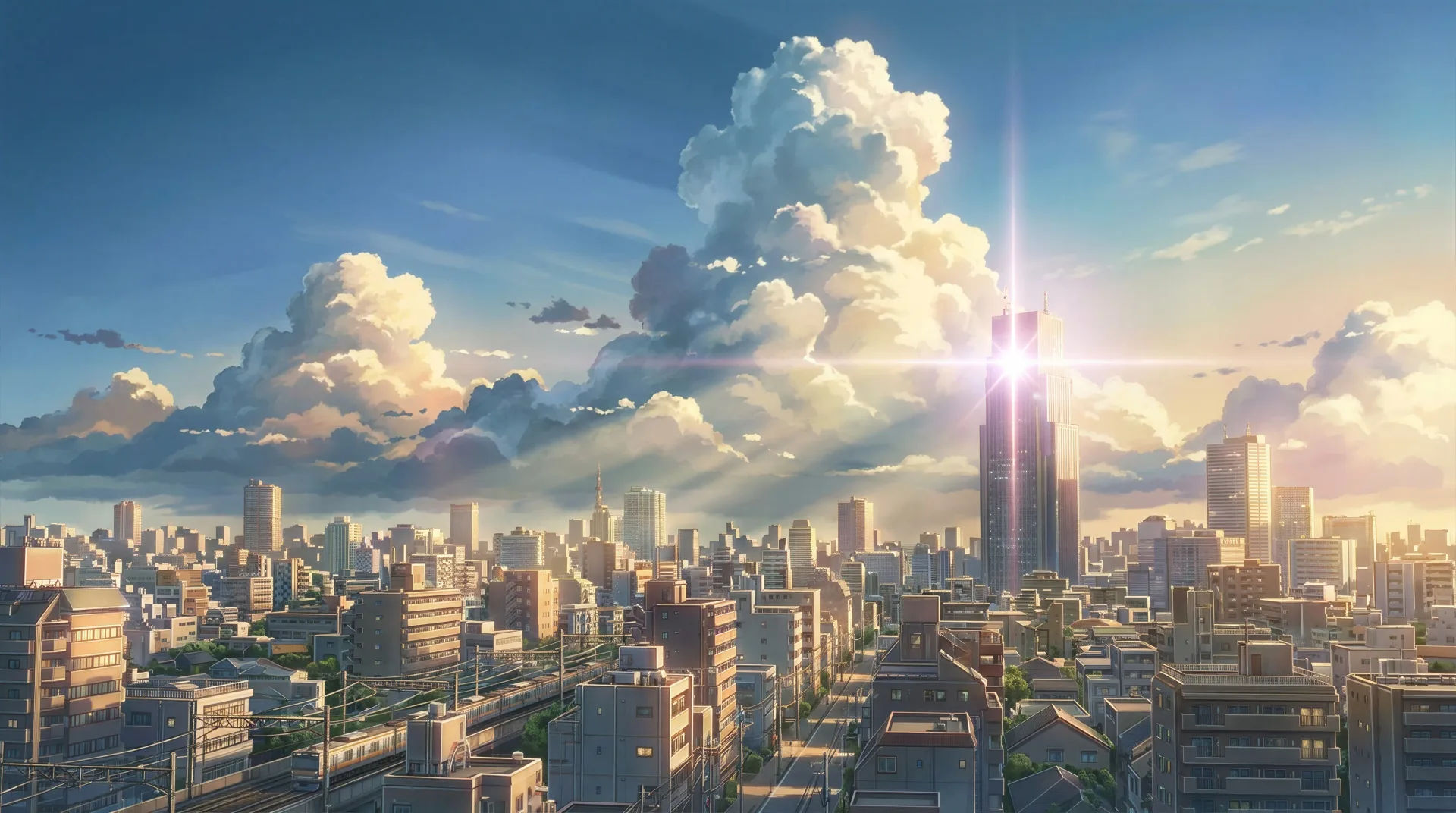
Malen Sie Kunst im Makoto-Shinkai-Stil direkt im Browser mit dem Makoto-Shinkai-KI-Bildgenerator von Morphic. Rendern Sie Kumulustürme über einer Stadt oder einen Bahnübergang bei Sonnenuntergang, halten Sie die Farbpalette dramatischer Himmel mit Style Transfer und animieren Sie dann jedes Standbild mit Image to Video.
Aufragende sonnenbeschienene Kumuluswolken, hoch aufgetürmt über einer detaillierten Stadtlandschaft, goldenes Licht streift die Dächer, ein Lens Flare fängt den höchsten Turm.
Prompt bearbeitenEin stiller vorstädtischer Bahnübergang unter einem brennenden orange-violetten Himmel, Signallichter leuchten, Oberleitungen zeichnen den tiefen Verlauf darüber nach.
Prompt bearbeiten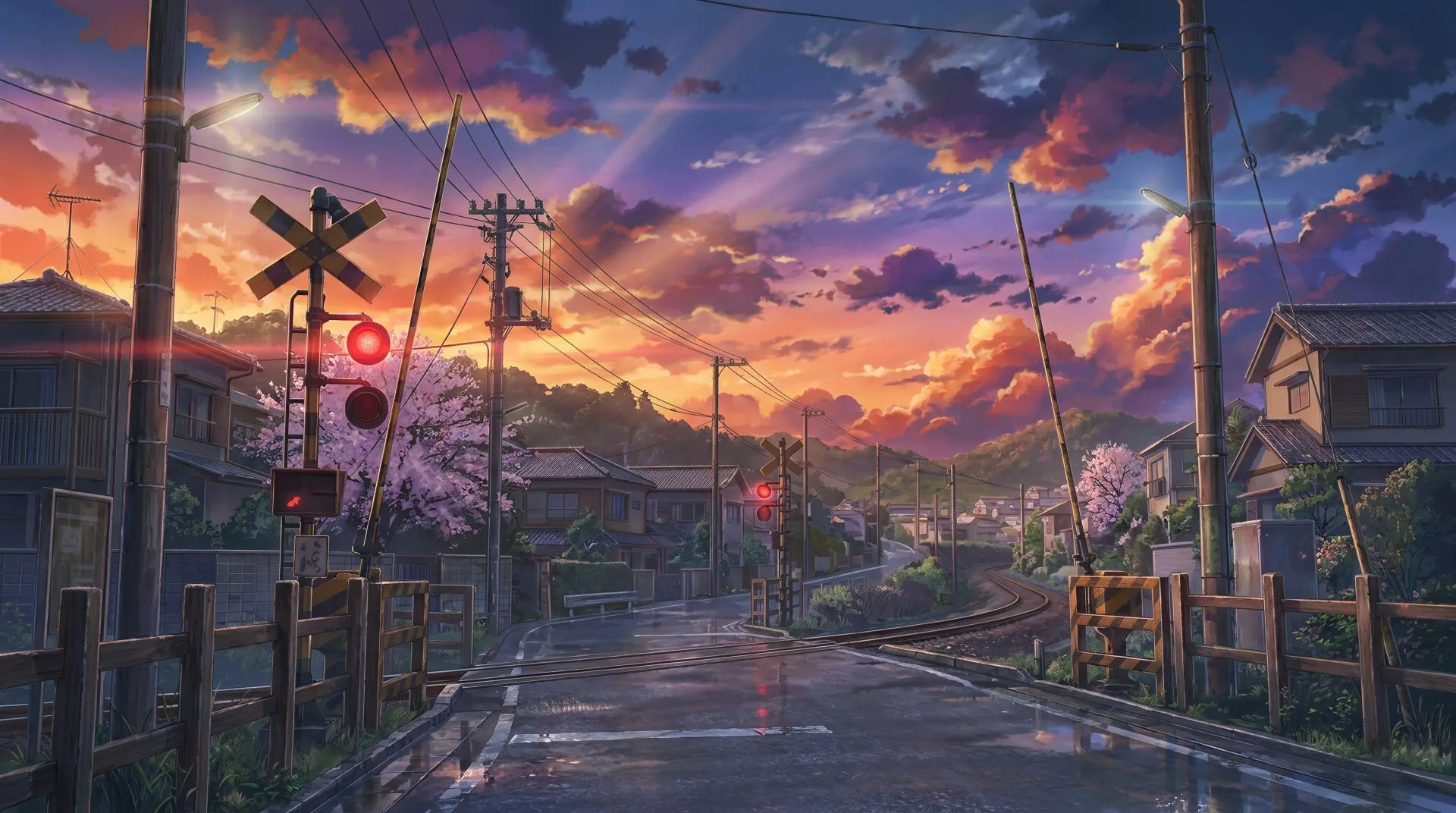
Eine kleine Stadt unter einem dichten Sternenfeld, die Milchstraße wölbt sich darüber, warme Fensterlichter verstreut darunter, ein tiefblauer atmosphärischer Dunst.
Prompt bearbeiten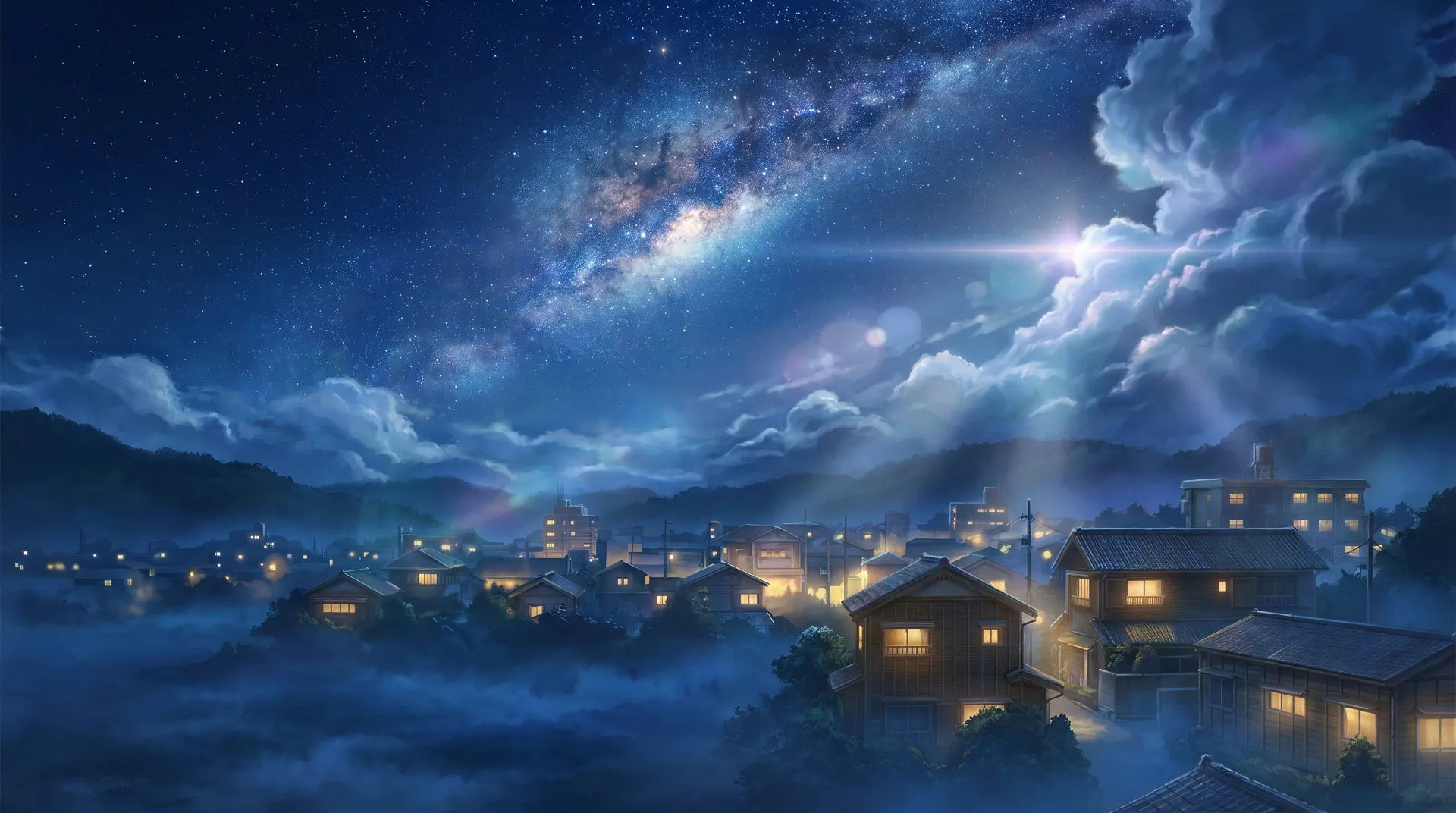
Eine vom Regen nasse Stadt, während die Sonne durch aufbrechende Wolken bricht, Pfützen spiegeln den Himmel, Lichtstrahlen fangen den Dunst über den Dächern.
Prompt bearbeiten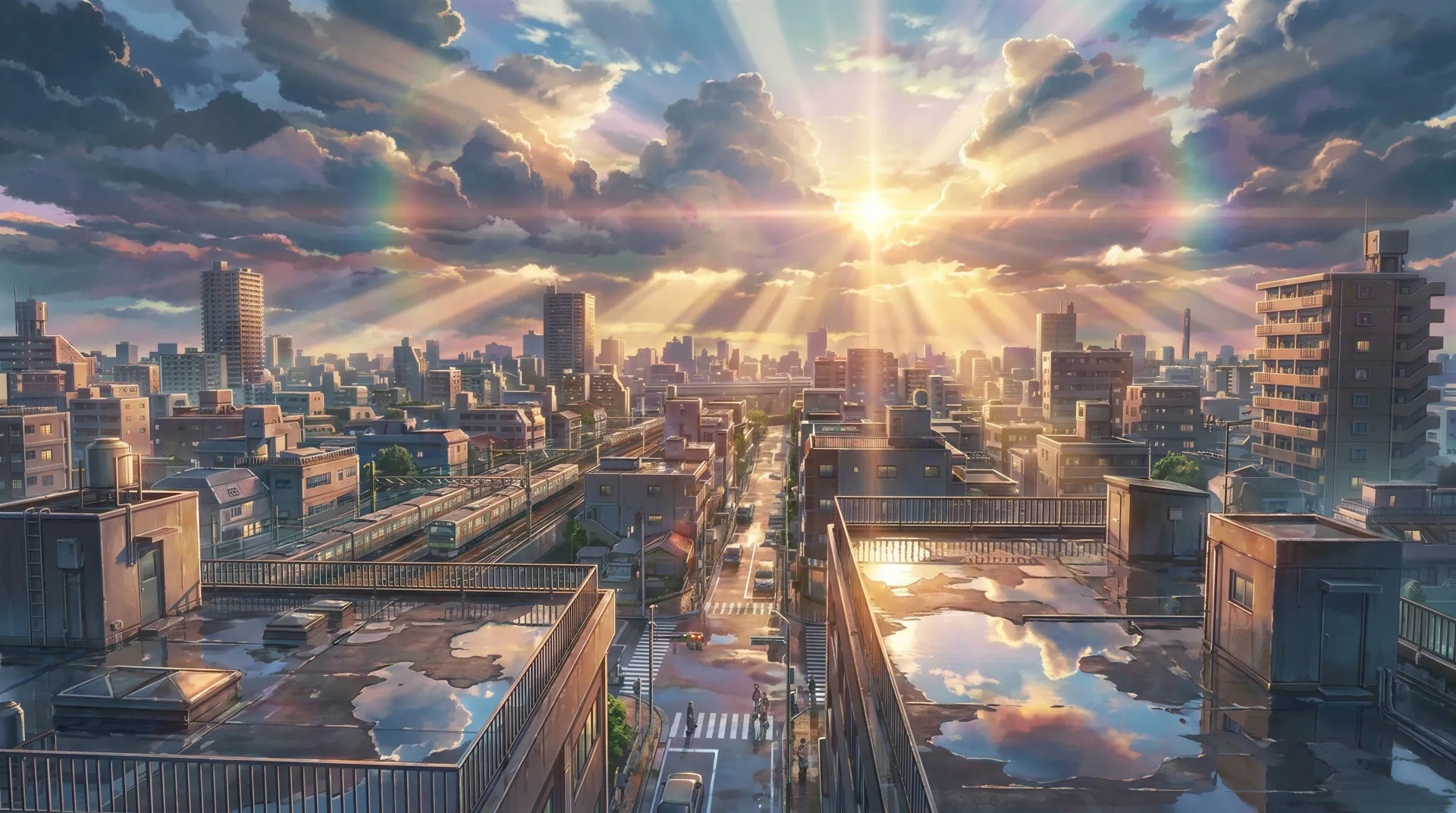
Beschreiben Sie das Makoto Shinkai, das Sie möchten, in einfachen Worten.
Morphic generiert in Sekunden ein sauberes, veröffentlichungsfertiges Bild auf Ihrer Canvas.
Passen Sie den Prompt an, generieren Sie Varianten und laden Sie das Bild herunter oder teilen Sie es.

Pick any anime illustration as your style guide. Apply its look to any image.

Turn any sketch or drawing into a finished render.

Take any character image and generate 6 distinct facial expressions on a single reference sheet.

All your characters on a single lineup image, side by side with height comparison.

Turn any photo or description into an animated chibi sprite. Dance, jump, wave, attack, and more.
Upload a character image and make it dance in any style.
Ghibli-Kunst-KI-Bilder
Erstellen Sie Kunst im Ghibli-Stil mit Morphic. Aquarelllandschaften, malerische Figuren, ruhige häusliche Interieurs und verträumte Illustrationsmomente aus einem Prompt.
Anime-Kunst KI-Bilder
Erstellen Sie Anime-Kunst mit Morphic. Charakterporträts, Keyvisual-Szenen, ausdrucksstarke Augen-Nahaufnahmen und vollständige Anime-Illustrationen aus einem einzigen Prompt generiert.
Lofi-Anime-Art-KI-Generator
Erstellen Sie Lofi-Anime-Art mit Morphic. Schreibtischszenen, verregnete Fenster, gemütliche Interieurs und ästhetische Illustrationen mit warmer Körnung aus einem einzigen Prompt.
Anime eyes AI drawings
Create AI anime eyes drawings with our anime eyes drawing generator. Find high-quality anime eyes drawings for any project in seconds.
Starten Sie noch heute kostenlos, mit der Option, jederzeit zu upgraden oder zu kündigen.
Basic
1100 monatliche Credits
1 Nutzer
Alle Modelle
Workflows
Standard
3625 monatliche Credits
1 Nutzer
Alle Modelle
Workflows
Pro
6350 gemeinsame monatliche Credits
1 Nutzer
Alle Modelle
Workflows
Pro Max
24650 gemeinsame monatliche Credits
1 Nutzer
Alle Modelle
Workflows
Enterprise
Für höhere Limits
Individuell
Preis- und Abrechnungsbedingungen

Free
Zum Ausprobieren
$0
dauerhaft kostenlos