Dach-Keyvisual bei Sonnenuntergang
Anime-Keyvisual: einsame Heldin auf einem Schuldach bei Sonnenuntergang, Bänder im Wind, magenta-goldener Himmel, Lens-Flare über dem oberen Bildrand, ferne Stadtdetails.
Prompt bearbeiten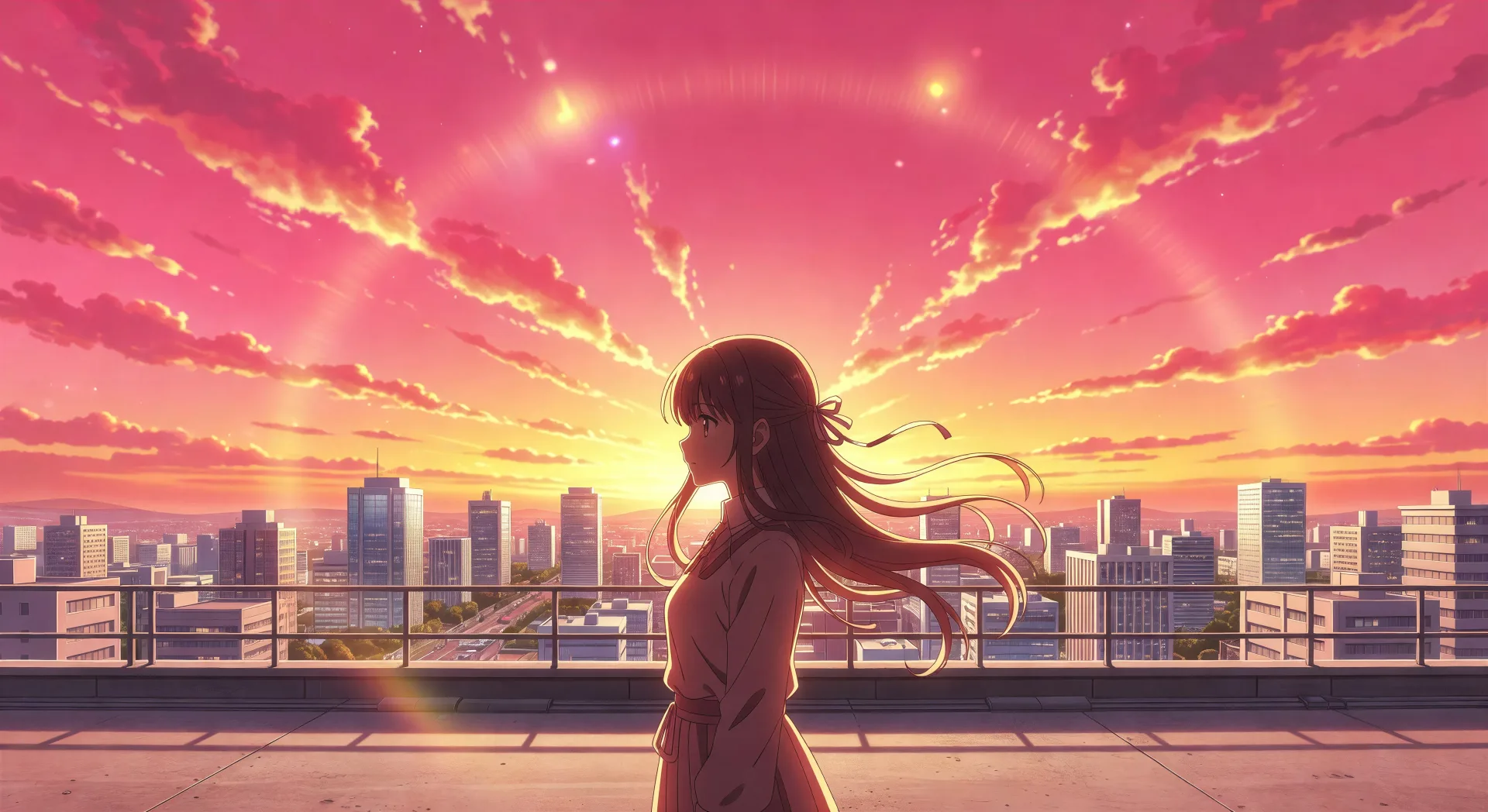
Gestalten Sie Anime-Kunst direkt im Browser mit dem KI-Bildgenerator von Morphic für Anime. Erschaffen Sie eine Heldin auf einem Dach bei Sonnenuntergang, ein Ensemble-Keyvisual oder eine Nahaufnahme eines einzelnen Auges. Halten Sie Charaktere mit Character Lineup konsistent und animieren Sie anschließend jedes Standbild mit Image to Video.
Anime-Keyvisual: einsame Heldin auf einem Schuldach bei Sonnenuntergang, Bänder im Wind, magenta-goldener Himmel, Lens-Flare über dem oberen Bildrand, ferne Stadtdetails.
Prompt bearbeitenEnsemble-Anime-Keyvisual, sechs Charaktere in dreieckiger Komposition angeordnet, die Protagonistin im Zentrum vorn, gemalter Himmel dahinter, sanfte Bloom-Kanten.
Prompt bearbeiten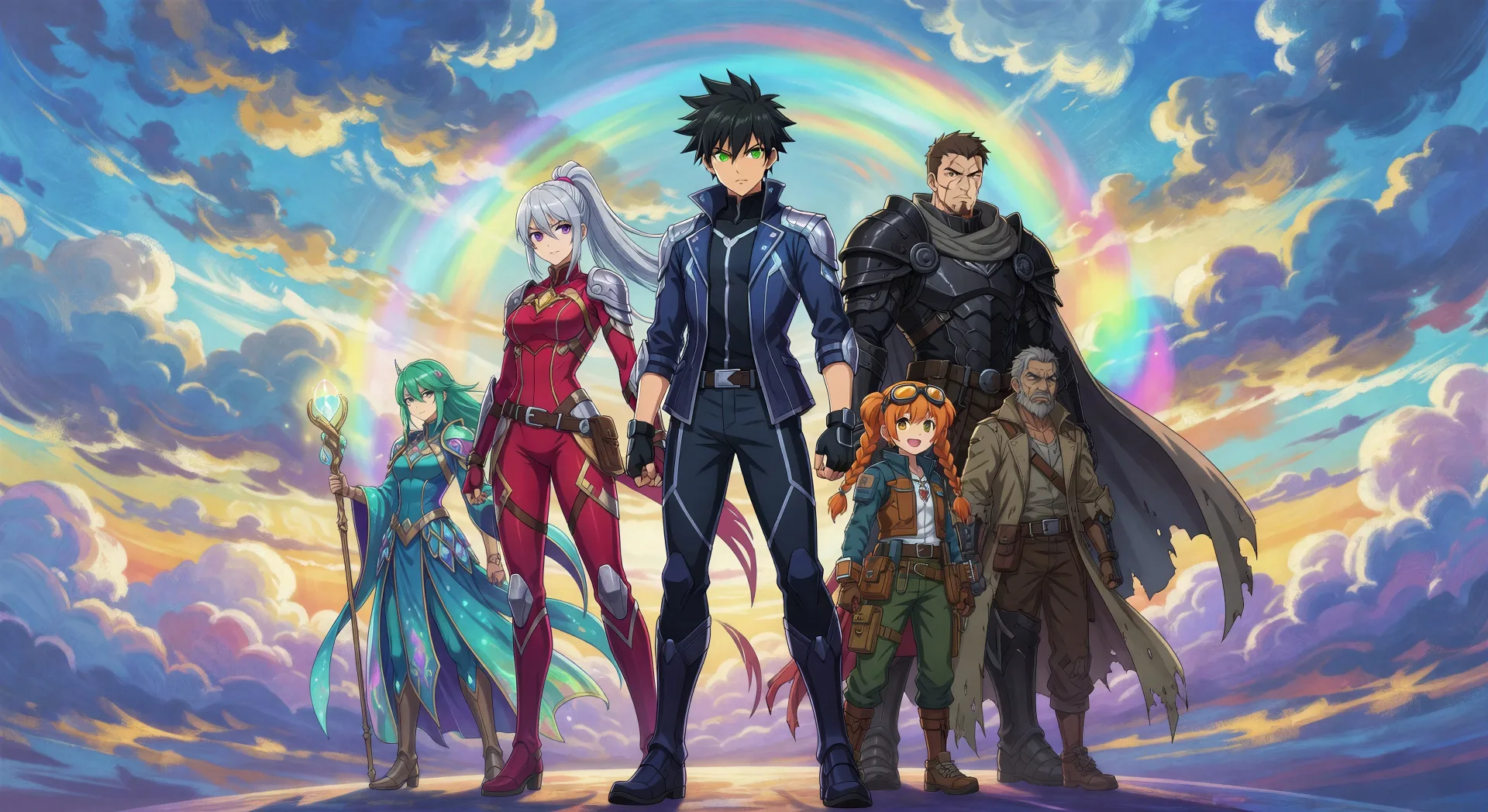
Ein langer Boulevard, gesäumt von voll blühenden Kirschbäumen, Blütenblätter fallen in langsamen Schwaden, eine einzelne Anime-Figur geht die Mitte entlang, weiches Nachmittagslicht.
Prompt bearbeiten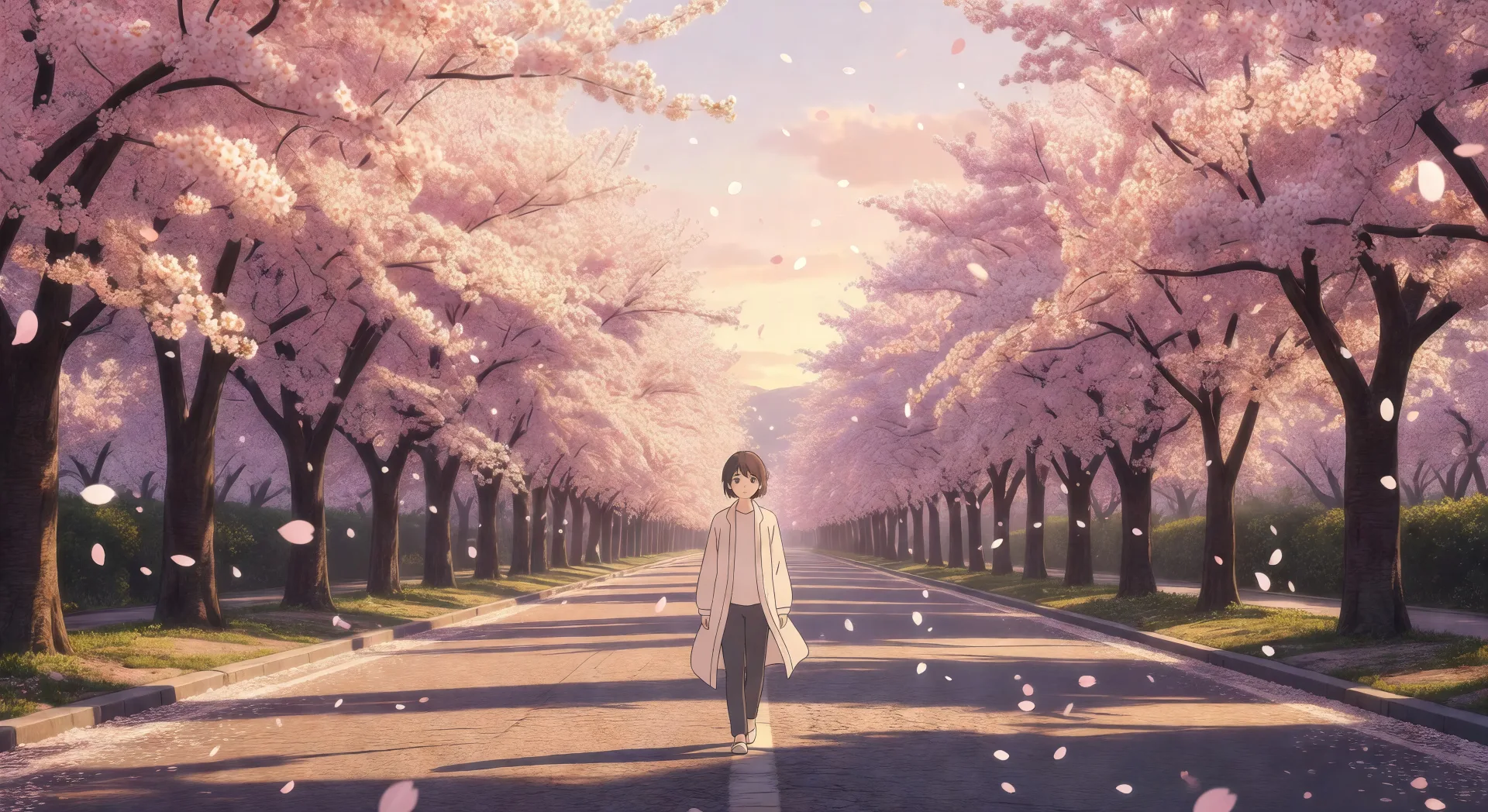
Ein Anime-Mädchen am Zugfenster in der Dämmerung, die Stirn ans Glas gelehnt, malerische Landschaft zieht unscharf vorbei, warmes Innenlicht des Waggons.
Prompt bearbeiten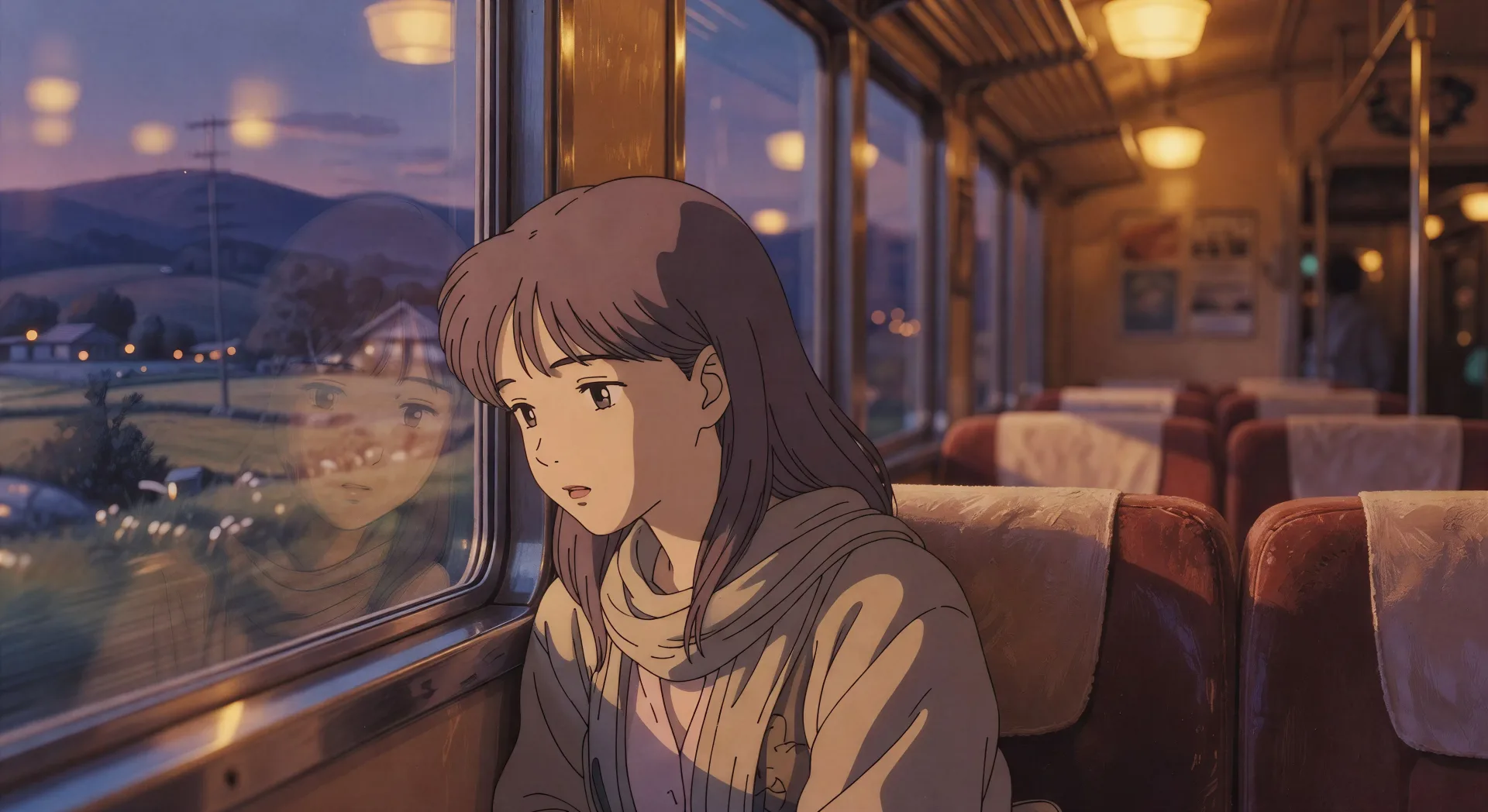
Beschreiben Sie das Anime-Kunst, das Sie möchten, in einfachen Worten.
Morphic generiert in Sekunden ein sauberes, veröffentlichungsfertiges Bild auf Ihrer Canvas.
Passen Sie den Prompt an, generieren Sie Varianten und laden Sie das Bild herunter oder teilen Sie es.

Pick any anime illustration as your style guide. Apply its look to any image.

Turn any sketch or drawing into a finished render.

Take any character image and generate 6 distinct facial expressions on a single reference sheet.

All your characters on a single lineup image, side by side with height comparison.

Turn any photo or description into an animated chibi sprite. Dance, jump, wave, attack, and more.
Reimagine any anime character as a photorealistic, high-fashion live-action portrait.
Manga KI-Bilder
Manga-Panels, Charakterdesigns und ganze Seiten mit KI erstellen. Shounen, Shoujo, Seinen und Slice-of-Life aus einem einzigen Prompt.
Manhwa-KI-Bilder
Erstellen Sie Manhwa-Panels, Charakterdesigns und ganze Episoden mit Morphic. Vertical-Scroll-koreanische-Webtoons in den Subgenres Regression, Hunter, Chaebol und Villainess aus einem einzigen Prompt.
Chibi-Kunst-KI-Bilder
Erstellen Sie Chibi-Kunst mit Morphic. Kawaii-Charaktere mit großem Kopf, tierische Begleiter, Sticker-Pack-Ausdrücke und Gruppen-Line-ups, generiert aus einem einzigen Prompt.
Magical-Girl-Art-KI-Bilder
Erstellen Sie Magical-Girl-Art mit Morphic. Sternenprinzessinnen, Schwerthexen, Heiler-Heilige, Maskottchen-Vertraute und vollständige Key-Visual-Kompositionen aus einem einzigen Prompt.
Starten Sie noch heute kostenlos, mit der Option, jederzeit zu upgraden oder zu kündigen.
Basic
2400 monatliche Credits
1 Nutzer
Alle Modelle
Workflows
Standard
3625 monatliche Credits
1 Nutzer
Alle Modelle
Workflows
Pro
6350 gemeinsame monatliche Credits
1 Nutzer
Alle Modelle
Workflows
Max
24650 gemeinsame monatliche Credits
1 Nutzer
Alle Modelle
Workflows
Enterprise
Für höhere Limits
Individuell
Preis- und Abrechnungsbedingungen

Free
Zum Ausprobieren
$0
dauerhaft kostenlos