Tauchbootabstieg an biolumineszenten Schloten vorbei
Ein Tauchboot fällt durch absolutes Schwarz, Thermalschlote darunter werfen blauweiße Fontänen überhitzten Wassers aus, biolumineszente Kreaturen ziehen am Rumpf vorbei.
Prompt bearbeiten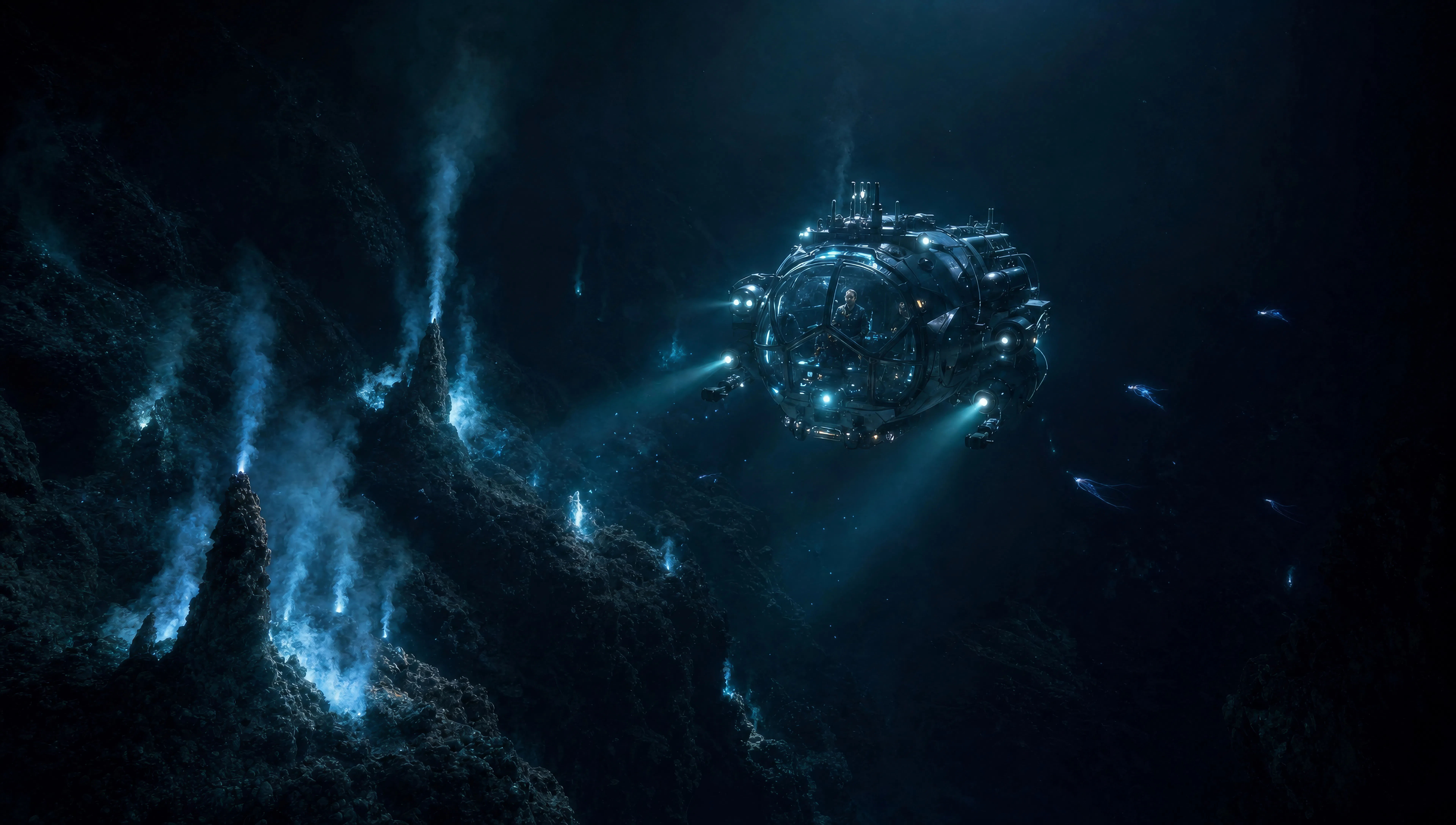
Inszenieren Sie Tiefsee-Epen in Ihrem Browser mit dem KI-Videogenerator im James-Cameron-Stil von Morphic. Erzeugen Sie ein Tauchboot, das an biolumineszenten Schloten vorbeigleitet, oder einen Marineinfanterie-Zug in phosphoreszierendem Dschungel, vertonen Sie jede Einstellung mit Speech und Music und fügen Sie dann eine kinoreife Episode zusammen.
Ein Tauchboot fällt durch absolutes Schwarz, Thermalschlote darunter werfen blauweiße Fontänen überhitzten Wassers aus, biolumineszente Kreaturen ziehen am Rumpf vorbei.
Prompt bearbeitenEin Trupp Marineinfanteristen bewegt sich bei Nacht im Gänsemarsch durch dichtes Unterholz, jede Pflanze strahlt ein kaltes blaugrünes Leuchten aus, keine Sicht jenseits von zehn Metern.
Prompt bearbeiten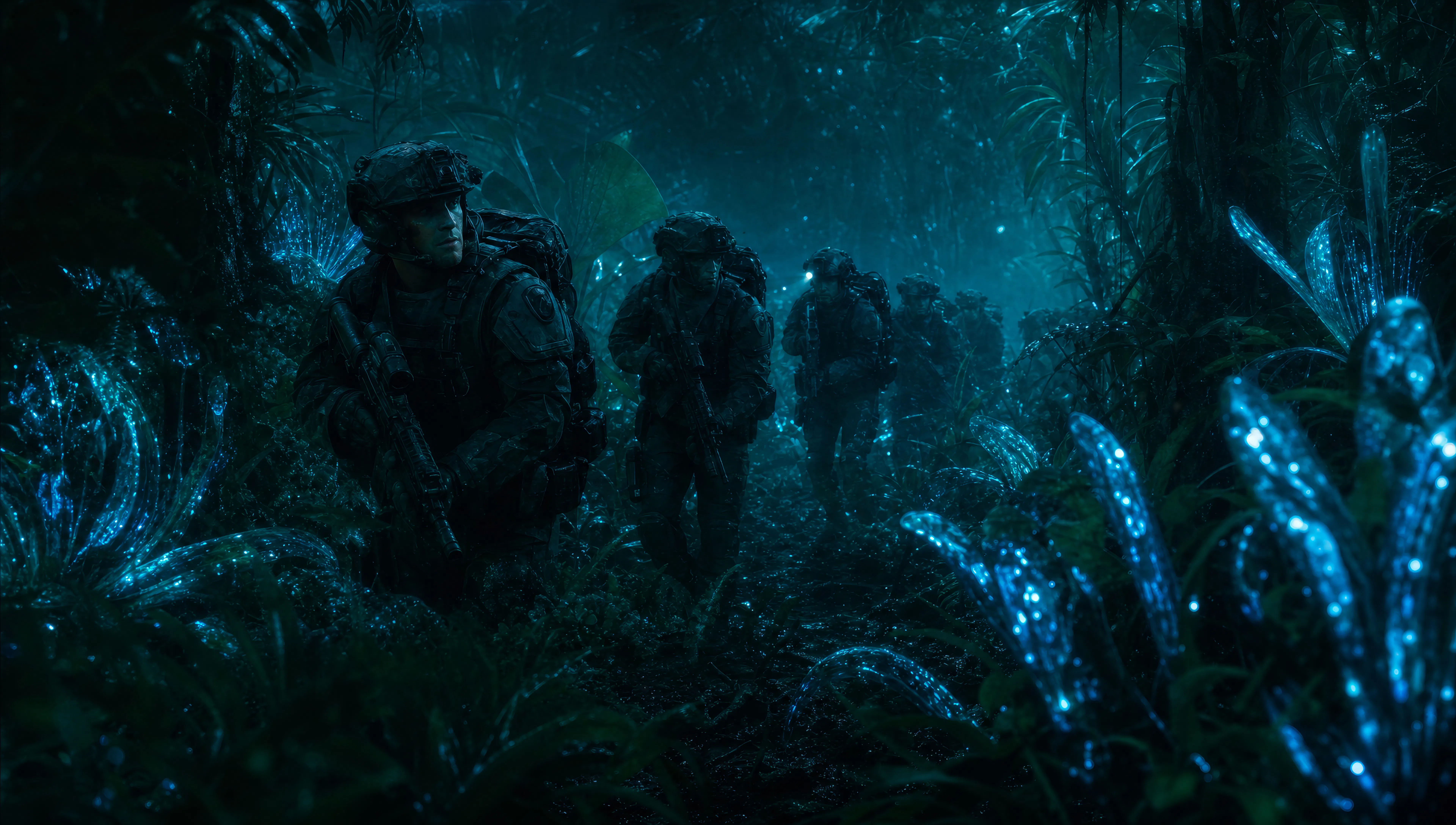
Zwei Gestalten stehen bei schwerem Wetter am Bug eines Forschungsschiffs, anamorphes Breitbild, graue Dünung, die hinter ihnen aufsteigt, der Horizont kippt.
Prompt bearbeiten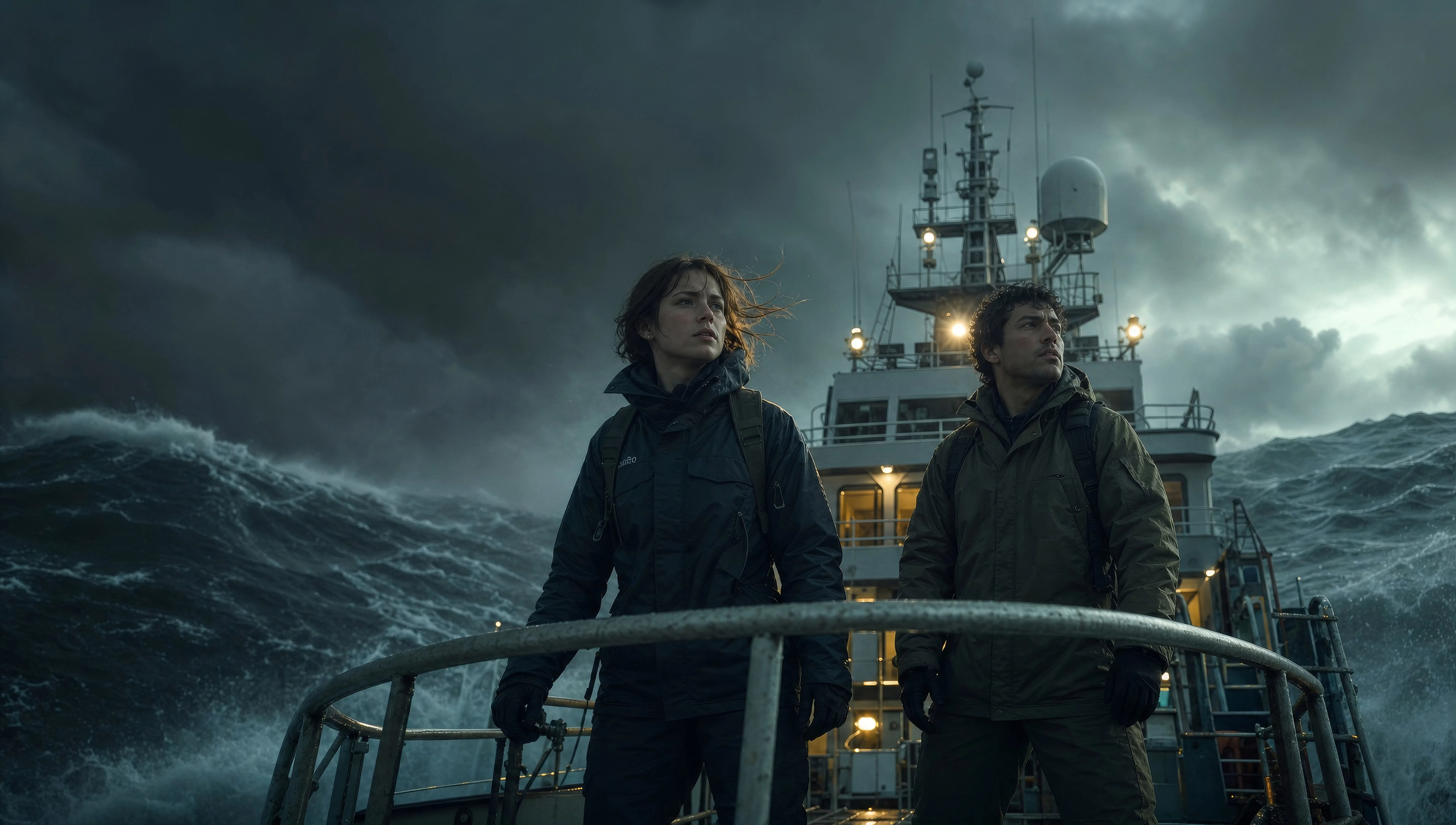
Forscher steht am Fuß eines kaskadierenden außerirdischen Wasserfalls, die gesamte Felswand blaugold leuchtend, das Wasser selbst lumineszierend, die Größe lässt die Gestalt winzig erscheinen.
Prompt bearbeiten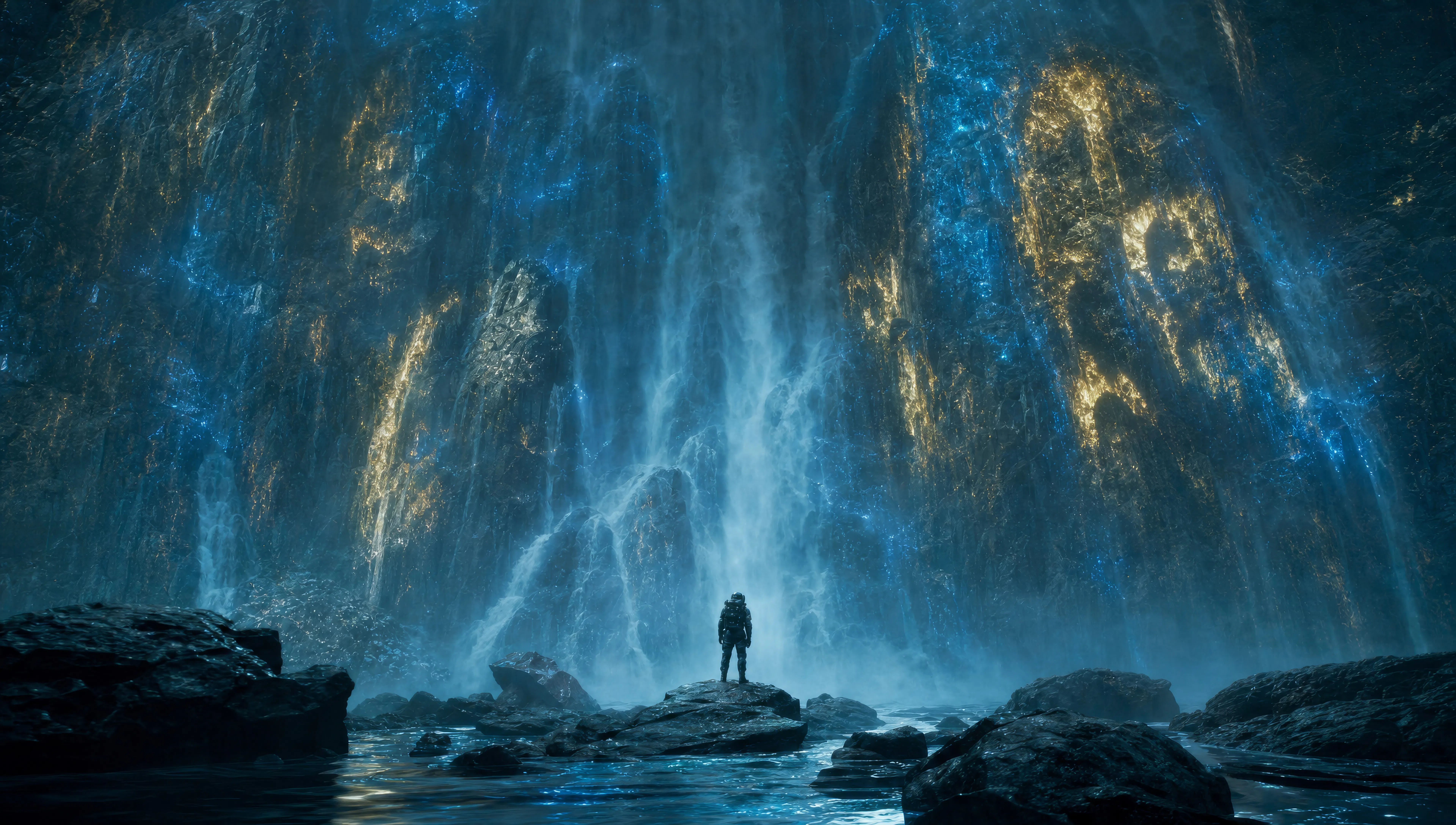
Beschreiben Sie die James Cameron-Szene, die Sie möchten, in einfachen Worten.
Morphic generiert in Sekunden einen filmreifen Clip auf Ihrer Canvas.
Passen Sie den Prompt an, generieren Sie Varianten und laden Sie die Aufnahme herunter oder teilen Sie sie.

Share a scene description with character references. Get a full storyboard with shot angles and mood.
One image to a 9-scene cinematic video.

Dramatize any text conversation into a cinematic multi-shot video.
Cinematic time-freeze short film for any scene
Drop in a photo of yourself. Get a 12-second cinematic movie with animation and a matched soundtrack.

Feed in a single image. Get 9 cinematic beats laid out as a 3x3 storyboard grid.
Christopher Nolan KI-Videos
Erzeugen Sie Videos im Stil von Christopher Nolan mit Morphic. IMAX-große Geografie, brutalistische Sets, zeitverbiegende Struktur und prompt-geführte Szenen, die Sie im Browser ausführen.
Fincher KI-Videos
Erzeugen Sie Videos im Fincher-Stil mit Morphic. Entsättigte Paletten, geometrische Bildkomposition, tiefe Schatten und prompt-geführte Szenen, die Sie in Ihrem Browser laufen lassen können.
Kubrick KI-Videos
Erzeugen Sie Videos im Stanley-Kubrick-Stil mit Morphic. Zentralperspektive, symmetrische Bildkomposition, langsame Zooms und Prompt-geführte Szenen, die Sie in Ihrem Browser ausführen können.
Anamorphe KI-Videos
Erzeugen Sie anamorphe Videos mit Morphic. 2.39:1-Bild, ovales Bokeh, blauer horizontaler Flare und Cooke-S4-, Hawk-V-Lite-, Master-Anamorphic-Prompt-Hinweise.
Starten Sie noch heute kostenlos, mit der Option, jederzeit zu upgraden oder zu kündigen.
Basic
1100 monatliche Credits
1 Nutzer
Alle Modelle
Workflows
Standard
3625 monatliche Credits
1 Nutzer
Alle Modelle
Workflows
Pro
6350 gemeinsame monatliche Credits
1 Nutzer
Alle Modelle
Workflows
Pro Max
24650 gemeinsame monatliche Credits
1 Nutzer
Alle Modelle
Workflows
Enterprise
Für höhere Limits
Individuell
Preis- und Abrechnungsbedingungen

Free
Zum Ausprobieren
$0
dauerhaft kostenlos