Render anamorphic looks in your browser with Morphic's anamorphic AI video generator. Generate a 2.39:1 desert highway with blue lens flare or oval bokeh around a tail-light, score the wide frame with Music, and cut an anamorphic short on the Canvas.

Anamorphic scenes you can direct

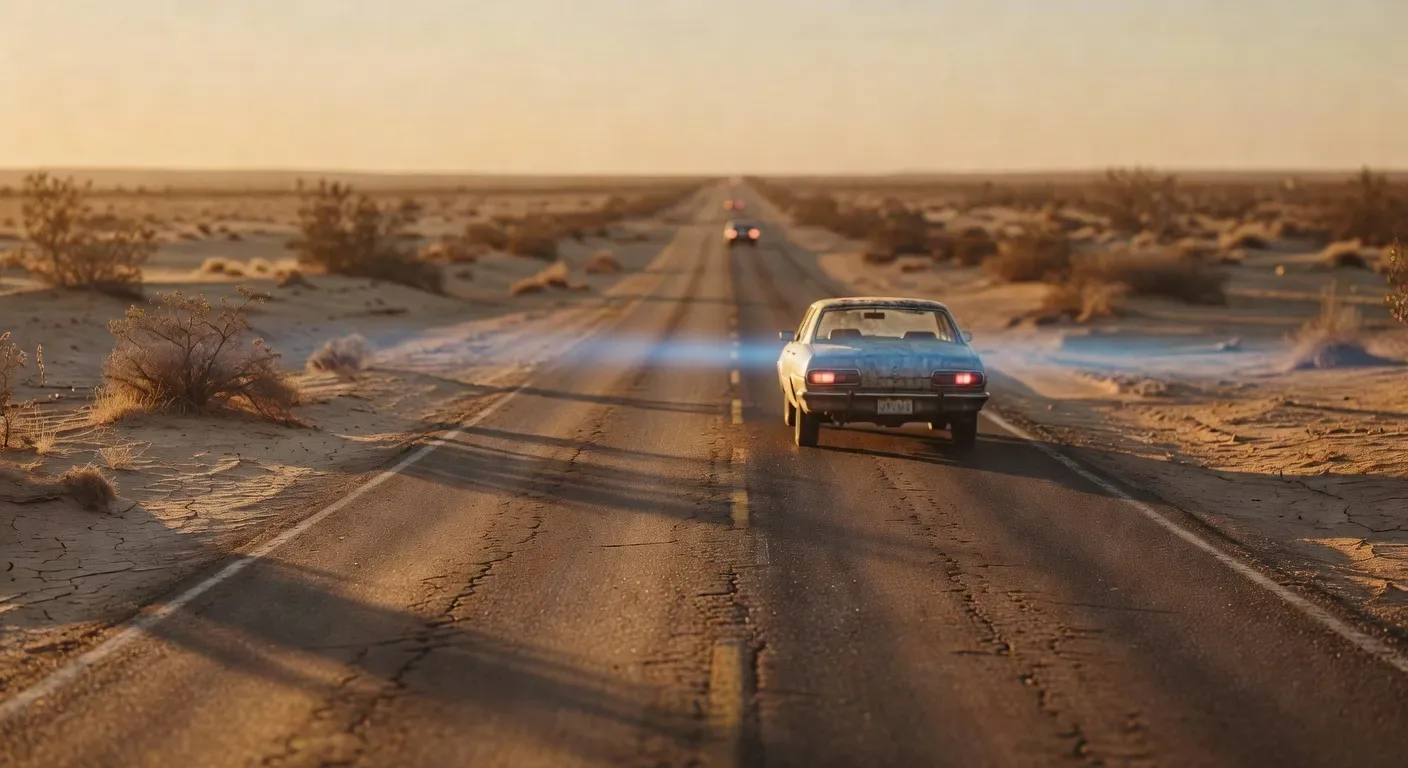
2.39:1 desert highway with blue horizontal flare

Wide 2.39:1 desert highway at golden hour, single oncoming car bleeding a horizontal blue streak flare across the frame, oval bokeh on the brake-light, ochre haze and side-rake light. Cooke S4 warm cream tonality.

Prompt bearbeiten
2.39:1 desert highway with blue horizontal flare

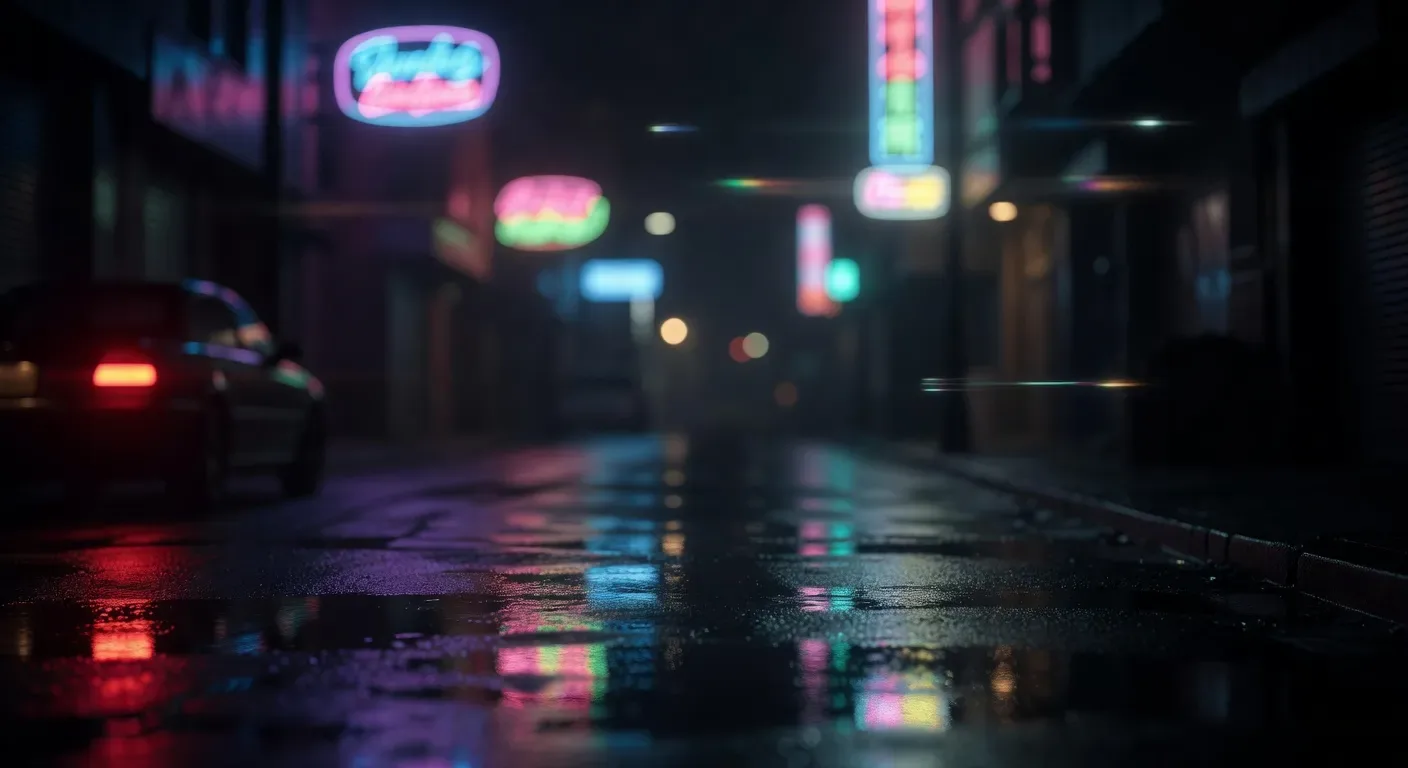
Oval bokeh around a single tail-light

Tight 2.39:1 night-street shot at f1.4 anamorphic, single red tail-light at the edge of frame rendering as an oval bokeh disc, neon signage softened into oval shapes in the background, slow rack focus.

Prompt bearbeiten
Oval bokeh around a single tail-light

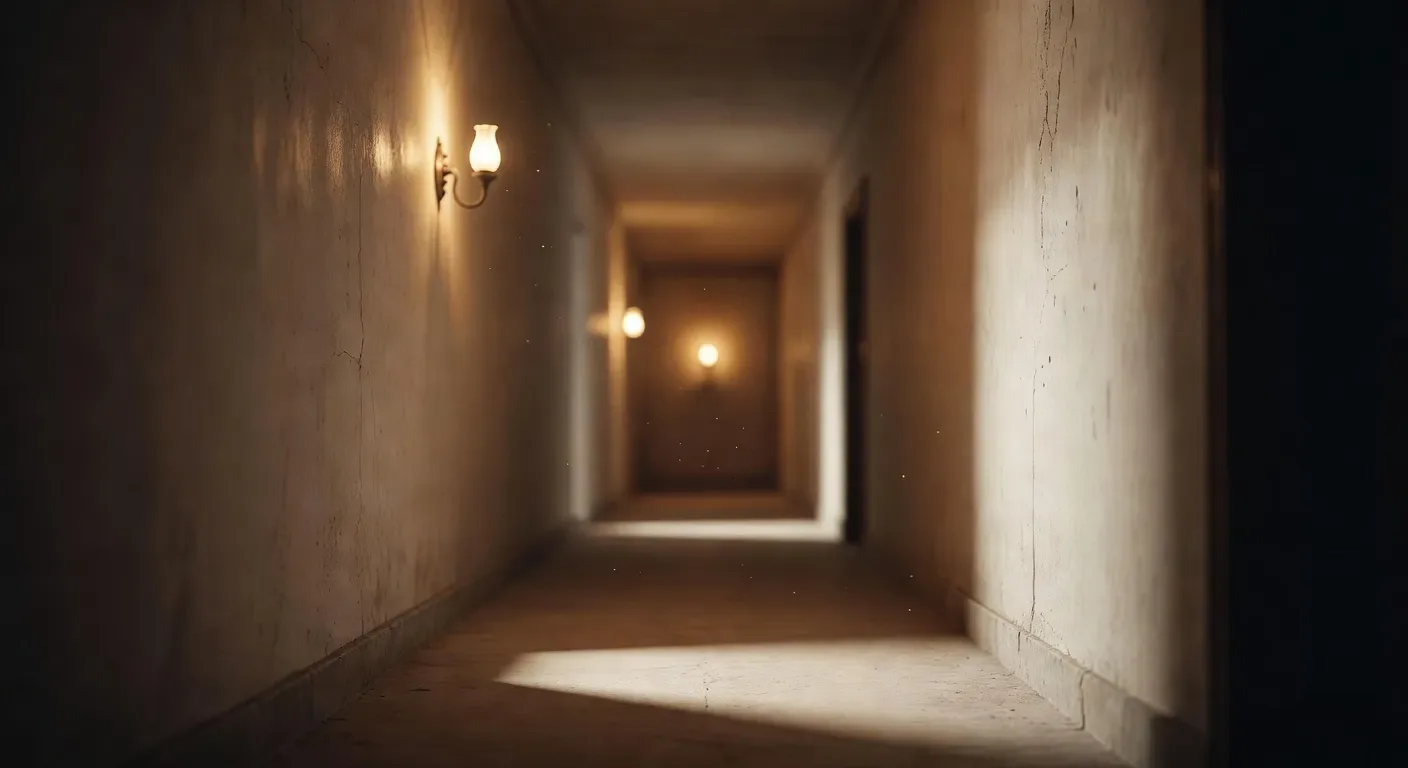
Cooke S4 corridor squeeze hold

2.39:1 corridor hold from chest height, Cooke S4 warm cream skin tones, gentle barrel distortion at the edges of the frame, single practical sconce on the back wall, slow tracking dolly forward.

Prompt bearbeiten
Cooke S4 corridor squeeze hold

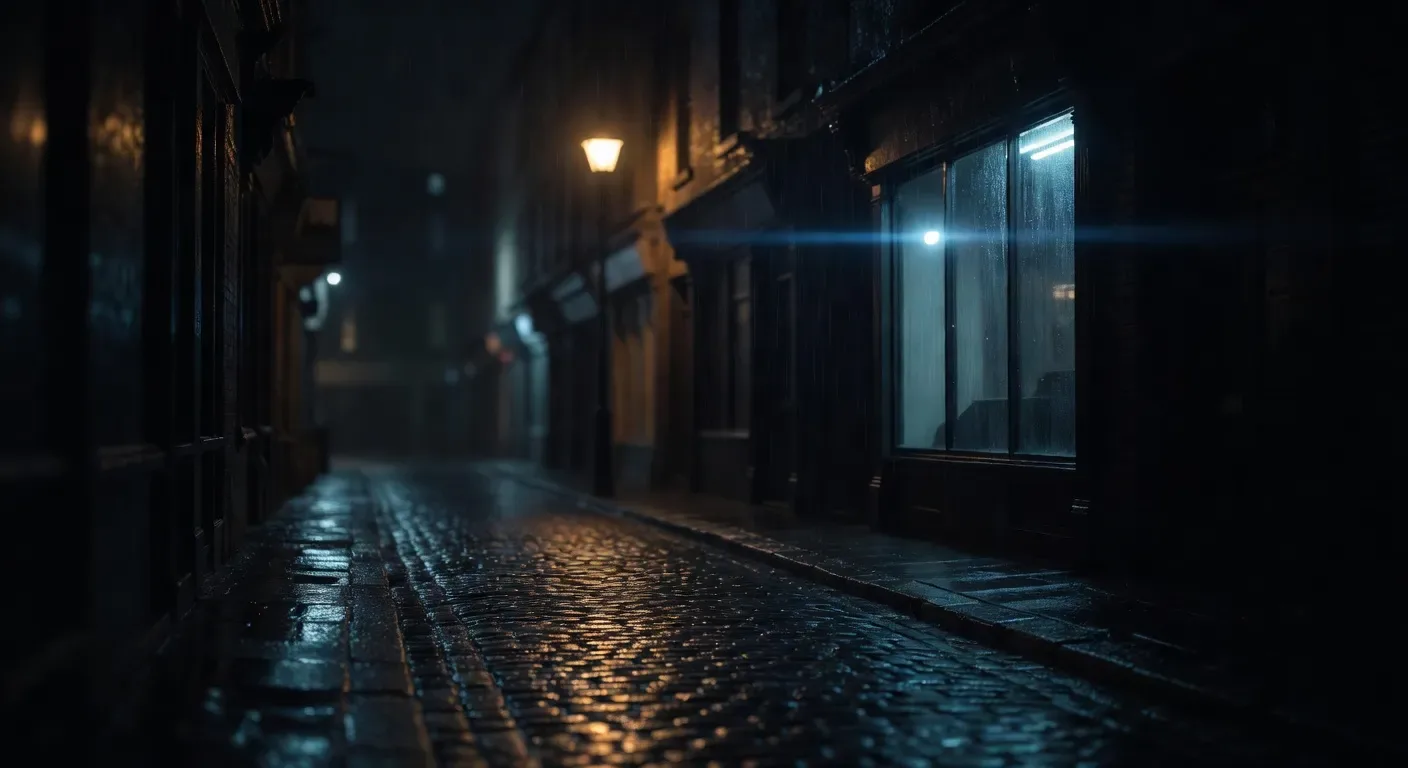
Hawk V-Lite shop window with sodium-vapour flare

2.39:1 night street at 2am, single sodium-vapour street lamp throwing a horizontal blue flare across an empty shop window, Hawk V-Lite cool tonality, rain on the asphalt, slow tracking pan.

Prompt bearbeiten
Hawk V-Lite shop window with sodium-vapour flare

anamorphic-Videos in drei Schritten erstellen

  1. 01

    Beschreiben Sie Ihre anamorphic-Szene

    Beschreiben Sie die anamorphic-Szene, die Sie möchten, in einfachen Worten.

  2. 02

    Video generieren

    Morphic generiert in Sekunden einen filmreifen Clip auf Ihrer Canvas.

  3. 03

    anamorphic-Video verfeinern

    Passen Sie den Prompt an, generieren Sie Varianten und laden Sie die Aufnahme herunter oder teilen Sie sie.

Verwandte Workflows

Das könnte Ihnen auch gefallen

Einfache Preise

Starten Sie noch heute kostenlos, mit der Option, jederzeit zu upgraden oder zu kündigen.

Basic

$0/ Monat
abgerechnet als $0 pro Jahr

900 monatliche Credits

1 Nutzer

Alle Modelle

Workflows

Standard

$0/ Monat
abgerechnet als $0 pro Jahr

3200 monatliche Credits

1 Nutzer

Alle Modelle

Workflows

Pro

$0/ Monat
abgerechnet als $0 pro Jahr

6200 gemeinsame monatliche Credits

1 Nutzer

+ bis zu 4 weitere gegen Aufpreis

Alle Modelle

Workflows

Pro Max

$0/ Monat
abgerechnet als $0 pro Jahr

24000 gemeinsame monatliche Credits

1 Nutzer

+ bis zu 9 weitere gegen Aufpreis

Alle Modelle

Workflows

Enterprise

Für höhere Limits

Individuell

Preis- und Abrechnungsbedingungen

Unbegrenzte Credits
Individuelle Platzlimits
Alle Modelle
Workflows
Pricing Gradient

Free

Zum Ausprobieren

$0

dauerhaft kostenlos

Bis zu 20 Credits
Nur 1 Nutzer
Eingeschränkte Modelle
Workflows

Häufig gestellte Fragen

Where can I make anamorphic videos with AI?
You can create anamorphic-style scenes directly in your browser on Morphic. Open the Text to Video tool, name the 2.39:1 frame, the lens character (oval bokeh, horizontal blue flare, 2x squeeze), and the glass cue, and Morphic produces the clip. No installs and no specialist software needed.
What is the anamorphic look in AI video?
Anamorphic is a lensing language with four signature traits: a wide 2.39:1 frame, oval (not round) bokeh in defocused highlights, horizontal blue streak flare across bright sources, and a gentle barrel distortion at the edges of the frame. In AI video you do not have a physical lens, so you specify the traits in the prompt and the model composes for the look. Naming all four anchors anamorphic instead of generic widescreen.
How do I prompt for the horizontal blue flare in an anamorphic video?
Specify the source, the colour, and the streak length. For example: "single oncoming headlight bleeding a horizontal blue streak flare across the full width of the 2.39:1 frame, lens distortion gentle at the edges." Naming the streak as horizontal (not radial) and as blue (not white) is what cues the anamorphic flare instead of a generic lens flare.
How do I get oval bokeh in an anamorphic video?
Specify the bokeh shape directly. For example: "single red tail-light rendering as an oval bokeh disc, neon signage softened into oval shapes in the background, anamorphic lens character." Calling the bokeh "oval" or "elliptical" rather than "round" is the cue. Reinforce with a wide aperture descriptor (f1.4 anamorphic, shallow focus) so the bokeh dominates the defocused area.
Which anamorphic lens reference should I use in my prompts?
Three references cover most stylistic intent. Cooke S4/i for warm cream tonality and friendly skin tones (Sicario, A Star is Born). Hawk V-Lite for cooler character and a more clinical contrast (No Country for Old Men). Atlas Orion for punchier modern character (Decision to Leave). Arri Master Anamorphic for cleaner large-format work (Tenet, Oppenheimer). Name one in the prompt to anchor the tonal register.
Can I render at the full 2.39:1 anamorphic frame on Morphic?
Yes. Specify "2.39:1" in the prompt and Morphic composes the shot for the wide cinematic frame. You can also set the aspect ratio explicitly when generating, and pair the shot with the Music tool to score across the full wide frame.