Regendurchtränkter Dorfplatz im Morgengrauen
Schlammiger Dorfplatz in schwerem anhaltendem Regen, drei Gestalten in dunklen Roben stehen auseinander in einem Dreieck, Holzgebäude dahinter, Teleobjektiv-Kompression.
Prompt bearbeiten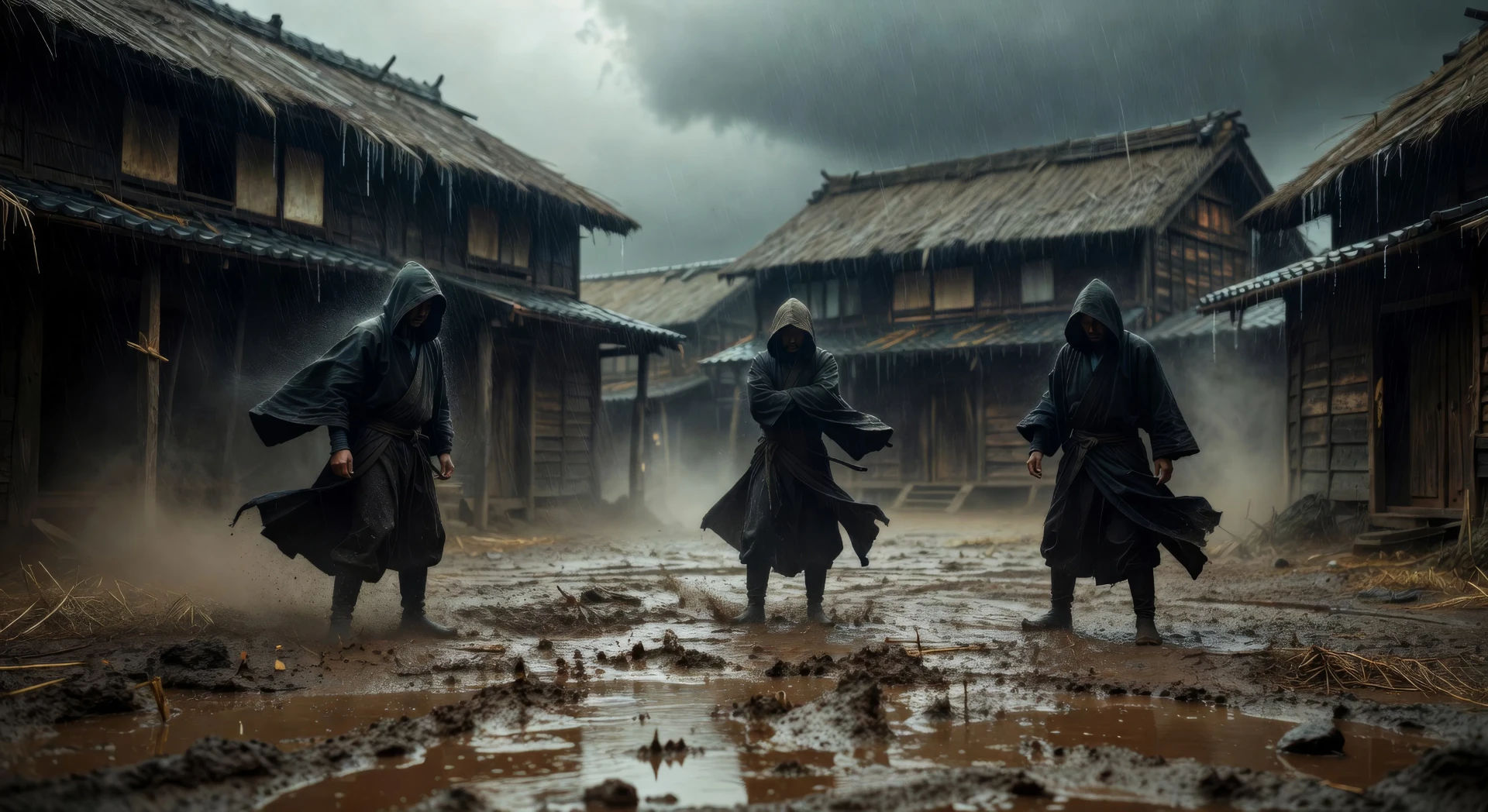
Inszenieren Sie das elementare Drama von Akira Kurosawa in Ihrem Browser mit dem KI-Videogenerator im Kurosawa-Stil von Morphic. Erzeugen Sie einen regendurchtränkten Dorfplatz im Morgengrauen oder ein Duell im Bambushain, legen Sie mit Music eine Taiko-Untermalung an und schneiden Sie dann ein historisches Epos im Canvas.
Schlammiger Dorfplatz in schwerem anhaltendem Regen, drei Gestalten in dunklen Roben stehen auseinander in einem Dreieck, Holzgebäude dahinter, Teleobjektiv-Kompression.
Prompt bearbeitenZwei Schwertkämpfer stehen einander über einen Bambushain hinweg gegenüber, niedrige horizontale Kamera, Wind bewegt den Bambus, bevor sich eine der Gestalten regt, Staubkörnchen in Lichtstrahlen.
Prompt bearbeiten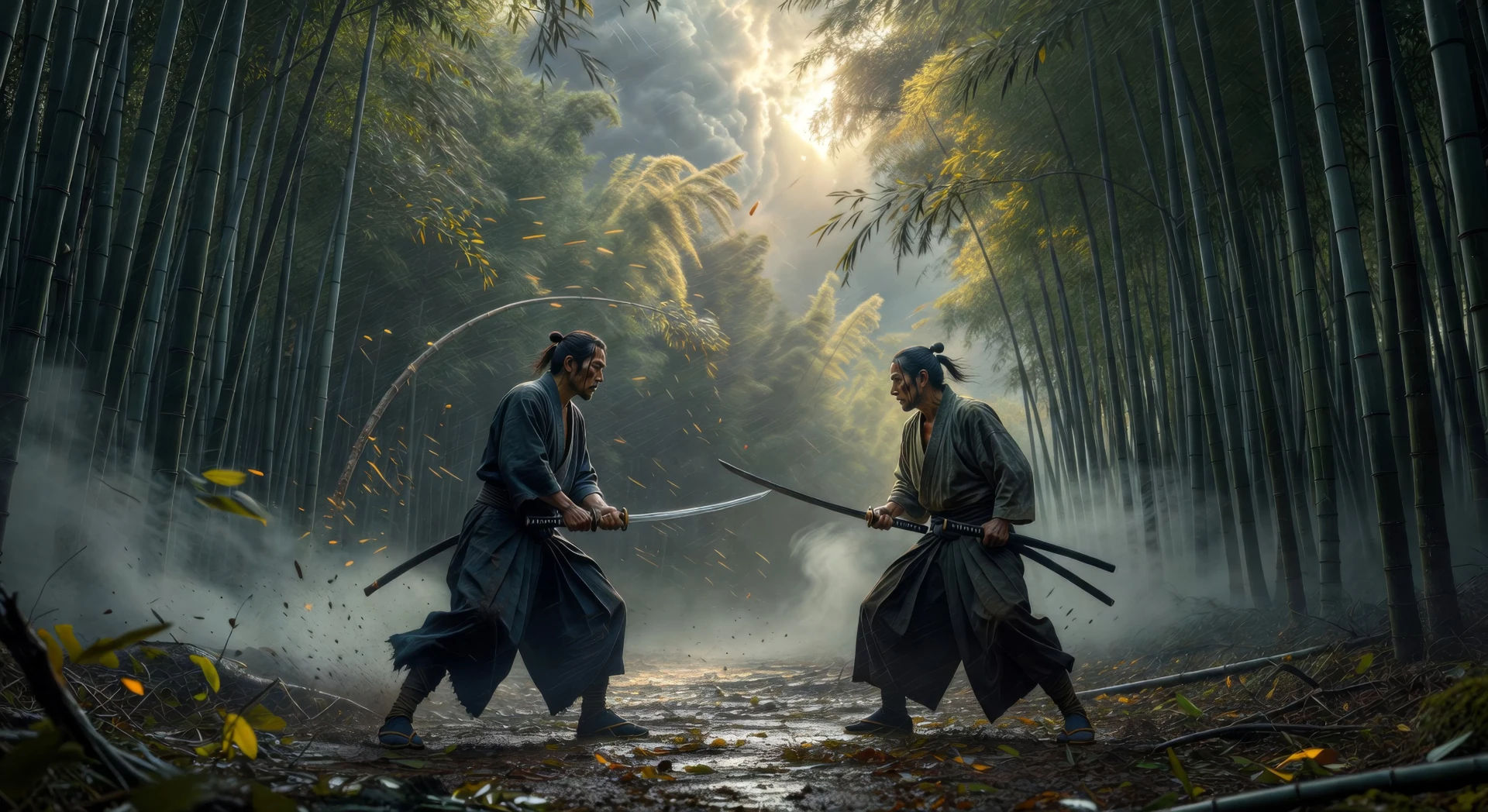
Zwei Gestalten an gegenüberliegenden Enden eines weiten Klippenplateaus, Banner peitschen im schweren Wind, Nebel steigt aus dem Tal darunter, feststehendes Teleobjektiv.
Prompt bearbeiten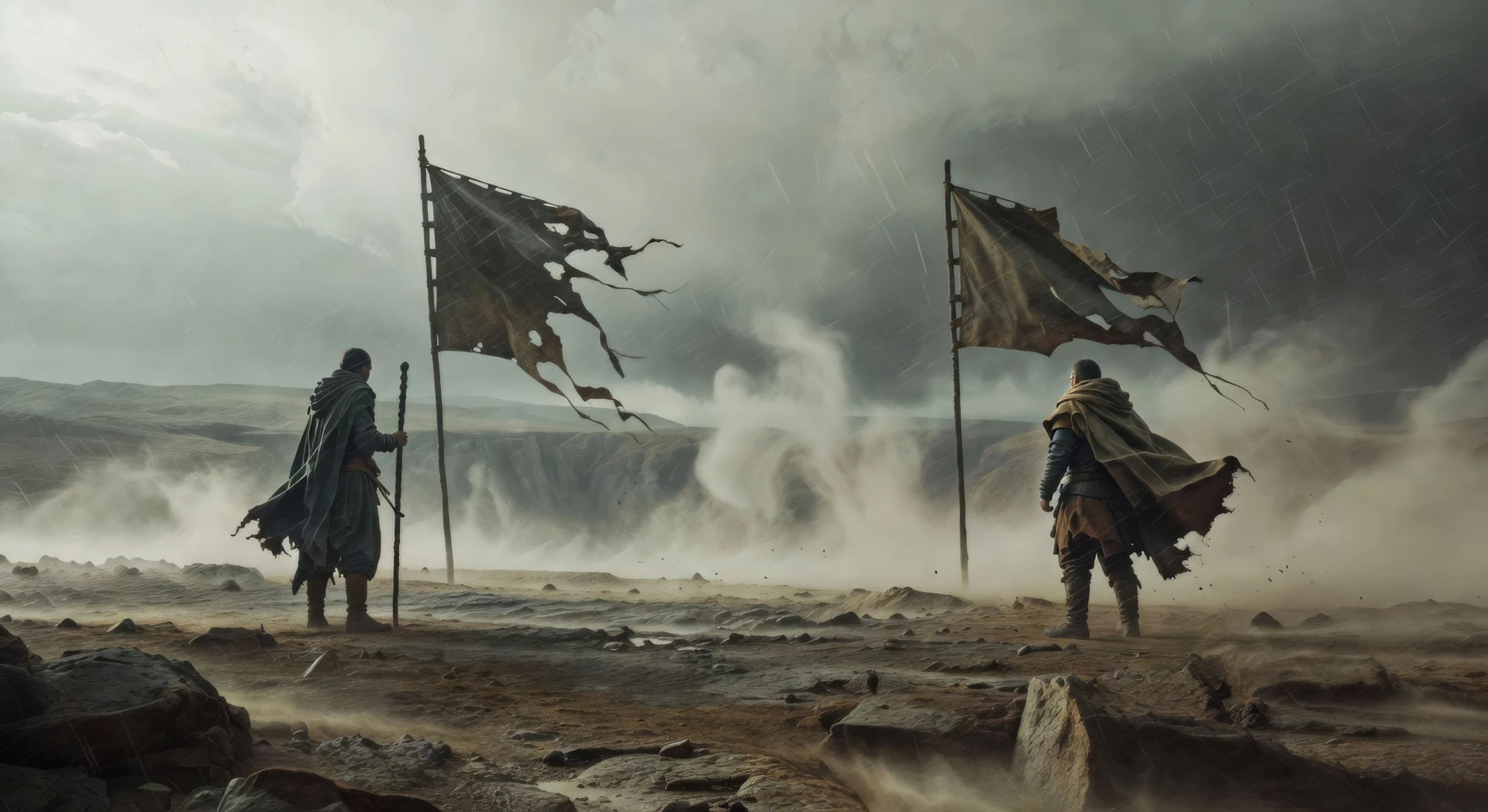
Holzgerahmte Kammer, allein von Bodenlaternen erleuchtet, drei Gestalten knien um eine zentrale Schriftrolle, Papierschirme dahinter, ein einzelner Strahl Mondlicht auf dem Boden.
Prompt bearbeiten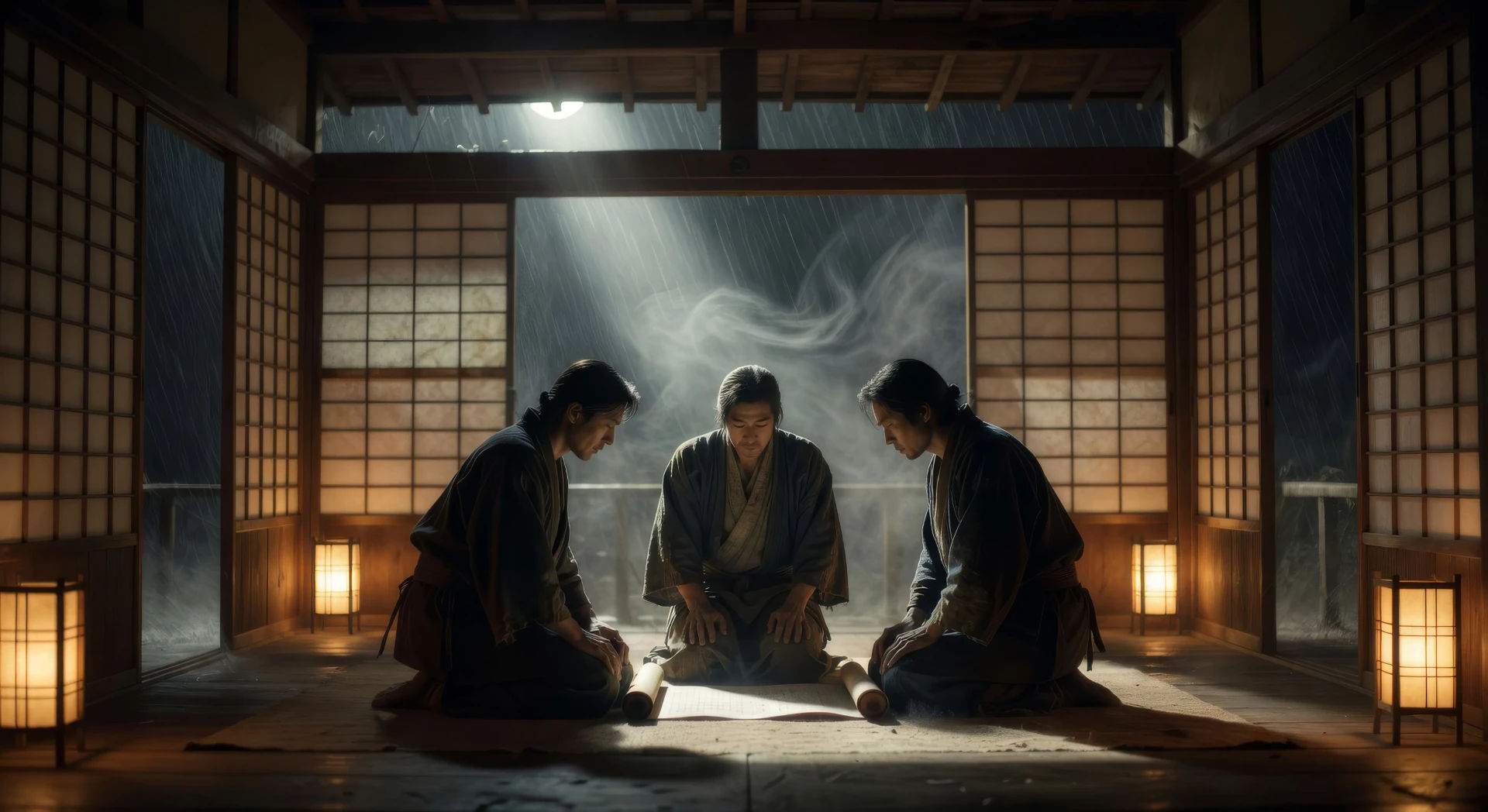
Beschreiben Sie die Kurosawa-Szene, die Sie möchten, in einfachen Worten.
Morphic generiert in Sekunden einen filmreifen Clip auf Ihrer Canvas.
Passen Sie den Prompt an, generieren Sie Varianten und laden Sie die Aufnahme herunter oder teilen Sie sie.

Share a scene description with character references. Get a full storyboard with shot angles and mood.
One image to a 9-scene cinematic video.

Dramatize any text conversation into a cinematic multi-shot video.
Cinematic time-freeze short film for any scene
Drop in a photo of yourself. Get a 12-second cinematic movie with animation and a matched soundtrack.

Feed in a single image. Get 9 cinematic beats laid out as a 3x3 storyboard grid.
Wong Kar Wai KI-Videos
Erzeugen Sie Videos im Wong-Kar-Wai-Stil mit Morphic. Step-Printing-Bewegung, Neon-Nächte in Hongkong, gesättigte Farben und Prompt-geführte Szenen, die Sie in Ihrem Browser ausführen können.
Kubrick KI-Videos
Erzeugen Sie Videos im Stanley-Kubrick-Stil mit Morphic. Zentralperspektive, symmetrische Bildkomposition, langsame Zooms und Prompt-geführte Szenen, die Sie in Ihrem Browser ausführen können.
Amaterasu KI-Videos
Erstellen Sie Szenen der Sonnengöttin Amaterasu, den Mythos vom Rückzug in die Höhle und vollständige Shinto-Episoden mit Morphic. Generieren, erzählen und vertonen Sie Amaterasu-Videos aus einem einzigen Prompt.
Japanische Mythologie KI-Videos
Erstellen Sie Szenen der japanischen Mythologie, Shinto-Gottheitenporträts, Yokai-Kurzfilme und ganze Episoden mit Morphic. Erzeugen, erzählen und vertonen Sie Videos zur japanischen Mythologie aus einem einzigen Prompt.
Starten Sie noch heute kostenlos, mit der Option, jederzeit zu upgraden oder zu kündigen.
Basic
1100 monatliche Credits
1 Nutzer
Alle Modelle
Workflows
Standard
3625 monatliche Credits
1 Nutzer
Alle Modelle
Workflows
Pro
6350 gemeinsame monatliche Credits
1 Nutzer
Alle Modelle
Workflows
Pro Max
24650 gemeinsame monatliche Credits
1 Nutzer
Alle Modelle
Workflows
Enterprise
Für höhere Limits
Individuell
Preis- und Abrechnungsbedingungen

Free
Zum Ausprobieren
$0
dauerhaft kostenlos