Leuchtender Zug durch eine Sonnenuntergangsstadt
Ein Pendlerzug, der gelb-orange gegen eine satte magenta-goldene Sonnenuntergangsstadt leuchtet, hyperreale Wolkendetails darüber, eine einzelne Gestalt im Waggonfenster sichtbar.
Prompt bearbeiten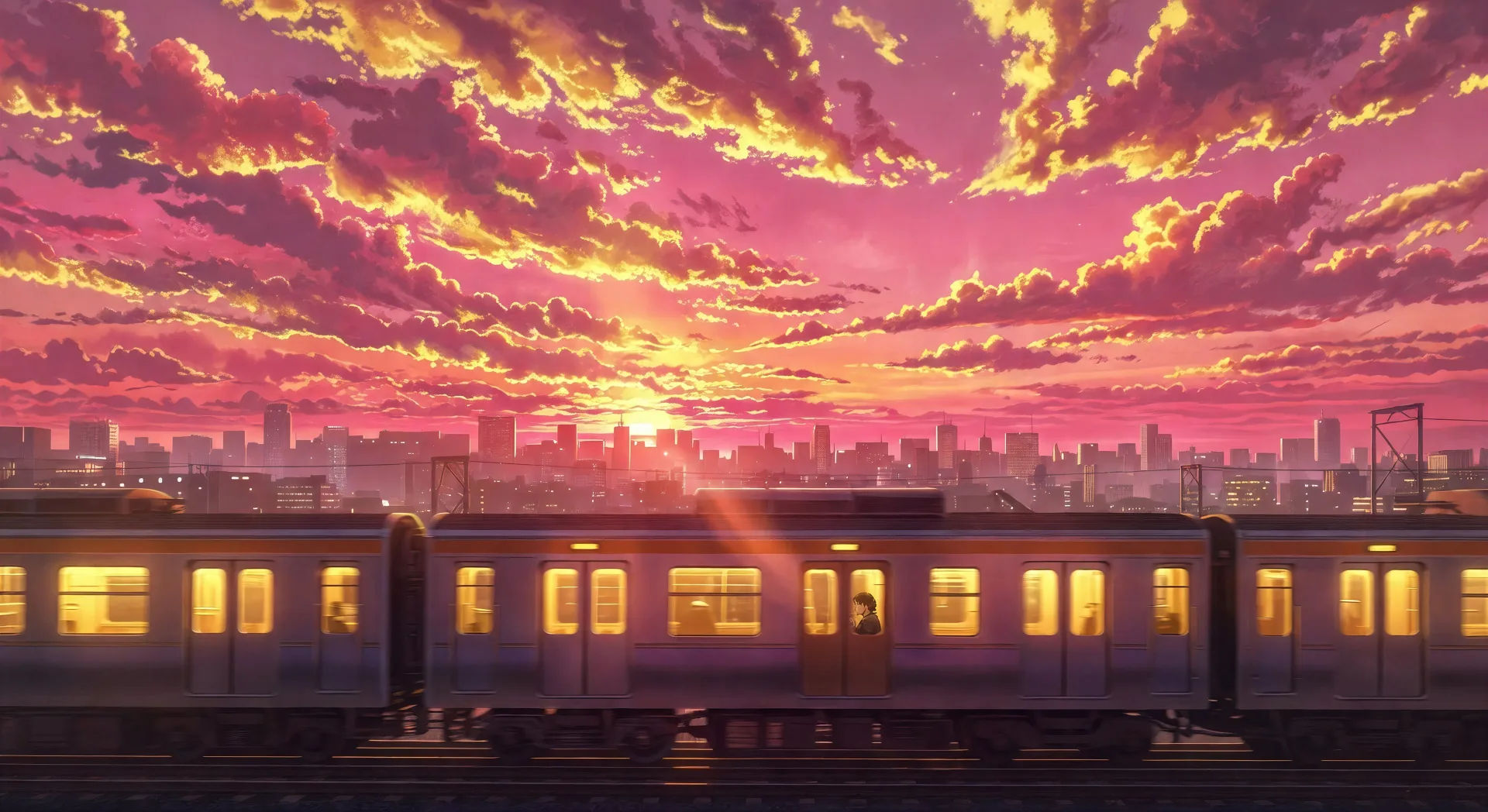
Inszenieren Sie hyperreale Anime-Himmel in Ihrem Browser mit dem KI-Videogenerator im Makoto-Shinkai-Stil von Morphic. Erzeugen Sie einen leuchtenden Zug durch eine Sonnenuntergangsstadt oder zwei Gestalten unter einer Kometenschweif, fügen Sie mit Music eine Klavierpartitur hinzu und fixieren Sie den Look mit Video Style Transfer.
Ein Pendlerzug, der gelb-orange gegen eine satte magenta-goldene Sonnenuntergangsstadt leuchtet, hyperreale Wolkendetails darüber, eine einzelne Gestalt im Waggonfenster sichtbar.
Prompt bearbeitenZwei Silhouetten auf einer Eisenbahnbrücke in der Dämmerung, ein Kometenschweif zieht über einen tiefblaugrünen Himmel darüber, ferne Stadtlichter glitzern im Tal darunter.
Prompt bearbeiten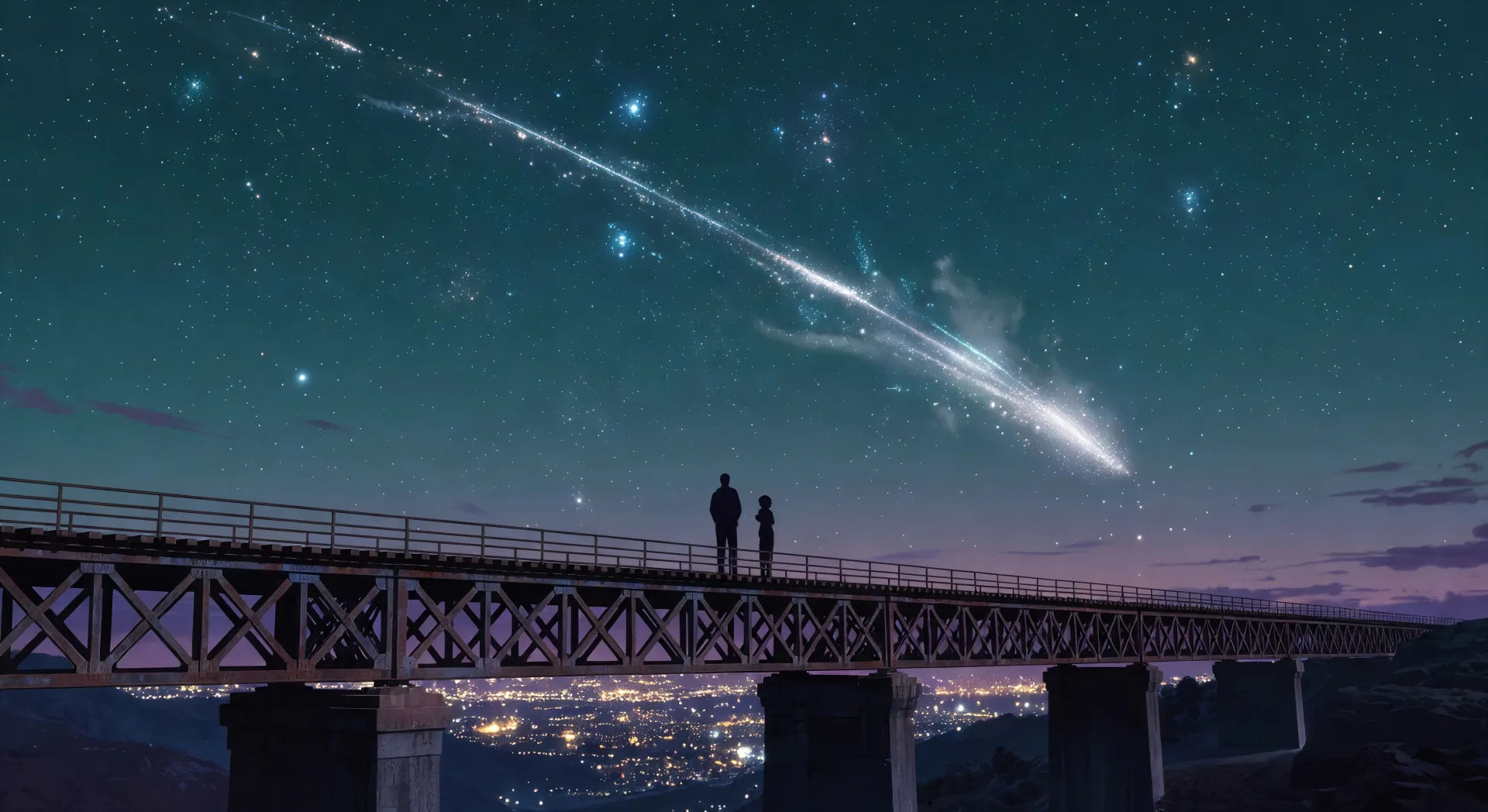
Im Inneren eines japanischen Convenience Stores bei Nacht treiben Sakura-Blütenblätter am regenverschmierten Fenster vorbei, eine einzelne Gestalt durchstöbert den Zeitschriftenständer unter Neonlicht.
Prompt bearbeiten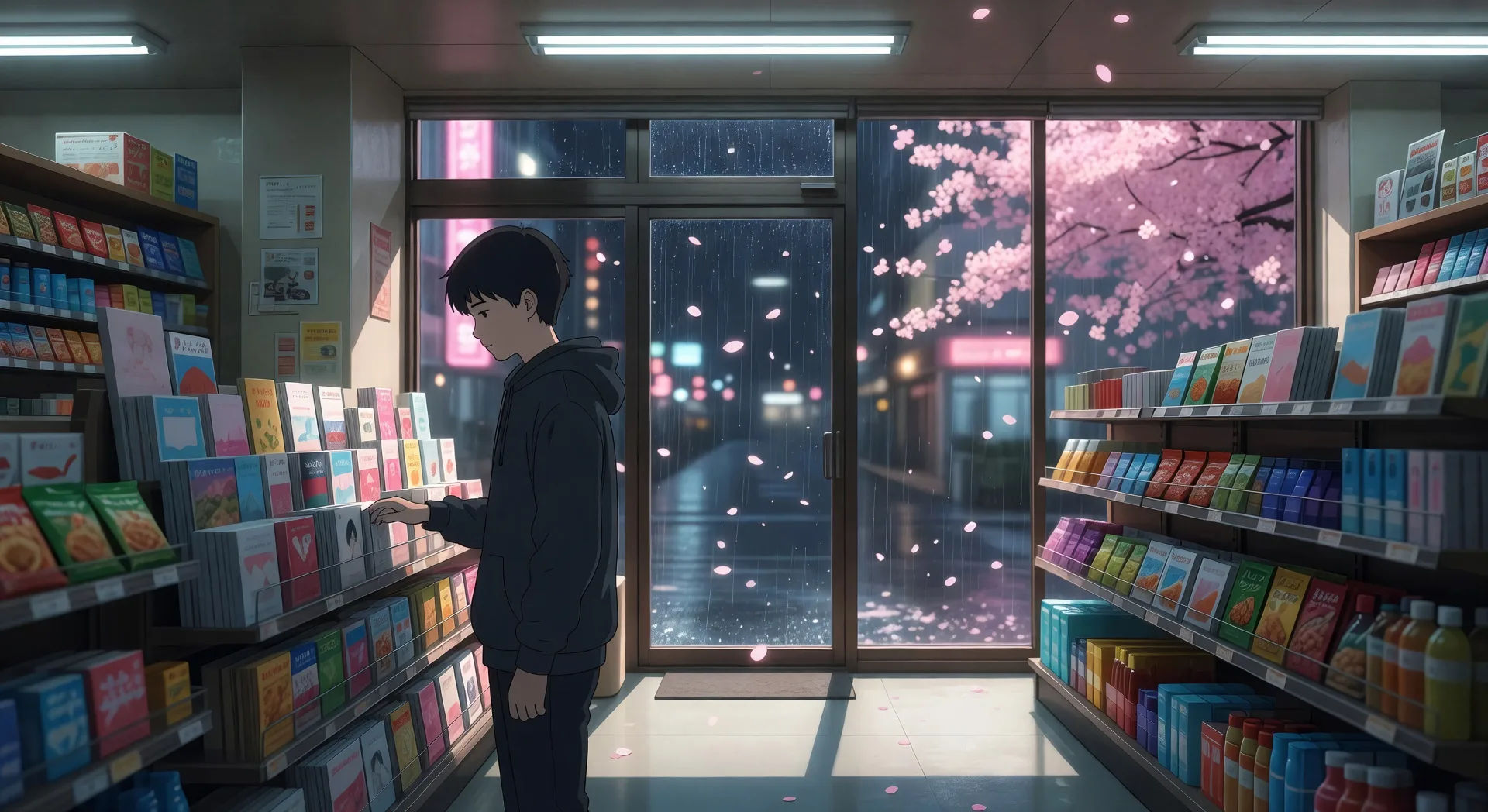
Eine weite leere Tokioter Seitenstraße im starken Sommerregen, Verkaufsautomaten leuchten gelb-rot, Neonschilder spiegeln sich auf nassem Asphalt, eine einzelne Gestalt mit Regenschirm geht davon.
Prompt bearbeiten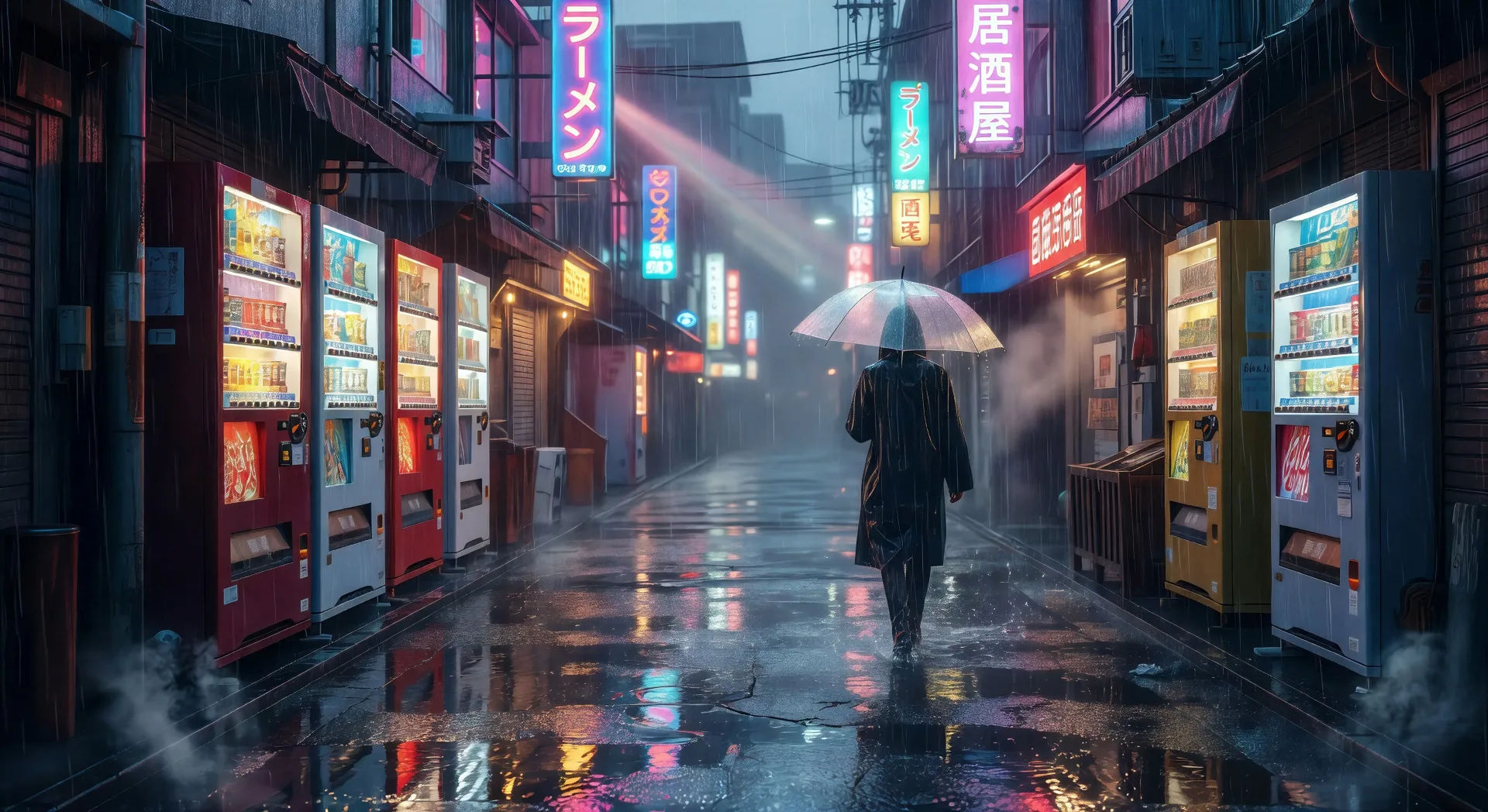
Beschreiben Sie die Shinkai-Szene, die Sie möchten, in einfachen Worten.
Morphic generiert in Sekunden einen filmreifen Clip auf Ihrer Canvas.
Passen Sie den Prompt an, generieren Sie Varianten und laden Sie die Aufnahme herunter oder teilen Sie sie.

Pick any anime illustration as your style guide. Apply its look to any image.

Turn any sketch or drawing into a finished render.

Take any character image and generate 6 distinct facial expressions on a single reference sheet.

All your characters on a single lineup image, side by side with height comparison.

Turn any photo or description into an animated chibi sprite. Dance, jump, wave, attack, and more.
Upload a character image and make it dance in any style.
Studio Ghibli Stil KI-Videos
Erstellen Sie Videos im Studio Ghibli Stil mit Morphic. Malerische Himmel, handgezeichnetes Wetter, langsame häusliche Innenräume und verträumte Landschaftsmomente aus einem Prompt.
Anime KI-Videos
Erstellen Sie Anime-Videos mit Morphic. Slice-of-Life-Szenen, Mecha-Aufnahmen, Magical-Girl-Verwandlungen und ganze Anime-Episoden, erzeugt aus einem einzigen Prompt.
Slice-of-Life-Anime KI-Videos
Erstellen Sie Slice-of-Life-Anime-Videos mit Morphic. Schuldächer, winzige Wohnungen, Sakura-Straßen und ruhige häusliche Momente, aus einem einzigen Prompt generiert.
Wong Kar Wai KI-Videos
Erzeugen Sie Videos im Wong-Kar-Wai-Stil mit Morphic. Step-Printing-Bewegung, Neon-Nächte in Hongkong, gesättigte Farben und Prompt-geführte Szenen, die Sie in Ihrem Browser ausführen können.
Starten Sie noch heute kostenlos, mit der Option, jederzeit zu upgraden oder zu kündigen.
Basic
1100 monatliche Credits
1 Nutzer
Alle Modelle
Workflows
Standard
3625 monatliche Credits
1 Nutzer
Alle Modelle
Workflows
Pro
6350 gemeinsame monatliche Credits
1 Nutzer
Alle Modelle
Workflows
Pro Max
24650 gemeinsame monatliche Credits
1 Nutzer
Alle Modelle
Workflows
Enterprise
Für höhere Limits
Individuell
Preis- und Abrechnungsbedingungen

Free
Zum Ausprobieren
$0
dauerhaft kostenlos