Standing pose under side light
A full length figure drawing of a standing pose lit hard from one side, charcoal shadow on the far half, plain studio backdrop, feet flat on the ground.
Editar prompt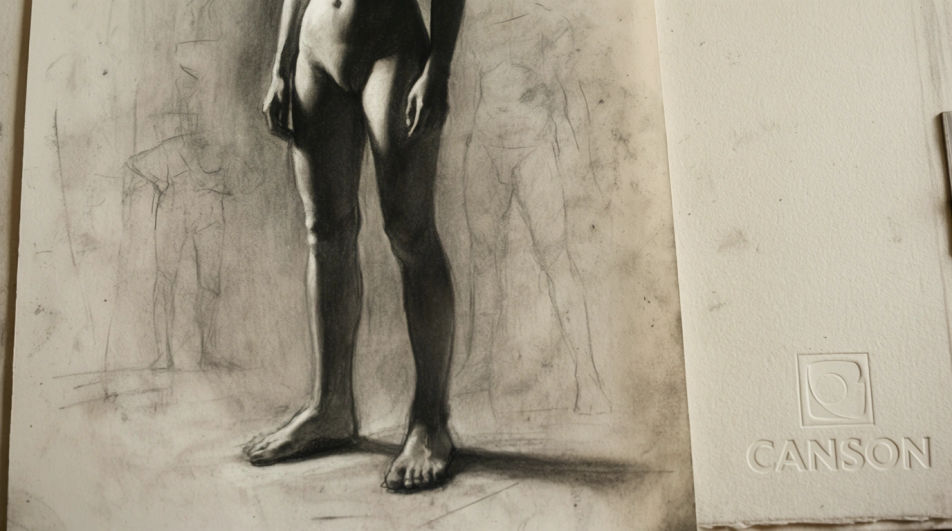
Make a figure drawing in Morphic's Image tool by describing the pose, the lighting, and the medium you want the study rendered in. You control the line weight, the tonal range, the paper, and how finished the drawing looks, then download the study in HD for your own reference wall.
A full length figure drawing of a standing pose lit hard from one side, charcoal shadow on the far half, plain studio backdrop, feet flat on the ground.
Editar promptA cropped figure drawing of the torso from shoulders to hips, soft graphite modelling over the ribcage, sharper edge along the shoulder line.
Editar prompt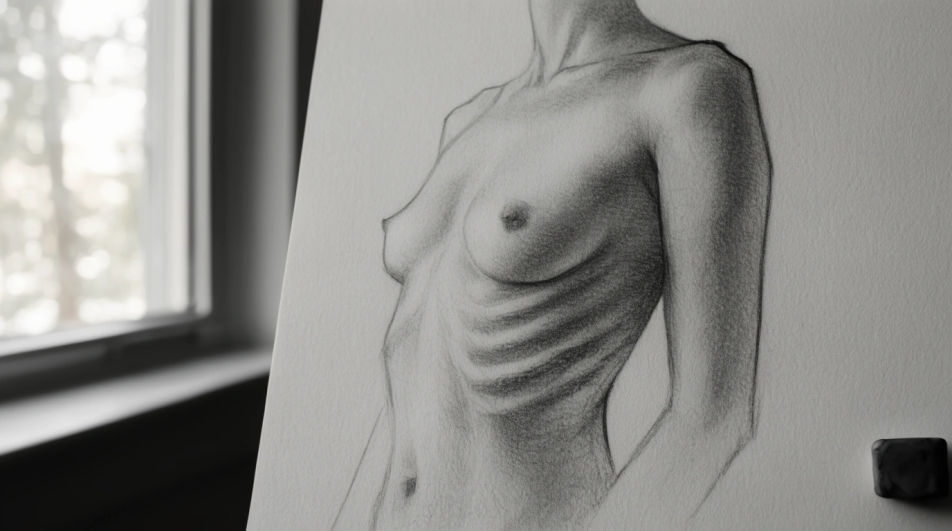
A close figure drawing of one relaxed hand with five fingers and the forearm above it, fine pencil hatching, highlight left as bare paper.
Editar prompt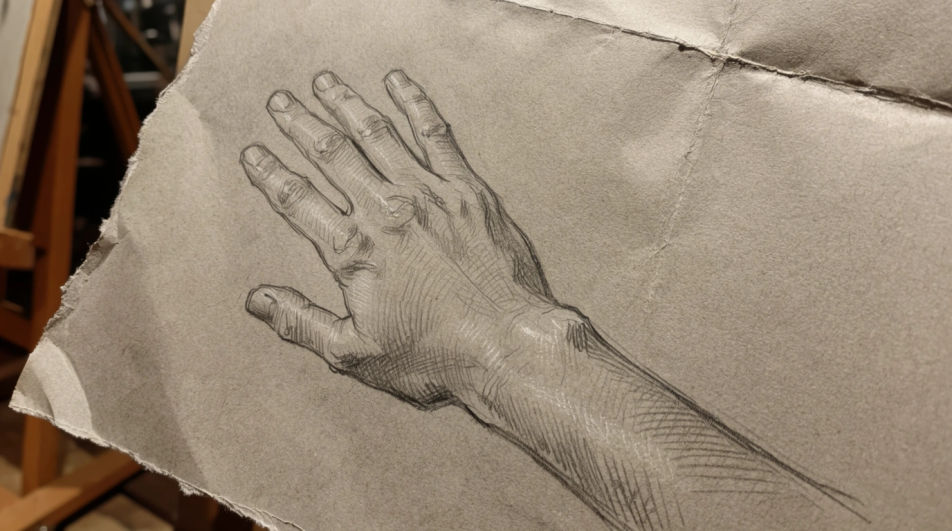
A figure drawing page with six quick standing and seated gestures at the same scale, loose soft pencil lines, no shading, plenty of white space between.
Editar prompt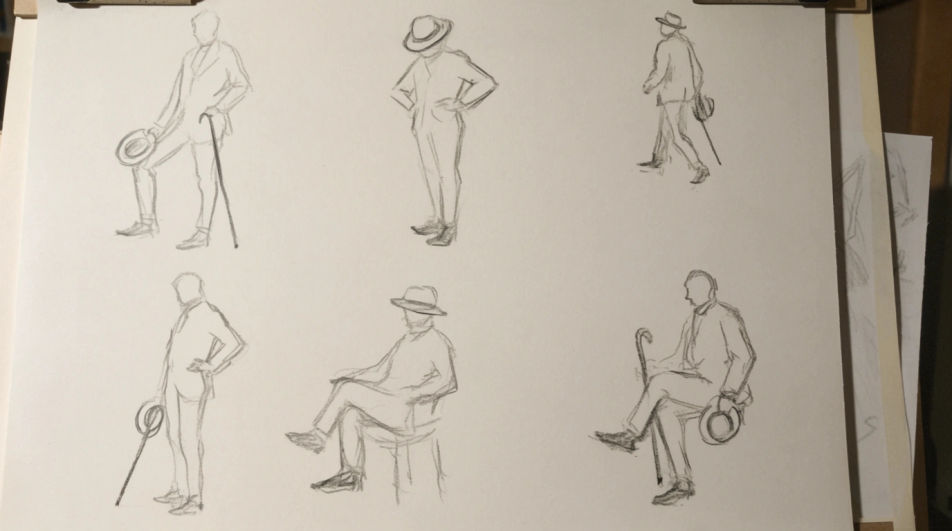
Describe el Figure drawing que quieres, en palabras simples.
Morphic genera una imagen limpia y lista para publicar en tu canvas en segundos.
Ajusta el prompt, regenera variaciones y luego descarga o comparte el fotograma.
Pick a reference image, apply its visual style to your own photo or artwork.

Turn any sketch or drawing into a finished render.
Convert any image to a new aspect ratio. Smart crop or extend the edges to fit.

Pick any anime illustration as your style guide. Apply its look to any image.
Restyle any video in a completely new visual style. Every frame transforms, all motion stays intact.

Take any character image and generate 6 distinct facial expressions on a single reference sheet.
Body drawing generator
Turn a body drawing idea into a finished image in Morphic. Describe the line work and style, generate variations, then refine it on the canvas.
Person drawing generator
Turn a person drawing idea into a finished image in Morphic. Describe the line work and style, generate variations, then refine it on the canvas.
Drawing poses generator
Turn a pose drawing idea into a finished image in Morphic. Describe the line work and style, generate variations, then refine it on the canvas.
Simple drawing maker
Turn a simple drawing idea into a finished image in Morphic. Describe the line work and style, generate variations, then refine it on the canvas.
Comienza gratis hoy, con la opción de mejorar tu plan o cancelar cuando quieras.
Basic
2400 mensual créditos
1 usuario
Todos los modelos
Workflows
Standard
3625 mensual créditos
1 usuario
Todos los modelos
Workflows
Pro
6350 compartidos mensual créditos
1 usuario
Todos los modelos
Workflows
Max
24650 compartidos mensual créditos
1 usuario
Todos los modelos
Workflows
Enterprise
Para límites más altos
Personalizado
términos de precios y facturación

Free
Para experimentar
$0
gratis para siempre