Hand holding a pencil
A hand gripping a pencil mid-stroke, five fingers clearly placed, graphite shading on the knuckles, the drawn line trailing off across pale paper.
Editar prompt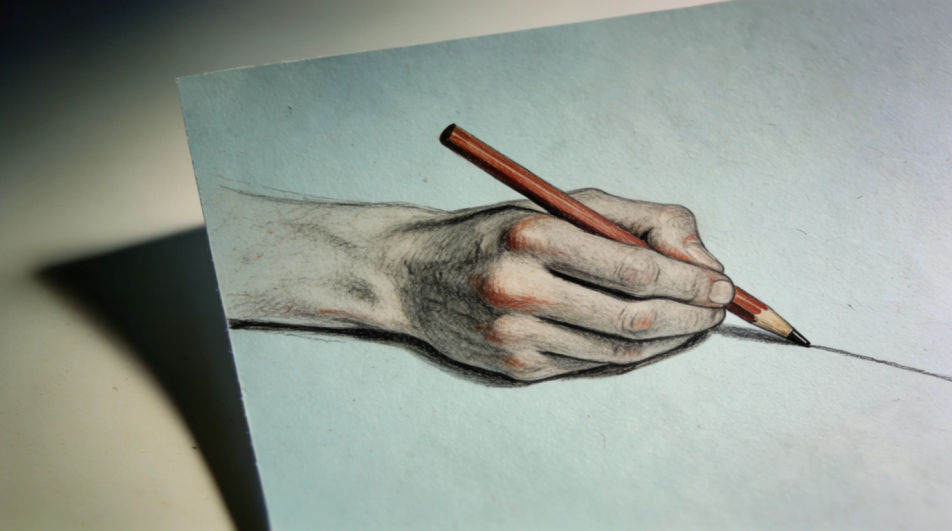
Draw a hand in your browser with Morphic's Image tool, from a relaxed open palm to a tight fist with five clearly separated fingers. Set the medium, the line weight, and how far the shading goes, then refine the knuckles and paper tone on the Canvas and download the finished drawing in HD.
A hand gripping a pencil mid-stroke, five fingers clearly placed, graphite shading on the knuckles, the drawn line trailing off across pale paper.
Editar promptTwo hands reaching toward each other with a small gap between the fingertips, soft charcoal tone, eraser-lifted highlights, plain background.
Editar prompt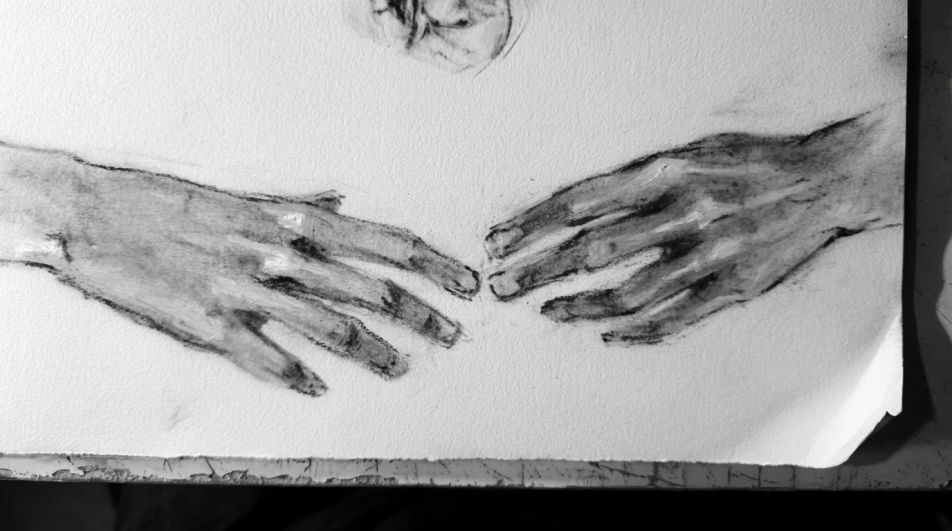
An open hand raised with light falling across the palm, five separated fingers, strong cast shadow, careful pencil tonal modelling.
Editar prompt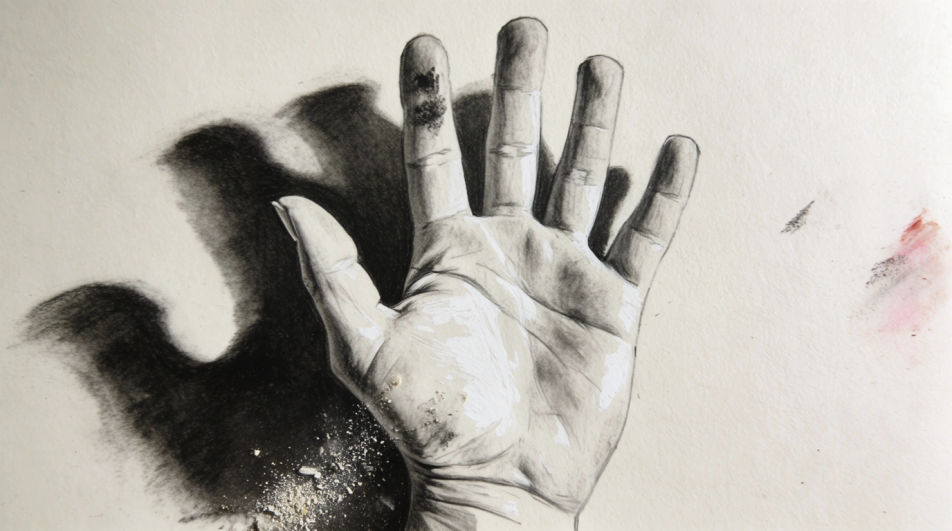
A relaxed hand resting flat on an open sketchbook page, clean ink contour, light hatching under the wrist, a few loose guide lines around it.
Editar prompt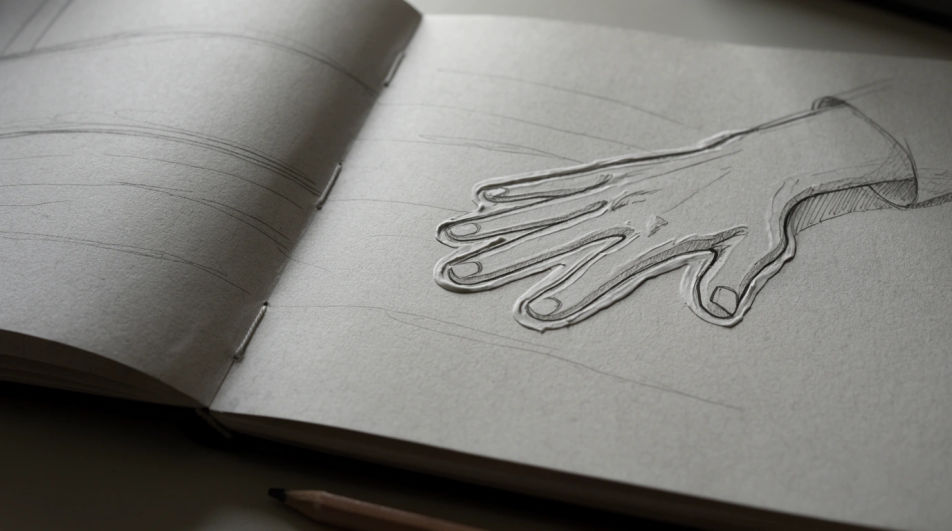
Describe el Hand drawing que quieres, en palabras simples.
Morphic genera una imagen limpia y lista para publicar en tu canvas en segundos.
Ajusta el prompt, regenera variaciones y luego descarga o comparte el fotograma.
Pick a reference image, apply its visual style to your own photo or artwork.
Convert any image to a new aspect ratio. Smart crop or extend the edges to fit.

Turn any sketch or drawing into a finished render.
Restyle any video in a completely new visual style. Every frame transforms, all motion stays intact.
Reimagine any anime character as a photorealistic, high-fashion live-action portrait.
One selfie becomes a set of professional headshots. Studio-quality, multiple styles.
Skeleton hand drawing generator
Turn a skeleton hand drawing idea into a finished image in Morphic. Describe the line work and style, generate variations, then refine it on the canvas.
Body drawing generator
Turn a body drawing idea into a finished image in Morphic. Describe the line work and style, generate variations, then refine it on the canvas.
Face AI drawing
Create AI face drawings with our face drawing generator. Find detailed face drawings for any project in seconds.
Scary drawings in ink and graphite
Turn a scary drawing idea into a finished image in Morphic. Describe the line work and style, generate variations, then refine it on the canvas.
Comienza gratis hoy, con la opción de mejorar tu plan o cancelar cuando quieras.
Basic
2400 mensual créditos
1 usuario
Todos los modelos
Workflows
Standard
3625 mensual créditos
1 usuario
Todos los modelos
Workflows
Pro
6350 compartidos mensual créditos
1 usuario
Todos los modelos
Workflows
Max
24650 compartidos mensual créditos
1 usuario
Todos los modelos
Workflows
Enterprise
Para límites más altos
Personalizado
términos de precios y facturación

Free
Para experimentar
$0
gratis para siempre