House at the end of a lane
A house seen down a narrow lane with hedges either side, fine ink contour, light hatching in the shadows, sky left as bare paper.
Editar prompt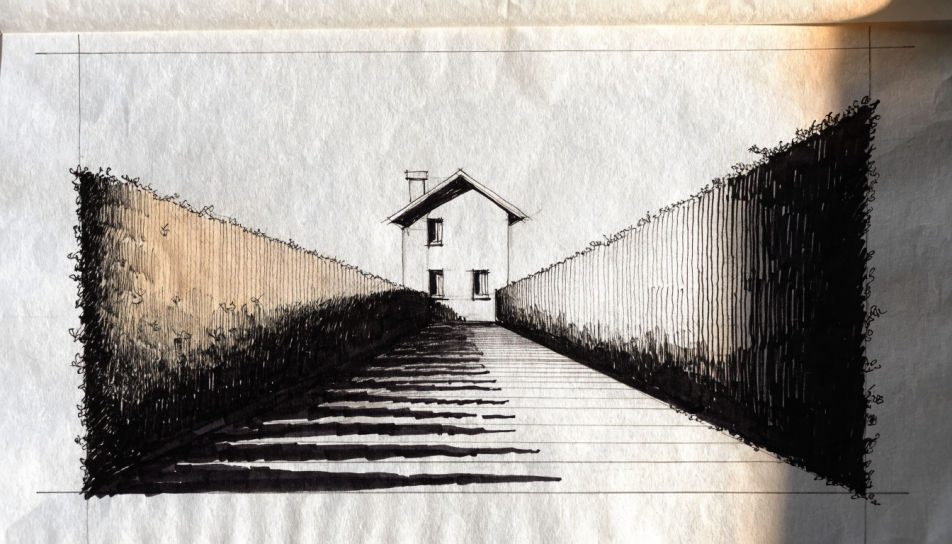
Draw a house in your browser with Morphic's Image tool, whether you need a simple outline for a worksheet, a fine-line portrait of a family home, or a ruled front elevation. Choose the medium, the viewpoint, and how much of the brick and roof texture the line carries, then refine it on the Canvas.
A house seen down a narrow lane with hedges either side, fine ink contour, light hatching in the shadows, sky left as bare paper.
Editar promptA three-quarter corner view of a family home with a low front garden, ruled window lines, soft graphite tone on the render.
Editar prompt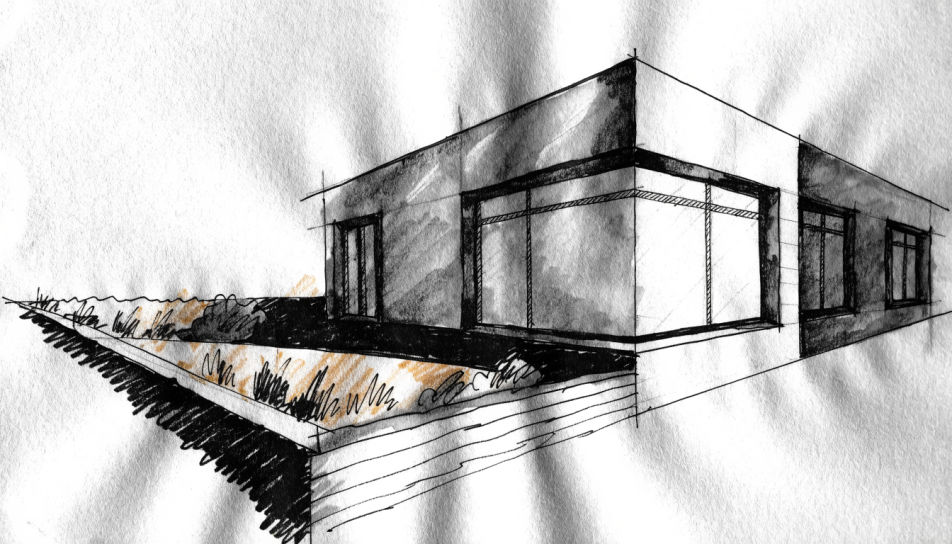
A living room drawn in one-point perspective, ruled lines to a single vanishing point, light hatching on the furniture, plain walls.
Editar prompt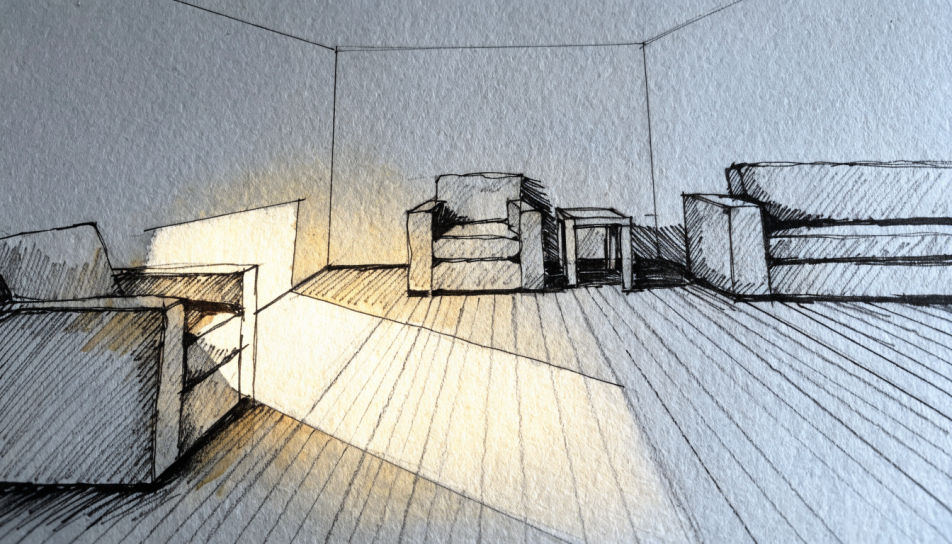
A row of terraced fronts drawn flat and side by side, even line weight, small differences in each door, no perspective.
Editar prompt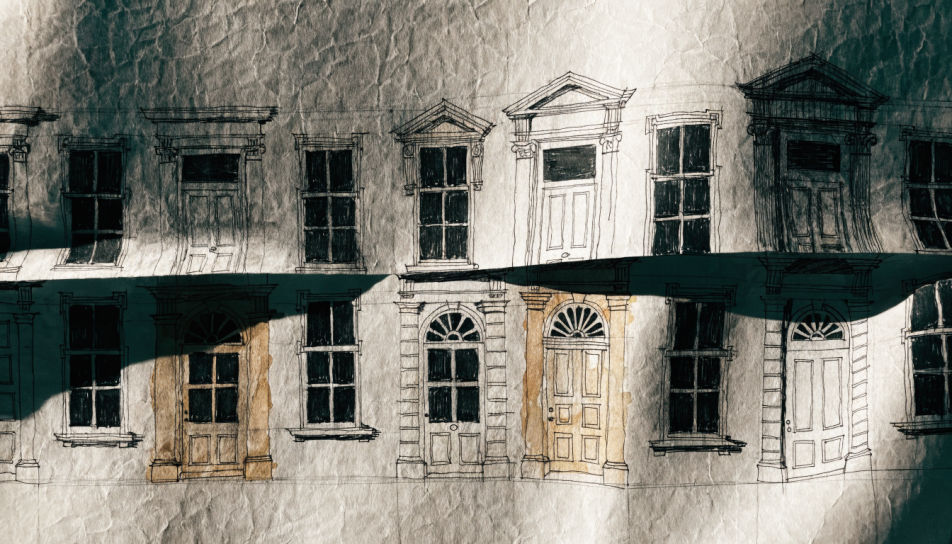
Describe el House drawing que quieres, en palabras simples.
Morphic genera una imagen limpia y lista para publicar en tu canvas en segundos.
Ajusta el prompt, regenera variaciones y luego descarga o comparte el fotograma.

Turn any sketch or drawing into a finished render.
Pick a reference image, apply its visual style to your own photo or artwork.
Convert any image to a new aspect ratio. Smart crop or extend the edges to fit.

Take any character image and generate 6 distinct facial expressions on a single reference sheet.
Restyle any video in a completely new visual style. Every frame transforms, all motion stays intact.

Pick any anime illustration as your style guide. Apply its look to any image.
Castle drawing generator
Turn a castle drawing idea into a finished image in Morphic. Describe the line work and style, generate variations, then refine it on the canvas.
Bed drawing generator
Turn a bed drawing idea into a finished image in Morphic. Describe the line work and style, generate variations, then refine it on the canvas.
Scenery drawing generator
Turn a scenery drawing idea into a finished image in Morphic. Describe the line work and style, generate variations, then refine it on the canvas.
Green check emoji generator
Generate green check emoji images in Morphic. Describe the expression, colour and style you want, generate options, then refine the prompt and download it.
Comienza gratis hoy, con la opción de mejorar tu plan o cancelar cuando quieras.
Basic
2400 mensual créditos
1 usuario
Todos los modelos
Workflows
Standard
3625 mensual créditos
1 usuario
Todos los modelos
Workflows
Pro
6350 compartidos mensual créditos
1 usuario
Todos los modelos
Workflows
Max
24650 compartidos mensual créditos
1 usuario
Todos los modelos
Workflows
Enterprise
Para límites más altos
Personalizado
términos de precios y facturación

Free
Para experimentar
$0
gratis para siempre