Student desk at night
A student's desk at night in colored pencil, an open laptop with a blank bright screen, books stacked, a lamp and a cup of tea.
Editar prompt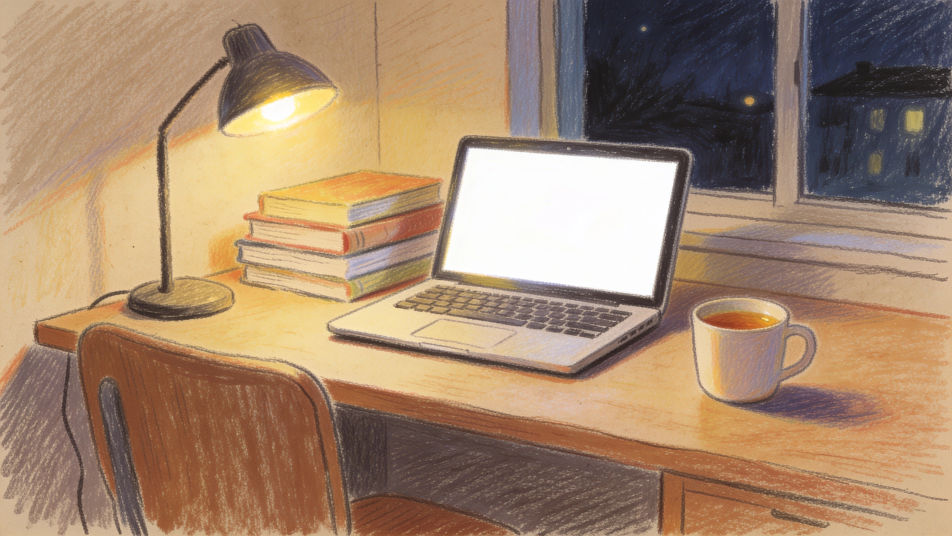
Describe the laptop drawing you want in Morphic's Image tool, from a simple front view with a blank screen to a laptop on a cluttered desk at night. Set the angle, the medium and the screen light, correct the perspective on the Canvas, then download the drawing in HD.
A student's desk at night in colored pencil, an open laptop with a blank bright screen, books stacked, a lamp and a cup of tea.
Editar promptA laptop on a small cafe table by a rainy window in watercolor and ink, a coffee cup and a notebook beside it.
Editar prompt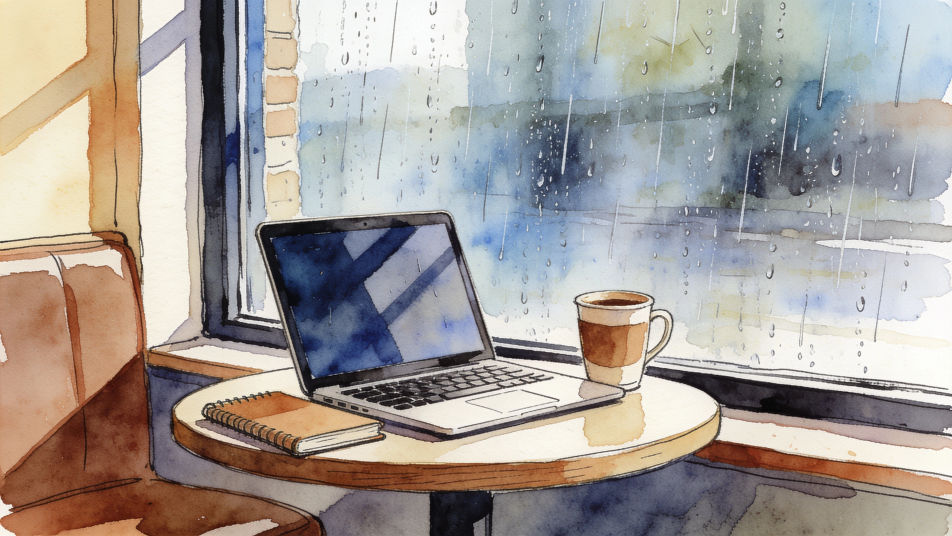
A home office corner in graphite, an unbranded laptop on a stand, a plant, a desk lamp and sticky notes on the wall.
Editar prompt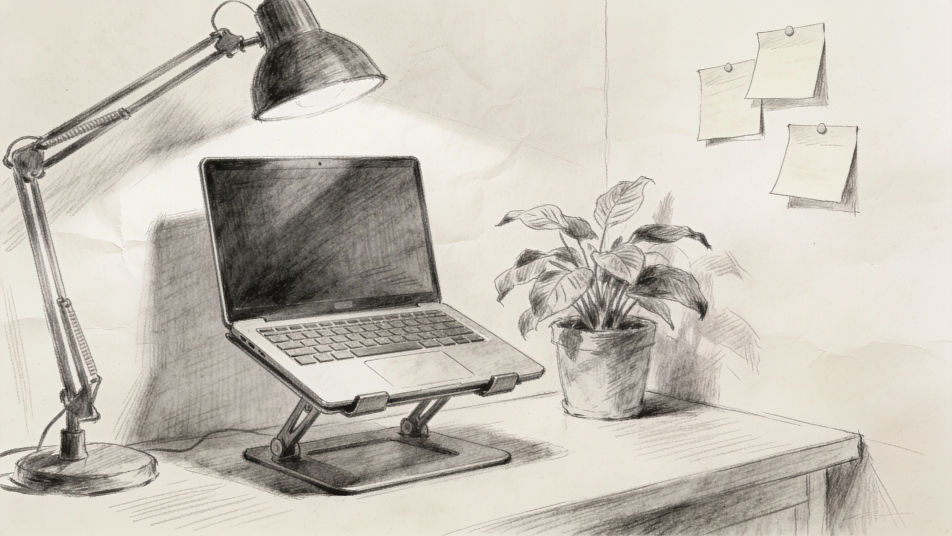
A laptop open on a wooden deck table in soft pastel, the sea and palm leaves behind, the blank screen reflecting the sky.
Editar prompt
Describe el Laptop drawing que quieres, en palabras simples.
Morphic genera una imagen limpia y lista para publicar en tu canvas en segundos.
Ajusta el prompt, regenera variaciones y luego descarga o comparte el fotograma.
Pick a reference image, apply its visual style to your own photo or artwork.
Convert any image to a new aspect ratio. Smart crop or extend the edges to fit.

Turn any sketch or drawing into a finished render.
Restyle any video in a completely new visual style. Every frame transforms, all motion stays intact.
Reimagine any anime character as a photorealistic, high-fashion live-action portrait.
One selfie becomes a set of professional headshots. Studio-quality, multiple styles.
Keyboard drawing maker
Turn a keyboard drawing idea into a finished image in Morphic. Describe the line work and style, generate variations, then refine it on the canvas.
Computer mouse drawing maker
Turn a computer mouse drawing idea into a finished image in Morphic. Describe the line work and style, generate variations, then refine it on the canvas.
Laptop Workspace AI Images
Make laptop workspace images from a text prompt. Skip the stock library and generate the exact scene you need. No stock licence needed.
Krishna drawing generator
Turn a Krishna drawing idea into a finished image in Morphic. Describe the line work and style, generate variations, then refine it on the canvas.
Comienza gratis hoy, con la opción de mejorar tu plan o cancelar cuando quieras.
Basic
2400 mensual créditos
1 usuario
Todos los modelos
Workflows
Standard
3625 mensual créditos
1 usuario
Todos los modelos
Workflows
Pro
6350 compartidos mensual créditos
1 usuario
Todos los modelos
Workflows
Max
24650 compartidos mensual créditos
1 usuario
Todos los modelos
Workflows
Enterprise
Para límites más altos
Personalizado
términos de precios y facturación

Free
Para experimentar
$0
gratis para siempre