Bulb hanging over a workbench
A single bulb on a long flex above a cluttered workbench, drawn in pencil, the light pooling as bare paper on the bench top and the corners left dark.
Editar prompt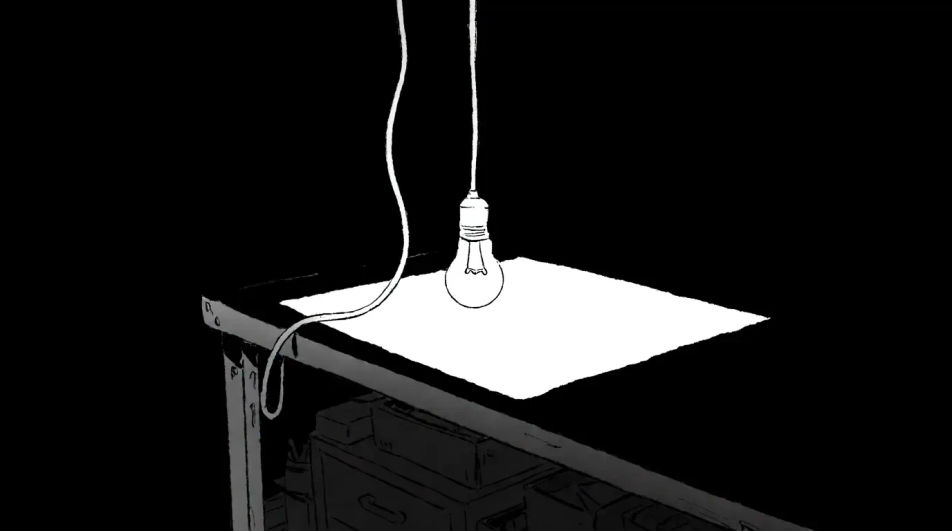
Describe the lightbulb you want in Morphic's Image tool, from a coiled filament study behind glass to a flat outline for an icon, and get a finished drawing back. Set the glass reflections, the filament shape, the line weight and the paper, adjust it on the Canvas, then download it in HD.
A single bulb on a long flex above a cluttered workbench, drawn in pencil, the light pooling as bare paper on the bench top and the corners left dark.
Editar promptA lightbulb doodled among arrows and empty thought bubbles on a lined page, loose pencil strokes with the construction circles left unrubbed.
Editar prompt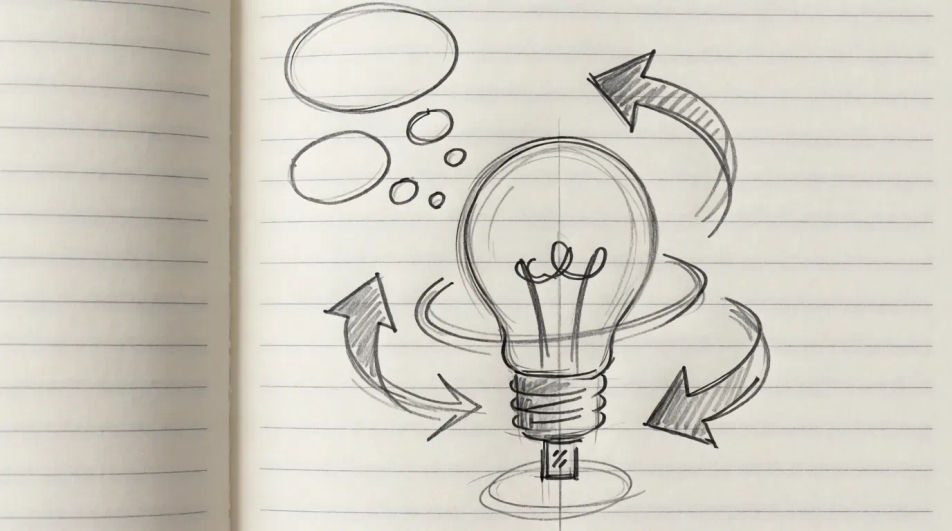
Four bulb shapes lined across the frame in ink contour with grey wash, round, teardrop, tube and globe, evenly spaced so the silhouettes contrast.
Editar prompt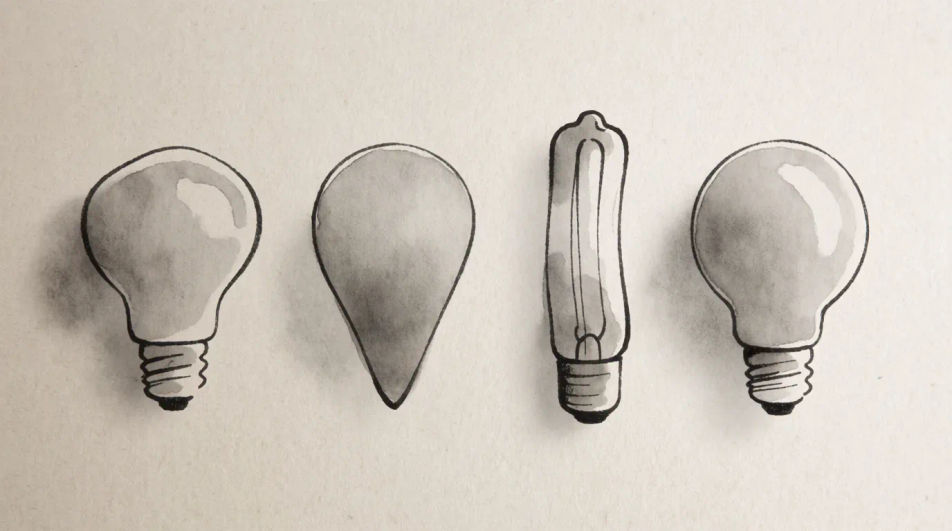
A cracked bulb lying on its side with glass fragments scattered around it, fine pen line for the shards and pastel tone laid flat across the surface.
Editar prompt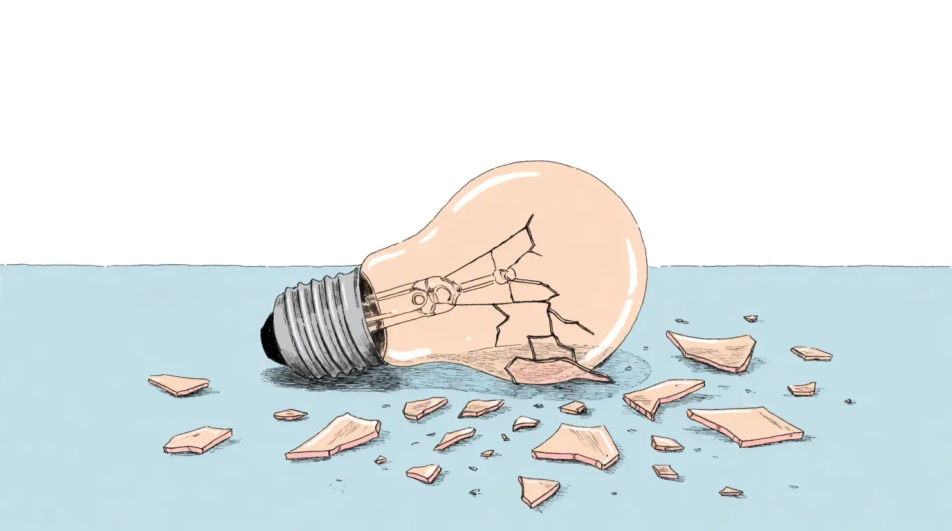
Describe el Lightbulb drawing que quieres, en palabras simples.
Morphic genera una imagen limpia y lista para publicar en tu canvas en segundos.
Ajusta el prompt, regenera variaciones y luego descarga o comparte el fotograma.
Pick a reference image, apply its visual style to your own photo or artwork.
Convert any image to a new aspect ratio. Smart crop or extend the edges to fit.

Turn any sketch or drawing into a finished render.
Restyle any video in a completely new visual style. Every frame transforms, all motion stays intact.
Reimagine any anime character as a photorealistic, high-fashion live-action portrait.
One selfie becomes a set of professional headshots. Studio-quality, multiple styles.
Drawing ideas you can generate and finish
Turn a drawing idea into a finished image in Morphic. Describe the line work and style, generate variations, then refine it on the canvas.
Brain drawing
Turn a brain drawing idea into a finished image in Morphic. Describe the line work and style, generate variations, then refine it on the canvas.
Pen drawing generator
Turn a pen drawing idea into a finished image in Morphic. Describe the line work and style, generate variations, then refine it on the canvas.
Pencil Krishna drawing generator
Turn a pencil Krishna drawing idea into a finished image in Morphic. Describe the line work and style, generate variations, then refine it on the canvas.
Comienza gratis hoy, con la opción de mejorar tu plan o cancelar cuando quieras.
Basic
2400 mensual créditos
1 usuario
Todos los modelos
Workflows
Standard
3625 mensual créditos
1 usuario
Todos los modelos
Workflows
Pro
6350 compartidos mensual créditos
1 usuario
Todos los modelos
Workflows
Max
24650 compartidos mensual créditos
1 usuario
Todos los modelos
Workflows
Enterprise
Para límites más altos
Personalizado
términos de precios y facturación

Free
Para experimentar
$0
gratis para siempre