Focus level row
A row of locked in emoji faces from relaxed to fully focused, glossy yellow finish, evenly spaced on a slate grey surface under a single spotlight.
Editar prompt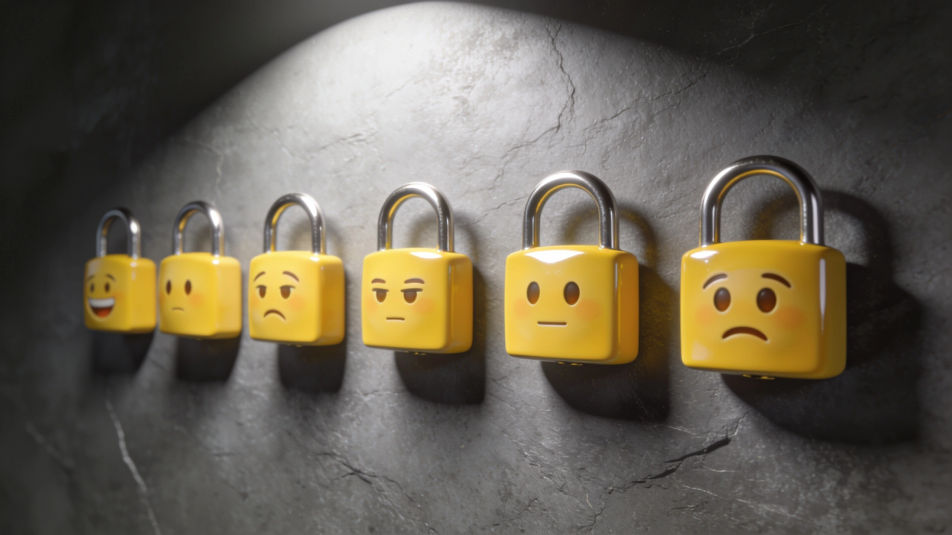
Create a locked in emoji in Morphic's Image tool for the moment you shut out every distraction, before an exam, a big game or a deadline. Describe the focus in the eyes, the finish and any padlock detail, then download a face that shows you mean business.
A row of locked in emoji faces from relaxed to fully focused, glossy yellow finish, evenly spaced on a slate grey surface under a single spotlight.
Editar promptSticker sheet of six locked in emoji stickers in two rows: calm focused yellow faces with narrowed eyes, relaxed brows and a small padlock, white borders, navy ground, wide margins.
Editar prompt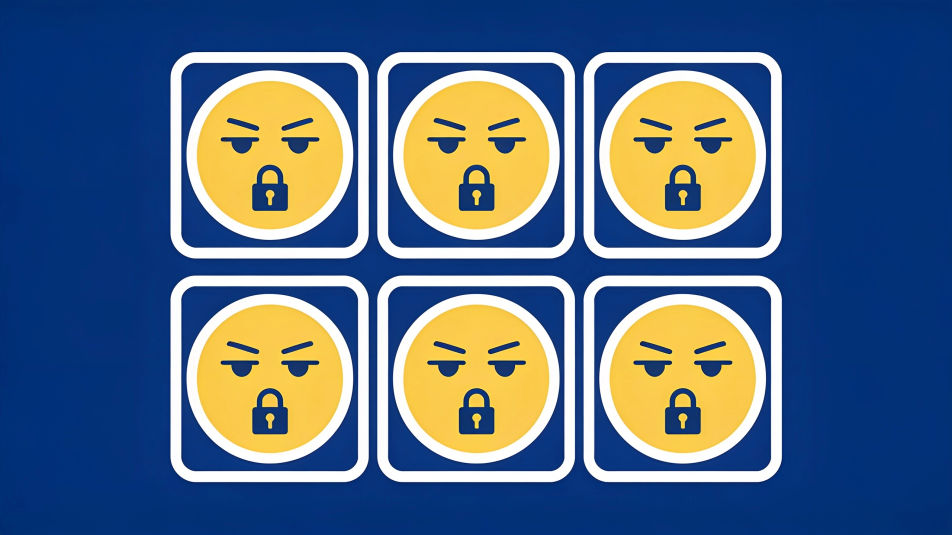
A single locked in emoji face lit by a warm desk lamp against a dark room, a stack of plain books blurred beside it, no text.
Editar prompt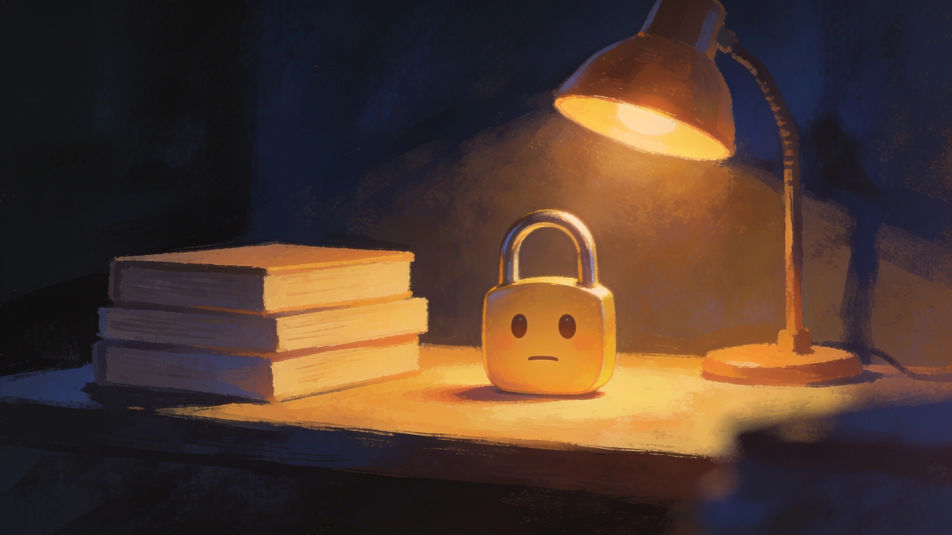
A locked in emoji face in a plain sweatband centered on a bright green backdrop with faint stadium light flares, no logos.
Editar prompt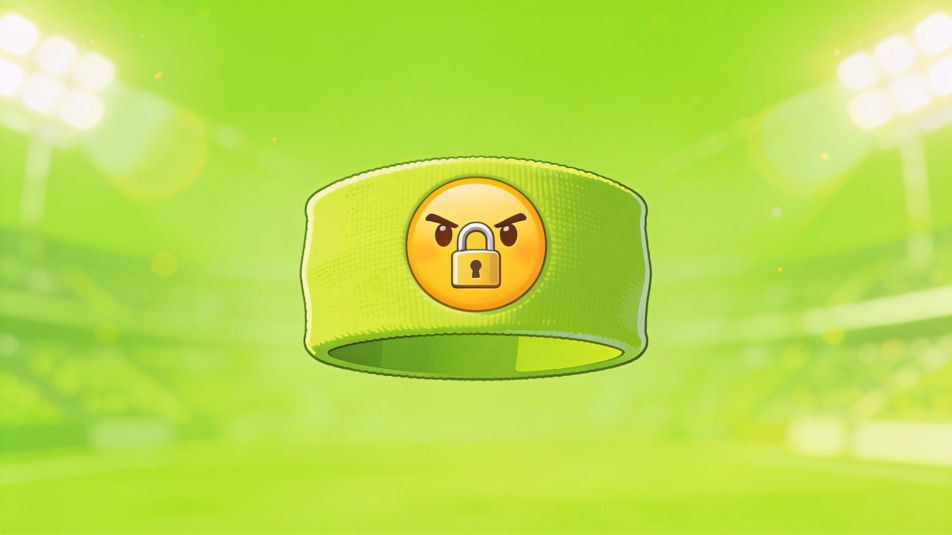
Describe el Locked in emoji que quieres, en palabras simples.
Morphic genera una imagen limpia y lista para publicar en tu canvas en segundos.
Ajusta el prompt, regenera variaciones y luego descarga o comparte el fotograma.
Pick a reference image, apply its visual style to your own photo or artwork.
Convert any image to a new aspect ratio. Smart crop or extend the edges to fit.

Turn any sketch or drawing into a finished render.

Take any character image and generate 6 distinct facial expressions on a single reference sheet.
Restyle any video in a completely new visual style. Every frame transforms, all motion stays intact.

Pick any anime illustration as your style guide. Apply its look to any image.
Thinking emoji generator
Generate thinking emoji images in Morphic. Describe the expression, colour and style you want, generate options, then refine the prompt and download it.
Frustrated emoji generator
Generate frustrated emoji images in Morphic. Describe the expression, colour and style you want, generate options, then refine the prompt and download it.
Emoji symbols generator
Generate symbols emoji images in Morphic. Describe the expression, colour and style you want, generate options, then refine the prompt and download it.
Capybara sticker generator
Generate capybara stickers in Morphic. Describe the character, colours and style you want, generate options to compare, then refine the prompt and save it.
Comienza gratis hoy, con la opción de mejorar tu plan o cancelar cuando quieras.
Basic
2400 mensual créditos
1 usuario
Todos los modelos
Workflows
Standard
3625 mensual créditos
1 usuario
Todos los modelos
Workflows
Pro
6350 compartidos mensual créditos
1 usuario
Todos los modelos
Workflows
Max
24650 compartidos mensual créditos
1 usuario
Todos los modelos
Workflows
Enterprise
Para límites más altos
Personalizado
términos de precios y facturación

Free
Para experimentar
$0
gratis para siempre