Unmuted on the call
A panic meme scene of a person frozen at a laptop on a video call at home, laundry pile behind, harsh ring light, eyes wide, blank screen, no text.
Editar prompt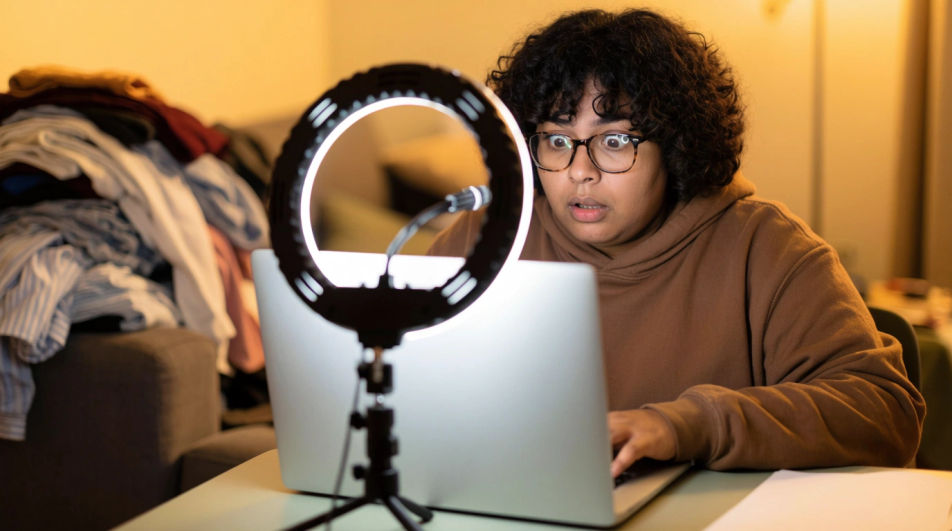
Make a panic meme in Morphic's Image tool by describing the character, the thing that just went wrong, and how wide their eyes should be. Choose the light, the setting, and the finish, then compare versions until the dread reads from across the room.
A panic meme scene of a person frozen at a laptop on a video call at home, laundry pile behind, harsh ring light, eyes wide, blank screen, no text.
Editar promptA panic meme scene of a student staring at a blank exam paper in a silent hall of desks, cold overhead light, everyone else writing, no text on the paper.
Editar prompt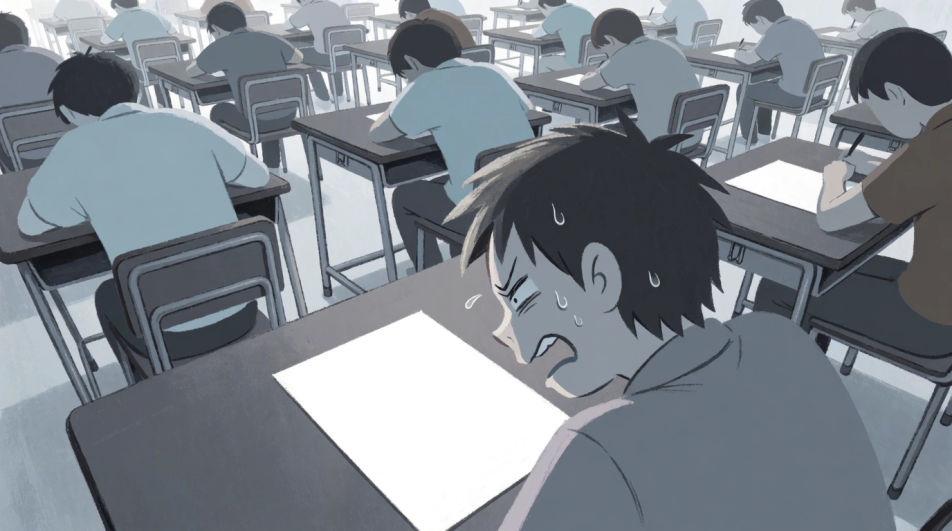
A panic meme scene of a man pressed against a car window seeing keys on the seat inside, generic car with no badges, rainy parking lot at dusk, no text.
Editar prompt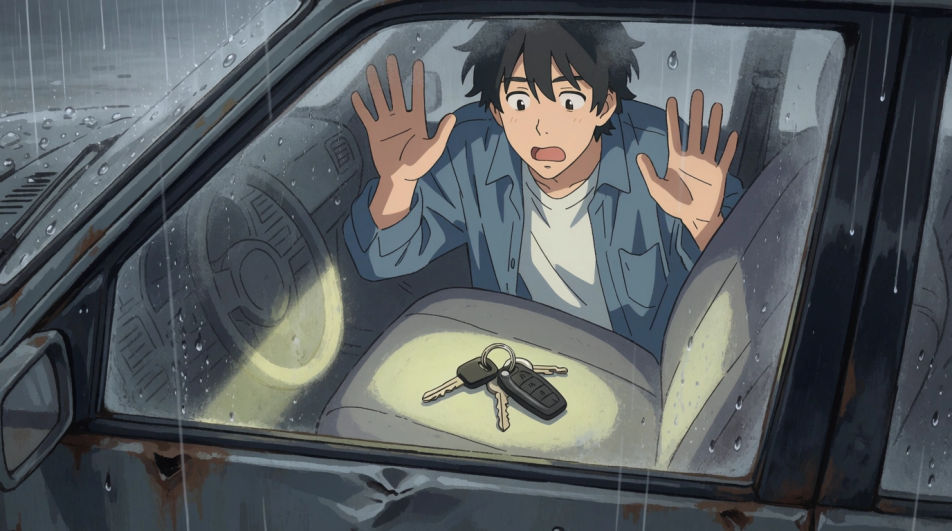
A panic meme scene of a woman sprinting after a shopping cart rolling downhill across a windy parking lot, motion blur, afternoon light, no logos, no text.
Editar prompt
Describe el Panic meme que quieres, en palabras simples.
Morphic genera una imagen limpia y lista para publicar en tu canvas en segundos.
Ajusta el prompt, regenera variaciones y luego descarga o comparte el fotograma.
Pick a reference image, apply its visual style to your own photo or artwork.
Convert any image to a new aspect ratio. Smart crop or extend the edges to fit.

Turn any sketch or drawing into a finished render.

Take any character image and generate 6 distinct facial expressions on a single reference sheet.
Restyle any video in a completely new visual style. Every frame transforms, all motion stays intact.

Pick any anime illustration as your style guide. Apply its look to any image.
Scared emoji generator
Generate scared emoji images in Morphic. Describe the expression, colour and style you want, generate options, then refine the prompt and download it.
Frustrated emoji generator
Generate frustrated emoji images in Morphic. Describe the expression, colour and style you want, generate options, then refine the prompt and download it.
Angry face meme generator
Make angry face meme images in Morphic. Describe the scene and the joke, generate versions to compare, then refine the prompt until the picture lands.
Confusion meme maker
Make confusion meme images in Morphic. Describe the scene and the joke, generate versions to compare, then refine the prompt until the picture lands.
Comienza gratis hoy, con la opción de mejorar tu plan o cancelar cuando quieras.
Basic
2400 mensual créditos
1 usuario
Todos los modelos
Workflows
Standard
3625 mensual créditos
1 usuario
Todos los modelos
Workflows
Pro
6350 compartidos mensual créditos
1 usuario
Todos los modelos
Workflows
Max
24650 compartidos mensual créditos
1 usuario
Todos los modelos
Workflows
Enterprise
Para límites más altos
Personalizado
términos de precios y facturación

Free
Para experimentar
$0
gratis para siempre