Tile-set de pueblo RPG de vista lateral
Un pueblo de pixel art horizontal con calle empedrada, casas de madera, toldos de mercado, una fuente justo en el centro, montañas con parallax detrás, rejilla de tiles de 16x16.
Editar prompt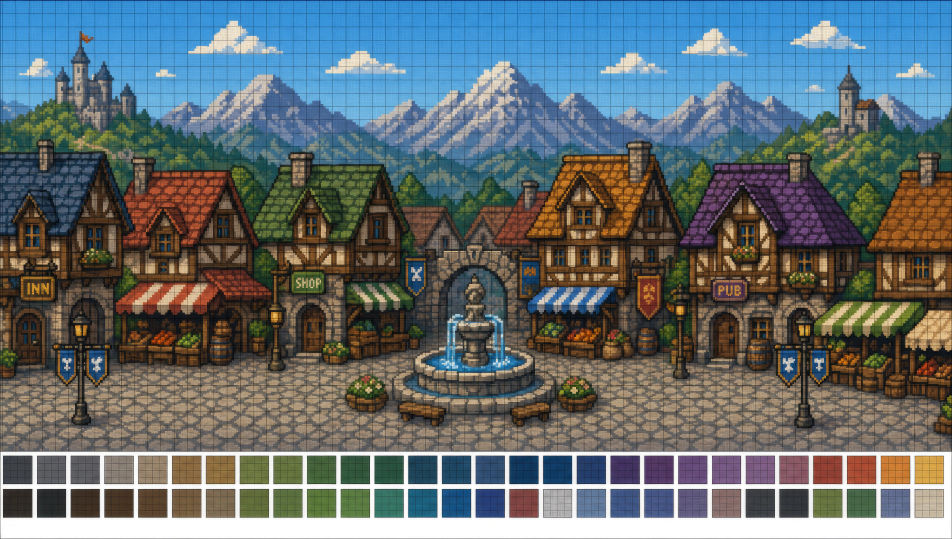
Diseña pixel art directo en tu navegador con el generador de imágenes de pixel art con IA de Morphic. Crea un sprite de mago encapuchado de 32x32 con una paleta de 8 colores o una sala de mazmorra con vista cenital para un RPG, fija el dithering y la paleta con Style Transfer y luego anima cualquier sprite con Image to Video.
Un pueblo de pixel art horizontal con calle empedrada, casas de madera, toldos de mercado, una fuente justo en el centro, montañas con parallax detrás, rejilla de tiles de 16x16.
Editar promptUna sala de mazmorra cuadrada de 64x64 con vista cenital, baldosas de piedra, cofres en dos esquinas, antorchas encendidas en cada muro, una sola estatua al fondo.
Editar prompt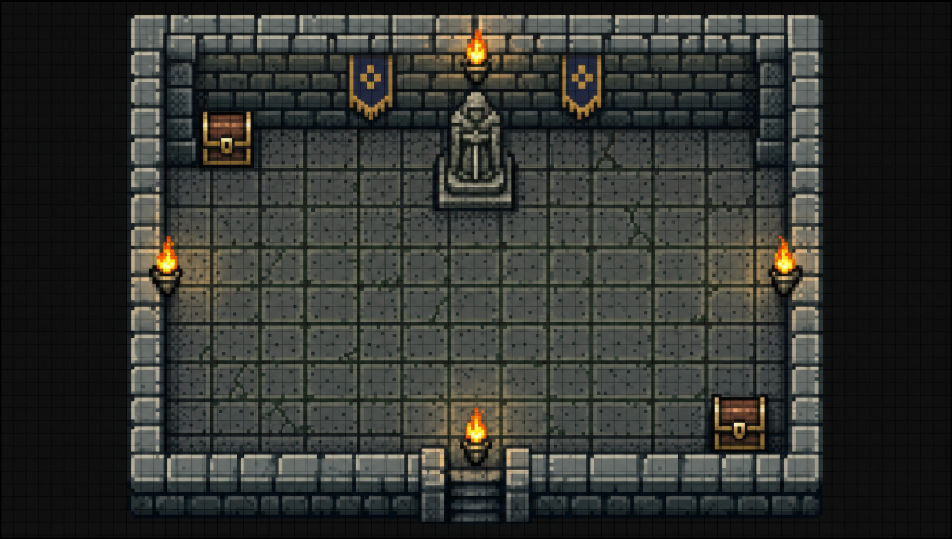
Un nivel pixel de scroll lateral con islas flotantes de césped y plataformas de ladrillo, monedas dispuestas en arcos, un cielo rosa con capas de nubes con parallax detrás.
Editar prompt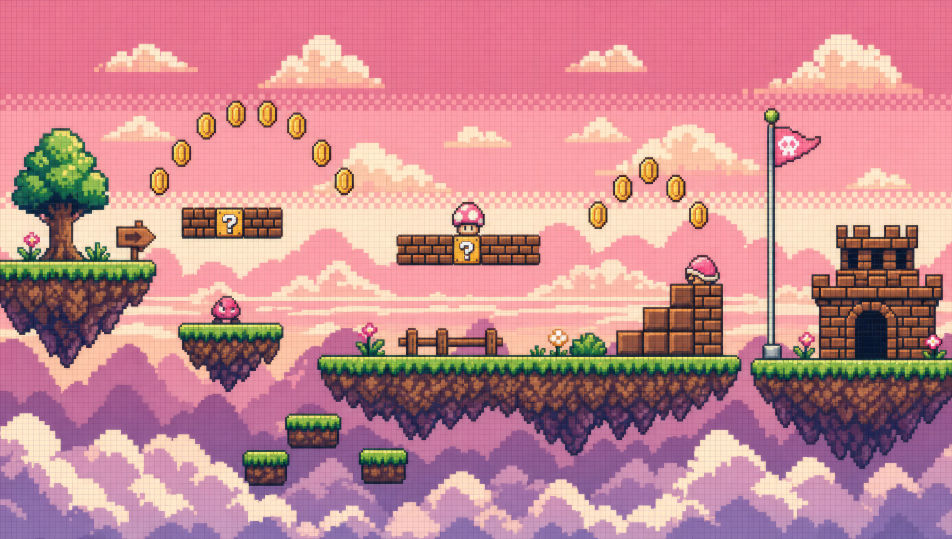
Un mapa del mundo JRPG con vista cenital, tiles hexagonales de césped, bosque, montañas y un río serpenteante, un solo sprite de héroe a media zancada en un sendero.
Editar prompt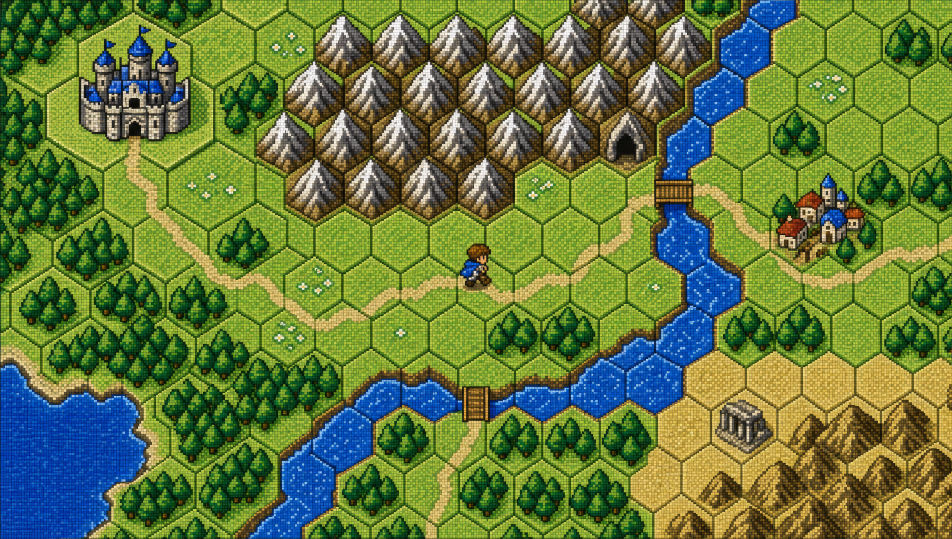
Describe el Pixel art que quieres, en palabras simples.
Morphic genera una imagen limpia y lista para publicar en tu canvas en segundos.
Ajusta el prompt, regenera variaciones y luego descarga o comparte el fotograma.
Pick a reference image, apply its visual style to your own photo or artwork.
Convert any image to a new aspect ratio. Smart crop or extend the edges to fit.
Restyle any video in a completely new visual style. Every frame transforms, all motion stays intact.

Turn any sketch or drawing into a finished render.

Pick any anime illustration as your style guide. Apply its look to any image.

Turn any photo or description into an animated chibi sprite. Dance, jump, wave, attack, and more.
Chibi art AI Images
Create chibi art with Morphic. Big-head kawaii characters, animal companions, sticker-pack expressions, and group line-ups generated from a single prompt.
Mecha art AI Images
Create Mecha art with Morphic. Pilot portraits, hardware design sheets, cockpit cross-sections, and frame studies generated from a single prompt.
Cyberpunk AI art
Create cyberpunk art with Morphic. Chrome-augmented netrunners, neon megacity skylines, ripperdoc clinics, and synthwave-grade portraits from a single prompt.
Comic book AI Images
Create comic book panels, character designs, and full pages with Morphic. Splash pages, action sequences, decompressed beats, and indie-comic styles from a single prompt.
Comienza gratis hoy, con la opción de mejorar tu plan o cancelar cuando quieras.
Basic
2400 mensual créditos
1 usuario
Todos los modelos
Workflows
Standard
3625 mensual créditos
1 usuario
Todos los modelos
Workflows
Pro
6350 compartidos mensual créditos
1 usuario
Todos los modelos
Workflows
Max
24650 compartidos mensual créditos
1 usuario
Todos los modelos
Workflows
Enterprise
Para límites más altos
Personalizado
términos de precios y facturación

Free
Para experimentar
$0
gratis para siempre