Expression sheet
A grid of poop emoji faces in one glossy style, happy, surprised, sleepy and winking, even lighting and consistent icon scale.
Editar prompt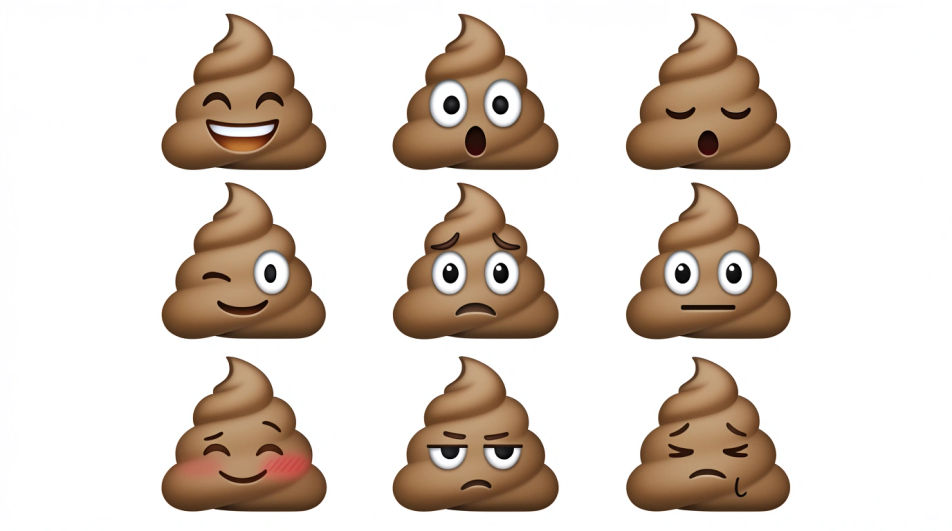
Generate a poop emoji picture in Morphic's Image tool, from the classic smiling swirl to a glossy 3D render or a flat sticker version for a group chat. Set the expression, the brown and highlight tones, the finish, and a transparent background, then download the icon in HD.
A grid of poop emoji faces in one glossy style, happy, surprised, sleepy and winking, even lighting and consistent icon scale.
Editar promptA single poop emoji isolated on a transparent background with a thin white sticker outline and a soft contact shadow underneath.
Editar prompt
Three poop emoji variants sized for a chat reaction row, bold silhouettes and one shared palette, plain pale background, no text.
Editar prompt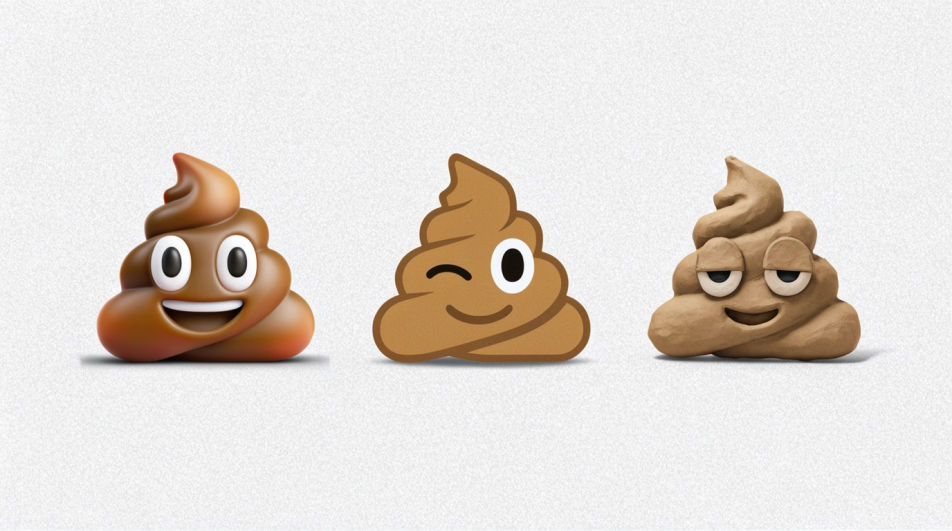
A glossy poop emoji wearing a small paper party hat with confetti falling around it, bright key light, cheerful flat backdrop.
Editar prompt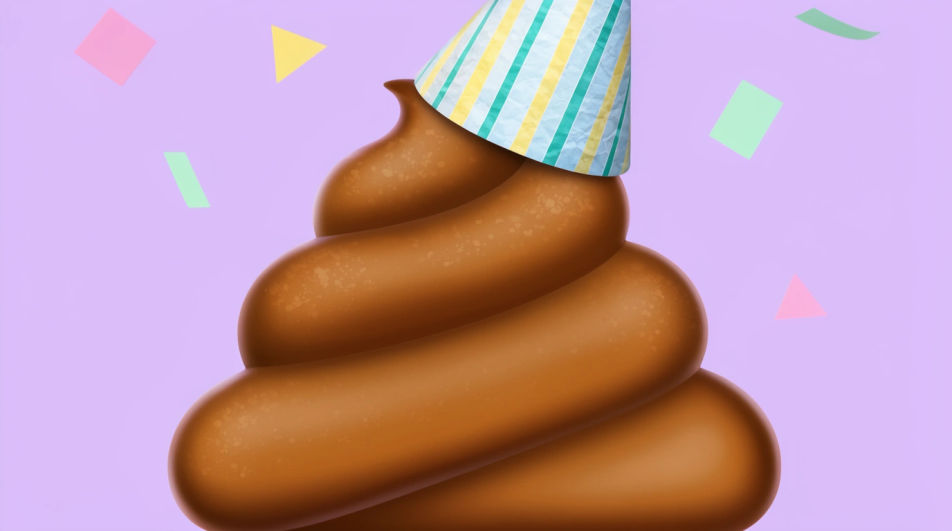
Describe el Poop Emoji que quieres, en palabras simples.
Morphic genera una imagen limpia y lista para publicar en tu canvas en segundos.
Ajusta el prompt, regenera variaciones y luego descarga o comparte el fotograma.
Pick a reference image, apply its visual style to your own photo or artwork.
Convert any image to a new aspect ratio. Smart crop or extend the edges to fit.

Turn any sketch or drawing into a finished render.

Take any character image and generate 6 distinct facial expressions on a single reference sheet.
Restyle any video in a completely new visual style. Every frame transforms, all motion stays intact.

Pick any anime illustration as your style guide. Apply its look to any image.
Emoji design AI images
Make emoji design AI images in your browser: glossy face sets, custom reactions, outlined sticker emoji. Build a matched pack fast. Start creating.
Funny emoji generator
Generate funny emoji images in Morphic. Describe the expression, colour and style you want, generate options, then refine the prompt and download it.
Goofy emoji generator
Generate goofy emoji images in Morphic. Describe the expression, colour and style you want, generate options, then refine the prompt and download it.
Modern house drawing maker
Turn a modern house drawing idea into a finished image in Morphic. Describe the line work and style, generate variations, then refine it on the canvas.
Comienza gratis hoy, con la opción de mejorar tu plan o cancelar cuando quieras.
Basic
2400 mensual créditos
1 usuario
Todos los modelos
Workflows
Standard
3625 mensual créditos
1 usuario
Todos los modelos
Workflows
Pro
6350 compartidos mensual créditos
1 usuario
Todos los modelos
Workflows
Max
24650 compartidos mensual créditos
1 usuario
Todos los modelos
Workflows
Enterprise
Para límites más altos
Personalizado
términos de precios y facturación

Free
Para experimentar
$0
gratis para siempre