Panel de avión de combate ¡PUM!
Un solo panel estilo Lichtenstein muestra un avión disparando de izquierda a derecha. Una explosión roja primaria estalla en el impacto y el rótulo ¡PUM! aparece en amarillo con contorno negro grueso.
Editar prompt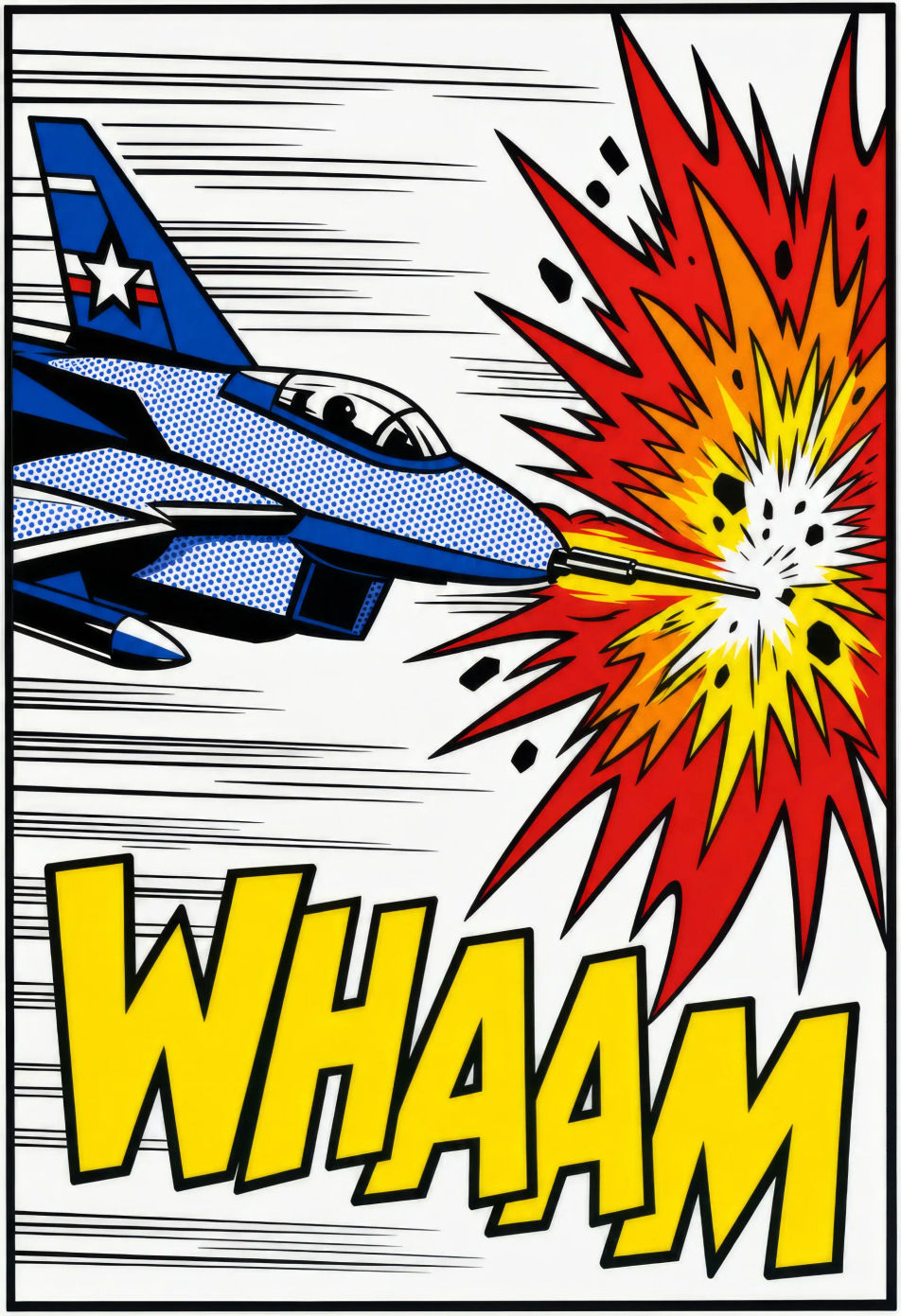
¿Quieres una viñeta con el color plano de los cómics de los sesenta? En Morphic describes la escena: una heroína con piel de puntos Ben-Day o una lata de sopa estilo serigrafía de Warhol. Fija la paleta primaria con Character Lineup y anima cualquier pieza con Image to Video.
Un solo panel estilo Lichtenstein muestra un avión disparando de izquierda a derecha. Una explosión roja primaria estalla en el impacto y el rótulo ¡PUM! aparece en amarillo con contorno negro grueso.
Editar promptUn mostrador de taquería se ve desde el lado del cliente, con banquitos cromados en fila. El piso de azulejo con puntos Ben-Day y un menú pintado a mano en azul y amarillo cubren la pared.
Editar prompt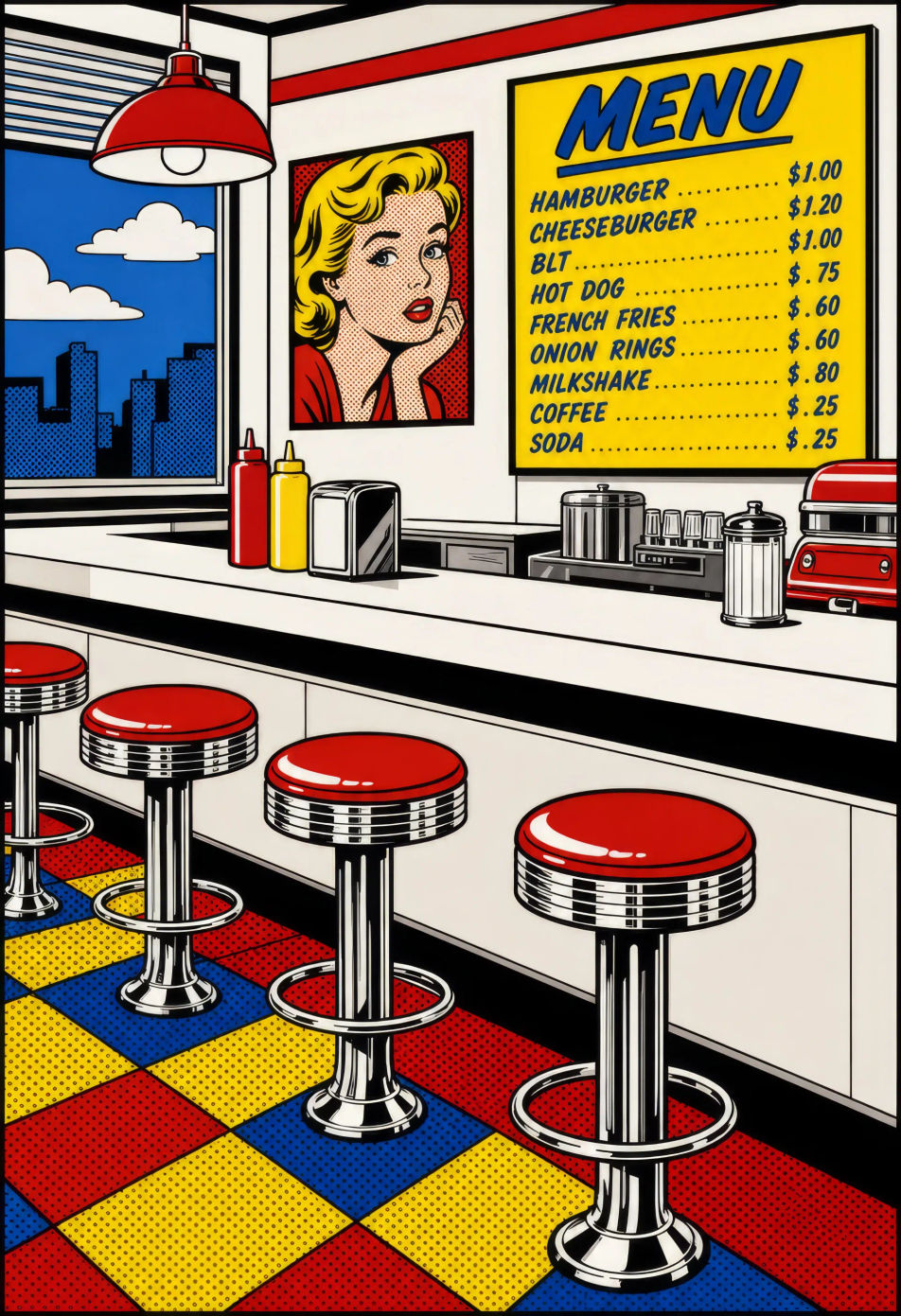
Una cuadrícula estilo Warhol de cuatro por cuatro repite la misma lata de sopa. Cada lata cambia de paleta primaria y el registro de serigrafía queda apenas desalineado entre filas.
Editar prompt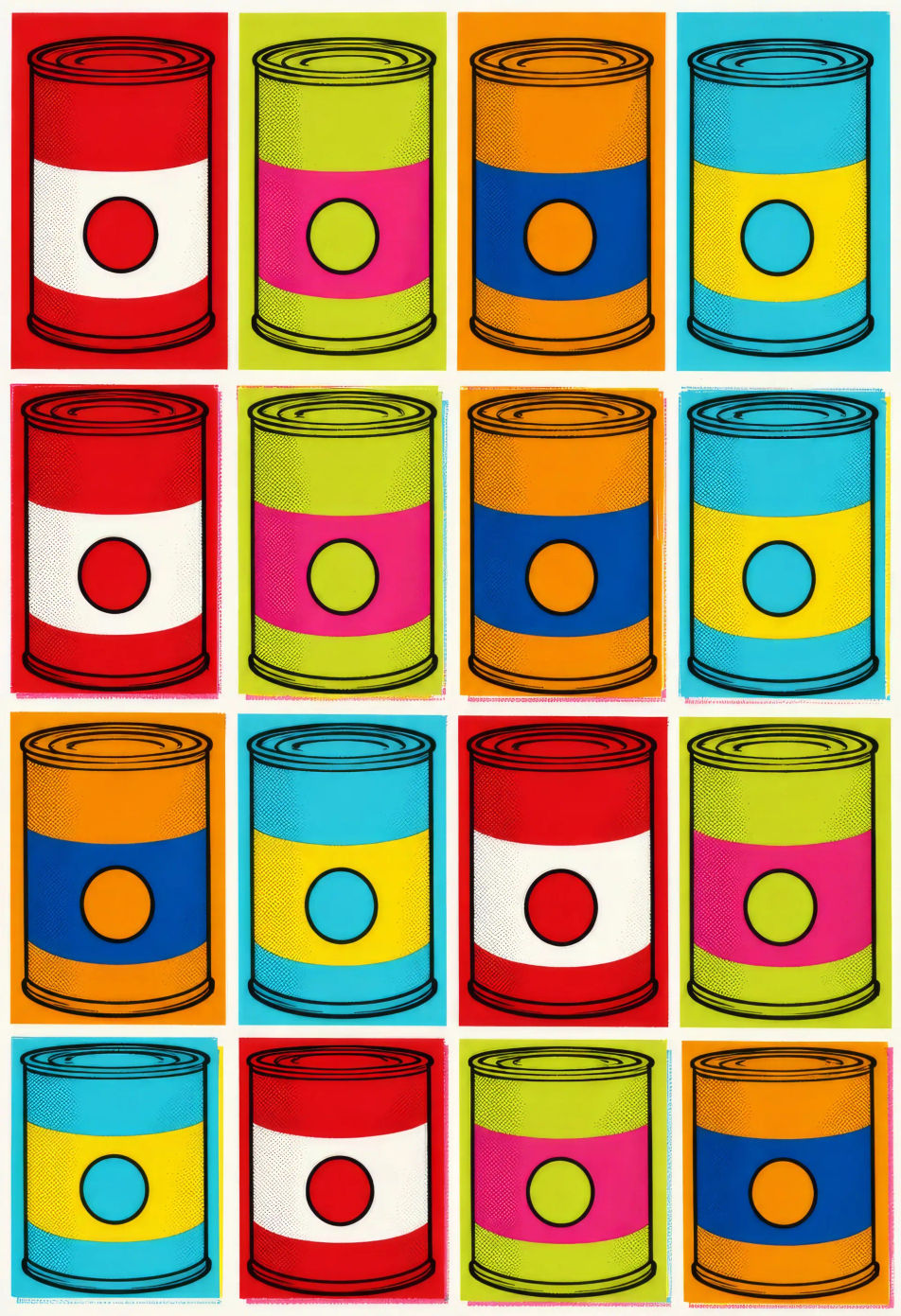
Un acercamiento estilo Lichtenstein muestra a una mujer llorando junto a un teléfono amarillo de disco. Su piel tiene puntos Ben-Day, labial rojo primario y una lágrima, con un globo de texto que dice TE AMO TAMBIÉN.
Editar prompt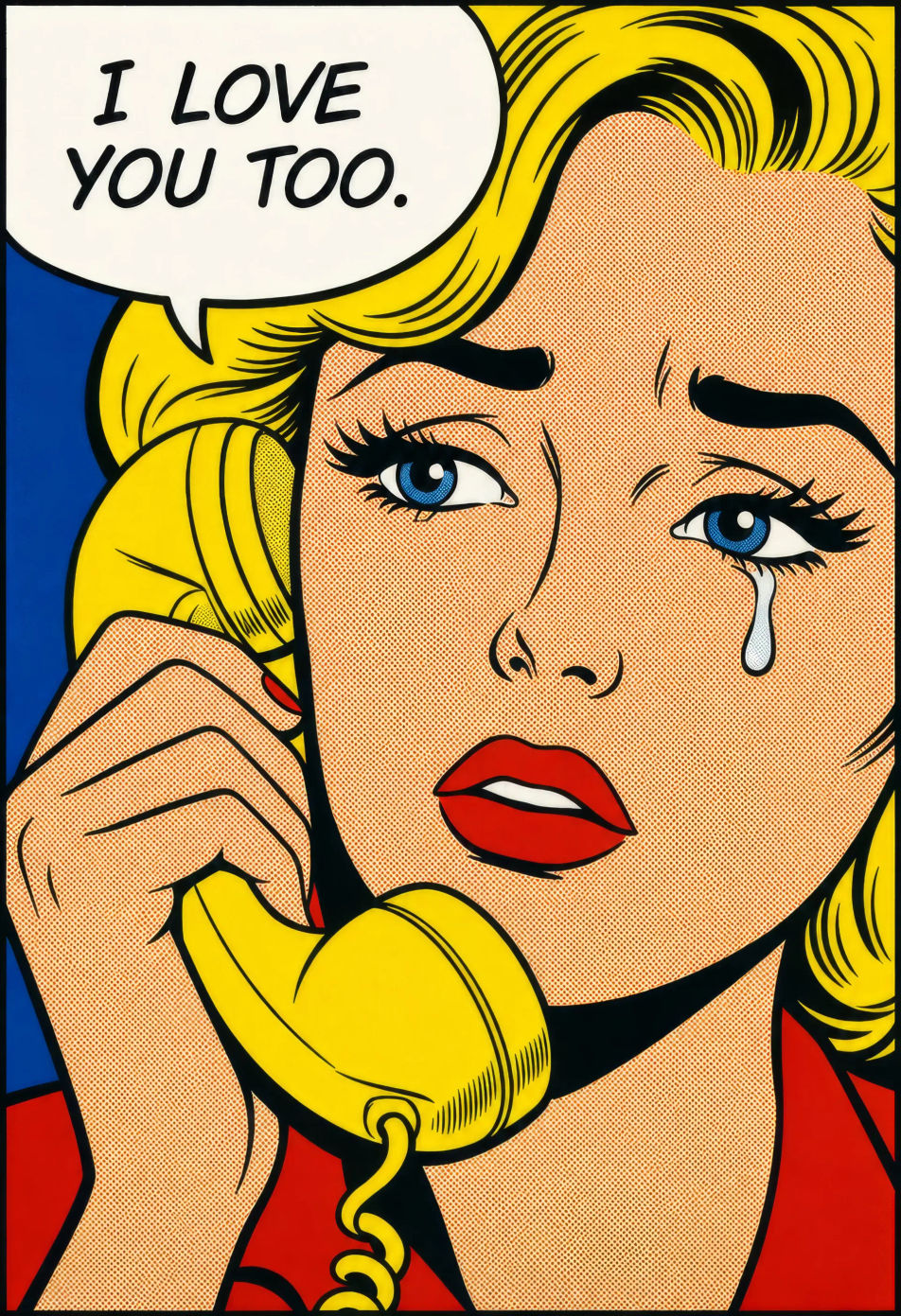
Describe el Arte pop que quieres, en palabras simples.
Morphic genera una imagen limpia y lista para publicar en tu canvas en segundos.
Ajusta el prompt, regenera variaciones y luego descarga o comparte el fotograma.
Pick a reference image, apply its visual style to your own photo or artwork.
Convert any image to a new aspect ratio. Smart crop or extend the edges to fit.

Turn any sketch or drawing into a finished render.

Pick any anime illustration as your style guide. Apply its look to any image.
Restyle any video in a completely new visual style. Every frame transforms, all motion stays intact.

Take any character image and generate 6 distinct facial expressions on a single reference sheet.
Comic book AI Images
Create comic book panels, character designs, and full pages with Morphic. Splash pages, action sequences, decompressed beats, and indie-comic styles from a single prompt.
Vaporwave aesthetic AI art
Create vaporwave aesthetic art with Morphic. Roman busts, grid horizons, palm-and-sunset silhouettes, and pink-cyan duotone compositions from a single prompt.
Art deco poster AI art
Create art deco posters with Morphic. Stepped sunbursts, geometric portraits, travel-and-cruise compositions, and 1920s gilt-and-black designs from a single prompt.
Ukiyo-e AI art
Create ukiyo-e art with Morphic. Cresting waves, kabuki actors, Edo travel scenes, and Japanese woodblock compositions from a single prompt.
Comienza gratis hoy, con la opción de mejorar tu plan o cancelar cuando quieras.
Basic
2400 mensual créditos
1 usuario
Todos los modelos
Workflows
Standard
3625 mensual créditos
1 usuario
Todos los modelos
Workflows
Pro
6350 compartidos mensual créditos
1 usuario
Todos los modelos
Workflows
Max
24650 compartidos mensual créditos
1 usuario
Todos los modelos
Workflows
Enterprise
Para límites más altos
Personalizado
términos de precios y facturación

Free
Para experimentar
$0
gratis para siempre