Classroom of the future
A technology drawing of a classroom of the future in colored pencil, students at touch screen desks, a robot helper and a glowing board.
Editar prompt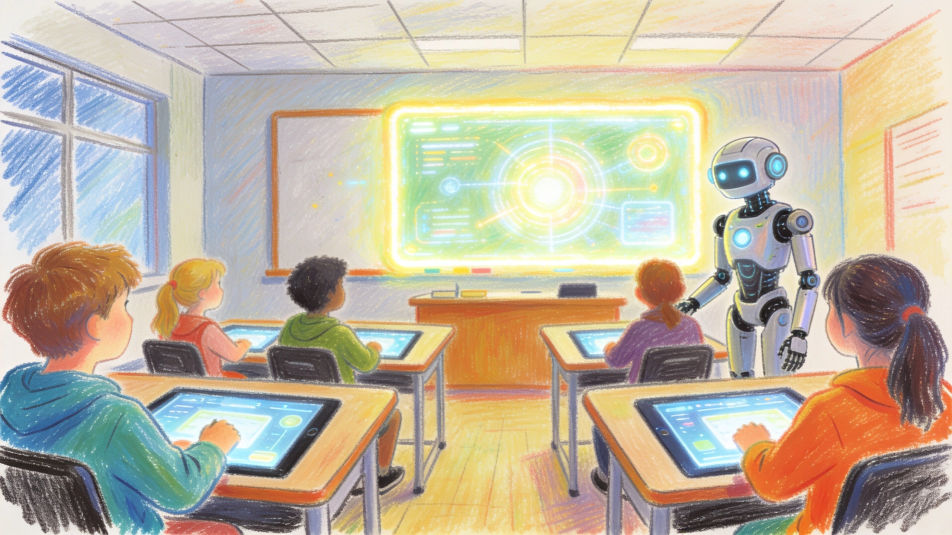
Describe the technology drawing you want in Morphic's Image tool, from a circuit board traced in fine ink to a timeline of devices from a rotary phone to a laptop. Set the medium, the idea and the level of detail, arrange it on the Canvas, then download the drawing in HD.
A technology drawing of a classroom of the future in colored pencil, students at touch screen desks, a robot helper and a glowing board.
Editar promptA technology drawing of a smart city at night in watercolor and ink, electric trams, solar roofs, drones delivering parcels and lit towers.
Editar prompt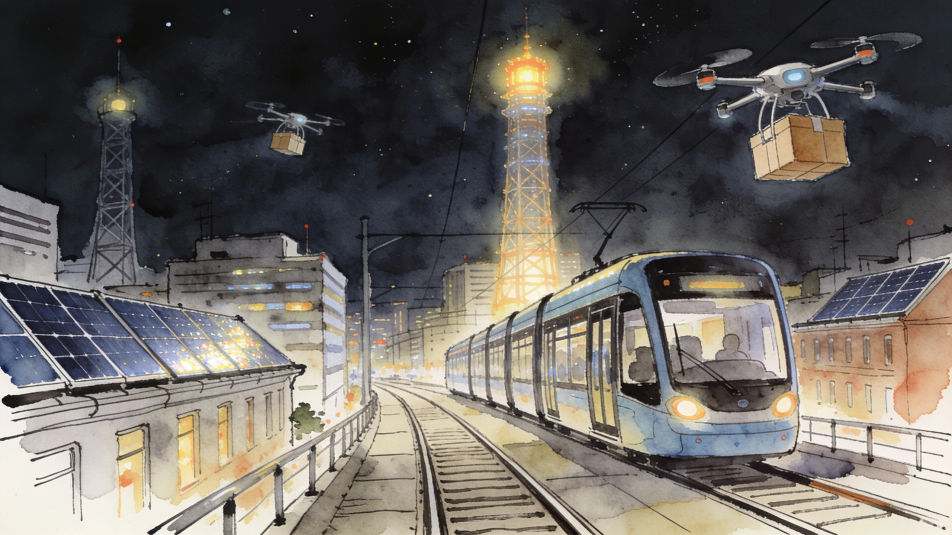
A technology drawing of a farm in pencil, a drone over the crops, a tractor with sensors and solar panels on the barn roof.
Editar prompt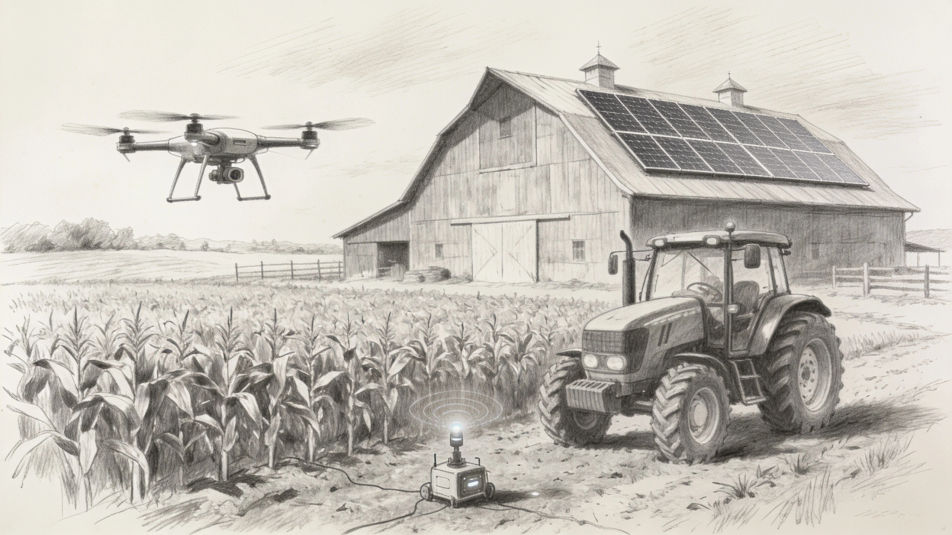
A technology drawing split in two in ink and wash, a typewriter, a radio and a glowing valve on one side, headphones and a laptop on the other.
Editar prompt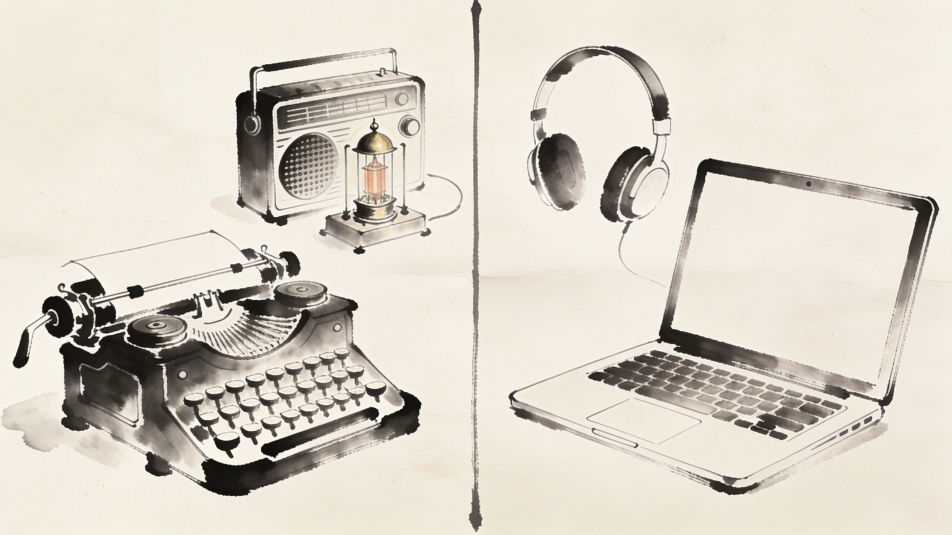
Describe el Technology drawing que quieres, en palabras simples.
Morphic genera una imagen limpia y lista para publicar en tu canvas en segundos.
Ajusta el prompt, regenera variaciones y luego descarga o comparte el fotograma.
Pick a reference image, apply its visual style to your own photo or artwork.

Turn any sketch or drawing into a finished render.
Convert any image to a new aspect ratio. Smart crop or extend the edges to fit.

Pick any anime illustration as your style guide. Apply its look to any image.
Restyle any video in a completely new visual style. Every frame transforms, all motion stays intact.

Take any character image and generate 6 distinct facial expressions on a single reference sheet.
Imágenes de tecnología con IA
Crea imágenes de tecnología con IA con nuestro generador de imágenes de tecnología. Encuentra imágenes tecnológicas cinematográficas en segundos.
Futuristic building drawing maker
Turn a futuristic building drawing idea into a finished image in Morphic. Describe the line work and style, generate variations, then refine it on the canvas.
Computer mouse drawing maker
Turn a computer mouse drawing idea into a finished image in Morphic. Describe the line work and style, generate variations, then refine it on the canvas.
Graffuturism AI art
Create Graffuturism art with Morphic. Calligraphic graffiti abstraction, spray gradients, futurist motion lines, and hard-edge meeting gestural from a single prompt.
Comienza gratis hoy, con la opción de mejorar tu plan o cancelar cuando quieras.
Basic
2400 mensual créditos
1 usuario
Todos los modelos
Workflows
Standard
3625 mensual créditos
1 usuario
Todos los modelos
Workflows
Pro
6350 compartidos mensual créditos
1 usuario
Todos los modelos
Workflows
Max
24650 compartidos mensual créditos
1 usuario
Todos los modelos
Workflows
Enterprise
Para límites más altos
Personalizado
términos de precios y facturación

Free
Para experimentar
$0
gratis para siempre