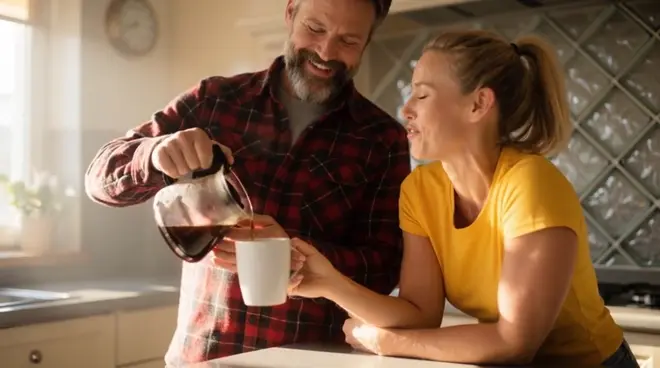
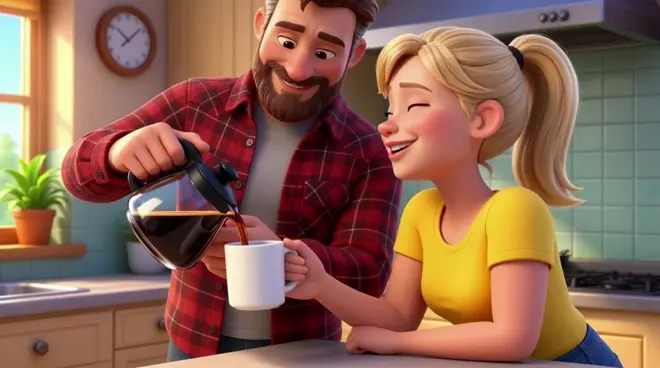
Human to robot with AI Recast
Morphic Recast swaps the actors in finished footage while keeping the original performance, camera and timing, so an actor can become a robot without a motion-capture day. Give it one robot design: every gesture, head turn and line is performed by the robot in the same real room.
- Clips de 30 segundos
- Una foto por persona
- Planes de pago
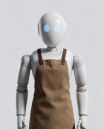
A workbench scene, now a robot. One robot design. The board held to the lamp, the turn to camera and the grin are the actor's performance; the workshop stays real. Play with sound.
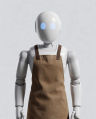 The man in the canvas apronAn original white humanoid robot
Qué cambia y qué se mantiene
| Cambia | Se mantiene como se rodó |
|---|---|
| The actor, as your robot design | Every gesture, head turn and line |
| Their body and costume, now the robot | The workbench, the lamp and the room |
| Nothing else in the shot | The framing, the camera and the sound |
Ejemplos de montaje
Robot without mocap
An actor plays the robot on set, then becomes it in post, without a motion-capture stage.
Previz a robot role
Show how a robot character plays in a real scene before the design and the VFX budget are locked.
Test the robot design
Try a few robot designs on the same take and see which one reads best in motion.
How do I turn an actor into a robot in a video with AI?
- 01
Upload the shot
Add one clip up to 30 seconds. For a longer sequence, recast it shot by shot and cut the shots together on the Compose timeline.
- 02
Add your robot design
One image of the robot, front-on and well lit. An original design works best; anyone you give no image stays as shot.
- 03
Name the swap and run it
Ask Copilot, for example: the man in the apron becomes the robot in the image. The room and light stay as shot.
¿Solo cambias a una persona? El workflow compartido solo necesita el clip y una foto.
Abrir el workflowNotas de producción
Consent and releases
Recast only footage you hold releases for, and use photos of people who agreed to appear. Every example here uses generated people, not real actors.
When to also dub
The recast keeps the original soundtrack. For new lines or another language, run Morphic Dub on the recast shot so the voices and lips match.
Recast or reshoot
Recasting a robot scene skips a new shoot day and calling the cast back, and one take can carry a cast per market. Reshoot only when the action must change.
Review it as a team
Keep the source shot, the cast photos and every take in one project, where teammates in your workspace open the same versions and comment on each.