Ediciones que puedes hacer
Edita una imagen en tres pasos
- 01
Abre Morphic
Regístrate y empieza a crear en un Canvas visual, libre e infinito.
- 02
Sube tu imagen
Sube la foto que quieres editar.
- 03
Describe el cambio
Di qué quieres cambiar, revísalo y descarga el resultado.
Casos de uso
Limpia una foto
Quita elementos que sobran, corrige la luz y deja la toma lista sin abrir un editor completo. Describe el arreglo y listo, sin capas ni máscaras.

Prepara fotos de producto
Cambia fondos y ajusta el color para que tu catálogo se vea consistente. Prepara un set de fotos de producto que combinen entre sí, rápido.

Retoca retratos
Suaviza, ilumina y corrige detalles sin perder lo natural de la persona. Un retoque ligero que nunca se ve artificial.

Cambia el estilo en un paso
Cambia todo el ambiente o el look de una imagen con un solo prompt. Dale otro estilo a una foto en un paso, sin una edición larga.

Ediciones que puedes hacer
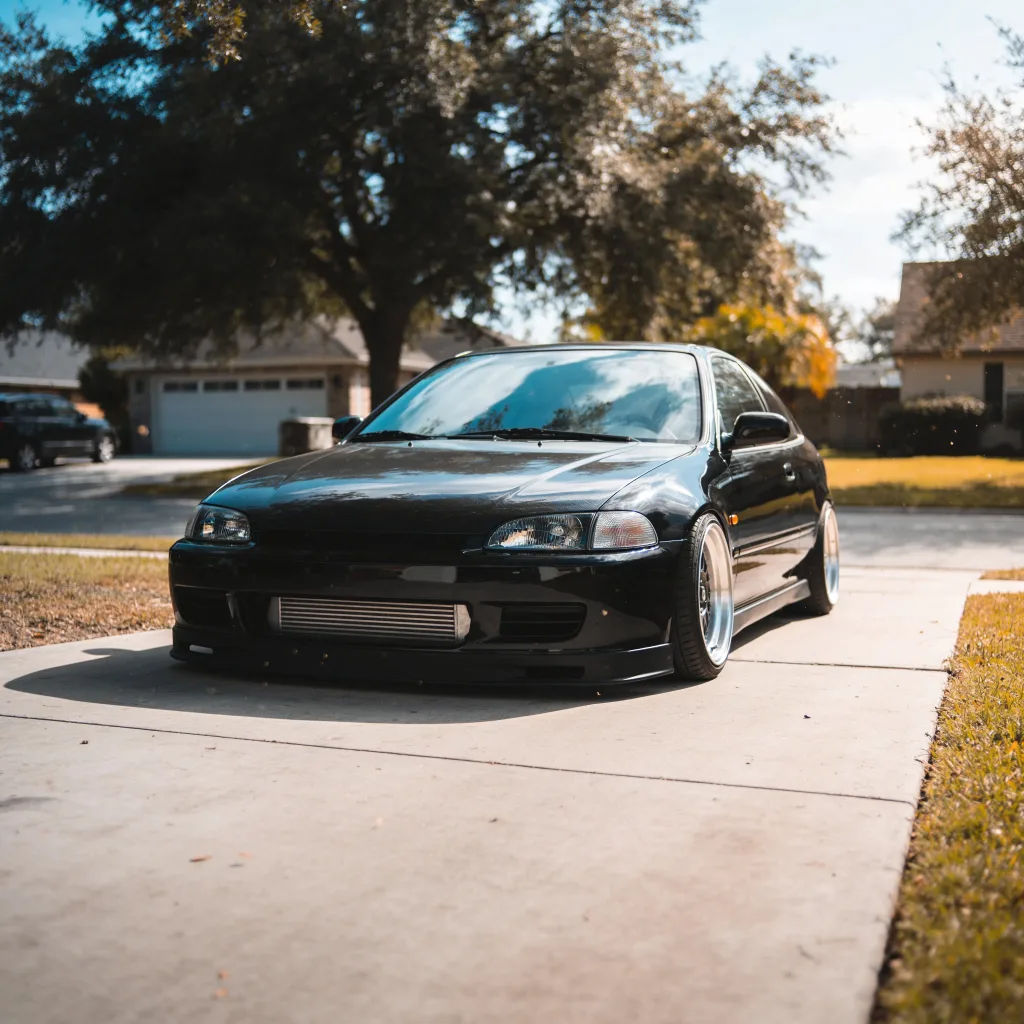
Cada una parte de tu propia imagen. Abre cualquier prompt para ajustarlo y generar el tuyo.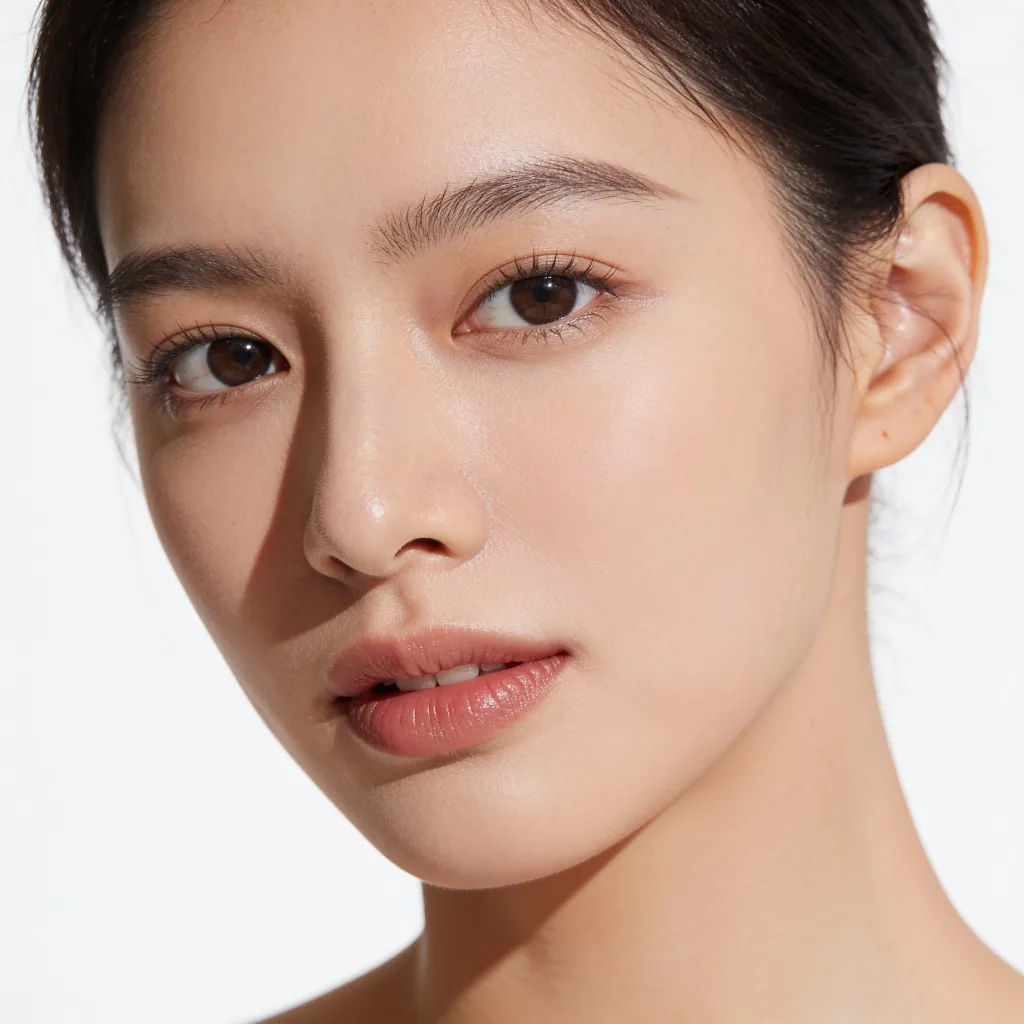
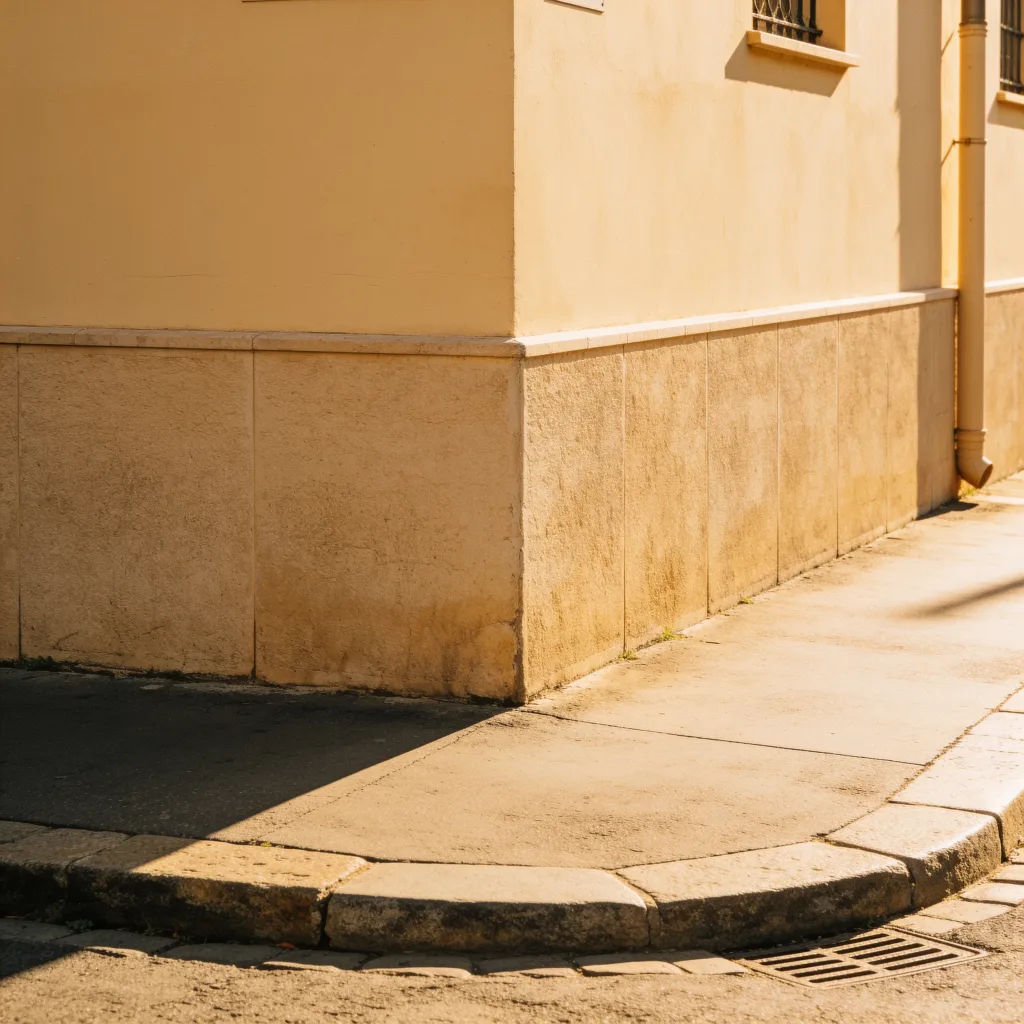
Quitar objeto
Quita el bote de basura de esta foto de calle, rellena el espacio de forma natural
Edit prompt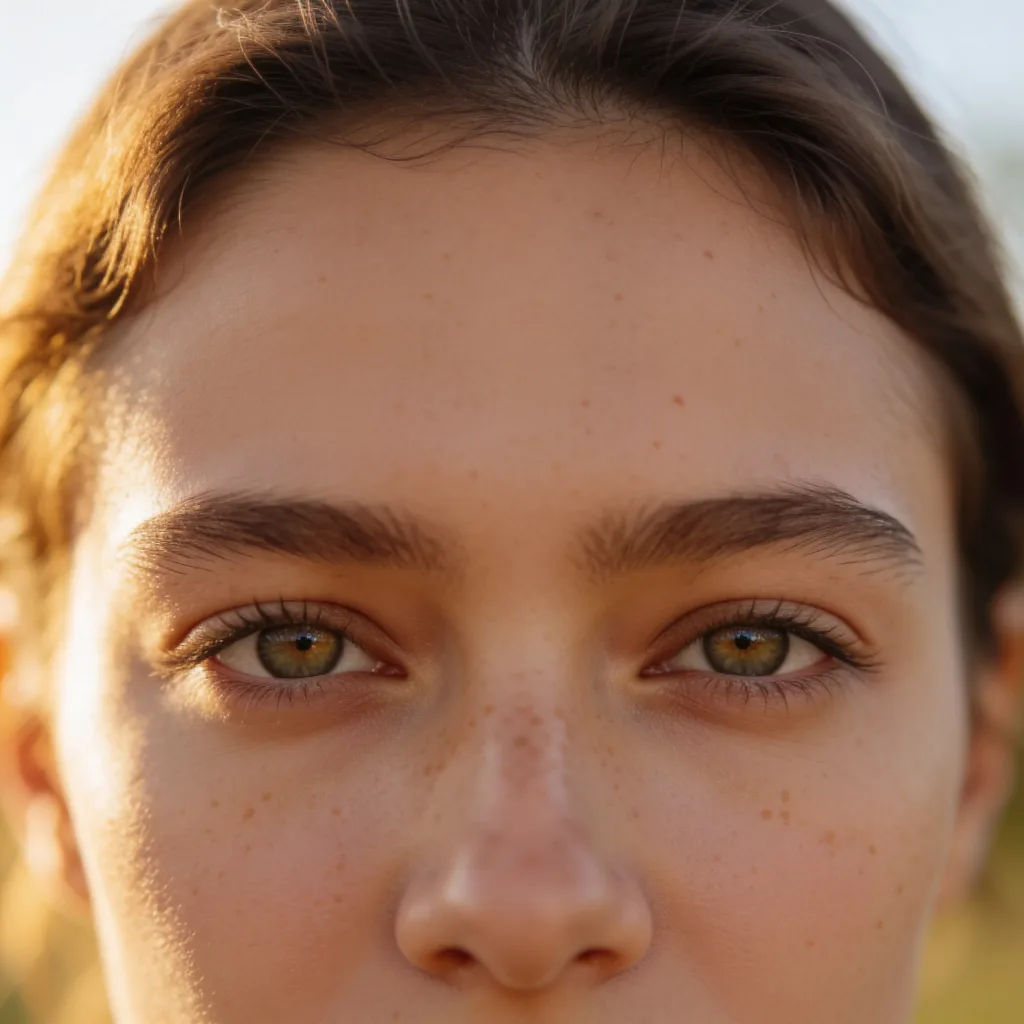
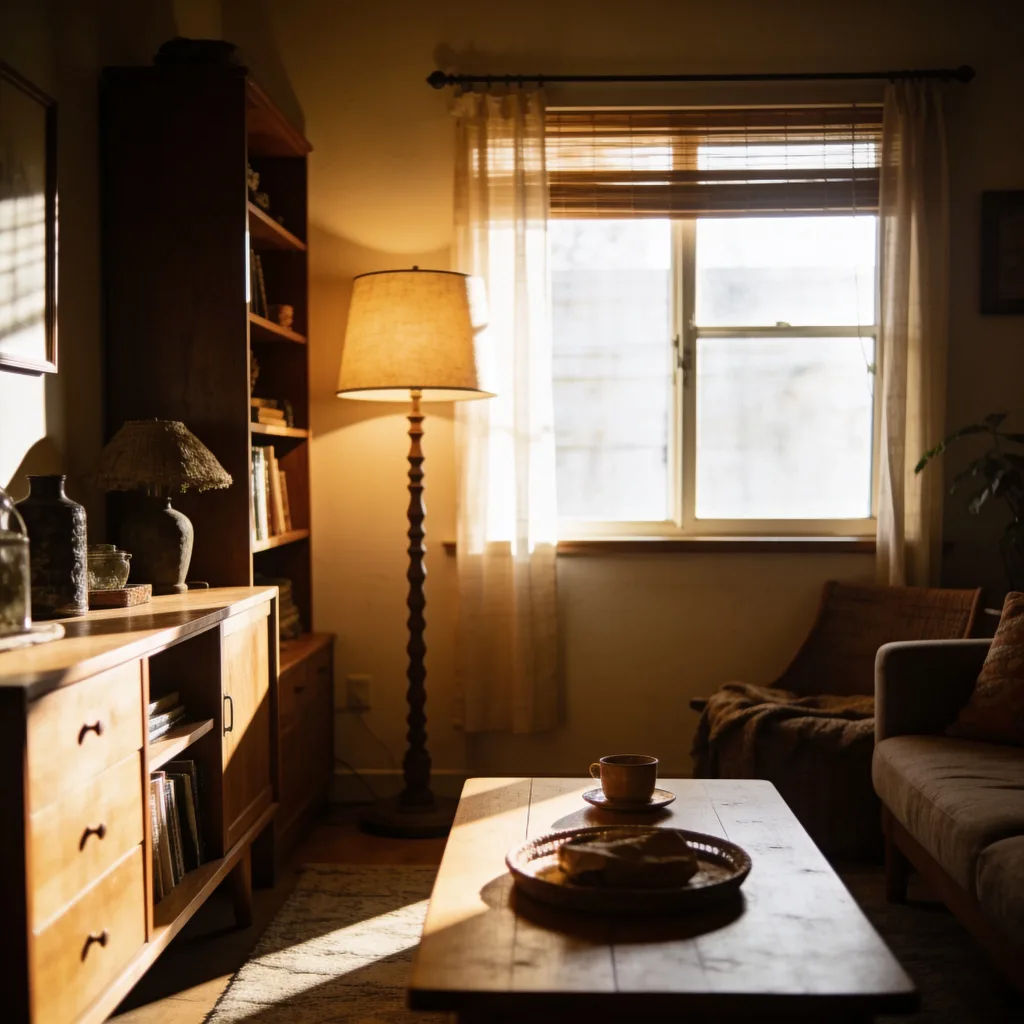
Corregir la luz
Ilumina esta foto subexpuesta, recupera el detalle en las sombras, mantenlo realista
Edit prompt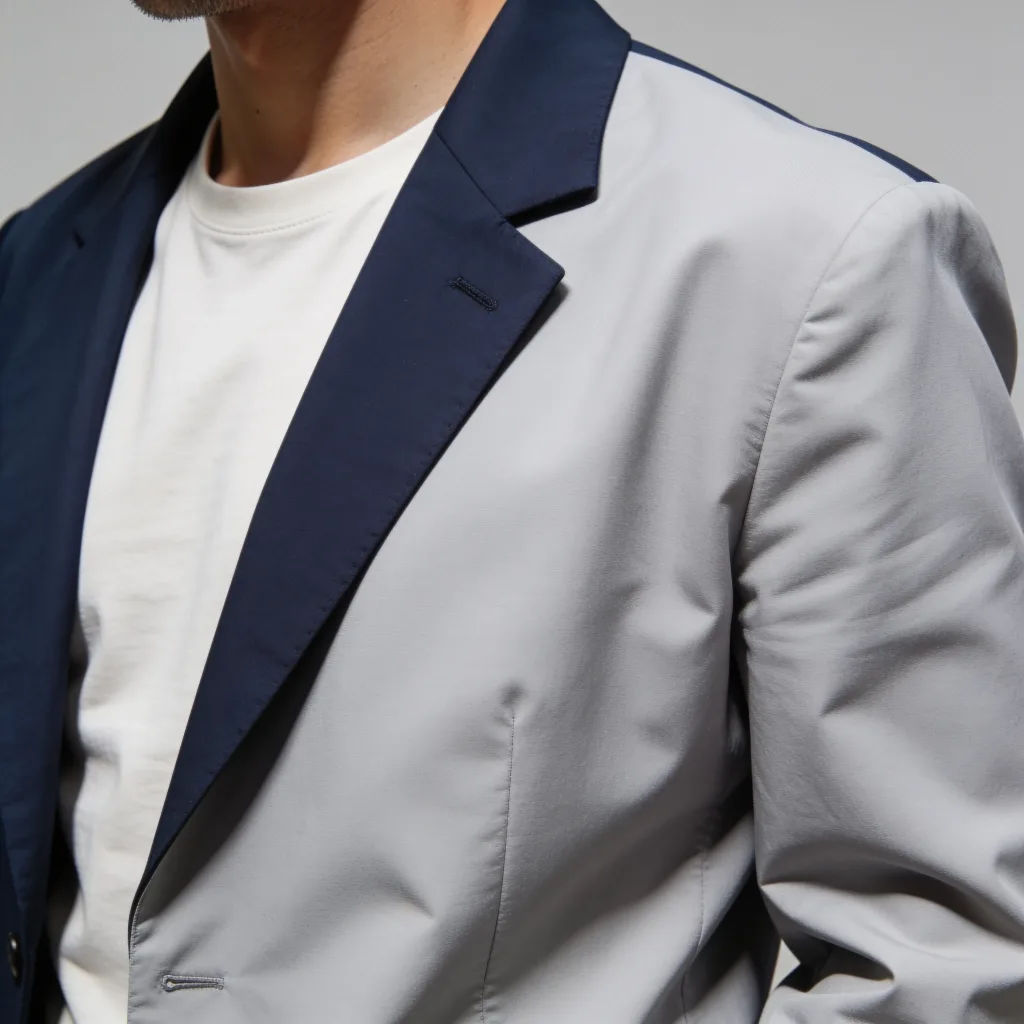
Cambiar atuendo
Cambia la camiseta de esta persona por un blazer azul marino, ajusta la luz para que combine
Edit prompt
Image reverse engineer
Get a detailed prompt extracted from a reference image, and then a fresh recreation.
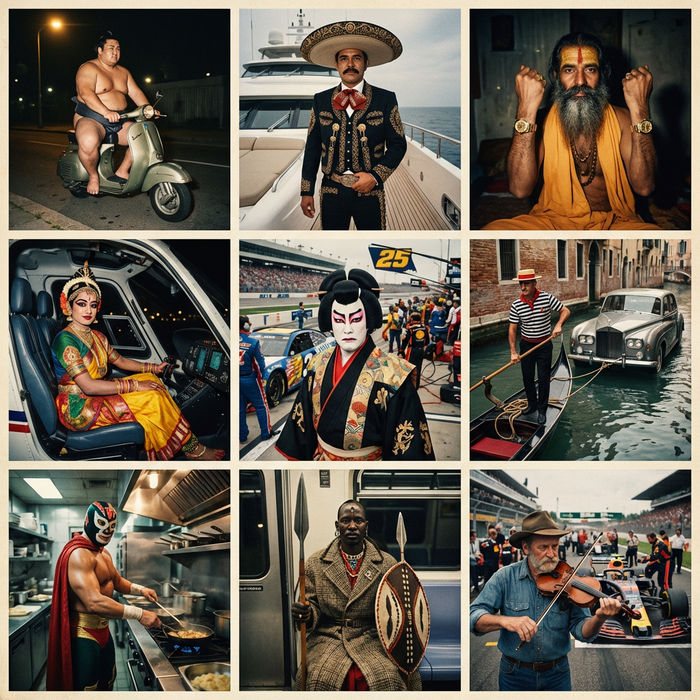
Paradox frames
Flash paradox photographs — any collision, any country

Jewelry campaign
One product shot becomes a full campaign pack with hero shots, angles, and format variations.
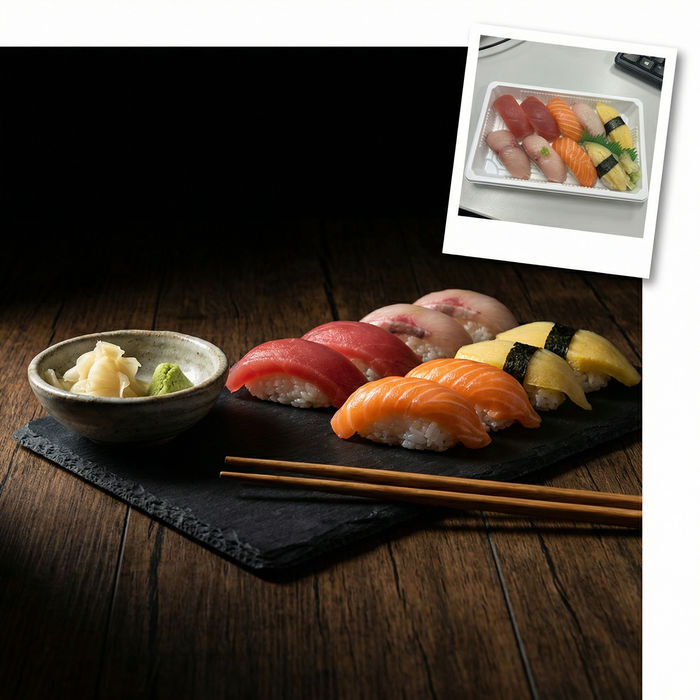
Food photo studio
Turn any dish photo or description into a styled, editorial-quality food photograph.

Product mockup generator
Upload a product photo and get studio-quality shots on any surface with configurable lighting, angles, and aspect ratios.

Female AI influencer
Generate a female AI influencer. Vertical output, ready for socials.
Todo en Morphic
Edita cualquier imagen solo con decir lo que quieresModelos
Nano Banana 2, Flux 2 Pro, Seedream 5 y más. Elige el modelo que edite más limpio y cámbialo cuando quieras.
Edita con palabras simples
Describe el cambio y sáltate por completo las capas, máscaras y menús.
Cambios puntuales
Edita solo lo que pides y deja el resto de la imagen intacto.
Workflows
Guarda una edición que repites como un Workflow y aplícalo a un lote de imágenes.
