Todos los modelos de video
Un solo espacio de trabajoEstilos de lyric video que puedes crear
Crea un lyric video en tres pasos
- 01
Abre Morphic
Regístrate y empieza a crear en un Canvas visual, libre e infinito.
- 02
Genera los visuales
Describe el ambiente de tu canción y genera visuales animados que combinen con ella.
- 03
Agrega la letra y sincroniza
Coloca tu letra encima y alinea cada línea con la voz en Compose.
Casos de uso
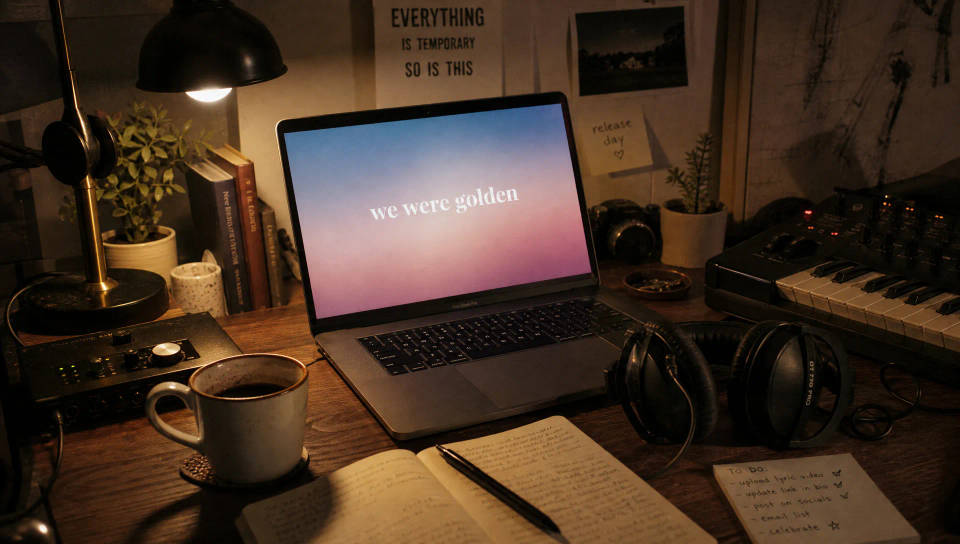
Lanza un sencillo sin editor
Publica un lyric video el mismo día que sale la canción. Genera visuales que combinen con el tema, coloca tu letra encima y publica sin editor ni paquete de plantillas.
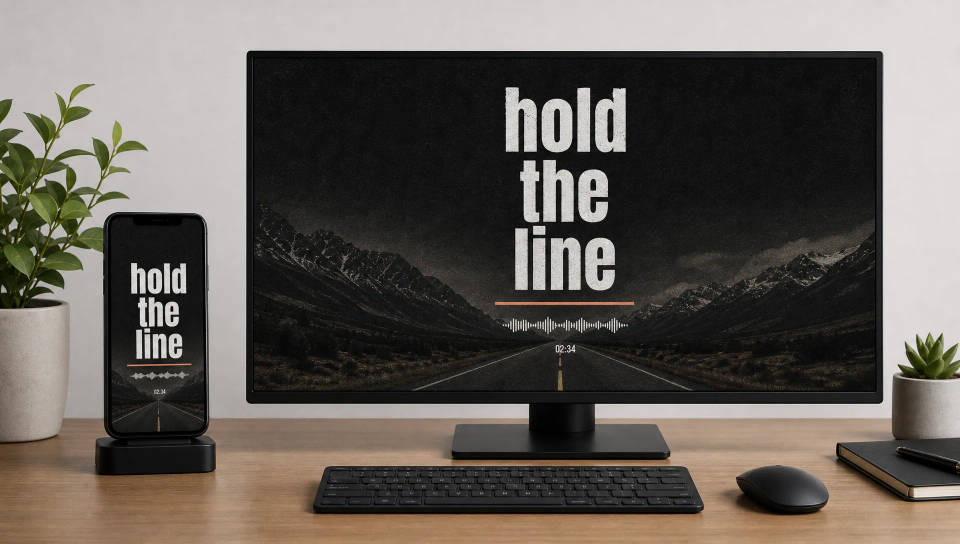
Lyric videos para cada plataforma
Renderiza en 9:16 para Shorts y Reels o en 16:9 para YouTube desde una sola canción. Organiza la letra para que cada palabra se lea bien tanto en un celular como en pantalla completa.
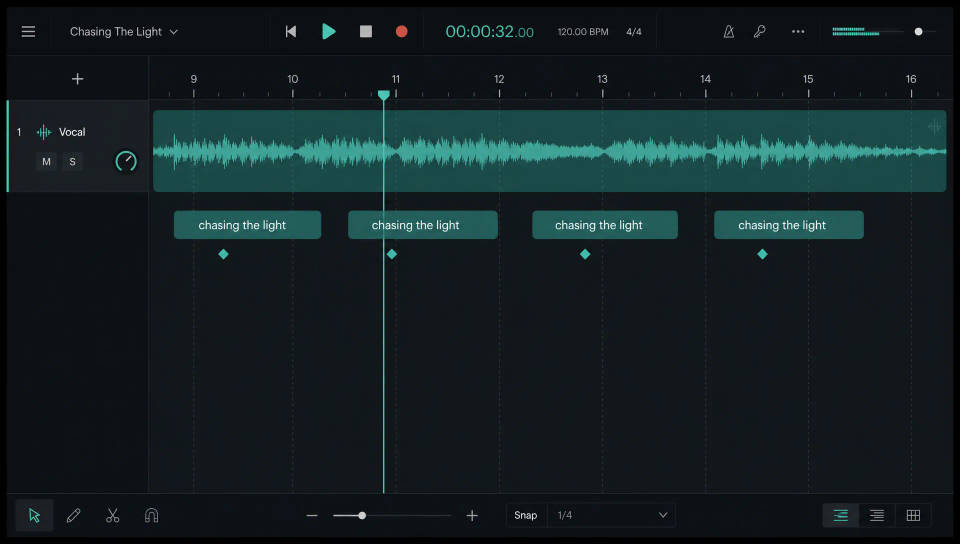
Sincroniza la letra con el ritmo
Lleva los visuales y tu canción a Compose, coloca cada línea donde entra la voz y ajusta al ritmo hasta que cada palabra aparezca a tiempo.
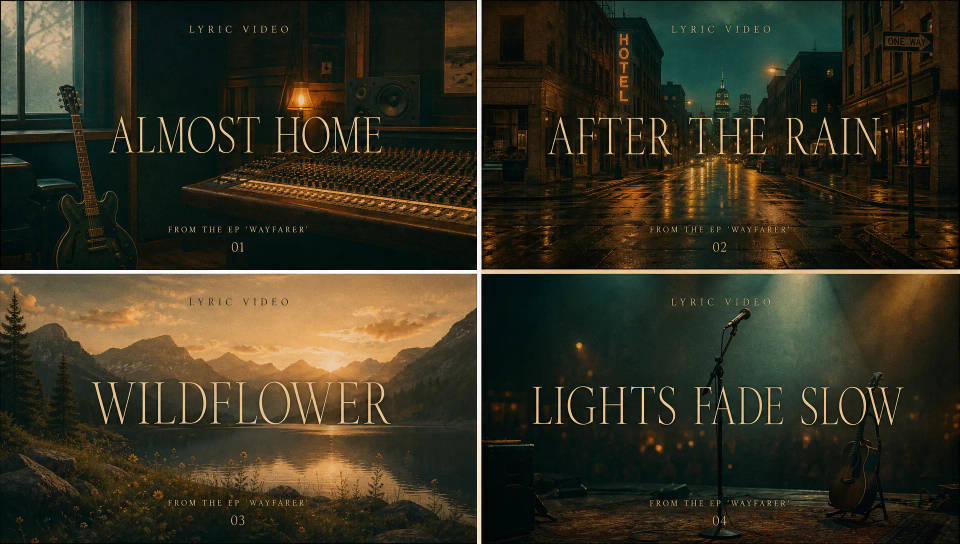
Un mismo estilo en todo un EP
Define la tipografía y el estilo visual en tu primer sencillo, guárdalo como un Workflow y vuelve a ejecutarlo para que todo el EP comparta el mismo look sin rehacer nada.
Cinematic scene
One image to a 9-scene cinematic video.
Time-freeze effect
Cinematic time-freeze short film for any scene
Put yourself in a movie
Drop in a photo of yourself. Get a 12-second cinematic movie with animation and a matched soundtrack.
Next scene in sequence
Continues your scene sequence with perfect character consistency across frames.
Renovation timelapse
Photo of any real-estate becomes a cinematic renovation timelapse video with construction SFX and music.
Short film creator
Go from any idea to a finished short film with scenes, visuals, video, and music.
Todo en Morphic
Tu stack completo para lyric videosModelos
Kling 3.0, Hailuo 2.3, LTX 2.3, Seedance 2.0, Veo 3.1, Vidu Q3 y más. Elige el modelo que combine con el ambiente de tu canción y cámbialo a mitad del proyecto.
Sincroniza en Compose
Lleva los visuales y tu canción a Compose, alinea cada línea de la letra con la voz y ajusta al ritmo hasta que cada palabra aparezca a tiempo.
Audio y sonido
Musicaliza una sección con la herramienta de Música o agrega textura con Efectos de sonido, y después sincroniza la letra sobre la pista.
Workflows
Define la tipografía y el estilo, guarda el lyric video como un Workflow y vuelve a ejecutarlo para el siguiente sencillo, así todo el catálogo mantiene un mismo look.
