Una avenida de neón mojada por la noche
Una avenida se baña en letreros de neón en una noche de lluvia. Un deportivo espera el semáforo, sube vapor de una alcantarilla y los reflejos tiemblan en el asfalto.
Editar prompt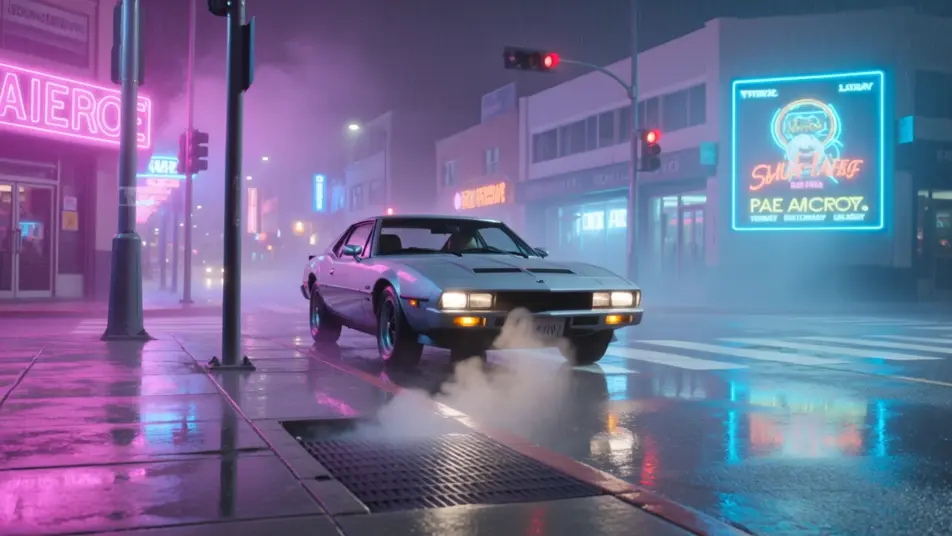
Crea la estética neón de los 80 sin cámara ni equipo, desde el navegador o el celular con el generador de videos con IA de Morphic. Una avenida bajo la lluvia, un arcade retro, un viaje synthwave: descríbelo y aparece. Súmale voz y música con Speech y Music en Canvas.
Una avenida se baña en letreros de neón en una noche de lluvia. Un deportivo espera el semáforo, sube vapor de una alcantarilla y los reflejos tiemblan en el asfalto.
Editar promptUn arcade de los 80 en penumbra, repleto de gabinetes con bordes de neón. El brillo de las pantallas cae sobre los jugadores, entre alfombras y neblina.
Editar prompt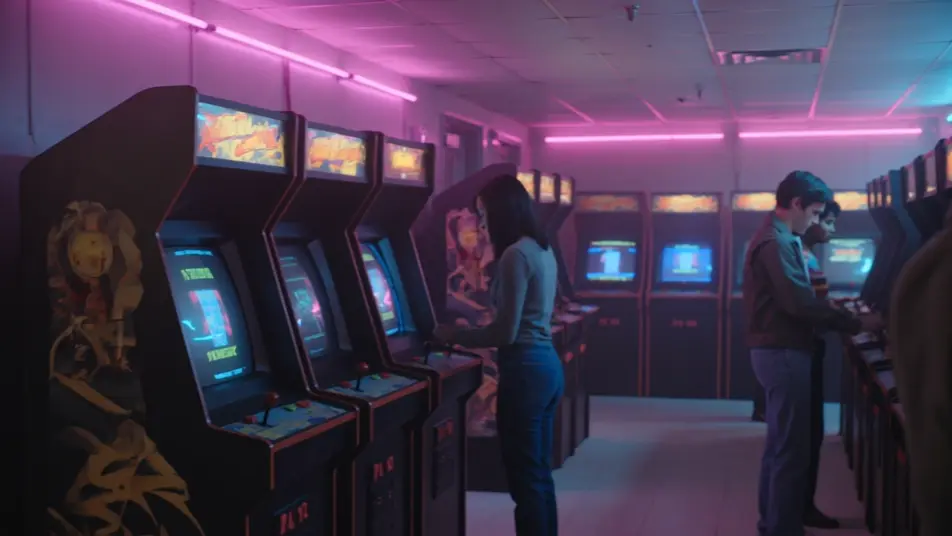
Un recorrido nocturno en primera persona avanza hacia una cuadrícula de neón y un sol synthwave bajo. Palmeras en silueta, cielo de magenta a violeta.
Editar prompt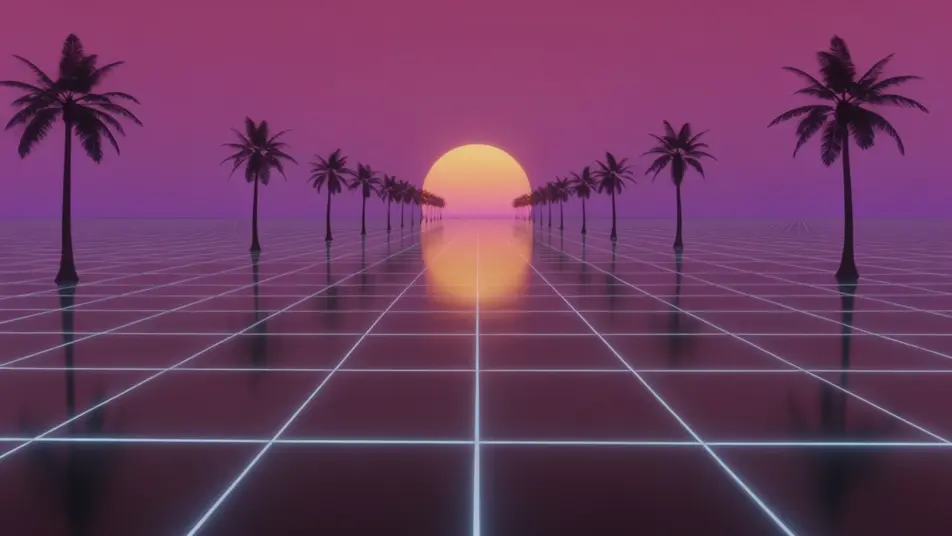
Un club de los 80 de alto brillo, con la pista llena bajo láseres y tubos de neón. Gira la bola de espejos entre humo, y la luz magenta baña a los bailarines.
Editar prompt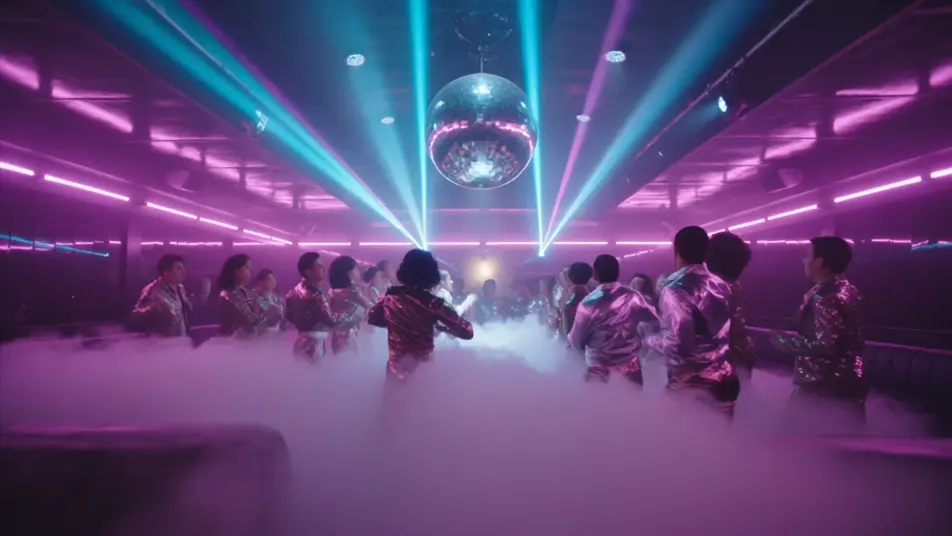
Escribe la escena de Neón de los 80 que quieres, en palabras simples.
Morphic genera un clip cinematográfico y listo para usar en tu canvas en segundos.
Ajusta el prompt, regenera variaciones y luego descarga o comparte la toma.
Cinematic time-freeze short film for any scene

Dramatize any text conversation into a cinematic multi-shot video.
One image to a 9-scene cinematic video.
Drop in a photo of yourself. Get a 12-second cinematic movie with animation and a matched soundtrack.

Share a scene description with character references. Get a full storyboard with shot angles and mood.

Feed in a single image. Get 9 cinematic beats laid out as a 3x3 storyboard grid.
Videos VHS de los años 80 con IA
Genera videos con efecto VHS de los años 80 en Morphic. Líneas de tracking, color corrido y fecha en la esquina, solo con describir la escena.
80s AI videos
Generate 80s videos on Morphic. Neon grids, synthwave horizons, malls, arcades, and VHS-textured scenes from plain-language prompts, no software needed.
Videos cyberpunk con IA
Crea videos cyberpunk con IA en Morphic: callejones de neón bajo la lluvia, tianguis nocturnos y megaciudad latina, desde un prompt en español.
Videos retro con IA
Crea videos retro con IA en Morphic: grano de película, color desvaído y detalle de época de los 70, 80 y 90 a partir de prompts en español.
Comienza gratis hoy, con la opción de mejorar tu plan o cancelar cuando quieras.
Basic
2400 mensual créditos
1 usuario
Todos los modelos
Workflows
Standard
3625 mensual créditos
1 usuario
Todos los modelos
Workflows
Pro
6350 compartidos mensual créditos
1 usuario
Todos los modelos
Workflows
Max
24650 compartidos mensual créditos
1 usuario
Todos los modelos
Workflows
Enterprise
Para límites más altos
Personalizado
términos de precios y facturación

Free
Para experimentar
$0
gratis para siempre