Neon night portrait
Close shot of a face under wet neon where every bright edge splits into red and cyan ghosts, the fringe swelling toward the corners, cool saturated key, slow push-in that lets the color bleed intensify.
Editar prompt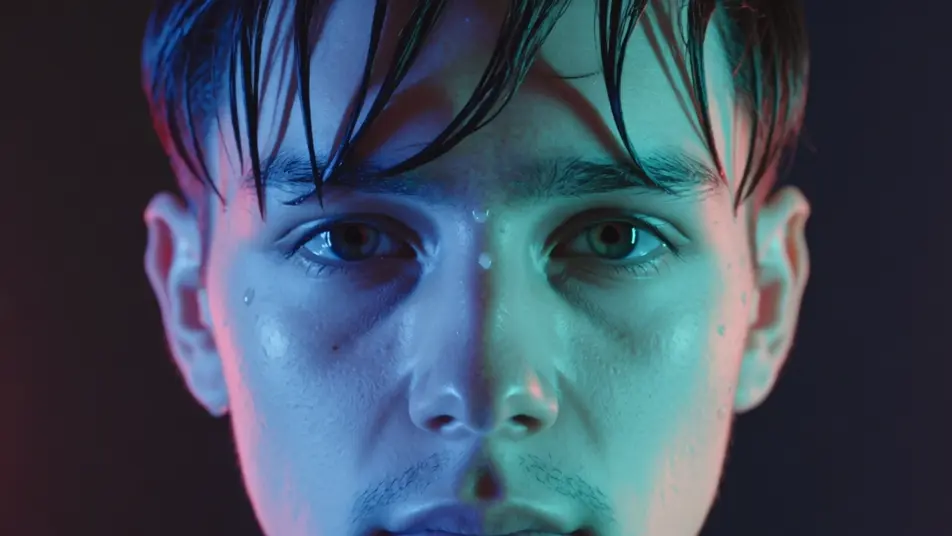
Direct color-fringed, RGB-split imagery in your browser with Morphic's chromatic aberration AI video generator. Generate a sodium-lit sign smearing red and cyan ghosts, or a face pulsing apart into color channels on a bass hit. Pair them with Music to snap the split to the beat on the Canvas.
Close shot of a face under wet neon where every bright edge splits into red and cyan ghosts, the fringe swelling toward the corners, cool saturated key, slow push-in that lets the color bleed intensify.
Editar promptTight framing on a subject locked still until the channels jolt apart on the drop and snap back, hard RGB stabs punctuating the cut, dark stage light, static frame so the split reads clean.
Editar prompt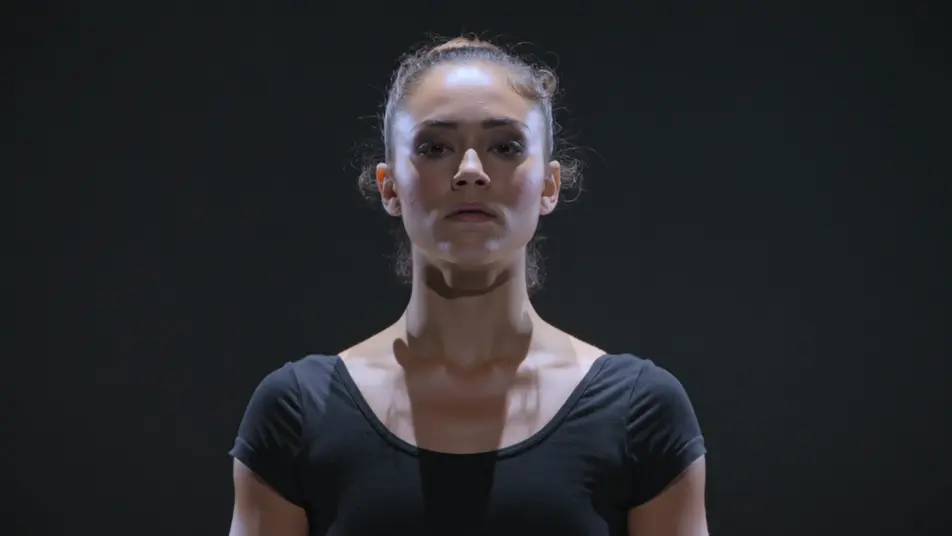
Forward tracking shot down a rain-slick street where color fringing streaks radially outward from the vanishing point, red and cyan smearing along the buildings, cool blue key, steady dolly into the depth.
Editar prompt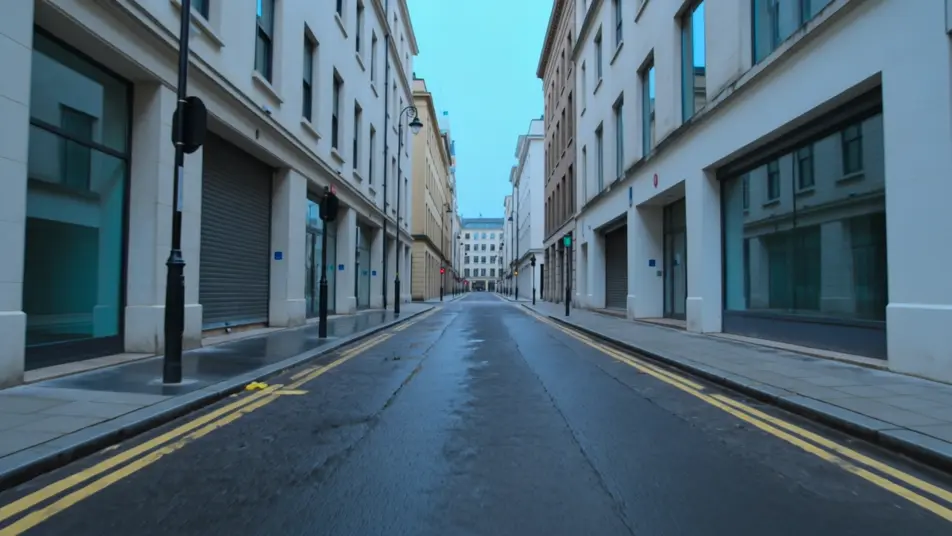
Handheld feel through a sunlit room where a soft uneven red-blue bleed drifts over everything like an old zoom lens, warm nostalgic grade, gentle sway that shifts the fringe as the frame moves.
Editar prompt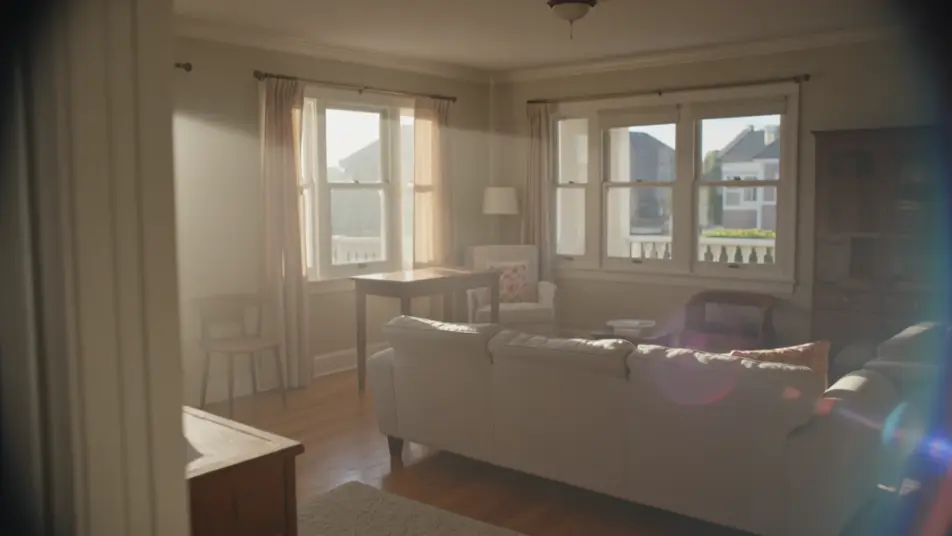
Escribe la escena de chromatic aberration que quieres, en palabras simples.
Morphic genera un clip cinematográfico y listo para usar en tu canvas en segundos.
Ajusta el prompt, regenera variaciones y luego descarga o comparte la toma.

Dramatize any text conversation into a cinematic multi-shot video.
Cinematic time-freeze short film for any scene

Generate a professional film title card from scratch, with optional cinematic animation.
Photo of any real-estate becomes a cinematic renovation timelapse video with construction SFX and music.
One image to a 9-scene cinematic video.
Drop in a photo of yourself. Get a 12-second cinematic movie with animation and a matched soundtrack.
AI Glitch Effect videos
Generate AI glitch videos with Morphic. Block corruption, signal dropout, RGB tears, and paste-ready glitch prompts that run end to end in your browser.
AI lens flare
Generate AI lens flare videos with Morphic. Anamorphic streaks, sun bloom, spotlight halos, and paste-ready flare prompts that run end to end in your browser.
Videos de VFX con IA
Crea videos de VFX con IA en Morphic. Explosiones, energía, destrucción de ciencia ficción y partículas a partir de un prompt, sin pantalla verde.
Videos morph con IA
Crea videos morph con IA en Morphic: transiciones suaves, transformaciones, morphs de envejecimiento facial y cortes sincronizados al ritmo, listos para usar.
Comienza gratis hoy, con la opción de mejorar tu plan o cancelar cuando quieras.
Basic
2400 mensual créditos
1 usuario
Todos los modelos
Workflows
Standard
3625 mensual créditos
1 usuario
Todos los modelos
Workflows
Pro
6350 compartidos mensual créditos
1 usuario
Todos los modelos
Workflows
Max
24650 compartidos mensual créditos
1 usuario
Todos los modelos
Workflows
Enterprise
Para límites más altos
Personalizado
términos de precios y facturación

Free
Para experimentar
$0
gratis para siempre