Portrait falling apart
Close shot of a still face that holds a beat then shatters into shifting color blocks and channel tears before reassembling, dark moody key, static frame so the corruption reads clean against the stillness.
Editar prompt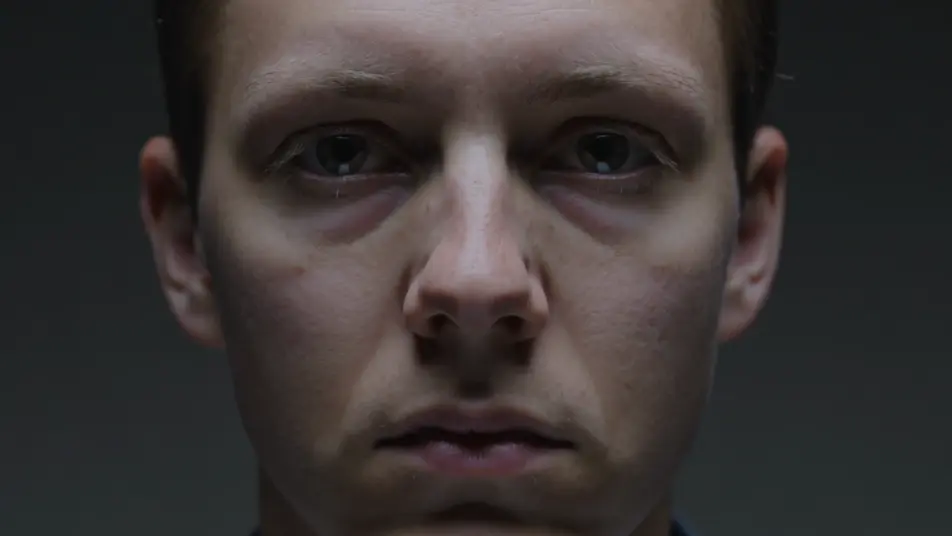
Direct digital corruption in your browser with Morphic's glitch effect AI video generator. Generate a portrait tearing into blocks of scrambled color, or a scene stuttering like a failing signal. Pair with Music to snap the glitch to a beat, then stitch the sequence on the Canvas.
Close shot of a still face that holds a beat then shatters into shifting color blocks and channel tears before reassembling, dark moody key, static frame so the corruption reads clean against the stillness.
Editar promptMedium shot of a figure at a desk lit like a news set where the feed stutters, drops to static bars, and snaps back on the beat, cold fluorescent key, locked frame with the glitch punching the cut.
Editar prompt
Forward tracking shot down a neon corridor where the whole image scanline-scrambles and RGB-tears as it moves, colors smearing into trails, cool cyan key, steady dolly through the flickering hall.
Editar prompt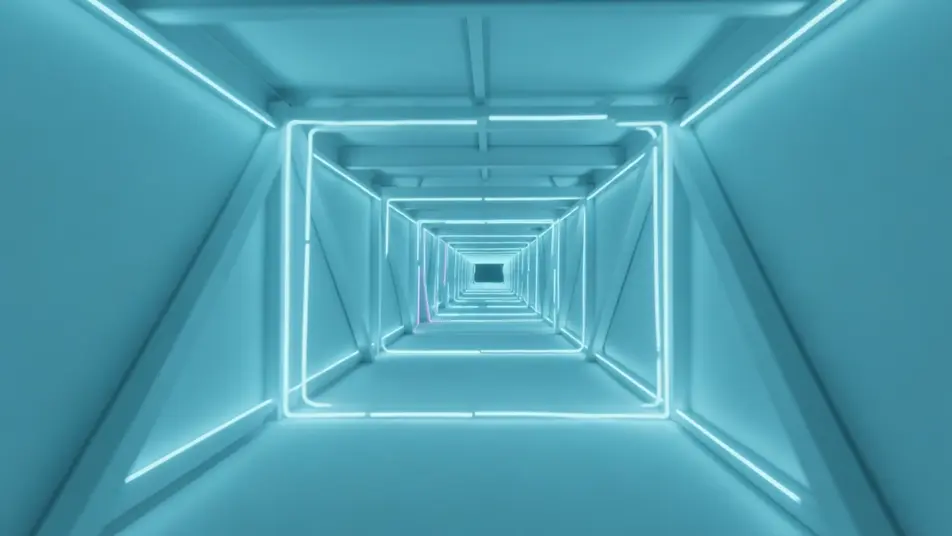
Tight shot of a face lit by a screen as garbled glyphs and hex codes flood the frame and pixel-melt smears drag across the eyes, sickly green monitor glow, slow push-in into the corruption.
Editar prompt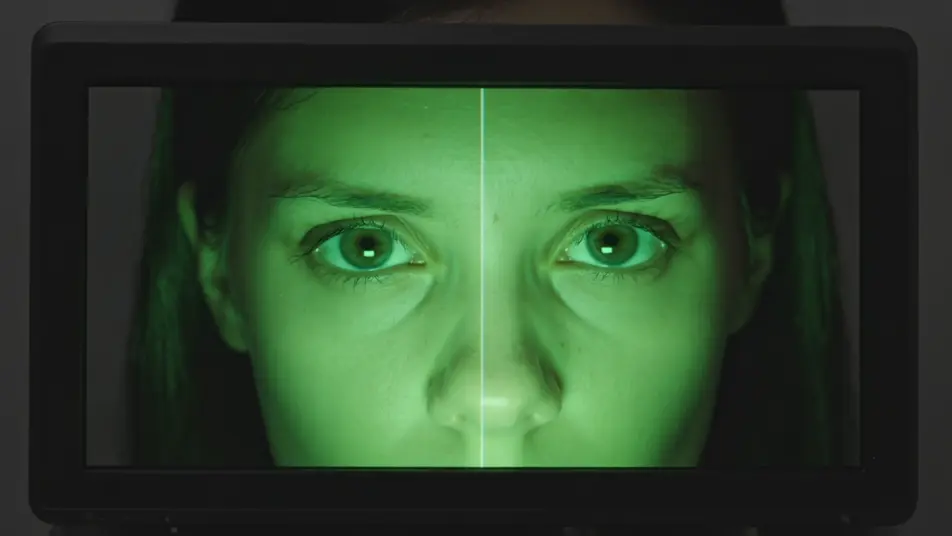
Escribe la escena de glitch effect que quieres, en palabras simples.
Morphic genera un clip cinematográfico y listo para usar en tu canvas en segundos.
Ajusta el prompt, regenera variaciones y luego descarga o comparte la toma.
Cinematic time-freeze short film for any scene

Dramatize any text conversation into a cinematic multi-shot video.

Generate a professional film title card from scratch, with optional cinematic animation.
Photo of any real-estate becomes a cinematic renovation timelapse video with construction SFX and music.
One image to a 9-scene cinematic video.
Drop in a photo of yourself. Get a 12-second cinematic movie with animation and a matched soundtrack.
Efecto datamosh en videos con IA
Crea videos con efecto datamosh en Morphic. Píxeles que sangran, transiciones que estallan y estelas de movimiento, con prompts listos para usar.
AI chromatic aberration
Generate AI chromatic aberration videos with Morphic. RGB split, color fringing, edge ghosting, and paste-ready prompts that run end to end in your browser.
Videos de VFX con IA
Crea videos de VFX con IA en Morphic. Explosiones, energía, destrucción de ciencia ficción y partículas a partir de un prompt, sin pantalla verde.
Videos morph con IA
Crea videos morph con IA en Morphic: transiciones suaves, transformaciones, morphs de envejecimiento facial y cortes sincronizados al ritmo, listos para usar.
Comienza gratis hoy, con la opción de mejorar tu plan o cancelar cuando quieras.
Basic
2400 mensual créditos
1 usuario
Todos los modelos
Workflows
Standard
3625 mensual créditos
1 usuario
Todos los modelos
Workflows
Pro
6350 compartidos mensual créditos
1 usuario
Todos los modelos
Workflows
Max
24650 compartidos mensual créditos
1 usuario
Todos los modelos
Workflows
Enterprise
Para límites más altos
Personalizado
términos de precios y facturación

Free
Para experimentar
$0
gratis para siempre