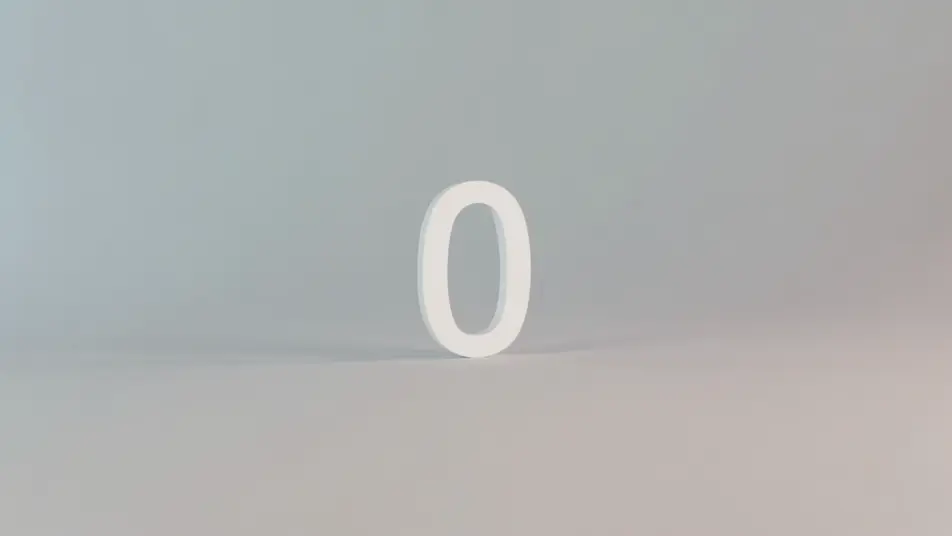
Direct countdown backdrops in your browser with Morphic's countdown timer AI video generator. Generate a warm-lit number over drifting particles, or a serene focus scene ticking to zero. Score it with Music and add time cues with Speech, then stitch the loop on the Canvas.

Countdown timer styles you can direct

Countdown timer screens you can stage

Neon countdown over particles

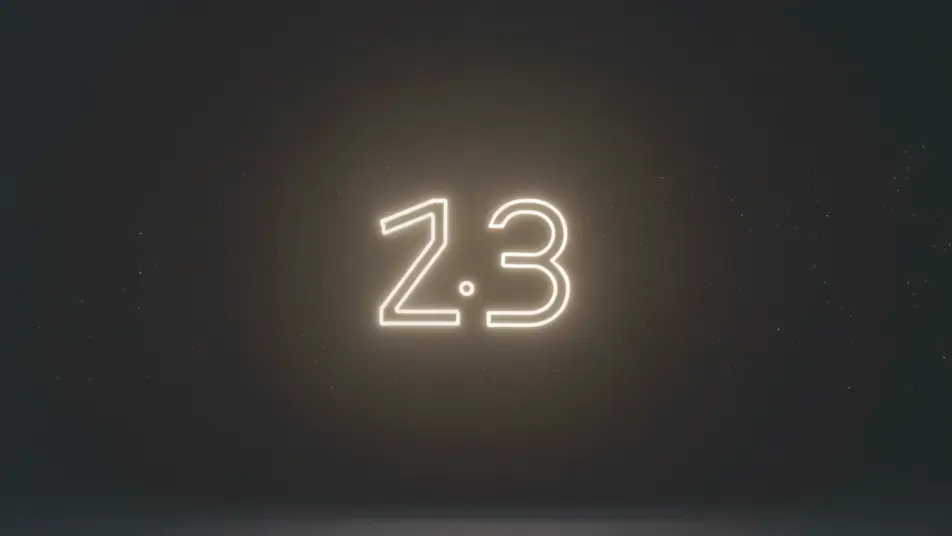
A locked full-frame shot of a soft neon number pulsing at center over a dark field of slowly drifting particles, the glow steady and the motion gentle, an easy-to-read backdrop that loops as the count falls.

Editar prompt
Cozy starting-soon screen

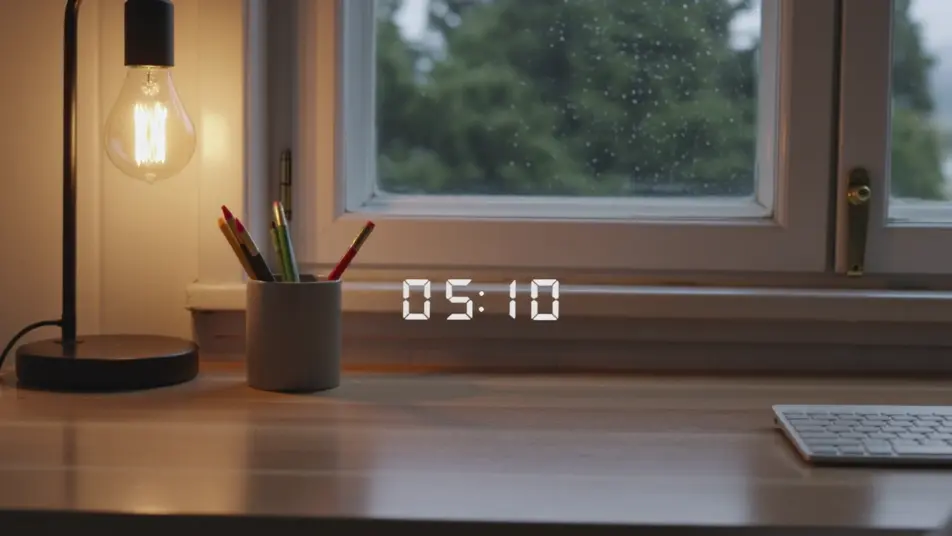
A static shot of a countdown number set over a warm lofi desk-and-window loop, lamplight and faint rain behind the glass, the inviting scene holding still while the timer ticks down for viewers arriving early.

Editar prompt

Focus-sprint gradient timer

A minimal, still frame of a clean number over a slow gradient wash of soft color, nothing else moving, the calm backdrop built to hold attention through a study or work sprint toward zero.

Editar prompt

Midnight celebration countdown

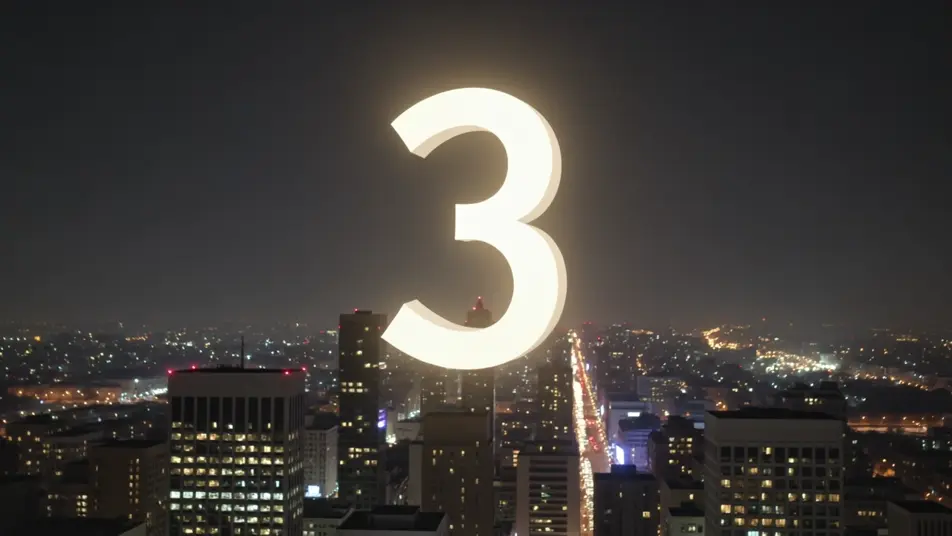
A wide, static night shot of a countdown number over a city skyline with soft bokeh lights and drifting sparkle, the festive glow building steadily as the final seconds fall toward a zero moment.

Editar prompt

Crea videos de countdown timer en tres pasos

  1. 01

    Describe tu escena de countdown timer

    Escribe la escena de countdown timer que quieres, en palabras simples.

  2. 02

    Genera el video

    Morphic genera un clip cinematográfico y listo para usar en tu canvas en segundos.

  3. 03

    Refina tu video de countdown timer

    Ajusta el prompt, regenera variaciones y luego descarga o comparte la toma.

Workflows relacionados

También te puede gustar

Precios simples

Comienza gratis hoy, con la opción de mejorar tu plan o cancelar cuando quieras.

Basic

$9/ mes
facturado como $0 por año

900 mensual créditos

1 usuario

Todos los modelos

Workflows

Standard

$24/ mes
facturado como $0 por año

3200 mensual créditos

1 usuario

Todos los modelos

Workflows

Pro

$45/ mes
facturado como $0 por año

6200 compartidos mensual créditos

1 usuario

+ hasta 4 más con costo adicional

Todos los modelos

Workflows

Pro Max

$170/ mes
facturado como $0 por año

24000 compartidos mensual créditos

1 usuario

+ hasta 9 más con costo adicional

Todos los modelos

Workflows

Enterprise

Para límites más altos

Personalizado

términos de precios y facturación

High-volume credits
Límites de asientos personalizados
Todos los modelos
Workflows
Pricing Gradient

Free

Para experimentar

$0

gratis para siempre

Hasta 20 créditos
Solo 1 usuario
Modelos limitados
Workflows

Preguntas frecuentes

Where can I make countdown timer videos with AI?
You can create countdown timer backdrops directly in your browser on Morphic. Open the Text to Video tool, describe the mood, the backdrop, and the energy you want behind the number, and Morphic produces the looping scene. No installs and no editing software needed.
What kinds of countdown timer scenes work best with AI video?
Atmospheric, low-motion backdrops read best: a neon number over drifting particles, a calm gradient, a cozy starting-soon lofi scene, a turning starfield, a festive skyline. The strongest countdown loops keep the backdrop gentle so the number stays readable while the seconds fall.
How do I write a good prompt for a countdown timer video?
Name the backdrop, the energy of the moment, and that the number sits at frame center, then keep the motion slow. The calmer the background, the more readable the count. For a stream screen, lean cozy and welcoming; for a sprint or workout, lean bright and driving.
How do I keep the timer consistent across scenes?
Hold the backdrop style, color palette, and number placement steady from clip to clip. On the Canvas you can line the countdown segments up in sequence and tune each one until the tone and pace match into one continuous timer or starting-soon screen.
Can I add music and narration to my countdown timer videos?
Yes. The Music tool produces a building or calming bed to match the moment, tension for a sprint or a soft loop for focus. The Speech tool generates spoken time cues in the voice you choose, so you can layer a "ten seconds left" call or a warm intro over the countdown.
Do I need video editing experience to make a countdown timer video?
No. Morphic runs in your browser and you direct it with plain-language prompts. If you can describe the mood you want behind the number, you can produce a countdown backdrop. The prompts on this page are written so anyone can paste and run.