Cambio de set a una oficina de vidrio
Una presentadora que habla a cámara aterriza en una oficina de vidrio con vista a la ciudad. La luz del día envuelve al sujeto mientras la cámara se desplaza en lateral frente al escritorio.
Editar prompt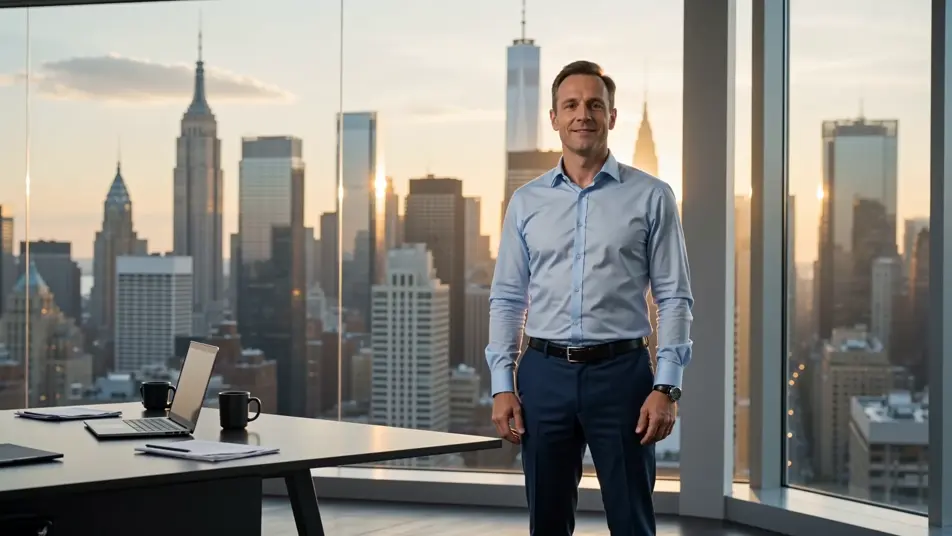
Cambia cualquier fondo desde tu navegador con el generador de videos de pantalla verde con IA de Morphic. Pon a tu presentadora frente a una ciudad encendida de noche o llévala al centro de la selva sin salir de tu cuarto. Narra cada corte con Speech, cambia de set cuando quieras y publica desde el Canvas para YouTube, Reels o TikTok.
Una presentadora que habla a cámara aterriza en una oficina de vidrio con vista a la ciudad. La luz del día envuelve al sujeto mientras la cámara se desplaza en lateral frente al escritorio.
Editar promptUn conductor con ropa de montaña habla mientras el fondo original se reemplaza por una cordillera abierta en la hora dorada. Nubes bajas cruzan el encuadre y la cámara se mueve suave, en mano.
Editar prompt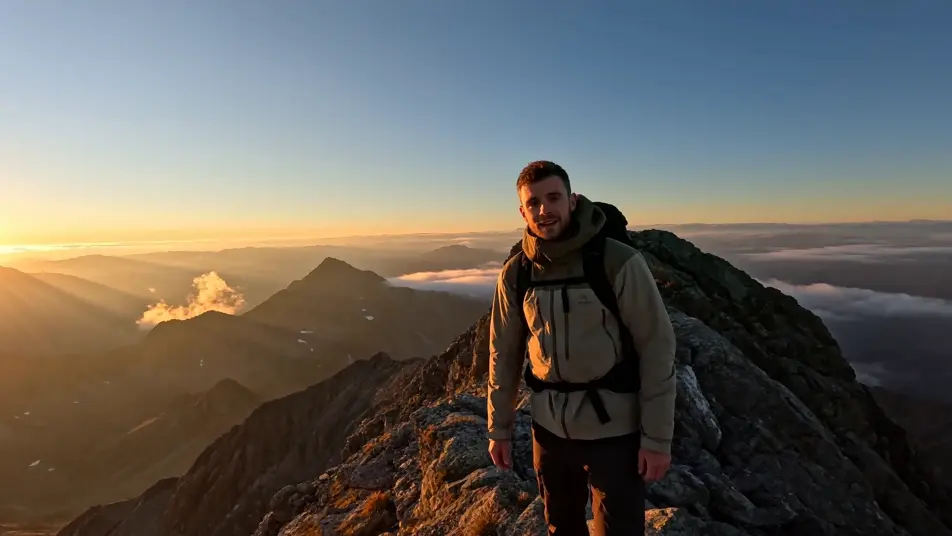
El sujeto sale de un cuarto vacío y queda al centro del escenario en una arena llena. Las luces barren el aire, hay neblina en los haces y la cámara se acerca lento desde el público.
Editar prompt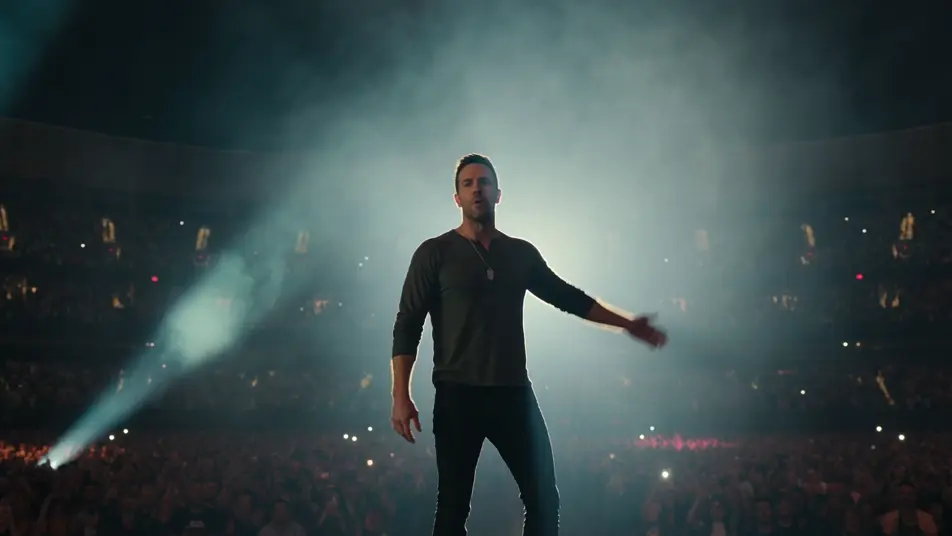
Un conductor en plano medio aparece en el puente de una nave, con consolas encendidas y un ventanal de estrellas. Luz principal azul fría y cámara fija, sin movimiento.
Editar prompt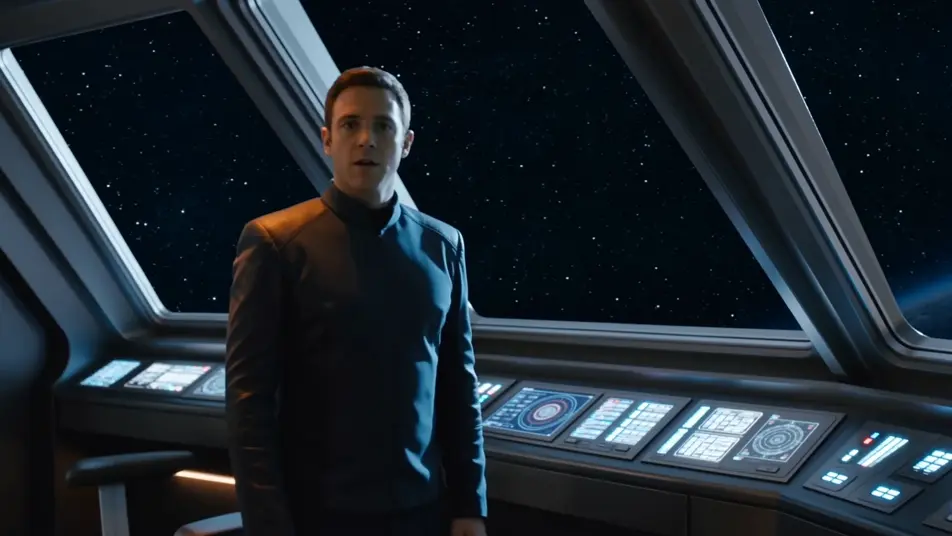
Escribe la escena de pantalla verde que quieres, en palabras simples.
Morphic genera un clip cinematográfico y listo para usar en tu canvas en segundos.
Ajusta el prompt, regenera variaciones y luego descarga o comparte la toma.

Dramatize any text conversation into a cinematic multi-shot video.
Cinematic time-freeze short film for any scene

Generate a professional film title card from scratch, with optional cinematic animation.
Photo of any real-estate becomes a cinematic renovation timelapse video with construction SFX and music.
One image to a 9-scene cinematic video.
Drop in a photo of yourself. Get a 12-second cinematic movie with animation and a matched soundtrack.
Videos de VFX con IA
Crea videos de VFX con IA en Morphic. Explosiones, energía, destrucción de ciencia ficción y partículas a partir de un prompt, sin pantalla verde.
Videos POV con IA
Crea videos POV con IA en Morphic. Dirige caminatas inmersivas en primera persona, momentos de acción y de la vida diaria a la altura de los ojos. Escenas de ejemplo, sin experiencia de edición.
Cortometrajes con IA
Crea cortometrajes con IA en Morphic: arma la estructura, dirige escena por escena, cuida la continuidad y ponle voz y música en español.
Videos morph con IA
Crea videos morph con IA en Morphic: transiciones suaves, transformaciones, morphs de envejecimiento facial y cortes sincronizados al ritmo, listos para usar.
Comienza gratis hoy, con la opción de mejorar tu plan o cancelar cuando quieras.
Basic
2400 mensual créditos
1 usuario
Todos los modelos
Workflows
Standard
3625 mensual créditos
1 usuario
Todos los modelos
Workflows
Pro
6350 compartidos mensual créditos
1 usuario
Todos los modelos
Workflows
Max
24650 compartidos mensual créditos
1 usuario
Todos los modelos
Workflows
Enterprise
Para límites más altos
Personalizado
términos de precios y facturación

Free
Para experimentar
$0
gratis para siempre