Marching army, aerial
High aerial push-in over an army of thousands advancing across a plain, ranks flowing around low hills in perfect formation, banners bristling above the mass under overcast light.
Editar prompt
Direct thousands of agents in your browser with Morphic's Crowd simulation AI video generator. Generate an army marching, a stadium wave rippling, or a murmuration of birds folding overhead. Add the crowd's roar and score the movement with Speech and Music, then stitch a reel on the Canvas.
High aerial push-in over an army of thousands advancing across a plain, ranks flowing around low hills in perfect formation, banners bristling above the mass under overcast light.
Editar promptLocked-off wide shot of a full stadium bowl as a crowd wave rolls around the stands, a bright band of raised arms sweeping past blocks of colour, the roar building around the ring.
Editar prompt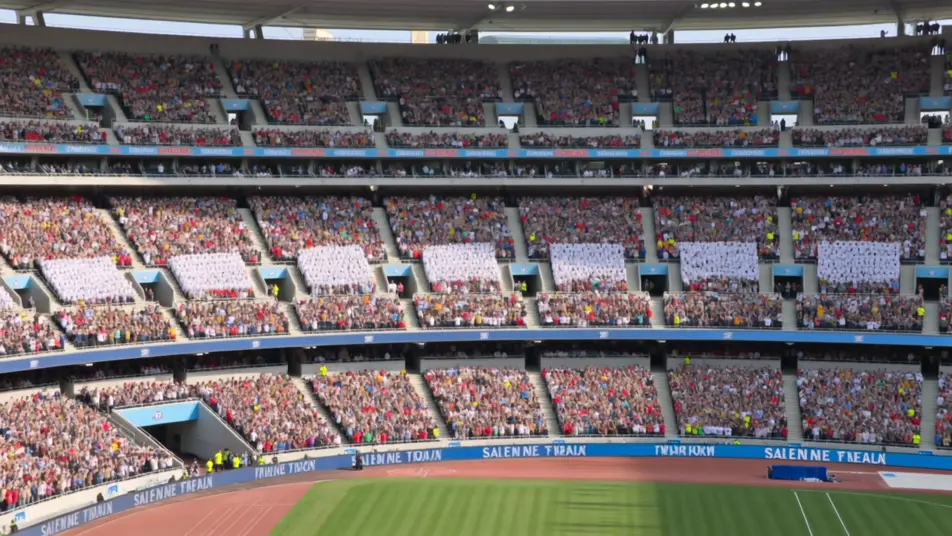
Top-down shot of a busy intersection as hundreds of pedestrians stream across from every side, lanes of people threading through one another without collision in bright daylight.
Editar prompt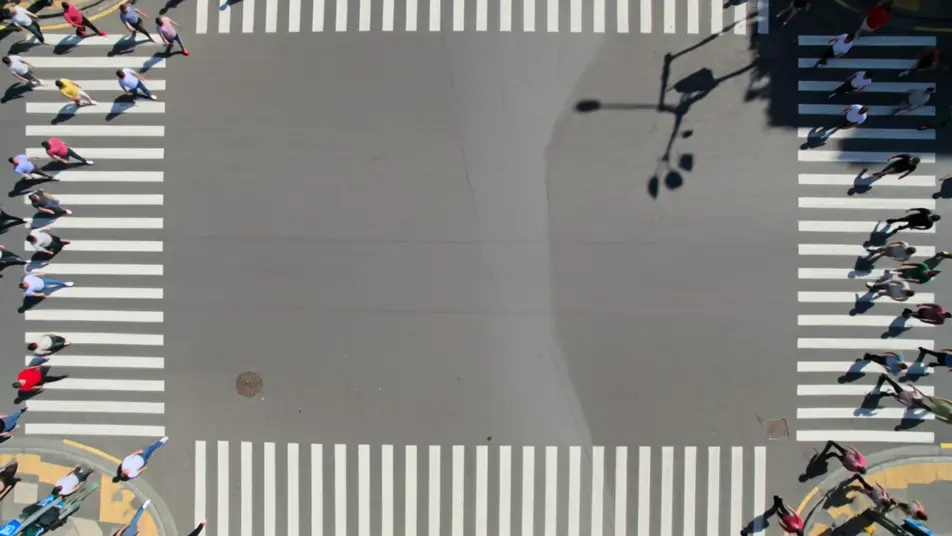
Tracking shot following a starling murmuration across a dusk sky, the flock pinching into dark ribbons then blooming open, its shifting shape held against gold and violet clouds.
Editar prompt
Escribe la escena de Crowd Simulation que quieres, en palabras simples.
Morphic genera un clip cinematográfico y listo para usar en tu canvas en segundos.
Ajusta el prompt, regenera variaciones y luego descarga o comparte la toma.

Share a scene description with character references. Get a full storyboard with shot angles and mood.

Feed in a single image. Get 9 cinematic beats laid out as a 3x3 storyboard grid.

Take any character image and generate 6 distinct facial expressions on a single reference sheet.
Cinematic time-freeze short film for any scene
Drop in a photo of yourself. Get a 12-second cinematic movie with animation and a matched soundtrack.

Upload a photo of a person or character and get a single grid image showing them at different life stages, from baby to elderly.
Videos de VFX con IA
Crea videos de VFX con IA en Morphic. Explosiones, energía, destrucción de ciencia ficción y partículas a partir de un prompt, sin pantalla verde.
Videos de gladiadores con IA
Crea videos de gladiadores con IA en Morphic. Arquetipos como el murmillo, el retiario y el campeón, con escenas de arena, túnel y entrenamiento.
Videos de cine bélico con IA
Crea escenas de cine bélico con IA en Morphic: trincheras bajo la lluvia, desembarcos al amanecer y patrullas en la selva, sin cámara ni equipo.
Videos de desastres con IA
Crea videos de desastres con IA en Morphic. Sismos, huracanes, tsunamis y evacuaciones a partir de un prompt en español, sin instalar nada.
Comienza gratis hoy, con la opción de mejorar tu plan o cancelar cuando quieras.
Basic
2400 mensual créditos
1 usuario
Todos los modelos
Workflows
Standard
3625 mensual créditos
1 usuario
Todos los modelos
Workflows
Pro
6350 compartidos mensual créditos
1 usuario
Todos los modelos
Workflows
Max
24650 compartidos mensual créditos
1 usuario
Todos los modelos
Workflows
Enterprise
Para límites más altos
Personalizado
términos de precios y facturación

Free
Para experimentar
$0
gratis para siempre