Corte bloom en un video musical
Un cantante sostiene el cuadro hasta el drop. Ahí la toma revienta en color en bloques y se rearma en otra locación. Luz dura y saturada, cámara fija, para que el estallido caiga limpio con el beat.
Editar prompt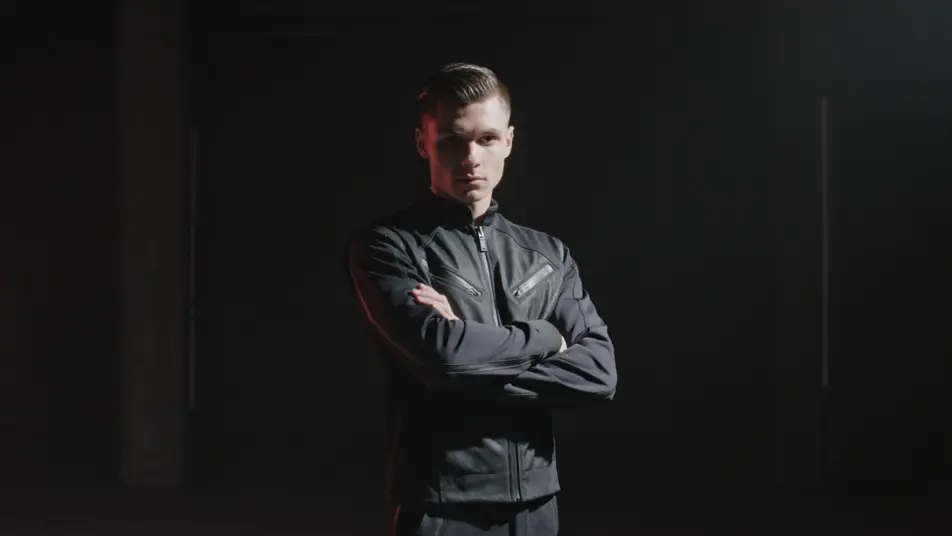
Dirige ese derretido líquido de píxeles desde el navegador con el generador de efecto datamosh con IA de Morphic. Pídele una escena que se derrama sobre la siguiente, colores que sangran entre píxeles arrastrados o una bailarina que se deshace en estelas. Es el corte que revienta justo en el drop de un video musical o de un Reel. Ponle música con Music y arma la secuencia en Canvas.
Un cantante sostiene el cuadro hasta el drop. Ahí la toma revienta en color en bloques y se rearma en otra locación. Luz dura y saturada, cámara fija, para que el estallido caiga limpio con el beat.
Editar promptPlano medio de una bailarina sola. Cada movimiento suyo se arrastra en estelas largas de píxeles que se juntan y se desvanecen. Luz lateral, ambiente cargado y un acercamiento lento que deja al baile pintar el cuadro.
Editar prompt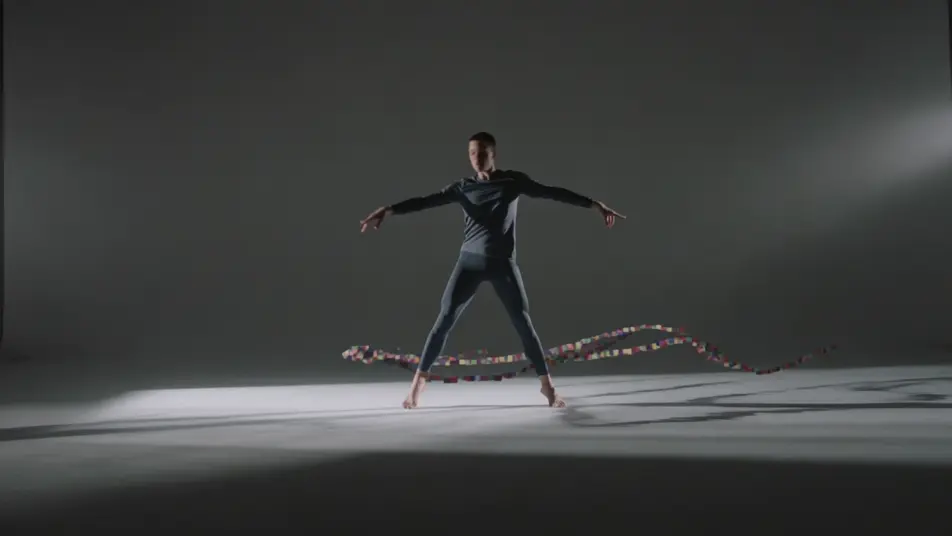
Plano general fijo de un cuarto vacío. Desde los bordes se filtra un movimiento fantasma que va llenando el cuadro congelado de estelas. Luz fría y tenue, cámara inmóvil, todo el peso lo carga el sangrado.
Editar prompt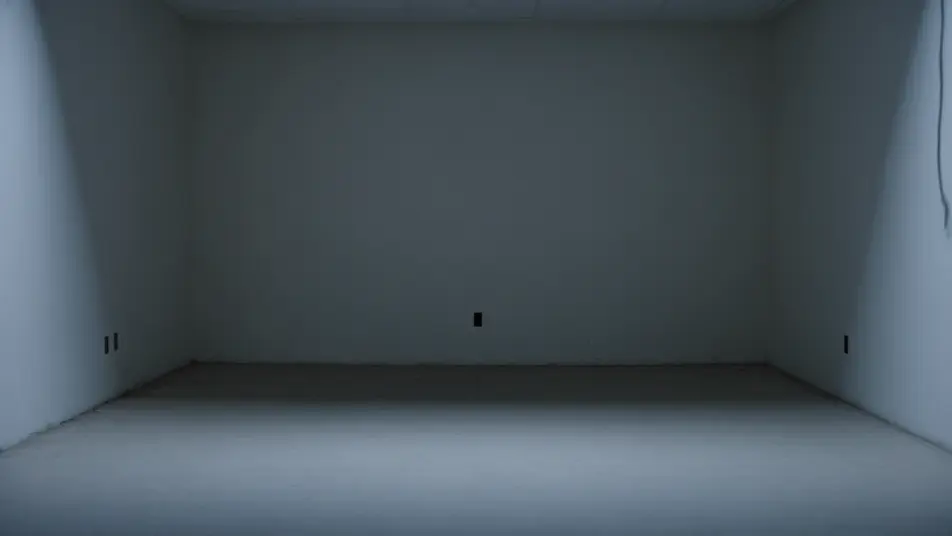
Toma alta de un cruce lleno de gente. Quienes caminan rápido se abren en halos de artefacto mientras el pavimento quieto se mantiene limpio. Luz plana de día nublado y un desplazamiento suave sobre la multitud que se derrite.
Editar prompt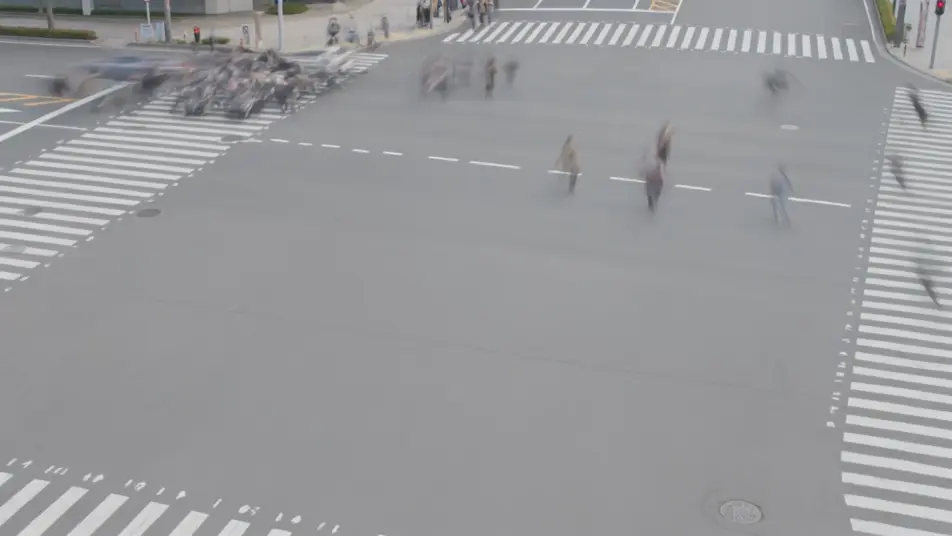
Escribe la escena de efecto datamosh que quieres, en palabras simples.
Morphic genera un clip cinematográfico y listo para usar en tu canvas en segundos.
Ajusta el prompt, regenera variaciones y luego descarga o comparte la toma.

Dramatize any text conversation into a cinematic multi-shot video.
Cinematic time-freeze short film for any scene

Generate a professional film title card from scratch, with optional cinematic animation.
Photo of any real-estate becomes a cinematic renovation timelapse video with construction SFX and music.
One image to a 9-scene cinematic video.
Drop in a photo of yourself. Get a 12-second cinematic movie with animation and a matched soundtrack.
AI Glitch Effect videos
Generate AI glitch videos with Morphic. Block corruption, signal dropout, RGB tears, and paste-ready glitch prompts that run end to end in your browser.
AI Pixel Sort Effect videos
Generate AI pixel sort videos with Morphic. Streaking color, sorted rows and columns, glitch-art smears, and paste-ready prompts that run in your browser.
Videos de VFX con IA
Crea videos de VFX con IA en Morphic. Explosiones, energía, destrucción de ciencia ficción y partículas a partir de un prompt, sin pantalla verde.
Videos morph con IA
Crea videos morph con IA en Morphic: transiciones suaves, transformaciones, morphs de envejecimiento facial y cortes sincronizados al ritmo, listos para usar.
Comienza gratis hoy, con la opción de mejorar tu plan o cancelar cuando quieras.
Basic
2400 mensual créditos
1 usuario
Todos los modelos
Workflows
Standard
3625 mensual créditos
1 usuario
Todos los modelos
Workflows
Pro
6350 compartidos mensual créditos
1 usuario
Todos los modelos
Workflows
Max
24650 compartidos mensual créditos
1 usuario
Todos los modelos
Workflows
Enterprise
Para límites más altos
Personalizado
términos de precios y facturación

Free
Para experimentar
$0
gratis para siempre