A light leak between two portraits
A soft close-up of a face in golden light where a warm orange leak floods in from the right edge and blooms across the frame to reveal a second portrait. Shallow depth of field, slow amber wash.
Editar prompt
Direct analog film burn transitions in your browser with Morphic's film burn AI video generator. Generate a frame scorching through to the next shot, a warm light leak between portraits, or a celluloid flare wipe. Swell the score with Music on the Canvas.
A soft close-up of a face in golden light where a warm orange leak floods in from the right edge and blooms across the frame to reveal a second portrait. Shallow depth of field, slow amber wash.
Editar promptA present-day interior shot where a bright hot spot ignites and burns outward through the frame, emerging into a warm sunlit garden of the past. Static framing, dramatic emulsion char across the cut.
Editar prompt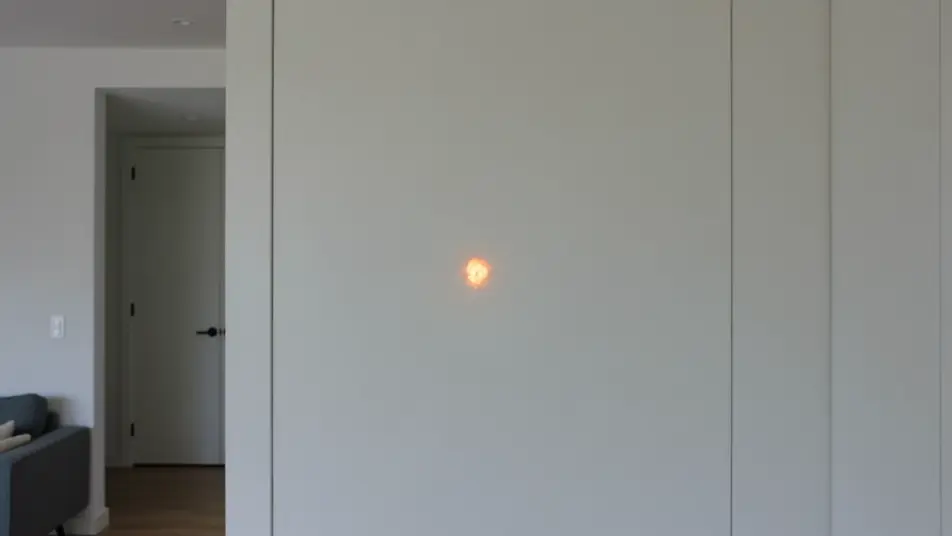
A wide of a desert highway where vertical light streaks rake down the frame and flare into a second road stretching to the horizon. Handheld drift, kinetic bands of light bridging the two shots.
Editar prompt
A dim night alley where a cool blue-green leak washes across the frame to reveal a rain-slicked moonlit street. Locked tripod, slow chilled flare for a melancholy, dreamlike transition.
Editar prompt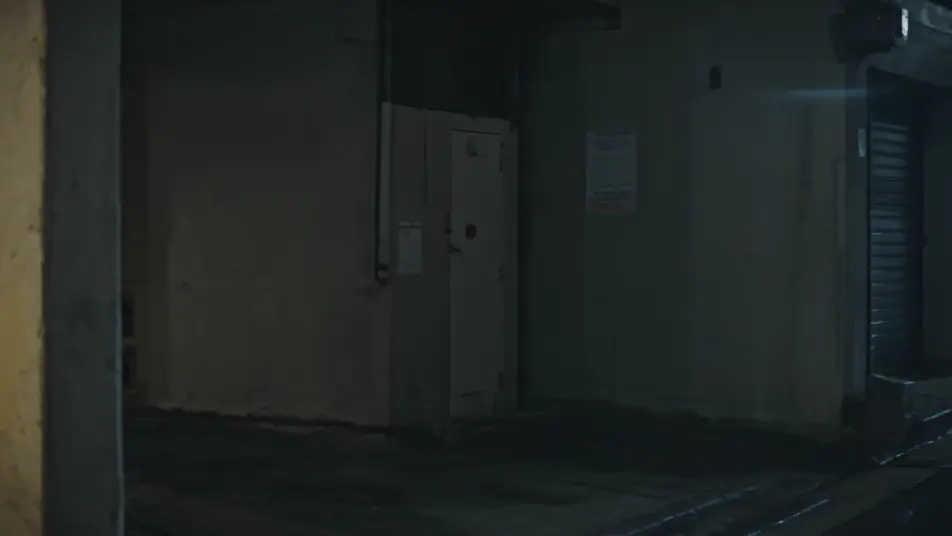
Escribe la escena de film burn transition que quieres, en palabras simples.
Morphic genera un clip cinematográfico y listo para usar en tu canvas en segundos.
Ajusta el prompt, regenera variaciones y luego descarga o comparte la toma.

Dramatize any text conversation into a cinematic multi-shot video.
Cinematic time-freeze short film for any scene

Generate a professional film title card from scratch, with optional cinematic animation.
One image to a 9-scene cinematic video.
Drop in a photo of yourself. Get a 12-second cinematic movie with animation and a matched soundtrack.
Photo of any real-estate becomes a cinematic renovation timelapse video with construction SFX and music.
Videos de transición de tinta con IA
Crea transiciones de tinta con IA en Morphic: manchas negras, derrames de acuarela y remolinos marmoleados que revelan la siguiente escena.
AI Cross Dissolve videos
Generate AI cross dissolve videos with Morphic. Soft fades between shots, dreamlike overlaps, and time-passing dissolves timed to music that just run.
Videos de VFX con IA
Crea videos de VFX con IA en Morphic. Explosiones, energía, destrucción de ciencia ficción y partículas a partir de un prompt, sin pantalla verde.
Videos morph con IA
Crea videos morph con IA en Morphic: transiciones suaves, transformaciones, morphs de envejecimiento facial y cortes sincronizados al ritmo, listos para usar.
Comienza gratis hoy, con la opción de mejorar tu plan o cancelar cuando quieras.
Basic
2400 mensual créditos
1 usuario
Todos los modelos
Workflows
Standard
3625 mensual créditos
1 usuario
Todos los modelos
Workflows
Pro
6350 compartidos mensual créditos
1 usuario
Todos los modelos
Workflows
Max
24650 compartidos mensual créditos
1 usuario
Todos los modelos
Workflows
Enterprise
Para límites más altos
Personalizado
términos de precios y facturación

Free
Para experimentar
$0
gratis para siempre