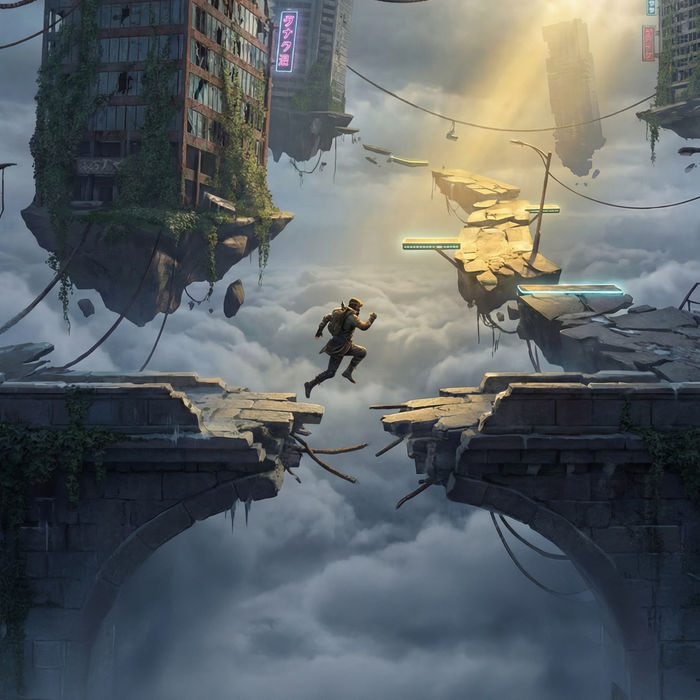
Direct first-person footage in your browser with Morphic's AI POV video generator. Generate hands parting jungle leaves or a motorcycle weaving through neon traffic, lock the eye-level camera with the POV Scene Generator, and cut a POV sequence on the Canvas.

POV clips you can shoot in first person

POV scenes you can stage at eye level

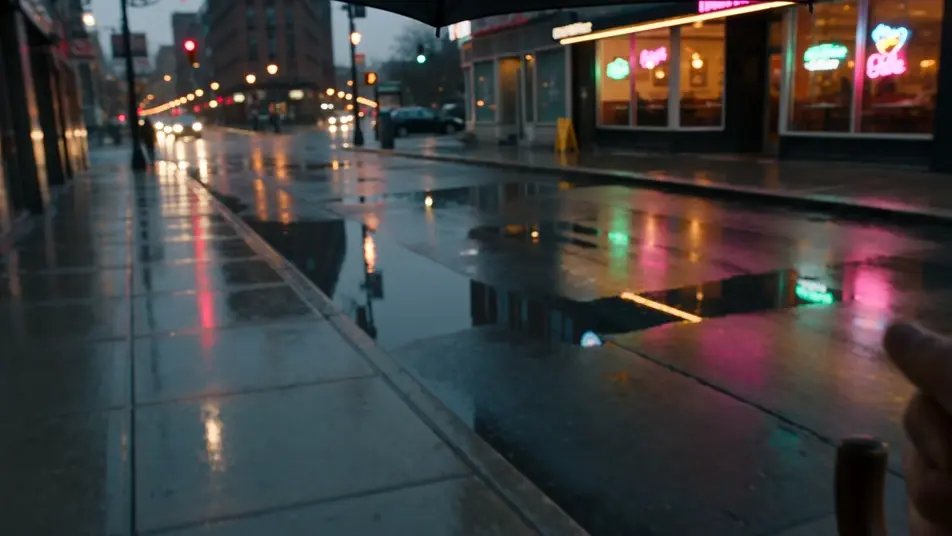
POV walk through a rain-soaked city

Eye-level first-person walk down a glistening sidewalk after rain, an umbrella edge in the upper frame, headlights and shop windows smearing into reflections, a steady forward drift through the wet street.

Editar prompt

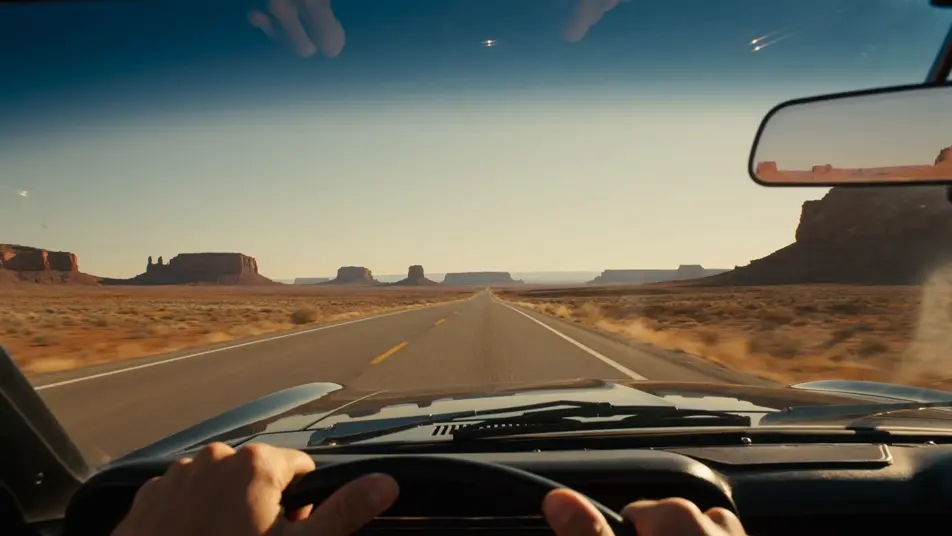
POV desert highway drive

First-person view from behind the wheel of an open-top car on an empty desert highway, hands resting on the wheel, heat shimmer on the asphalt, red mesas sliding past under a wide afternoon sky.

Editar prompt

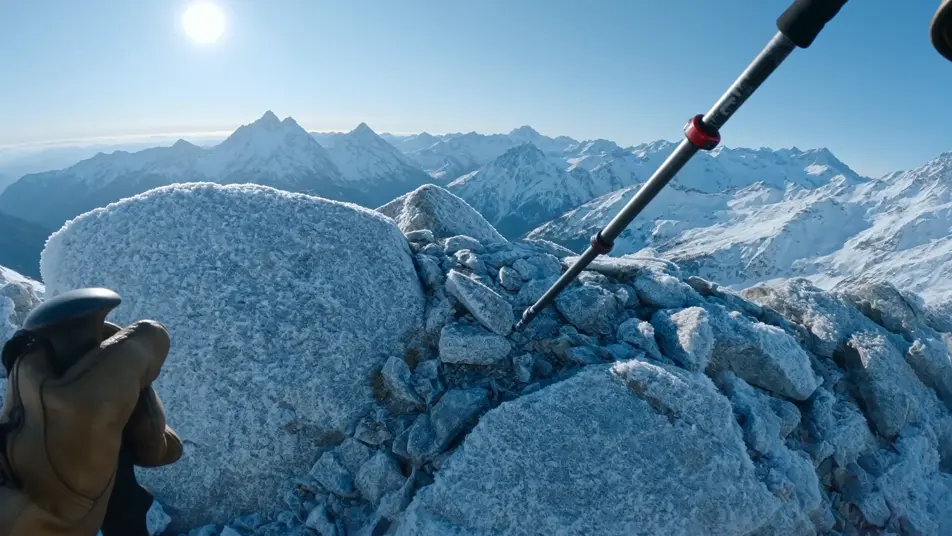
POV mountain summit reveal

First-person climb cresting a ridge as the camera lifts to reveal a vast snow-capped range, gloved hands gripping a trekking pole, cold wind and a slow eye-level pan across the peaks.

Editar prompt

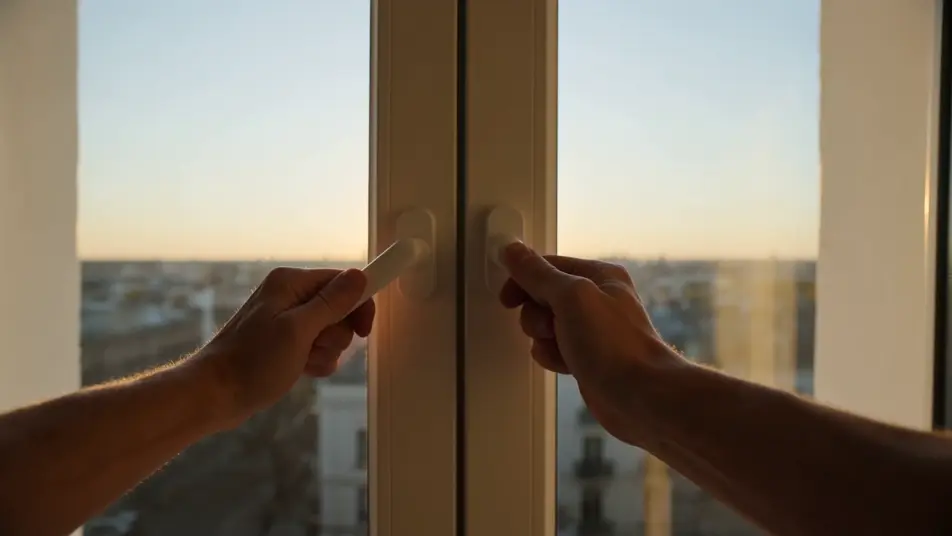
POV morning routine at home

First-person daily-life moment in a sunlit apartment kitchen, hands pushing a window open and pouring coffee from a pot into a waiting mug, warm low sun and a calm eye-level sweep across the counter.

Editar prompt

Crea videos de POV en tres pasos

  1. 01

    Describe tu escena de POV

    Escribe la escena de POV que quieres, en palabras simples.

  2. 02

    Genera el video

    Morphic genera un clip cinematográfico y listo para usar en tu canvas en segundos.

  3. 03

    Refina tu video de POV

    Ajusta el prompt, regenera variaciones y luego descarga o comparte la toma.

Workflows relacionados

También te puede gustar

Precios simples

Comienza gratis hoy, con la opción de mejorar tu plan o cancelar cuando quieras.

Basic

$9/ mes
facturado como $0 por año

900 mensual créditos

1 usuario

Todos los modelos

Workflows

Standard

$24/ mes
facturado como $0 por año

3200 mensual créditos

1 usuario

Todos los modelos

Workflows

Pro

$45/ mes
facturado como $0 por año

6200 compartidos mensual créditos

1 usuario

+ hasta 4 más con costo adicional

Todos los modelos

Workflows

Pro Max

$170/ mes
facturado como $0 por año

24000 compartidos mensual créditos

1 usuario

+ hasta 9 más con costo adicional

Todos los modelos

Workflows

Enterprise

Para límites más altos

Personalizado

términos de precios y facturación

High-volume credits
Límites de asientos personalizados
Todos los modelos
Workflows
Pricing Gradient

Free

Para experimentar

$0

gratis para siempre

Hasta 20 créditos
Solo 1 usuario
Modelos limitados
Workflows

Preguntas frecuentes

Where can I make AI POV videos?
You can direct POV videos in your browser on Morphic. Open the Text to Video tool or the POV Scene Generator workflow, describe the first-person shot, and Morphic produces the clip. No installs and no specialist gear needed.
What kinds of POV scenes work best with AI video?
First-person walks through a place, POV action beats like riding or climbing, and quiet daily-life moments all work well. The strongest POV scenes give the camera something to do at eye level and put hands, handlebars, or a path in the lower frame so the viewpoint reads instantly.
How do I write a good prompt for a POV scene?
State that the shot is first person, name what fills the frame, set the camera height, and add the lighting and place. A line like "POV climbing a cliff face, chalked hands reaching for a hold, valley below" gives Morphic enough direction to land a true POV shot.
How do I keep a POV video consistent across scenes?
Use the POV Scene Generator to lock the eye-level camera and first-person framing, then carry the same point of view, hand styling, and lighting into every prompt. Morphic holds the viewpoint steady so a multi-shot POV sequence feels like one continuous experience.
Can I add narration and sound to my POV videos?
Yes. The Speech tool generates first-person narration in the voice you choose, and the Music tool composes a score that follows the pace of the shot. Layer both onto the cut so a POV walk or action beat plays with the right voice and atmosphere.
Do I need any video editing experience to make POV videos?
No. Morphic runs in your browser and you direct it with plain-language prompts. If you can describe a first-person moment and the order your shots should play in, you can stage and assemble a full POV sequence on the Canvas.