Un estudio de renderizado soleado
Un personaje 3D fotorrealista en un estudio luminoso con luz global suave, piel y tela realistas, poca profundidad de campo y acercamiento lento.
Editar prompt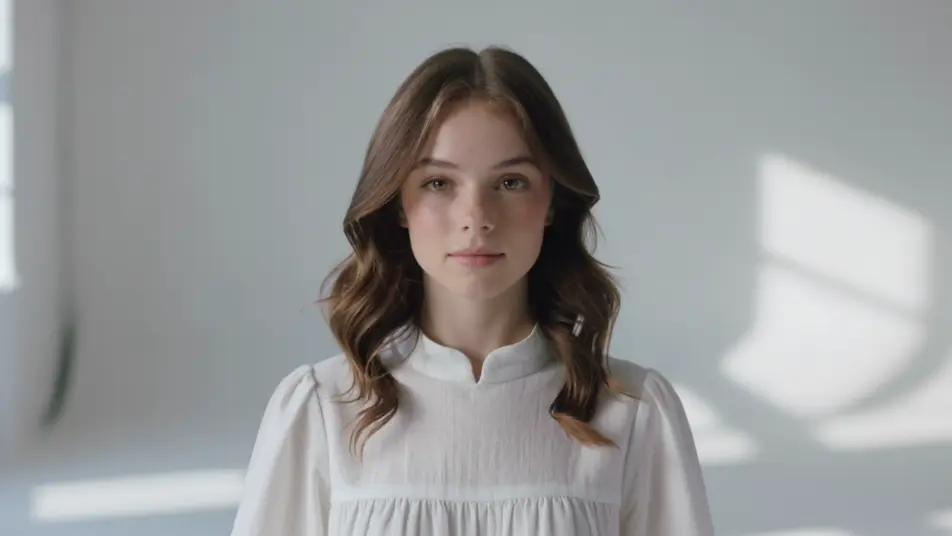
Crea 3D fotorrealista de alto nivel desde el navegador, sin render farm ni PC gamer. Dirige un personaje en un estudio soleado, un producto en torno giratorio o una criatura en un bosque con niebla. Ponle voz y música con Speech y Music, arma el corto en Canvas y súbelo a YouTube o TikTok.
Un personaje 3D fotorrealista en un estudio luminoso con luz global suave, piel y tela realistas, poca profundidad de campo y acercamiento lento.
Editar promptUna criatura 3D fotorrealista cruza un bosque con niebla al amanecer, rayos de luz volumétrica y follaje realista, iluminación suave y seguimiento lento.
Editar prompt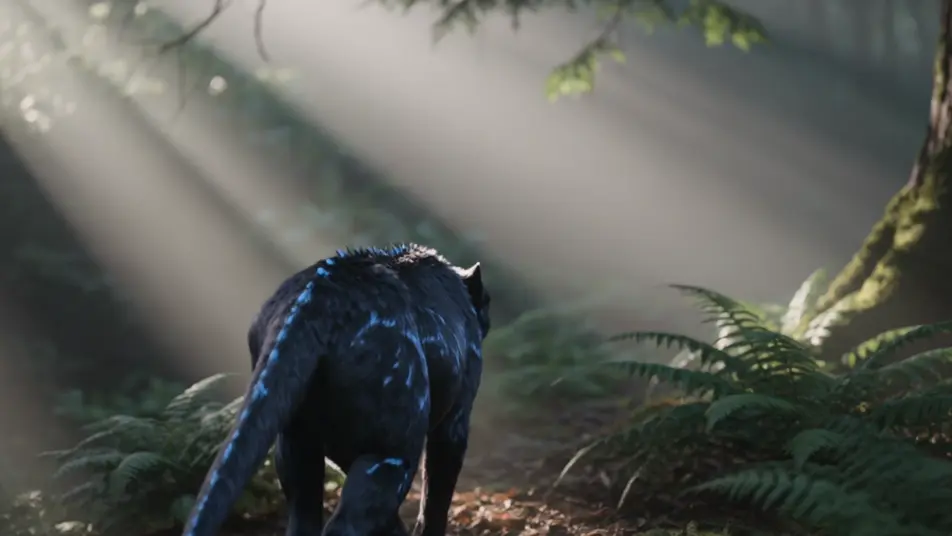
Una figura 3D fotorrealista sobre calle mojada, con reflejos realistas y asfalto húmedo, luz de neón suave y profundidad de campo cinematográfica.
Editar prompt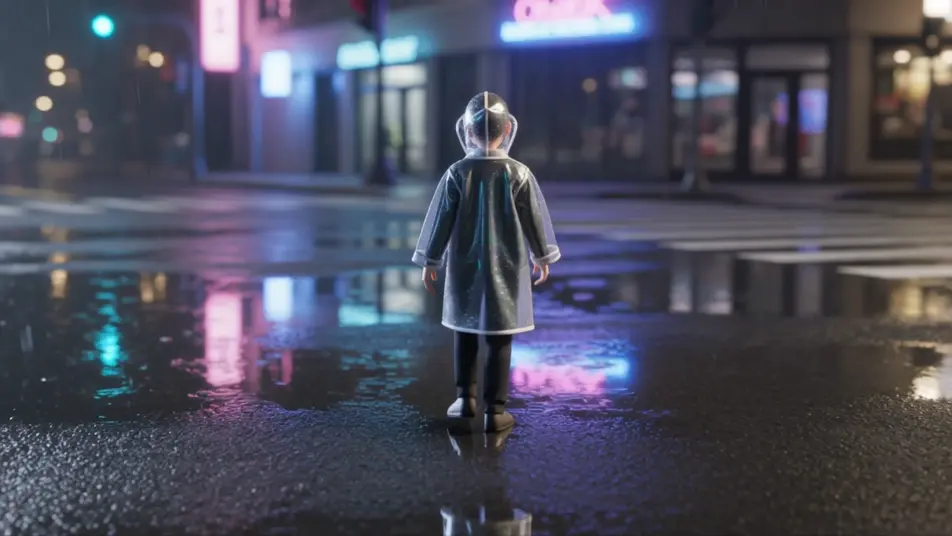
Un personaje 3D fotorrealista en estudio oscuro, luz clave suave y rim tenue, piel y tela con detalle creíble, órbita cinematográfica lenta.
Editar prompt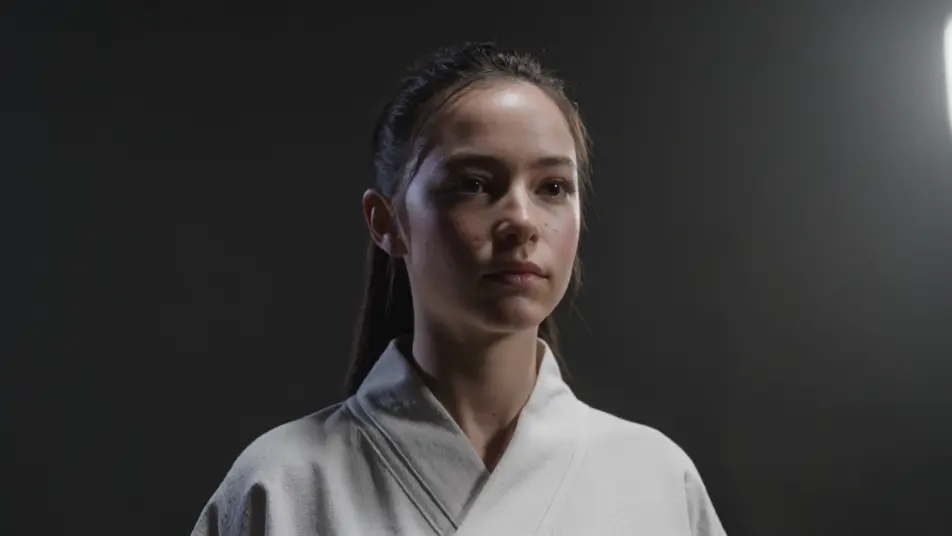
Escribe la escena de 3D fotorrealista que quieres, en palabras simples.
Morphic genera un clip cinematográfico y listo para usar en tu canvas en segundos.
Ajusta el prompt, regenera variaciones y luego descarga o comparte la toma.

Share a scene description with character references. Get a full storyboard with shot angles and mood.

Feed in a single image. Get 9 cinematic beats laid out as a 3x3 storyboard grid.

Take any character image and generate 6 distinct facial expressions on a single reference sheet.
Cinematic time-freeze short film for any scene
Drop in a photo of yourself. Get a 12-second cinematic movie with animation and a matched soundtrack.

Turn any sketch or drawing into a finished render.
Videos low poly 3D con IA
Crea videos low poly 3D en Morphic: geometría facetada, sombreado plano y escenas estilizadas a partir de un prompt escrito en español.
Videos de voxel art con IA
Crea videos de voxel art con IA en Morphic: mundos de cubos, personajes en bloques y escenas de 3D pixelado, desde prompts en lenguaje simple.
Videos de animación 3D con IA
Crea videos de animación 3D en Morphic: personajes CGI, mundos renderizados y cámaras que recorren el espacio, desde un prompt en español.
Videos de animación 2D con IA
Crea videos de animación 2D en Morphic: personajes y fondos dibujados a mano, línea limpia y escenas clásicas desde un prompt en español.
Comienza gratis hoy, con la opción de mejorar tu plan o cancelar cuando quieras.
Basic
2400 mensual créditos
1 usuario
Todos los modelos
Workflows
Standard
3625 mensual créditos
1 usuario
Todos los modelos
Workflows
Pro
6350 compartidos mensual créditos
1 usuario
Todos los modelos
Workflows
Max
24650 compartidos mensual créditos
1 usuario
Todos los modelos
Workflows
Enterprise
Para límites más altos
Personalizado
términos de precios y facturación

Free
Para experimentar
$0
gratis para siempre