Direct multi-panel split-screen shots in your browser with Morphic's split screen AI video generator. Generate a before-and-after transformation running side by side, or a four-panel grid of reactions moving in sync. Hit every panel on the beat with Music, then stitch the sequence on the Canvas.

Split screen variations you can direct

Split screen sequences you can stage

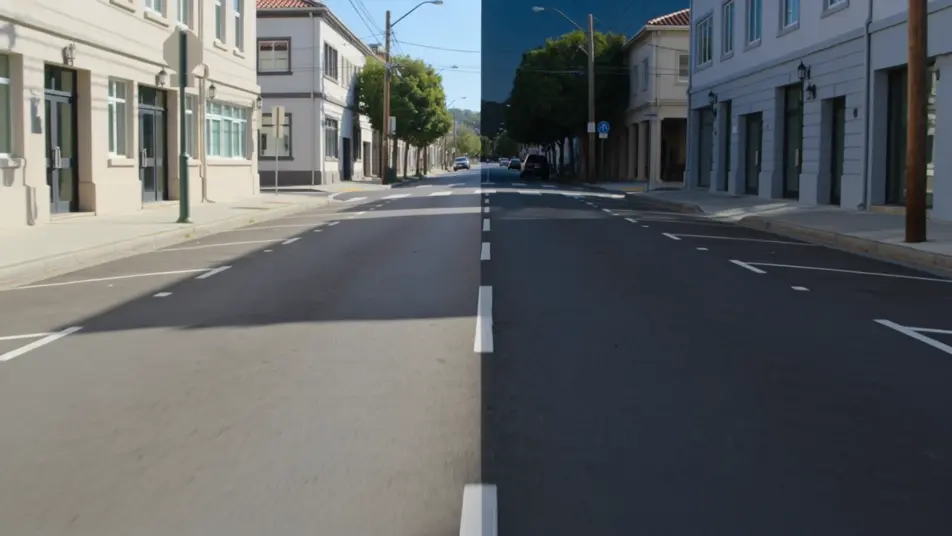
A day-and-night street comparison

A vertical split holds the same quiet street on both sides, left in bright afternoon and right in blue-lit night, matching camera moves gliding down each panel, clean center seam, slow parallel dolly.

Editar prompt

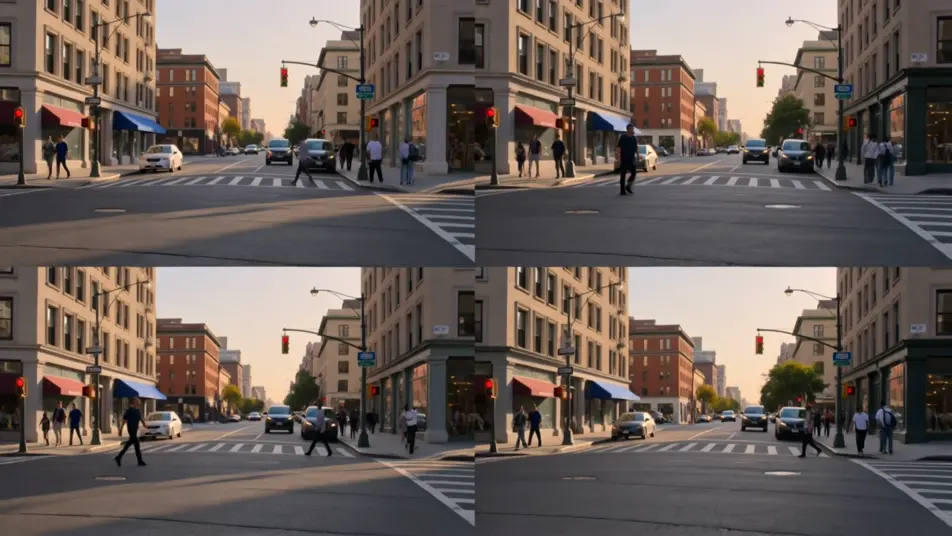
A four-way golden-hour montage

A two-by-two grid of four different city corners all bathed in the same warm sunset, foot traffic and light moving in each cell, panels timed to breathe together, locked-off framing on every quarter.

Editar prompt

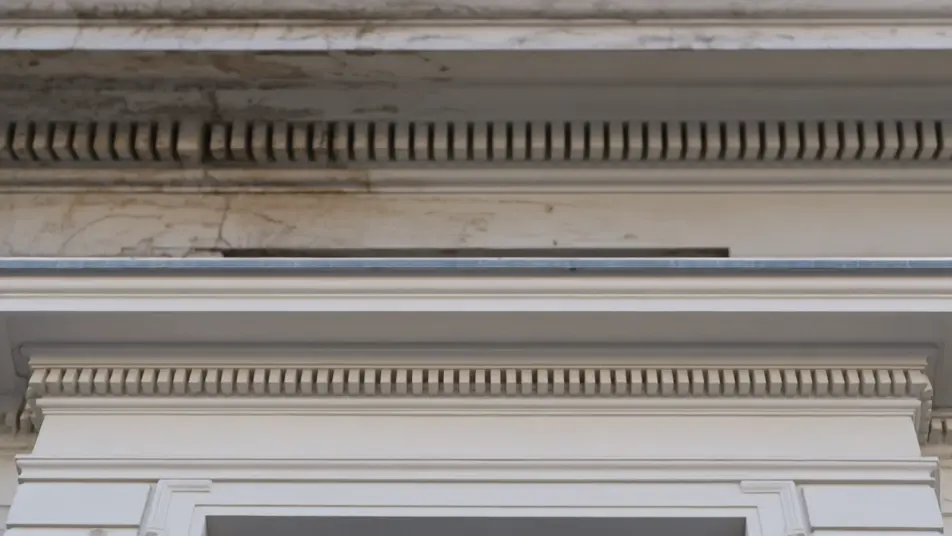
A before-and-after restoration

A horizontal stacked split shows a weathered facade on top and its restored version below, soft even daylight across both, a slow push-in on each panel revealing the matching detail, still seam.

Editar prompt

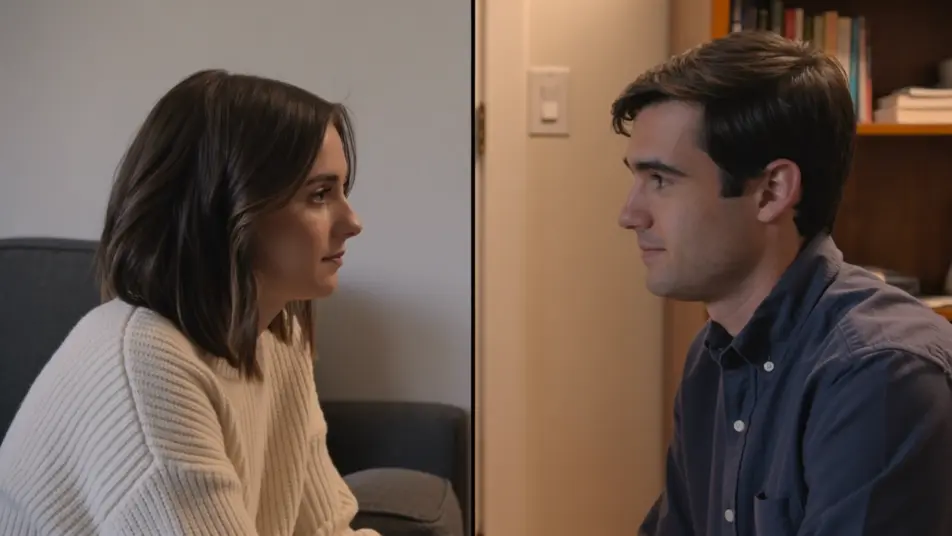
A dual-perspective conversation

A vertical split places two figures in separate rooms who appear to speak across the seam, warm interior light on each side, gentle handheld sway in both panels, center line holding the frame together.

Editar prompt

Crea videos de split screen en tres pasos

  1. 01

    Describe tu escena de split screen

    Escribe la escena de split screen que quieres, en palabras simples.

  2. 02

    Genera el video

    Morphic genera un clip cinematográfico y listo para usar en tu canvas en segundos.

  3. 03

    Refina tu video de split screen

    Ajusta el prompt, regenera variaciones y luego descarga o comparte la toma.

Workflows relacionados

También te puede gustar

Precios simples

Comienza gratis hoy, con la opción de mejorar tu plan o cancelar cuando quieras.

Basic

$9/ mes
facturado como $0 por año

900 mensual créditos

1 usuario

Todos los modelos

Workflows

Standard

$24/ mes
facturado como $0 por año

3200 mensual créditos

1 usuario

Todos los modelos

Workflows

Pro

$45/ mes
facturado como $0 por año

6200 compartidos mensual créditos

1 usuario

+ hasta 4 más con costo adicional

Todos los modelos

Workflows

Pro Max

$170/ mes
facturado como $0 por año

24000 compartidos mensual créditos

1 usuario

+ hasta 9 más con costo adicional

Todos los modelos

Workflows

Enterprise

Para límites más altos

Personalizado

términos de precios y facturación

High-volume credits
Límites de asientos personalizados
Todos los modelos
Workflows
Pricing Gradient

Free

Para experimentar

$0

gratis para siempre

Hasta 20 créditos
Solo 1 usuario
Modelos limitados
Workflows

Preguntas frecuentes

Where can I make split screen videos with AI?
You can create split screen videos directly in your browser on Morphic. Open the Text to Video tool, describe the layout and what plays in each panel, and Morphic renders the multi-panel shot. No manual masking and no editing timeline needed.
What kinds of split screen shots work best with AI video?
Before-and-after comparisons, day-and-night parallels, and reaction grids read the strongest. Layouts where the panels share a match point, the same light, the same camera move, or the same subject, give the eye a reason to compare across the seam, which is what makes a split feel deliberate.
How do I write a good prompt for a split screen video?
Name the division first (vertical, horizontal, diagonal, or grid), then describe each panel and what ties them together. Add whether the panels move in sync and where the seam sits. The clearer the layout and the match point, the cleaner the split Morphic returns.
How do I keep the panels consistent between scenes?
Reuse the same layout and the same match language across your prompts so every clip reads as one series. On the Canvas you can line the splits up and tune the timing of each panel until they breathe together into a single sequence.
Can I add music and narration to my split screen videos?
Yes. The Music tool scores an original track so each panel can land on the beat, and the Speech tool generates narration in the voice you choose. Layered together, a comparison split can carry a voiceover that guides the eye between panels.
Do I need video editing experience to make a split screen video?
No. Morphic runs in your browser and you direct it with plain-language prompts. If you can describe the layout and what plays in each panel, you can produce the shot. The prompts on this page are written to paste and run as they are.