Una carretera outrun en el desierto
Un deportivo cromado corre por una carretera de rejilla hacia un atardecer magenta y naranja. Los reflejos se estiran sobre el cromado y la velocidad deja estelas.
Editar prompt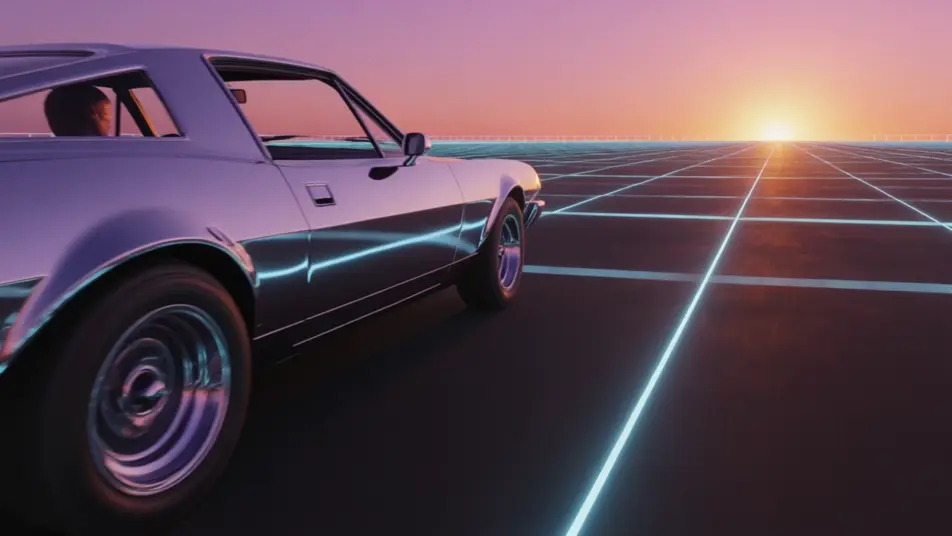
Métete al retrofuturismo desde tu navegador con el generador de videos synthwave con IA de Morphic. Crea una carretera outrun bajo un atardecer en degradado, un horizonte de rejilla o un solo de saxofón en la azotea al anochecer. Ponle voz y música con Speech y Music, y arma el corto en Canvas, sin equipo ni cámara.
Un deportivo cromado corre por una carretera de rejilla hacia un atardecer magenta y naranja. Los reflejos se estiran sobre el cromado y la velocidad deja estelas.
Editar promptUn paisaje de rejilla bajo un cielo en degradado, con montañas a lo lejos. La cámara avanza lento y sin cortes.
Editar prompt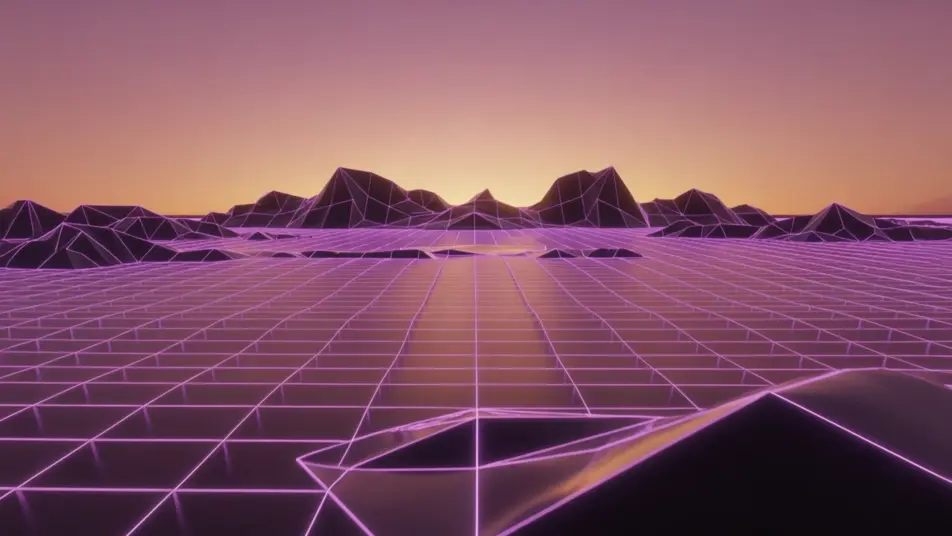
Un músico en silueta toca en una azotea al anochecer. Neblina cálida a contraluz y una órbita de cámara muy lenta a su alrededor.
Editar prompt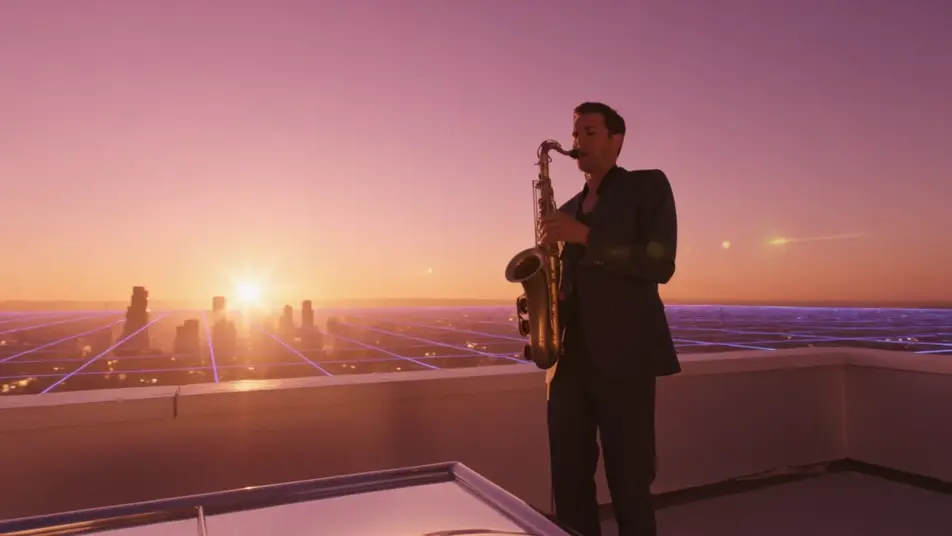
Un horizonte urbano retro bajo un atardecer en degradado. Los edificios devuelven brillos cromados mientras la cámara los sobrevuela.
Editar prompt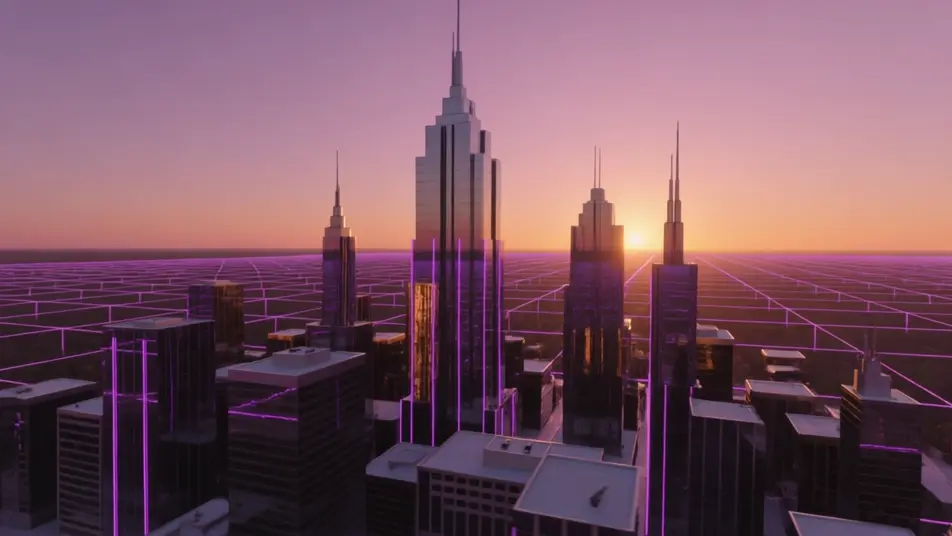
Escribe la escena de synthwave que quieres, en palabras simples.
Morphic genera un clip cinematográfico y listo para usar en tu canvas en segundos.
Ajusta el prompt, regenera variaciones y luego descarga o comparte la toma.
Cinematic time-freeze short film for any scene

Dramatize any text conversation into a cinematic multi-shot video.
One image to a 9-scene cinematic video.
Drop in a photo of yourself. Get a 12-second cinematic movie with animation and a matched soundtrack.

Share a scene description with character references. Get a full storyboard with shot angles and mood.

Feed in a single image. Get 9 cinematic beats laid out as a 3x3 storyboard grid.
Videos de vaporwave con IA
Crea videos de vaporwave con IA en Morphic. Genera escenas, estilos y visuales auténticos de vaporwave para cualquier proyecto en segundos.
Videos retro con IA
Crea videos retro con IA en Morphic: grano de película, color desvaído y detalle de época de los 70, 80 y 90 a partir de prompts en español.
80s AI videos
Generate 80s videos on Morphic. Neon grids, synthwave horizons, malls, arcades, and VHS-textured scenes from plain-language prompts, no software needed.
Videos cyberpunk con IA
Crea videos cyberpunk con IA en Morphic: callejones de neón bajo la lluvia, tianguis nocturnos y megaciudad latina, desde un prompt en español.
Comienza gratis hoy, con la opción de mejorar tu plan o cancelar cuando quieras.
Basic
2400 mensual créditos
1 usuario
Todos los modelos
Workflows
Standard
3625 mensual créditos
1 usuario
Todos los modelos
Workflows
Pro
6350 compartidos mensual créditos
1 usuario
Todos los modelos
Workflows
Max
24650 compartidos mensual créditos
1 usuario
Todos los modelos
Workflows
Enterprise
Para límites más altos
Personalizado
términos de precios y facturación

Free
Para experimentar
$0
gratis para siempre