The cold open and monologue
A bright studio stage where a quick comedic bit rolls before the host steps to the mark under warm light. The camera settles into a clean medium shot as the monologue works the laughing crowd.
Editar prompt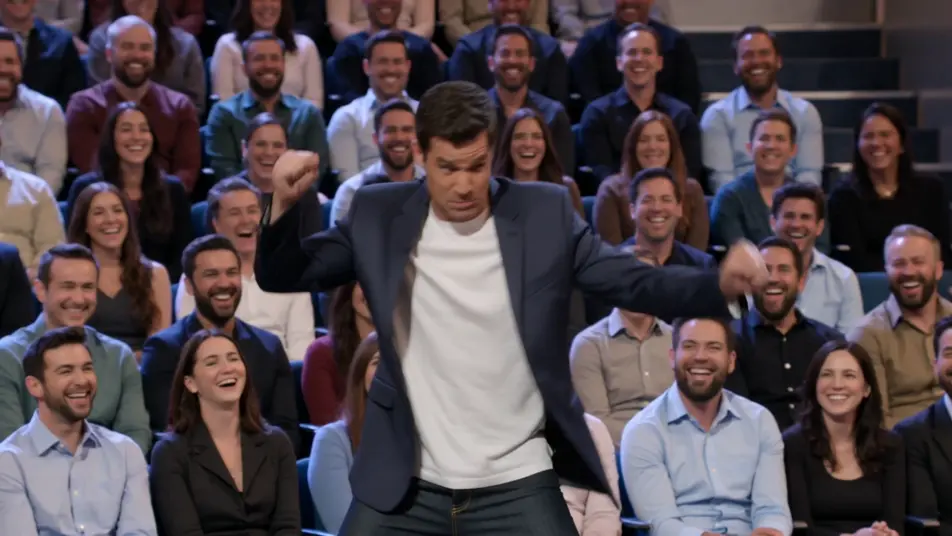
Direct a talk show clip in your browser with Morphic's talk show clip AI video generator. Generate a host monologue under warm stage light, or a desk interview two-shot with a laughing guest. Voice the host with Speech and score with Music, then stitch the clip on the Canvas.
A bright studio stage where a quick comedic bit rolls before the host steps to the mark under warm light. The camera settles into a clean medium shot as the monologue works the laughing crowd.
Editar promptA warm desk set against a glowing city backdrop where host and guest trade a story mid-clip. A slow push-in tightens on the two-shot as the exchange builds, audience cutaways breaking the rhythm.
Editar prompt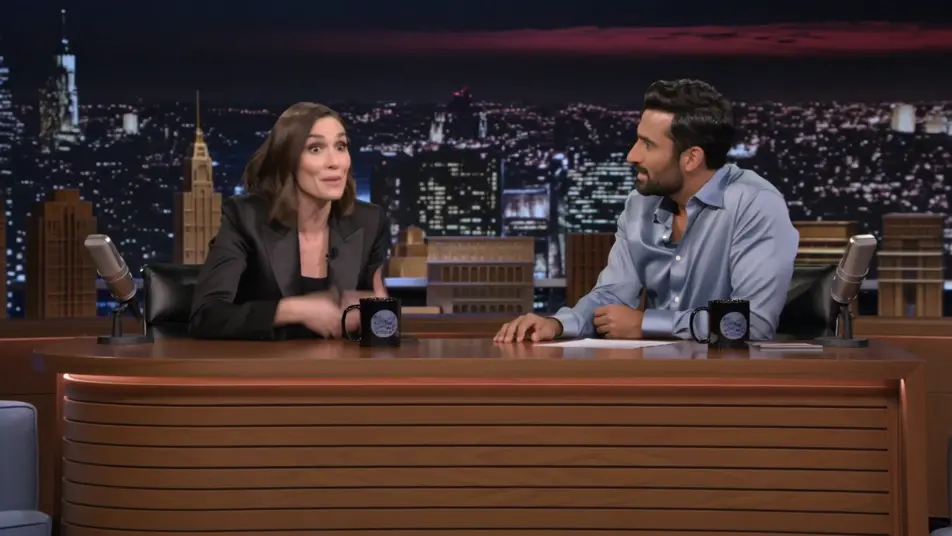
A relaxed multi-guest couch under even studio light where the banter bounces between people. A lateral dolly drifts across the group as the overlapping laughter and cross-talk fill the frame.
Editar prompt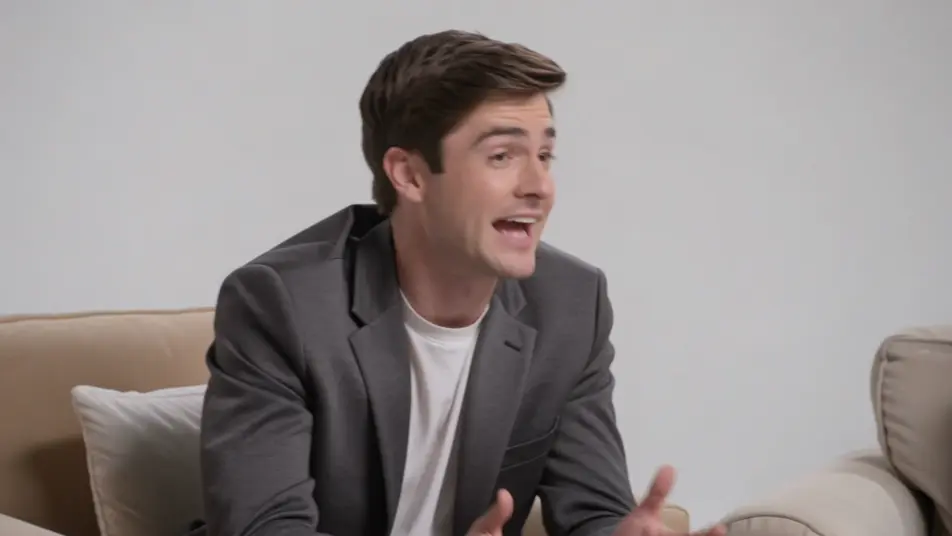
A hazy stage washed in colored light where a musical act performs to close the episode. A sweeping crane move crosses the band and the crowd as the energy lifts into the outro.
Editar prompt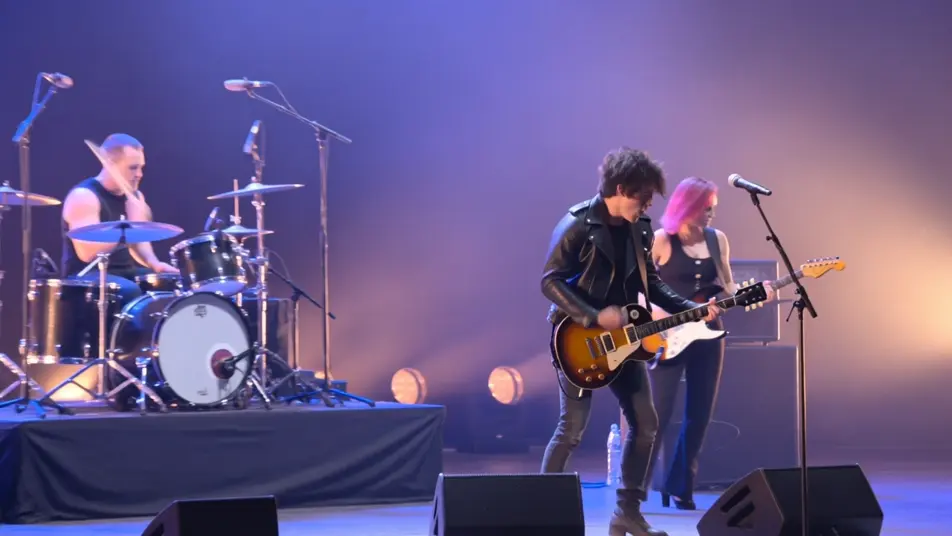
Escribe la escena de talk show clip video que quieres, en palabras simples.
Morphic genera un clip cinematográfico y listo para usar en tu canvas en segundos.
Ajusta el prompt, regenera variaciones y luego descarga o comparte la toma.

Dramatize any text conversation into a cinematic multi-shot video.
Cinematic time-freeze short film for any scene

Generate a professional film title card from scratch, with optional cinematic animation.
Photo of any real-estate becomes a cinematic renovation timelapse video with construction SFX and music.
One image to a 9-scene cinematic video.

Describe a first-person scenario. Get sequential POV frames animated into video clips with audio.
AI Interview Format videos
Generate AI interview format videos with Morphic. Talking heads, two-shots, b-roll cutaways, and over-the-shoulder setups with a natural voice and quiet score.
AI Game Show videos
Generate AI game show videos with Morphic. Host entrances, contestant rows, buzzer beats, and prize reveals with a booming announcer and bright fanfare score.
Videos de pantalla verde con IA
Crea videos de pantalla verde con IA en Morphic. Cambia el fondo, ubica a tu presentador donde quieras y publica sin tela verde ni luces.
Lyric videos con IA
Crea lyric videos con IA en Morphic: tipografía cinética, letra a mano y neón para tu tema. Describe el look en español y arma el corte en el Canvas.
Comienza gratis hoy, con la opción de mejorar tu plan o cancelar cuando quieras.
Basic
2400 mensual créditos
1 usuario
Todos los modelos
Workflows
Standard
3625 mensual créditos
1 usuario
Todos los modelos
Workflows
Pro
6350 compartidos mensual créditos
1 usuario
Todos los modelos
Workflows
Max
24650 compartidos mensual créditos
1 usuario
Todos los modelos
Workflows
Enterprise
Para límites más altos
Personalizado
términos de precios y facturación

Free
Para experimentar
$0
gratis para siempre