Un rollo rayado que queda limpio
A un clip de un desfile se le eliminan el polvo y los rayones verticales, la imagen se reconstruye cuadro por cuadro, y se conserva la luz de día y el grano fílmico en un lento paneo sobre la multitud.
Editar prompt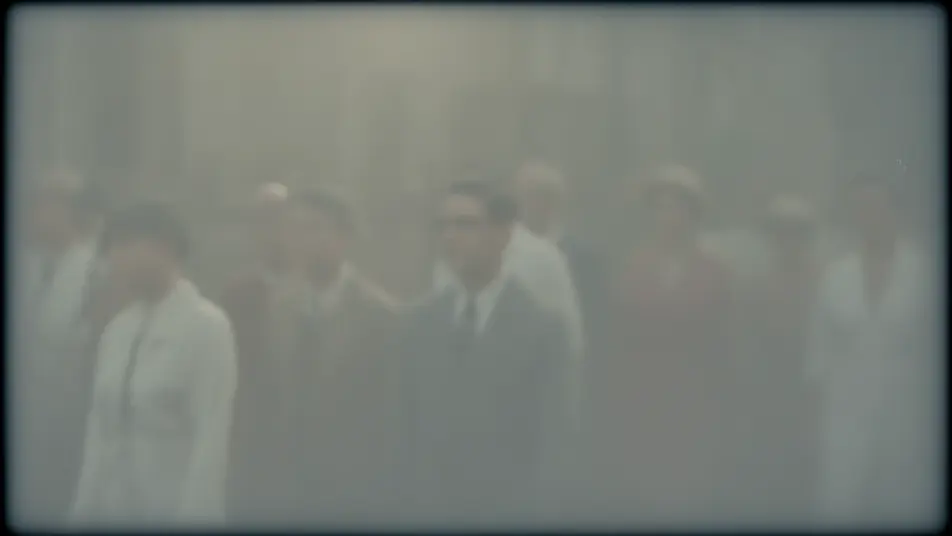
Repara esos videos viejos de familia desde el navegador con el generador de restauración de video con IA de Morphic. Limpia rollos rayados, grabaciones caseras con ruido o tomas que tiemblan, y quita el polvo, el grano y el parpadeo. Ponle música con Music y arma la secuencia en el Canvas.
A un clip de un desfile se le eliminan el polvo y los rayones verticales, la imagen se reconstruye cuadro por cuadro, y se conserva la luz de día y el grano fílmico en un lento paneo sobre la multitud.
Editar promptUn clip familiar con grano y poca luz se limpia a una imagen suave, el ruido se asienta sin borrar rostros ni bordes, y se conserva la luz cálida de lámpara mientras la familia se mueve.
Editar prompt
Una vieja escena de cocina que pulsa entre luz y sombra se nivela a una exposición constante, el brillo intermitente desaparece, y la toma corre continua bajo una luz de ventana estable.
Editar prompt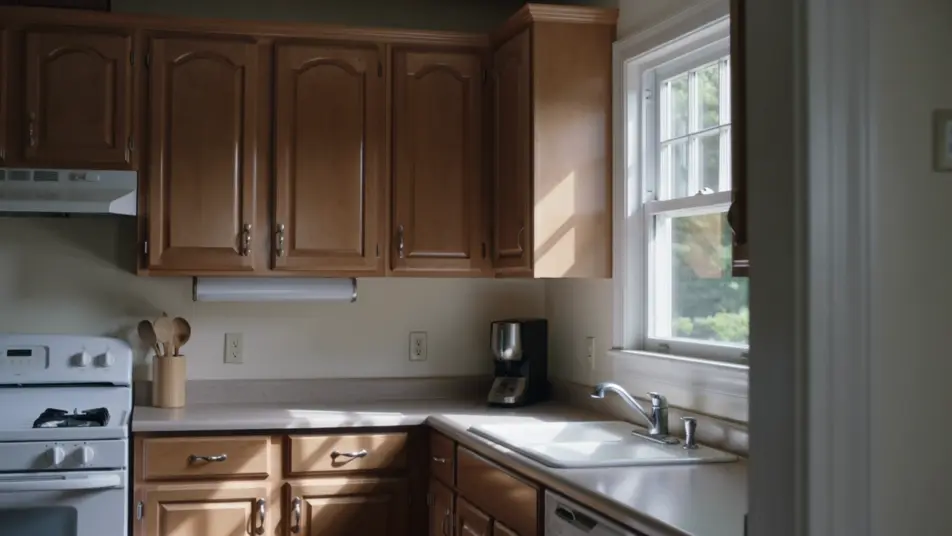
Un clip de jardín tembloroso se estabiliza en una toma suave, se elimina el temblor y se conserva el paneo intencional, mientras el follaje y la luz se mantienen estables en el cuadro.
Editar prompt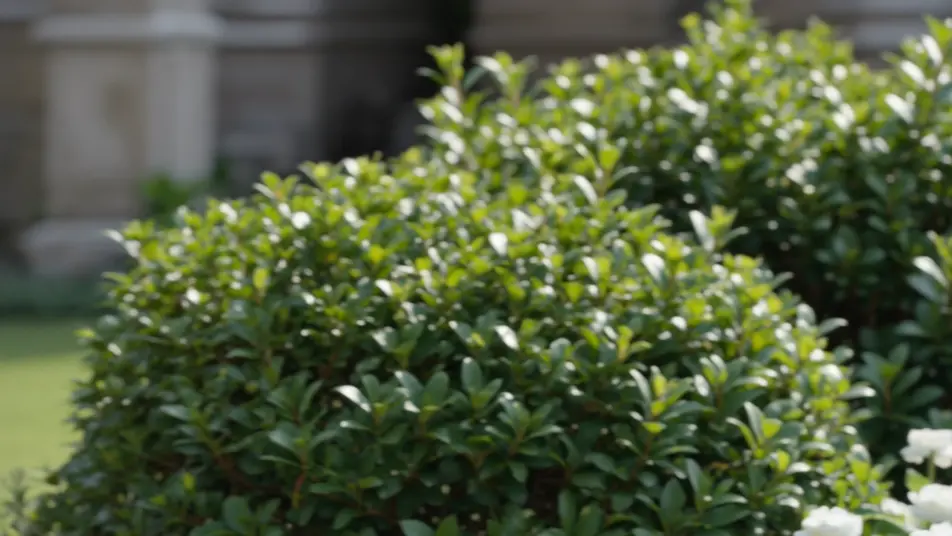
Escribe la escena de restauración de video que quieres, en palabras simples.
Morphic genera un clip cinematográfico y listo para usar en tu canvas en segundos.
Ajusta el prompt, regenera variaciones y luego descarga o comparte la toma.

Dramatize any text conversation into a cinematic multi-shot video.
Cinematic time-freeze short film for any scene

Generate a professional film title card from scratch, with optional cinematic animation.
Photo of any real-estate becomes a cinematic renovation timelapse video with construction SFX and music.
One image to a 9-scene cinematic video.

Describe a first-person scenario. Get sequential POV frames animated into video clips with audio.
Colorización de video con IA
Colorea videos en blanco y negro con IA en Morphic. Agrega color creíble, controla la paleta y mantén tonos de piel, cielo y tela consistentes.
AI Video Upscaling videos
Upscale video with AI on Morphic. Enlarge low-res clips, sharpen soft footage, and recover facial and texture detail while keeping motion smooth and natural.
Videos de VFX con IA
Crea videos de VFX con IA en Morphic. Explosiones, energía, destrucción de ciencia ficción y partículas a partir de un prompt, sin pantalla verde.
Videos morph con IA
Crea videos morph con IA en Morphic: transiciones suaves, transformaciones, morphs de envejecimiento facial y cortes sincronizados al ritmo, listos para usar.
Comienza gratis hoy, con la opción de mejorar tu plan o cancelar cuando quieras.
Basic
2400 mensual créditos
1 usuario
Todos los modelos
Workflows
Standard
3625 mensual créditos
1 usuario
Todos los modelos
Workflows
Pro
6350 compartidos mensual créditos
1 usuario
Todos los modelos
Workflows
Max
24650 compartidos mensual créditos
1 usuario
Todos los modelos
Workflows
Enterprise
Para límites más altos
Personalizado
términos de precios y facturación

Free
Para experimentar
$0
gratis para siempre